Launch update not downloading: separate license, account, and package errors
Update issues on a Launch device are not a single error. Not seeing the package in the list, download interruption, language not changing after installation, and inability to communicate with the vehicle are different stages. First, record the stage that failed. Purchasing a license or resetting the tablet is not a general solution to be applied before the cause is determined.
Otobiltek is the business that sells the Launch CRP 919 MAX product linked in this guide.
The LAUNCH topic was prepared using manufacturer and technical resources; the visual is a genuine catalog photo, not a claim of workshop testing.
Failed download stage and support record instead of normal installation/renewal.
Verification by vehicle, control unit, and process
When model software or technical documentation changes, the relevant process and resource are re-examined.
Decision guide
No new version, or download error?
Note the brand name, installed version, and displayed message on the update screen. Not being offered a new package is not the same situation as the package giving an error during download. If only one brand is affected, prepare a separate support request to investigate that package's version; if all packages are affected, investigate the session and internet status. This distinction is not definitive fault diagnosis but a starting point to narrow down the investigation.
Decision guide
Match the account, serial number, and renewal rights
Compare the exact model on the device's label with the device record in the application. Do not assume that a renewal obtained for another tablet in the same family is valid for your serial number. The purchase document, registered account, and update expiration date are examined together. Instead of trying to re-register with someone else's account, inquire about the status of your current registration through an authorized support channel.
Passwords, activation codes, and renewal card PINs should not be displayed in clear screenshots. Use only verified support channels when order or serial numbers are required.
Decision guide
Verify internet connection via the tablet
Launch installation documentation requires a stable Wi-Fi connection and sufficient power before downloading software. The tablet being connected to the Wi-Fi network does not prove internet access is complete; sessions on networks requiring a login page must be completed. Prepare the connection conditions first, rather than switching to another network during download. If a network change is necessary, do not disconnect without finalizing the active vehicle operation.
Decision guide
Do not confuse the application, vehicle package, and VCI software
In a support request, list three versions separately: the diagnostic application, the relevant vehicle brand's package, and the VCI software. The application launching does not mean all vehicle packages are up-to-date. VCI repair is not randomly applied for package download errors. Do not install files from another Launch tablet or modified APKs found online, other than those described in your own model manual.
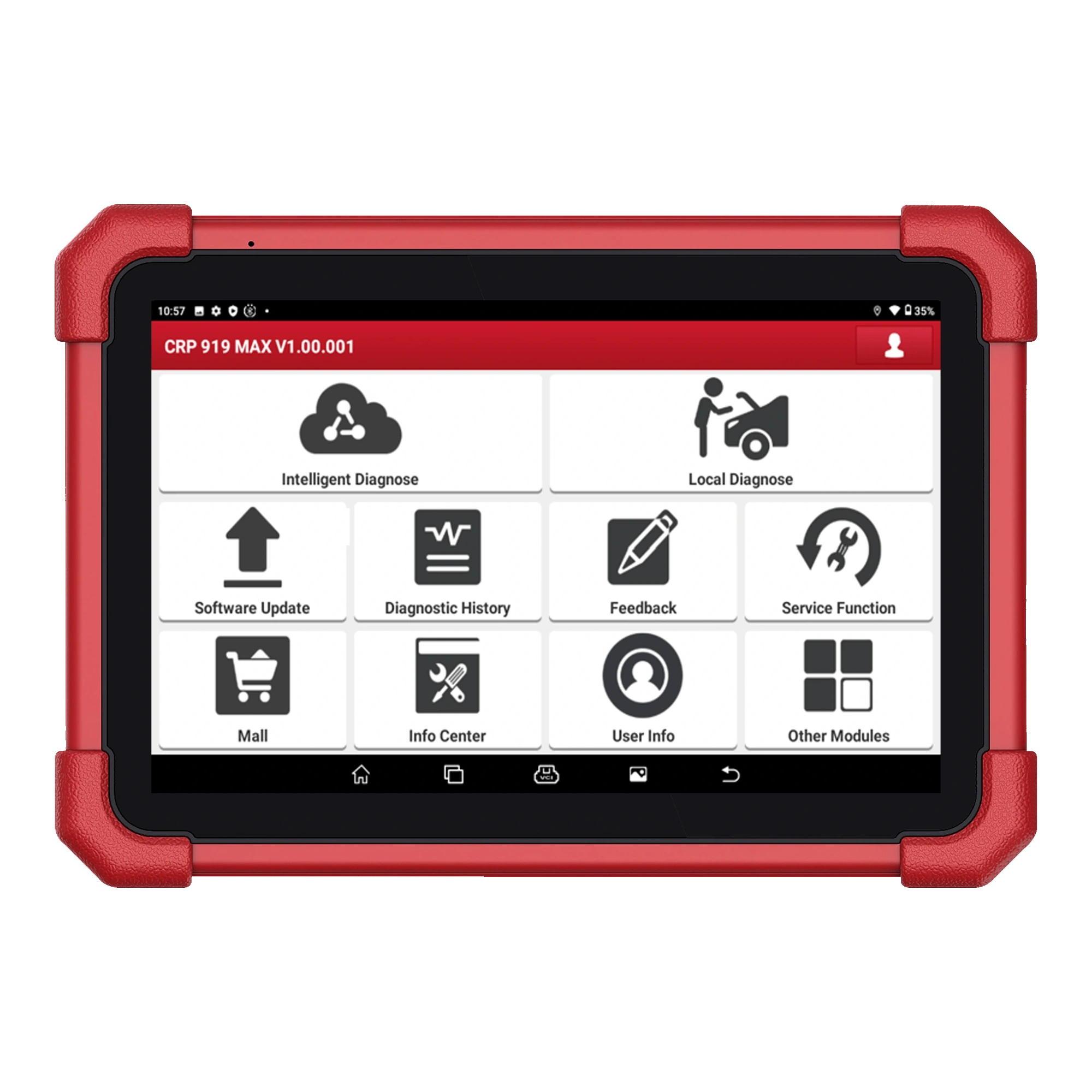
The role of the device in LAUNCH checks with an actual photo of the Launch CRP 919 MAX; the image on the screen is not a measurement result.
Decision guide
Why is the vehicle software in English even when the system language is set to Turkish?
The CRP 919 MAX manual explains that after changing the system language, the vehicle software in the relevant language must be downloaded from the update center. If the downloaded package still appears in English, it may be that the relevant language version has not yet been prepared. Therefore, the language of the tablet and the language of the brand package are checked separately. This explanation does not mean that all Launch models in all regions are provided with the same language rights.
Decision guide
What records should you preserve before resetting?
Save a photo of the error message, application and package versions, registered device information, and the date the problem started. Check your business's report export capabilities from your own manual. Factory reset is not the first step. The CRP 919 MAX documentation includes a workflow for re-acquiring the application from the official account after reset; do not transfer this to other devices without verifying the model, account access, and support recommendations.
Decision guide
Verify successful download with the result on the vehicle
When the download is complete, check that the expected version is actually loaded. Then, start a diagnostic session for reading on the appropriate vehicle and scan the relevant system. Software renewal does not enable every service function on every vehicle. If the package is installing but the ECU cannot be accessed, proceed to connection diagnostics; if the vehicle is being read and writing is denied, check the function support with secure access.
Decision guide
Short record to send to support
Instead of 'Update not working,' provide the full model, registered serial number, package name, old and new versions, message, date-time, and the type of network tested. Also, state the last successful update. This is the record needed to resolve the issue; do not conclude that a new device or license is required simply because a download error is observed.
Frequently Asked Questions
Most frequently asked questions by customers
Should I reset the device when a Launch update is interrupted?
First, record the error stage, account, network, and version information. Resetting is only considered with model guide and support instructions.
Does purchasing a license definitely resolve download errors?
No. Network, incorrect account, incorrect serial number, or package issues are not considered resolved by purchasing a license.
Does the Turkish system language make all brand software Turkish?
The CRP 919 MAX manual requires downloading the relevant language package separately; available languages depend on the model and package version.
Do CRP919E BT and CRP 919 MAX use the same installation file?
File compatibility is not assumed by looking at the model name. Follow the official download path and user manual for each device.