Launch with VW/Audi SFD: why is coding and adaptation rejected?
Reading fault records in Volkswagen, Audi, or Skoda does not imply that coding and adaptation can also be used. When a change is rejected via Launch, secure access, the functions supported by the device, and the vehicle's operating conditions are checked separately. The goal here is not to try random coding values but to record at which stage the rejection occurs.
Relevant Launch products are sold through Otobiltek.
Manufacturer's European access description, model page, and technical SFD description were compared. This work does not include practical vehicle testing.
Scope of device and region for VAG access
Distinction between SFD and SFD2
Conditions for coding or adaptation in the vehicle
Conditions of access packages and supported functions are re-confirmed before purchase.
Quick comparison
Reading successful, modification failed: what is the situation?
Indication
Possible area of investigation
Required evidence
Authorization request is rejected
Account or access package
Full error message and license record
SFD authorized, function not listed
Device/ECU function support
Full model and control unit ID
Coding value not accepted
Hardware, data, and function conditions
Manufacturer's vehicle-specific procedure
SFD2 protection is reported
Additional security scope
Current manufacturer support for this function
Decision guide
Read permission and modification permission are not the same
Being able to read a module's part number and fault memory does not mean you have the authorization to change that module's configuration. On the same vehicle, some functions may be open while coding in another unit may be protected. Therefore, 'connected to the vehicle' and 'requested service function completed' should have different outcomes in the work order.
When describing a failed command, specify the relevant unit along with the vehicle brand. For example, the rejection of a specific adaptation requires a different investigation than all units being unresponsive. A single failed attempt does not lead to the conclusion that the tablet is incompatible with all VAG vehicles.
Decision guide
What does the LAUNCH Europe explanation confirm?
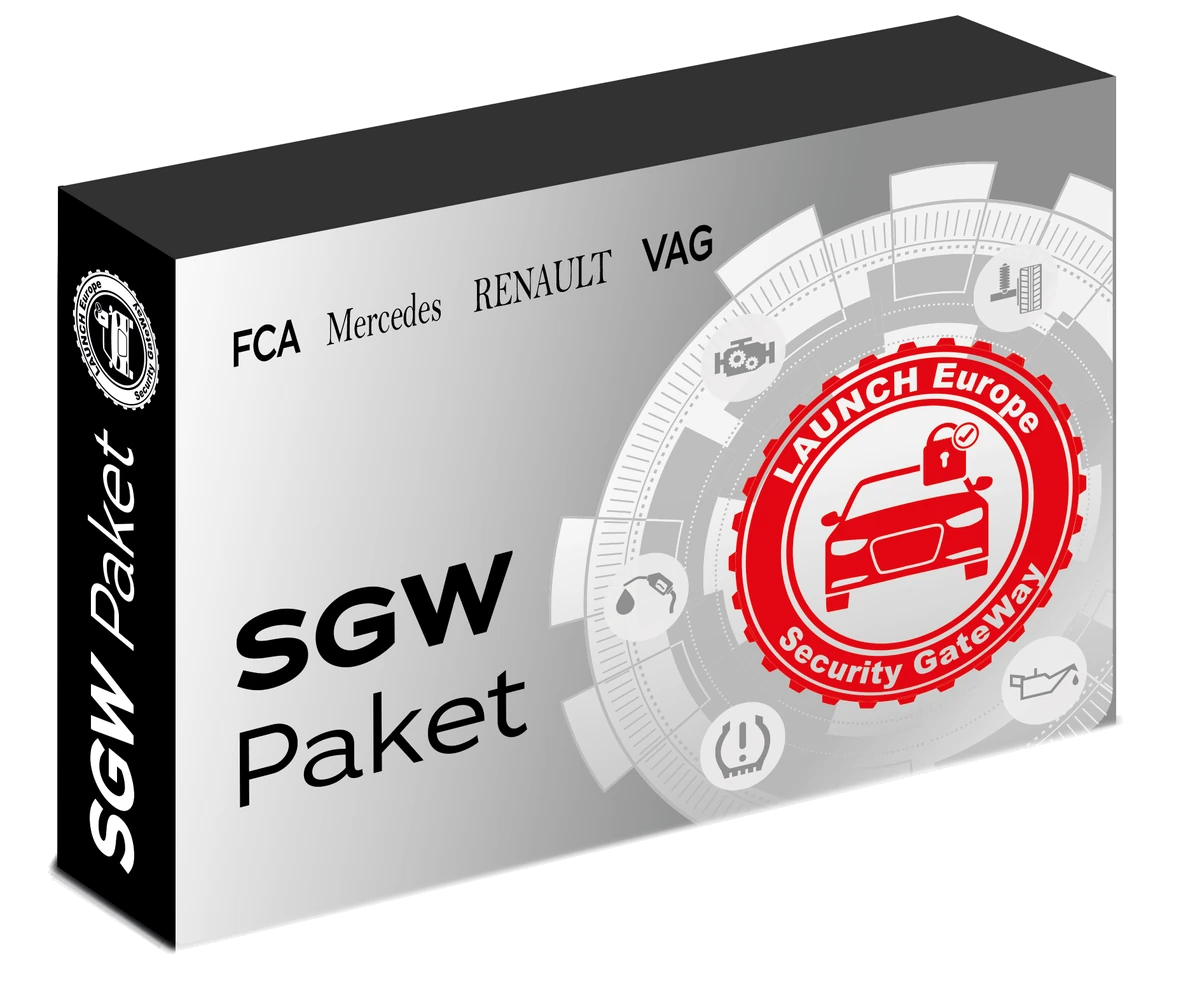
LAUNCH Europe states that it provides secure diagnostic access to the VAG group within the SGW package. This is the service announcement from the manufacturer's European channel. It does not solely confirm that any device serial number in Turkey is compatible with the same package or that all functions will be enabled on every VAG control unit.
Specify the full name of the device and the distribution channel used for the purchase decision. The presence of VAG access in the package record and the activation of access on your account are separate control points. The specific activation for your serial number is as important as the brand names listed.
Why is the CRP919E BT feature list not a guarantee of SFD alone?
CRP919E/X BT manufacturer page lists capabilities such as actuator tests, ECU coding, and data stream. This general function list does not imply that secure access is automatically enabled for your selected VW or Audi control unit. The device's vehicle coverage and security access must be inquired separately.
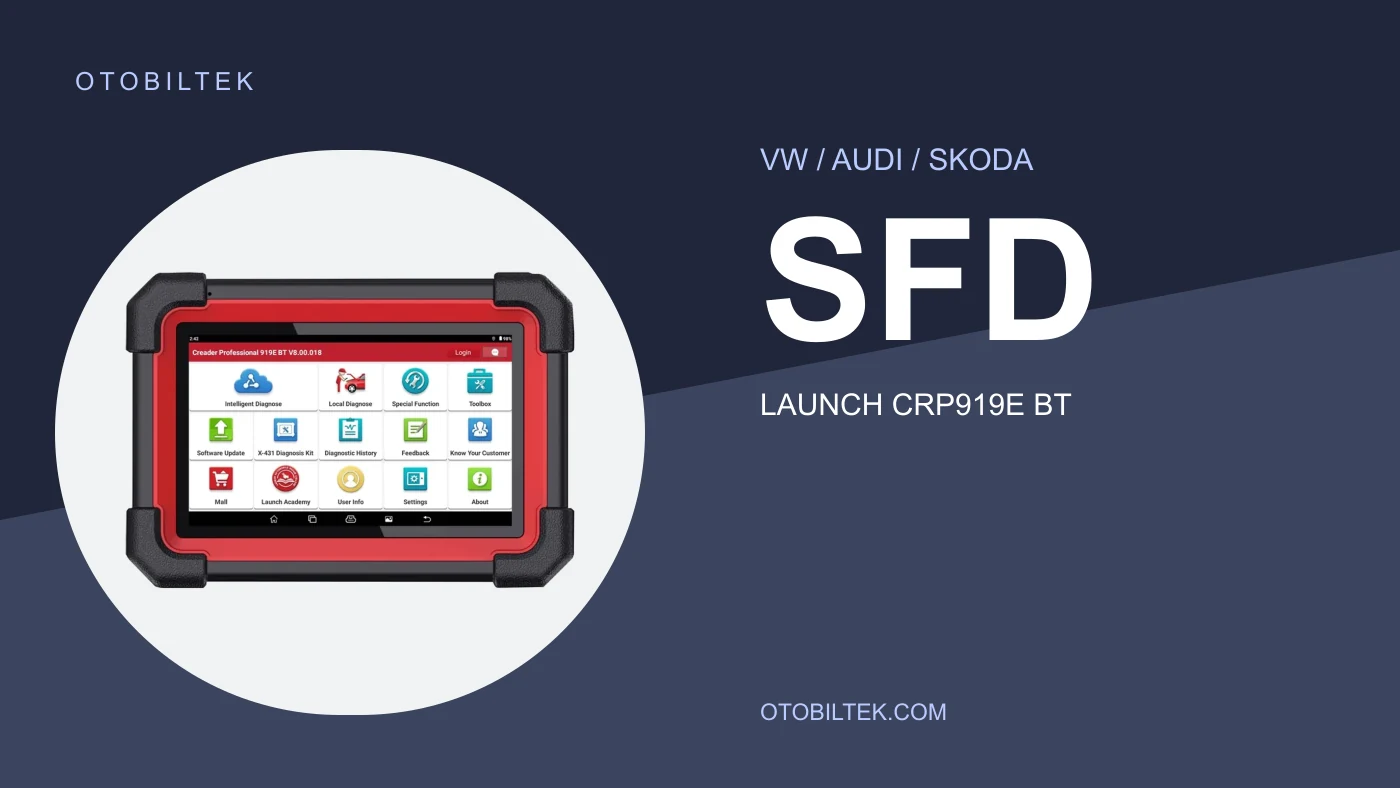
The main menu shown in the actual product photo displays the device's identity. It does not include an active SFD session or a successful coding result. For process support, request a response with the vehicle year, engine, unit software, and the name of the change to be made. Do not transfer capabilities of another Launch model to this tablet.
Decision guide
Do not consider SFD support sufficient when SFD2 is encountered
Ross-Tech's technical description treats SFD2 as a security layer added on top of SFD. This distinction helps in understanding why some service functions may be possible on the same vehicle while certain modifications remain limited. However, a description from another device manufacturer is not proof of current SFD2 support for Launch.
Therefore, the claim "Launch enables all SFD2 operations" is not made here. If SFD2 is visible on the vehicle screen or in technical records, request Launch's current response for full operation. Do not assume the same security level exists in all control units based solely on the model year.
Decision guide
How to prepare the account and access record check
The user information on the tablet, the active access record, and the product information in the order must point to the same device. If an error occurs during an account verification step, it is too early to discuss the coding parameter. First, verify the availability of authorization with manufacturer or seller support.
For support, prepare the serial number, package name, activation date, application version, and error time. Passwords, one-time verification codes, or card PINs are not sent publicly. If you suspect an incorrect account, do not purchase a new subscription until it is understood which account the license is registered to.
Decision guide
If authorization is successful but coding is not accepted, what should be checked?
Coding or adaptation may have its own prerequisites. Modifications should not be attempted without verifying the correct control unit, appropriate hardware, and the initial state described by the vehicle manufacturer. SFD access does not add a part that is not present in the vehicle; nor does it validate an unsupported modification.
Instead of copying a value from a forum, record the current value and the justification for the requested operation. If there is no vehicle-specific repair information, stop the attempt here. Attributing the "Request denied" message solely to a security lock may overlook an incorrect unit or an inappropriate process selection.
Decision guide
Separate coding, adaptation, and software installation
Changing a setting, learning a part, and loading software into a control unit are different types of operations. The presence of coding in the device description does not indicate that software loading can be performed on all modules. If the question asked is left as general as "Is there coding?", the correct product cannot be selected.
Specify your need: which vehicle, which control unit, and which operation after which repair? With this information, consult the manufacturer's coverage query. Even if support is shown in the relevant menu, the operation will not be initiated without applying the power supply and connection conditions specified in the manufacturer's procedure.
Decision guide
Create a meaningful support record instead of repeated attempts
To make an access error understandable, keep before-and-after records from the same vehicle and the same unit. Attempting numerous different operations without noting every changed condition makes tracking the problem difficult. The headings below are not coding instructions to be copied, but a suggested information structure for support requests.
Vehicle model, model year, and engine information.
Identity and software number of the relevant unit.
Launch model, serial number, and application/brand package version.
Result of the SFD access step and the result of the actual command.
SFD2 information, if any, and the complete text of the message.
Current value, intended operation, and official procedure used.
Frequently Asked Questions
Most frequently asked questions by customers
If Launch can read faults, is SFD enabled?
No. Successful reading does not prove that protected coding or adaptation authorization is enabled.
Does the Launch SGW package work on all CRP919E BT devices?
The same scope is not accepted for every serial number and sales region. Support for your device must be verified before purchase.
If SFD is enabled, is SFD2 also enabled?
This cannot be concluded. SFD2 includes additional security requirements; separate current verification is needed for the device and the function to be performed.
Does SFD authorization definitely enable hidden features?
No. Vehicle configuration, control unit, and function support are required separately. Authorization alone does not create non-existent hardware.
Should I change the existing coding to resolve the authorization error?
No. First, record at which step the access error occurred. Access issues are not investigated by changing unknown coding values.