Decision guide
What do CarPlay and Android Auto do?
It allows you to use the phone's supported navigation, communication, and media functions on the car's multimedia screen. While the display and controls are transferred to the car screen, the applications run on the phone. The system is not an update that changes the car's entire software.
Apple and Android compatibility lists provide a general starting point for brand and model year. Since optional multimedia hardware may be present in the same model, vehicle-specific checks are still necessary.
Mercedes-Benz states that the Smartphone Integration service depends on the vehicle model, individual equipment, and market; wireless connection is also not available in every series.
Decision guide
First, identify the multimedia unit
The screen size in the vehicle alone does not indicate the unit. In different system families such as COMAND, Audio 20, or MBUX, the USB module, software version, and option codes are checked separately. The vehicle identification number and available menus are recorded.
Even if two W205s have the same exterior appearance, the production year and multimedia hardware may differ. It is not assumed that a function activated in one vehicle will be enabled in another solely through software.
For units in older generations like the W204 that lack factory integration, an external module, audio input, and wiring may be required. This process is a retrofit, not an activation.
Decision guide
Wired and wireless connection are not the same
Even if the vehicle supports CarPlay or Android Auto, the connection may only work through a specific USB port. Wireless use depends on additional hardware and software support. Simply adjusting the phone settings may not be enough to make a wired system wireless.
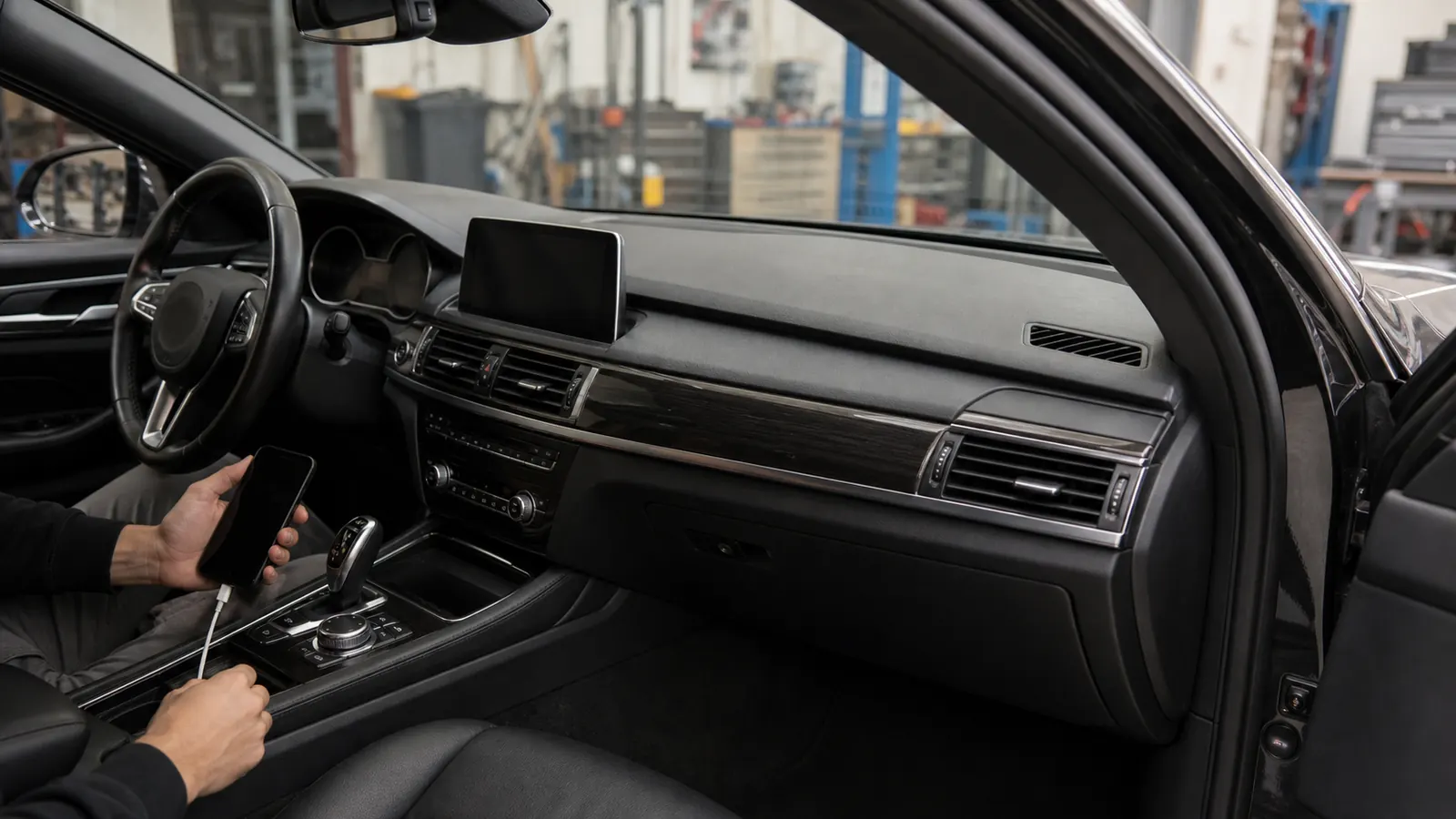
A robust cable that supports data transfer, the correct USB port, phone permissions, and an up-to-date operating system are the first checks. A cable that only charges may not establish a data connection.
Trying with another phone and cable helps isolate peripheral issues without changing the vehicle hardware.
Decision guide
When is activation possible?
If the necessary multimedia hardware and software support are ready in the vehicle, the disabled integration option can be enabled using the appropriate vehicle-specific method. The MBito official feature list defines the CarPlay and Android Auto process only for compatible head units.
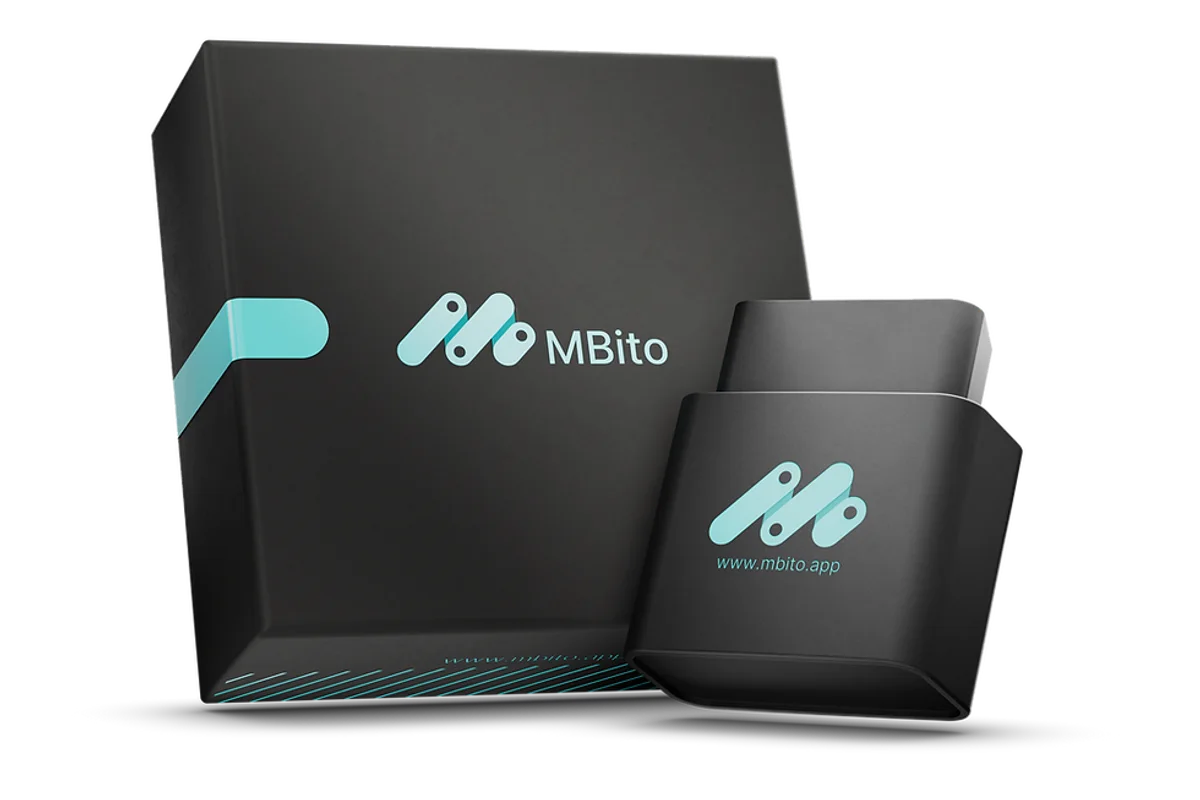
Before purchasing the MBito OBD, check the vehicle code and the desired integration on the current list. Do not apply an option that is not visible for your vehicle in the app based on a video of a similar model.
If the relevant digital service is offered for the vehicle in the Mercedes Store, the official account and activation process are evaluated separately. This option may vary depending on the market and vehicle hardware.
Decision guide
When is a retrofit necessary?
If a compatible head unit, USB module, wiring, or audio input is not found, physical parts need to be added. Installing an external CarPlay module, preparing the AUX input, and making the new part work with the vehicle are part of the retrofit.
In a retrofit solution, image quality, microphone, steering wheel controls, reverse camera switching, and audio delay can vary depending on the installation. Part selection and installation method are done vehicle-specifically.
Simply enabling a menu through software does not complete missing hardware. The product and labor warranty are evaluated based on the explicit terms of the business performing the installation.
Decision guide
If a connection is not established, what sequence should you follow?
Check phone support, operating system, cable, and the correct USB port. Clear phone pairings in the vehicle menu and reapply the manufacturer's connection steps. If the problem persists, examine the multimedia software and vehicle logs.
- Check phone and country support
- Use a robust cable that can transfer data
- Identify the correct USB port
- Renew phone permissions and pairings
- Compare with another phone
- Have the vehicle unit and software professionally checked
Decision guide
Which claims are not reliable?
Statements like 'It works on all Mercedes from 2016 onwards,' 'Every W205 is wireless,' or 'It definitely works with just one code' ignore hardware differences. Apple and Android's general model lists also do not guarantee all vehicle hardware options.
No definitive activation promise can be made without checking the vehicle code, production year, multimedia unit, and current feature list. The user type requiring physical retrofit is not to be confused with a coding product.
Decision guide
How is the purchase decision made?
If the integration hardware is ready in the vehicle and the option appears on the MBito current list, the mobile activation path can be considered. If the vehicle is supported via the Mercedes Store, the official digital service; if hardware is missing, the vehicle-specific retrofit solution is investigated.
The MBito adapter product page shows the commercial information and actual usage limits of the MBito adapter. Vehicle-feature matching is verified on the manufacturer's current list before purchase.
Frequently Asked Questions
Most frequently asked questions by customers
Is Mercedes CarPlay activated by software alone?
Not on every vehicle. If the compatible multimedia unit and required hardware are ready, activation may be possible; if hardware is missing, retrofit is necessary.
Can CarPlay be added to a W204?
Depends on the factory system and existing hardware. Many older units may require an external module, audio input, and wiring; this is not just coding.
Can wireless CarPlay be activated on a W205?
Cannot be determined by model name alone. The head unit, software, and connection hardware must support wireless usage.
Does MBito activate CarPlay on all Mercedes vehicles?
No. The official MBito page limits the function to compatible head units. Vehicle code and features must be checked on the current list.
If the phone is charging but CarPlay is not activating, why?
The cable may only be charging, the wrong USB port may be used, or vehicle/phone support may be missing. Cable, port, permissions, and multimedia unit are checked sequentially.