Product information
What does MBito OBD do?
MBito OBD functions vary based on Mercedes model year, application version, and credit conditions; the adapter is not a multi-brand full system service tablet.

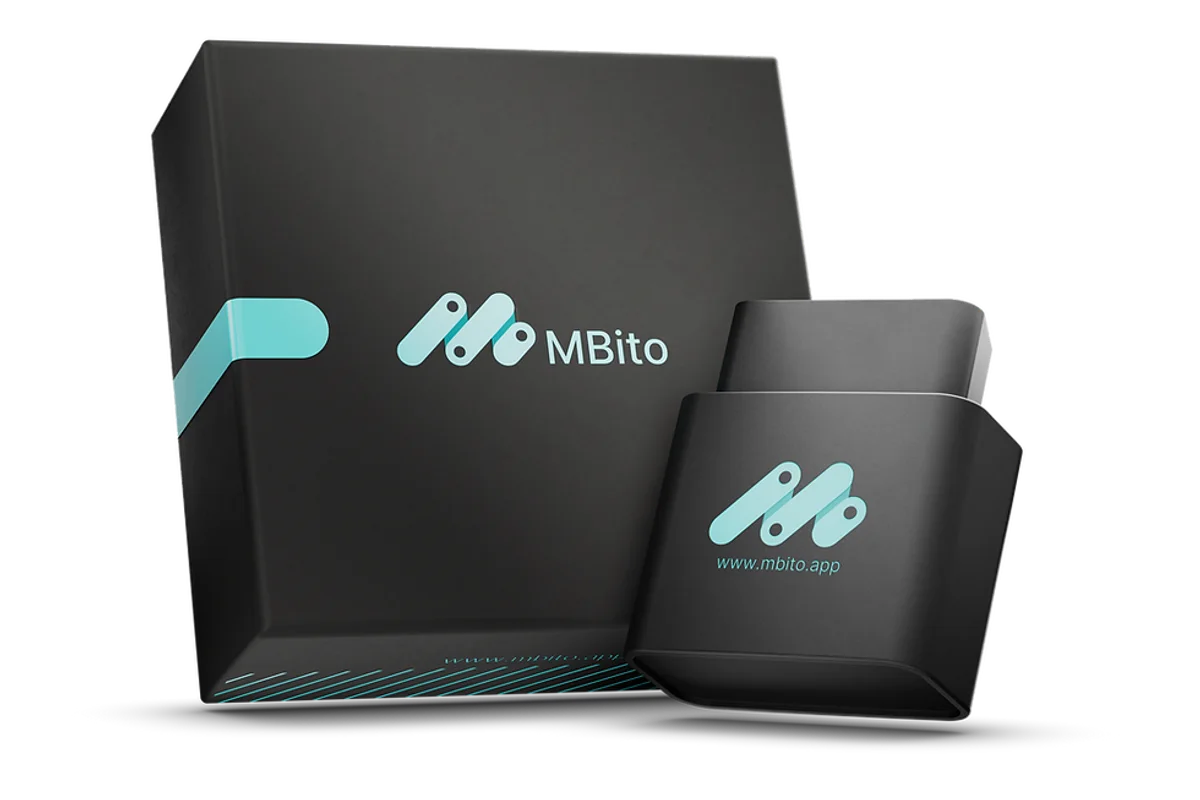
MBito · Mercedes OBD and coding
MBito OBD is an OBD adapter used for personalization, coding, and fault logging operations via a mobile application on supported Mercedes vehicles.



The exact plan and total amount will be shown again at the payment step.
Product information
MBito OBD functions vary based on Mercedes model year, application version, and credit conditions; the adapter is not a multi-brand full system service tablet.
Vehicle Coverage
MBito compatibility is not determined solely by the series name. The chassis code, model year, facelift status, multimedia system, vehicle equipment, and the function selected in the application must be checked together.
Product details
After plugging the adapter into the OBD socket, select the correct Mercedes model and year in the mobile application. Check the supported function, credit requirement, and rollback option on the application screen before starting the operation.
Product details
The MBito model accesses vehicle data through the application and performs supported coding or personalization tasks. Its main usage areas and hardware features include: inspect hidden features, connect with the app, and usage for Mercedes. The MBito model is not a full system service tablet; it is limited to supported Mercedes model years and application functions.
Product details
Before activating a hidden feature with the MBito model, the vehicle's model-year support and current setting are recorded. The model-year scope indicates whether the selected function is available for this vehicle and application version. When connecting the MBito model to the app, phone compatibility, OBD pairing, and internet requirements are checked.
Credit usage is clearly shown in the application before proceeding to a paid operation. The MBito model is used only for supported Mercedes model years and application functions. Application compatibility is checked before coding, along with the rollback option and credit requirement.
The vehicle identity, application version, credits used, and previous setting are written to the service record for modifications made with the MBito model. After coding, the modified function is checked on the vehicle, and the rollback option is preserved.
Product details
Before inspecting hidden features with the MBito model, the vehicle model, year, and application scope are checked. The adapter is connected to the vehicle, and the phone application is opened via a secure connection. The model-year scope and credit usage show the list of supported features and any credit conditions. The user views the current vehicle settings without making changes.
The feature to be applied is recorded along with its effect on the vehicle and the rollback option.
Product details
For MBito model connection, the phone's Bluetooth or application permission must be enabled. The adapter is inserted into the OBD socket without force, and the correct vehicle record is selected in the application. Credit usage and application compatibility confirm the connection and model conditions. In the first step, vehicle information is read-only; settings are not written until the connection is stable.
Successful connection is added to the service record with the application version and vehicle information.
Product details
After a supported feature is activated in the MBito model application, the current value is first recorded. The suitability of the feature for this vehicle is checked against the official model list. Application compatibility and model-year scope indicate the limits of the function on the application and vehicle side. If no credit is consumed during viewing, this is confirmed on the operation screen.
The selected setting is explained to the customer before any changes are made.
Product details
Before applying a credit-requiring operation with the MBito model, the current setting and credit balance are recorded. Vehicle voltage and phone-adapter connection are maintained throughout the operation. The model-year scope and credit usage must indicate that the selected function is supported on this model. Upon completion of writing, the new setting is functionally checked on the vehicle.
The credits used, the changed value, and the result are added to the service record.
Product details
Definitive compatibility for the MBito model cannot be stated without selecting the vehicle brand, model, year, engine, control unit, and the intended operation together. The official MBito scope tool shows which systems, service functions, or protocols are activated for the selected vehicle and control unit with the MBito model.
The presence of the brand line does not prove that active testing, coding, programming, TPMS relearn, or security gateway access is also enabled on the MBito model.
Before ordering, prepare the VIN or full model information, model year, engine/chassis distinction, and the intended operation for the MBito model; also check the software version, license period, VCI, adapter, and regional package.
Product details
Model-year scope, credit usage, and application compatibility determine which Mercedes vehicle and mobile function the MBito model can be used with. The adapter establishes an OBD connection between the vehicle and the phone application; it is not a full system service tablet or an independent ECU programming device.
Before activating a function, check the application version, current vehicle setting, credit requirement, and rollback option. During writing, maintain phone connection and vehicle voltage. Vehicle and function support are limited to MBito's current model list.
Product details
The choice between the MBito model, Thinkdiag, MUCAR BT200 Bluetooth OBD Fault Detection Device, and Vgate vLinker MC+ Bluetooth OBD2 Fault Detection Device is made based on supported functions, connection, and package differences. The MBito model is used for personalization and fault record operations via a mobile application on supported Mercedes vehicles.
Model-year scope, credit usage, and application compatibility determine the supported vehicles and functions.
Thinkdiag, MUCAR BT200 Bluetooth OBD Fault Detection Device, and Vgate vLinker MC+ Bluetooth OBD2 Fault Detection Device are different mobile OBD solutions; they do not perform the same tasks as the MBito model in terms of brand scope, application, license, or credit model.
Product details
Working with the MBito model begins with activating the supported vehicle and function in the application. The current setting, application version, and credit condition are recorded; connection and vehicle voltage are maintained throughout the modification. After the operation, the new setting is checked on the vehicle, and rollback information is added to the service record.
Product details
The MBito OBD package includes the physical adapter, application access, and 20 MBito application credits as separate product components. Model-year scope, credit usage, and application compatibility must match the delivery information. Operations exceeding 20 credits or requiring additional payment in the application are not included in the standard package.
The compatible phone operating system and account requirements for this OBD adapter are obtained from the manufacturer's information. Warranty, application credits, and software duration have different conditions.
Product details
Orders can be placed by credit card; single payment or installment options are shown on the secure payment screen according to the card program. The Otobiltek sales package includes 20 MBito application credits.
According to the manufacturer's current standard package description, diagnostic scanning does not consume credits; the credit cost for coding and personalization operations is shown in the application based on the selected vehicle and function. The same device can be used with multiple Mercedes vehicles, but feature activation operations may require separate credits or purchases on a VIN basis.
Product details
Upon receiving the MBito model, the model label, serial number, box contents, and model-year scope are compared against the order record. For the software-based MBito model, the account, language, region, and current version are recorded on the first installation day. The first test is performed with the 'Inspect hidden features' task rather than a risky write command.
If the MBito model is to be used with a shared workshop account, the account manager and users accessing customer data must be determined. Cable, battery, probe, and accessory checks are added to the device's maintenance plan.
Product details
The service record using the MBito model includes vehicle identity, customer complaint, model-year scope, and the 'Inspect hidden features' request. The device's initial report saves fault codes, relevant live data, and vehicle conditions before the operation.
The command, setting, or service function applied for 'Inspect hidden features' is recorded with the operation name and result. After the operation with the MBito model, a scan is performed again, preserving the vehicle condition from the initial record. The device distinguishes between reported customer faults, completed work, and ongoing findings.
Product details
The official MBito fitting page shows the W213 E-Class, W205 C-Class, W204 C-Class, W206 C-Class, W212 E-Class, and W177 A-Class chassis families.
Official MBito vehicle pages also include additional chassis codes such as C117 CLA, C218 CLS, W176 A-Class, C292 GLE Coupe, W463 G-Class, R231 SL, and C190 AMG GT.
This list is initial information; within the same chassis, features appearing in the application may change with model year, facelift status, multimedia system, control unit, and equipment package. Before ordering, prepare the Mercedes chassis code, model year, intended operation, and screen/multimedia information if applicable.
Product details
MBito's current fitting and vehicle pages list full vehicle scanning, live data, service resets, battery registration, brake pad maintenance mode, mileage consistency check, vehicle data card, and DPF/AdBlue operations for compatible diesel vehicles. The appearance of these titles does not mean the same operation is available on all Mercedes models.
In-application vehicle scanning is verified before the operation based on hardware, control unit software, and required package.
Related pages
Technical Resources
Technical information verified with official sources on October 14, 2026.
FAQ
Yes. MBito OBD can be purchased with a credit card. Single payment and installment options suitable for your card will be visible on the secure payment screen.
The Otobiltek sales package includes 20 MBito application credits. According to the manufacturer's current statement, diagnostic scanning does not consume credits; the credit requirement for coding and personalization operations is shown in the application based on the vehicle and the selected function.
Yes. The manufacturer states that the same device can be used on multiple vehicles. However, the activated features are VIN-based, and separate credits or purchases may be required for each vehicle.
No. The scope varies by model year and supported features.
The MBito model is an OBD product used for coding and personalization operations with a mobile application on supported Mercedes vehicles. 'Inspect hidden features,' 'Connect with the app,' and 'Usage for Mercedes' show the application's usage areas; 'Model-year scope,' 'Credit usage,' and 'App compatibility' indicate the conditions for model year, credit, and phone compatibility.
Full system fault scanning and professional service tablet functions are not part of this product's capabilities.
No. The vehicle and operation scope on the MBito model is determined by the brand, model, year, control unit, and installed software package. The manufacturer's official vehicle and function list is the basis for the MBito model. The list shows the MBito model's functions on a vehicle and control unit basis.
For the first use of the MBito model, the adapter, phone application, account, credit balance, and model-year scope are checked. After establishing a connection with the vehicle, the current settings are read. The first modification is made only on the 'Inspect hidden features' function, which is explicitly supported in the application, and by following the vehicle manufacturer's warnings.
The MBito model is a product that uses software; the included update period and renewal conditions are shown for the purchased package. Campaigns offered for the MBito model in another country are not automatically applied to the Turkish sales package. The device account, serial number, and current MBito model version are recorded at the time of delivery.
The MBito model package includes only the physical parts specified by name and quantity in the box contents. If optional modules, cables, or accessories shown with the MBito model in the manufacturer's visuals are not included in the box contents, they are not part of the standard package. Upon delivery, the model-year scope, serial number, and physical parts are compared against the order record.
The MBito model is used in services that perform 'Inspect hidden features,' 'Connect with the app,' and 'Usage for Mercedes' at a specialized operation level. The daily vehicle or operation count and model-year scope requirements must match the MBito model's hardware and software capacity. The MBito model is not used alone for tasks requiring additional equipment.
Thinkdiag, MUCAR BT200 Bluetooth OBD Fault Detection Device, and Vgate vLinker MC+ Bluetooth OBD2 Fault Detection Device are comparable models in the same functional class as the MBito model. The models are compared based on model-year scope, credit usage, and application compatibility, box contents, and daily usage intensity.
A device with a different function than the MBito model is not considered an alternative solely due to a similar price.
Comparison
Compare products in the same class with information on usage level, service tasks, and price.
| Model | Level | Usage | Price | View |
|---|---|---|---|---|
| MBito OBDMBito | Specialty operation |
| ≈ $1728,500 TL charged · VAT included · import duties excluded | View |
| Dimsport TheGenius OBD, Bench, and Open Programming ToolDimsport | Professional |
| Out of stock | View |
| AutoTuner Tool Master and Slave ECU Programming DeviceAutoTuner | Professional |
| Out of stock | View |
| KESS V2 Master ECU Programming and Chip Tuning DeviceOEM | Professional |
| ≈ $2029,990 TL charged · VAT included · import duties excluded | View |
Similar products
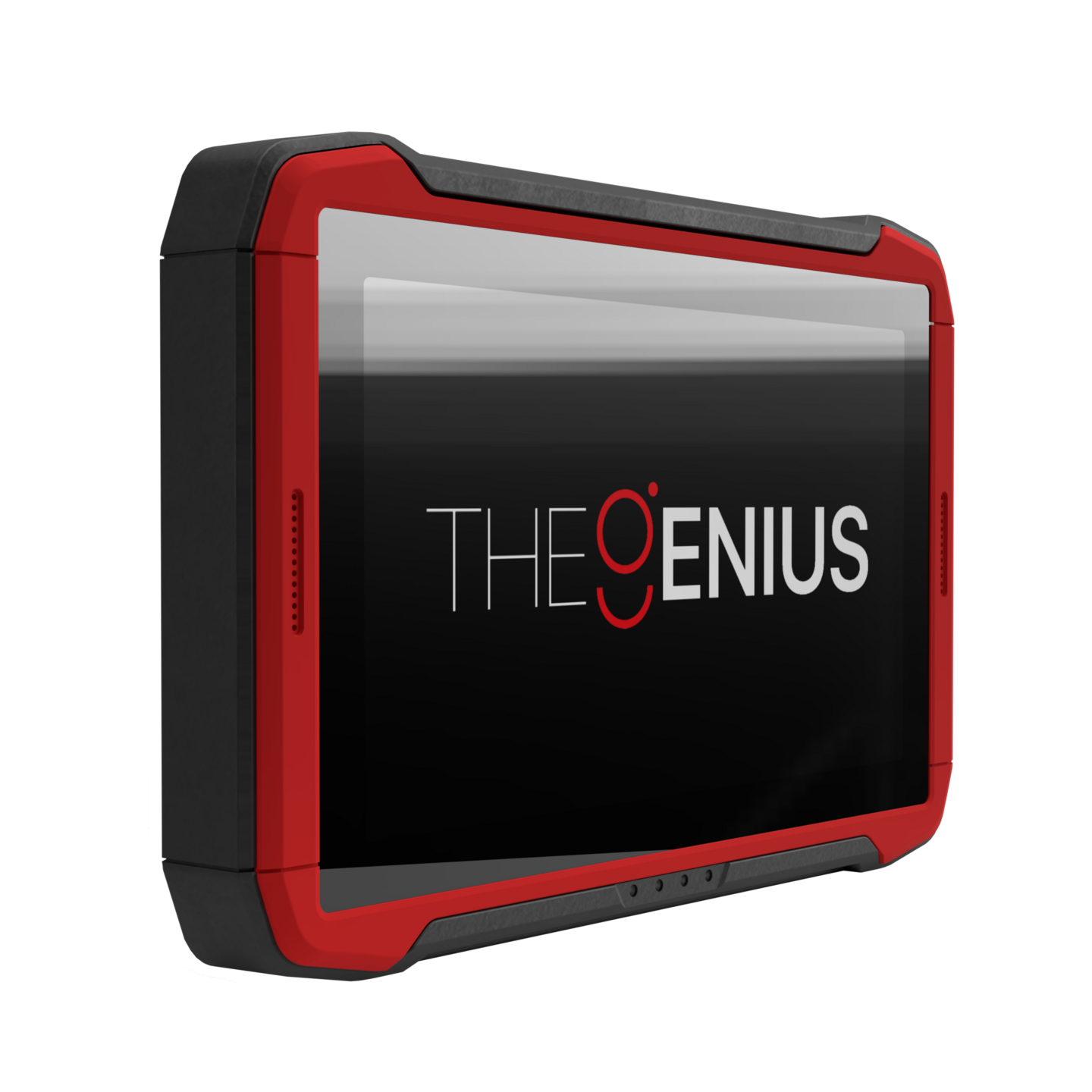
Dimsport TheGenius is a professional programming tool that combines New Genius and New Trasdata functions on a 10.1-inch touch, standalone platform, offering OBD, BENCH, and OPEN operating modes for supported control units. The sales package and active protocols must be confirmed based on the offer.
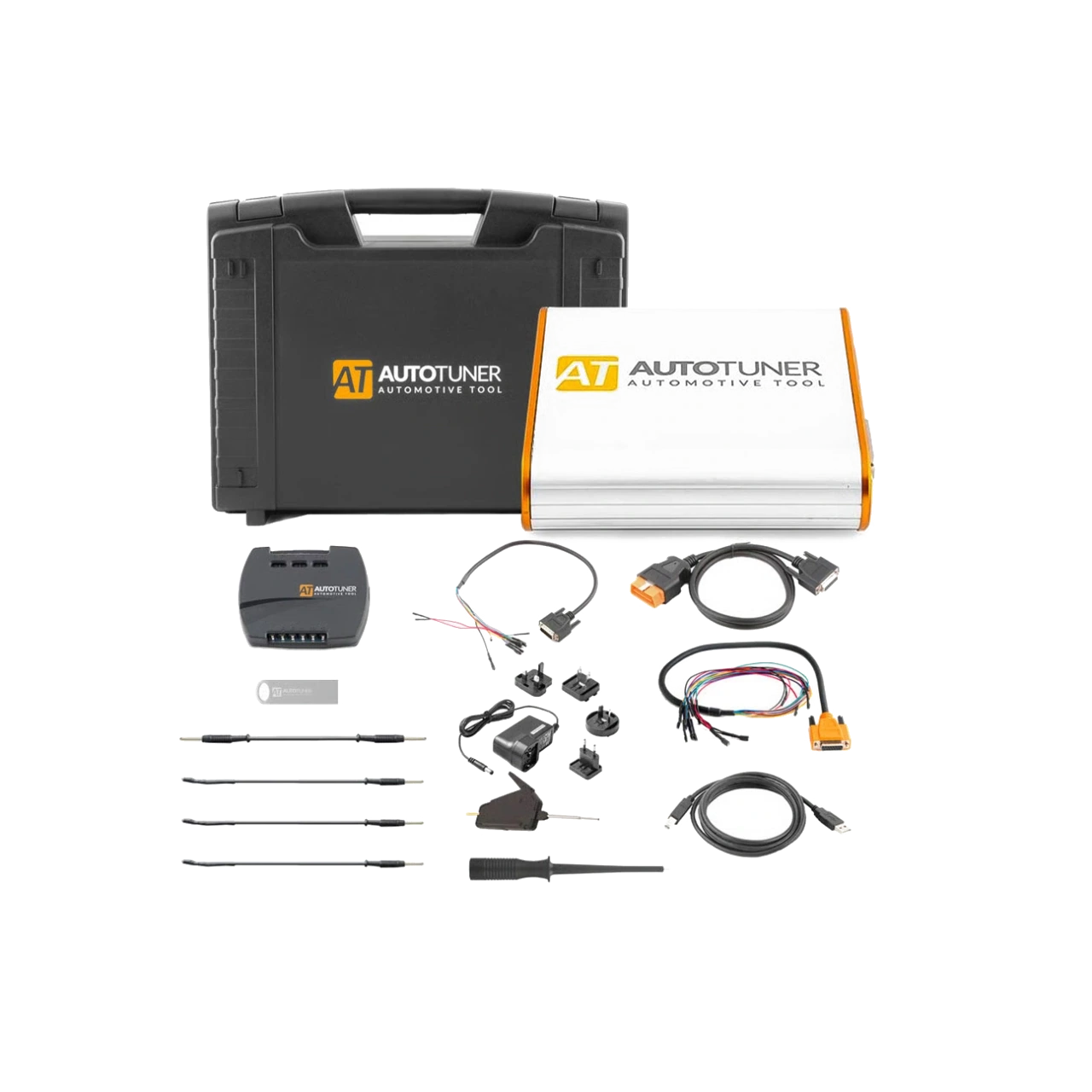
AutoTuner Tool is a professional ECU programming device that performs read-write operations on supported engine and transmission control units via OBD, Bench, and Boot, with the option of open file Master or linked file service Slave.
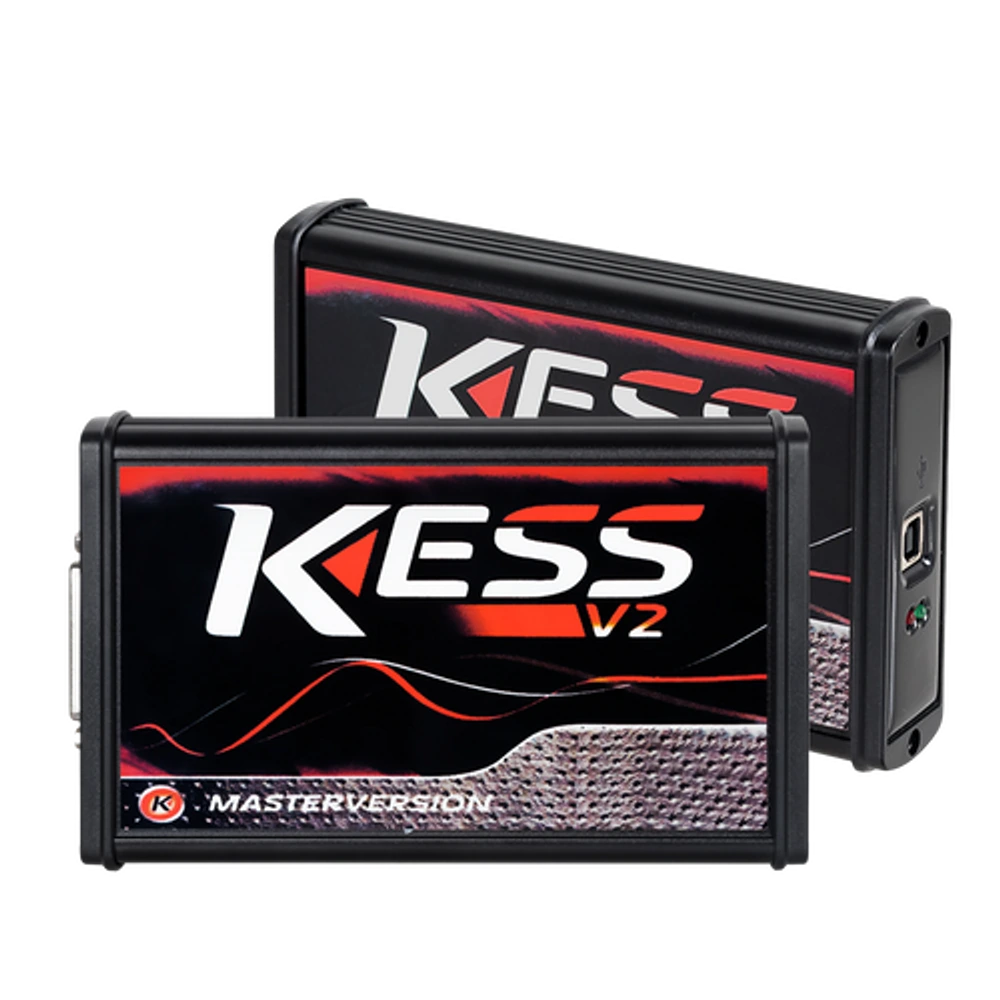
KESS V2 Master 5.017 is an OEM production Euro Clone, Red Board ECU programming device used for reading and writing via OBD on supported ECU protocols. It is not the current official Alientech KESS3.
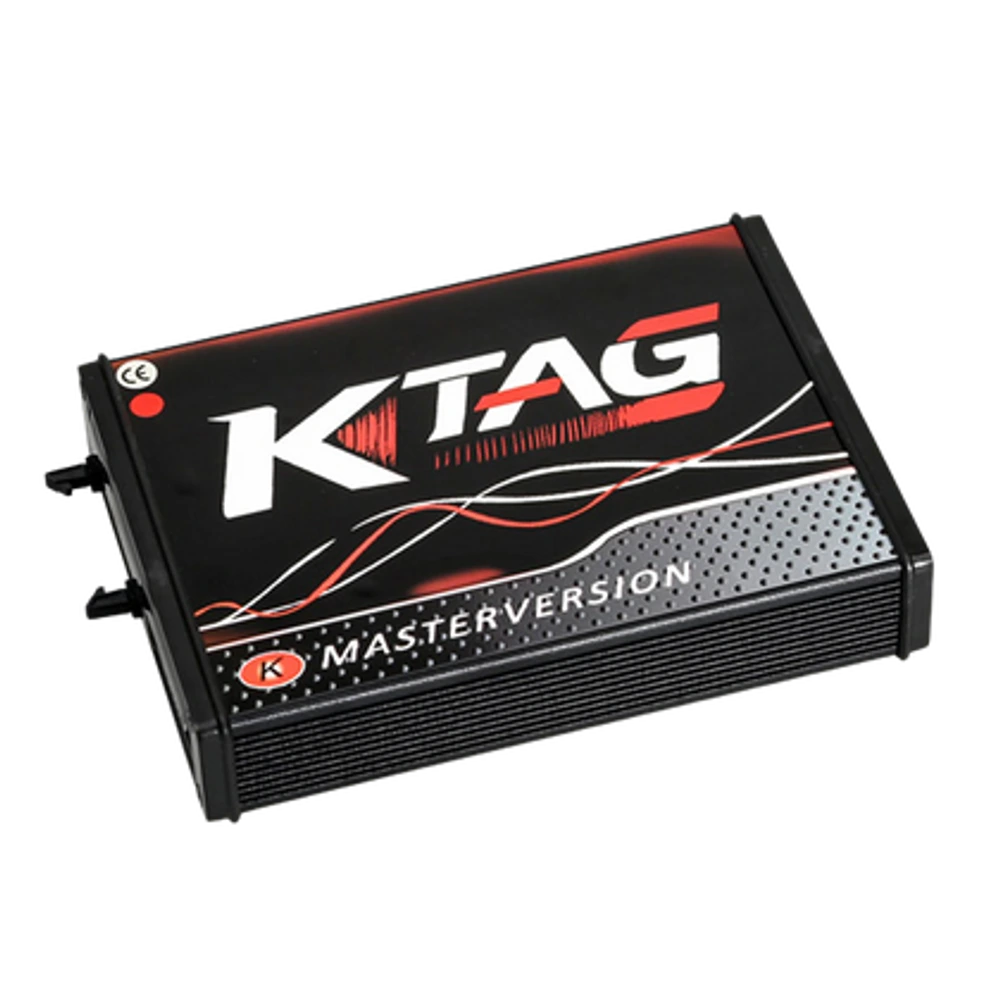
KTAG Master 7.020 is an OEM production Euro Clone, Red Board ECU programming device used for reading and writing via bench connection on supported ECUs. It is not the current official Alientech product.