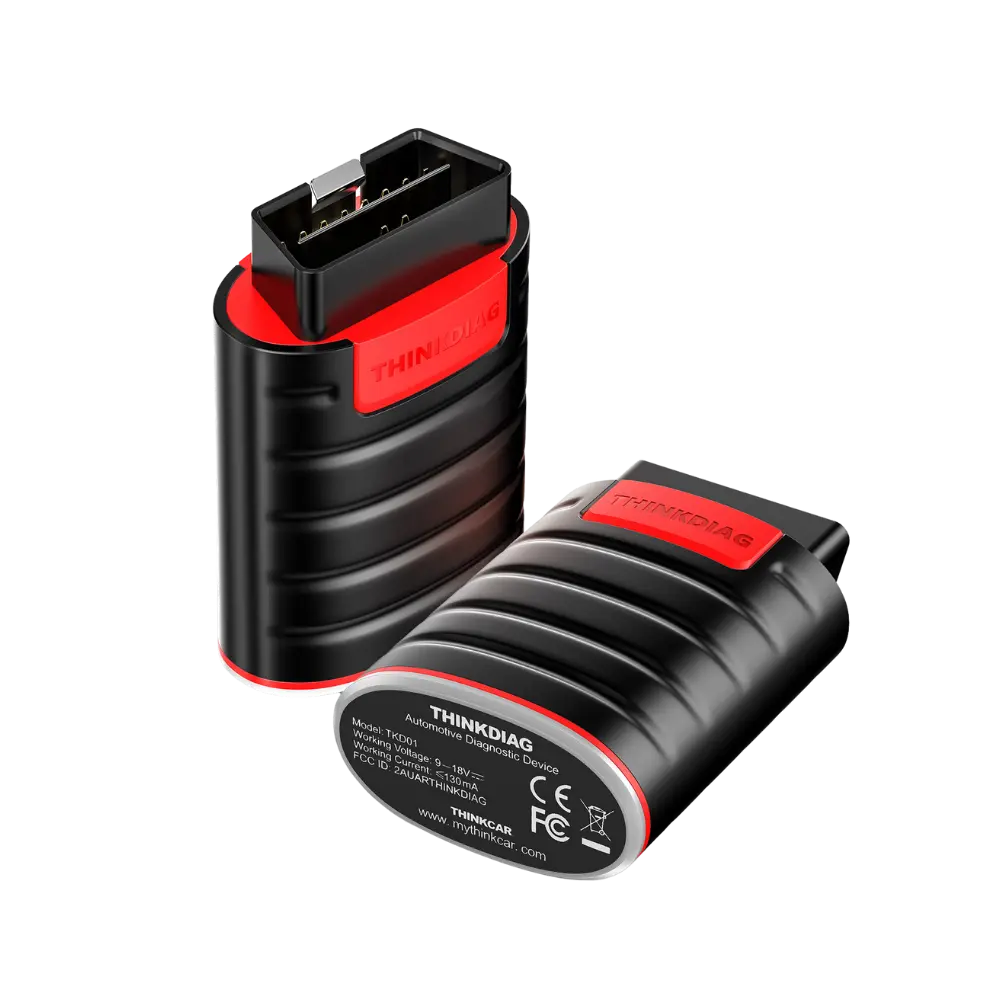
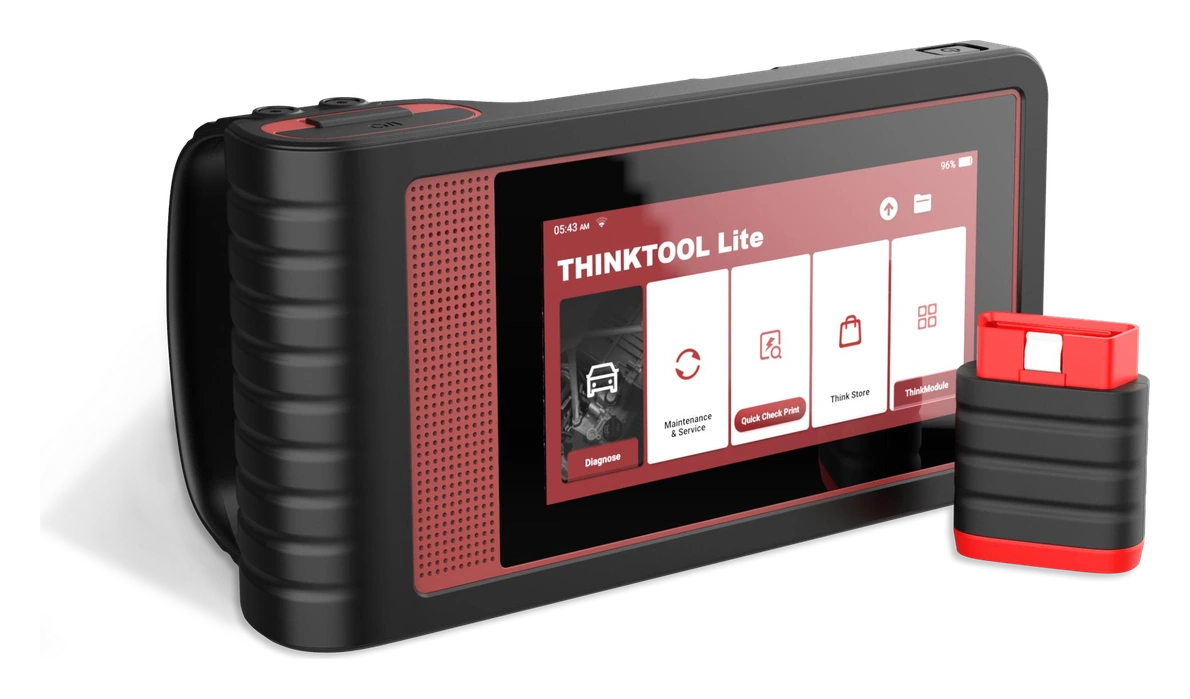
Thinkdiag is a compact OBD diagnostic interface that connects via Bluetooth to the ThinkDiag+ app. Fault codes, live data, and service menus can be used according to the vehicle, function, and license coverage within the app; it does not replace a diagnostic tablet with an independent screen.
What would you buy this for?
Users wanting diagnostics via phone or tablet
Vehicle owners looking for a compact Bluetooth OBD device
App-based fault and live data check on supported vehicles
Featured diagnostic features
Android/iOS app
Vehicle and Operation Coverage
License and software terms
Vehicle Coverage
What vehicles does Thinkdiag support?
The make name alone does not guarantee compatibility. Within the same make, model year, engine, chassis, control unit, communication protocol, and intended operation can yield different support results.
Vehicle Group
Passenger cars and light commercial vehicles included in the product software
Supported makes
Multi-brand coverage; the current make list is obtained from the manufacturer's official vehicle or protocol database.
Supported models
Verified from the official coverage screen based on make, model, model year, engine or chassis, and control unit.
Scope of service
Code reading, live data, active test, service function, coding, and programming may be supported separately.
Connection conditions
Android/iOS app, Vehicle and function coverage, License and software terms
The make and model examples on the page do not guarantee all production years and all functions.
Before any definitive operation, the manufacturer's current coverage record must be verified with the VIN or full vehicle information.
Which user is the Thinkcar mobile interface suitable for?
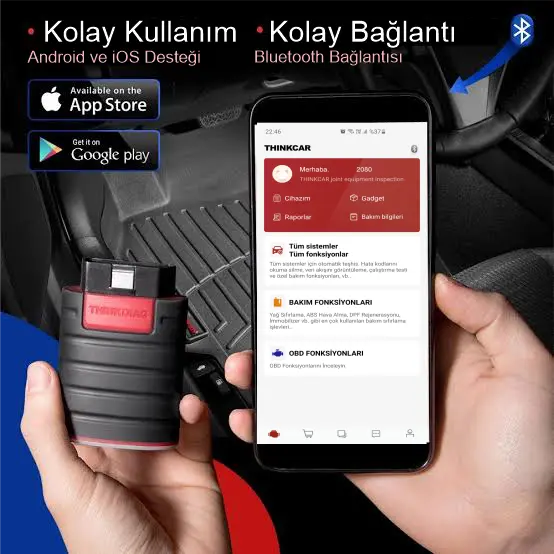
The Thinkcar mobile interface operates via an Android or iOS phone or tablet, rather than carrying a separate screen. After establishing a Bluetooth connection, the supported vehicle is selected in the Thinkcar mobile interface+ app; fault codes, live data, and available service menus are accessed through this app account.
This setup is practical for users who want quick checks at the vehicle, but app and device compatibility must be checked before purchase.
Use with phone or tablet
Bluetooth OBD connection
Coverage dependent on in-app vehicle and function list
Product details
Thinkcar mobile interface+ app and license terms
The Thinkcar mobile interface+ app can be downloaded from Android and iOS stores. Basic access, brand software, and service function coverage within the app are not the same; the manufacturer's current vehicle and function list and the license terms visible in the account must be checked together.
Therefore, it should not be assumed that the same menus will open on every vehicle just by looking at the Bluetooth connection.
Keep the app version updated
Account and device pairing
Brand software and service function coverage
Product details
What does the Thinkcar mobile interface do?
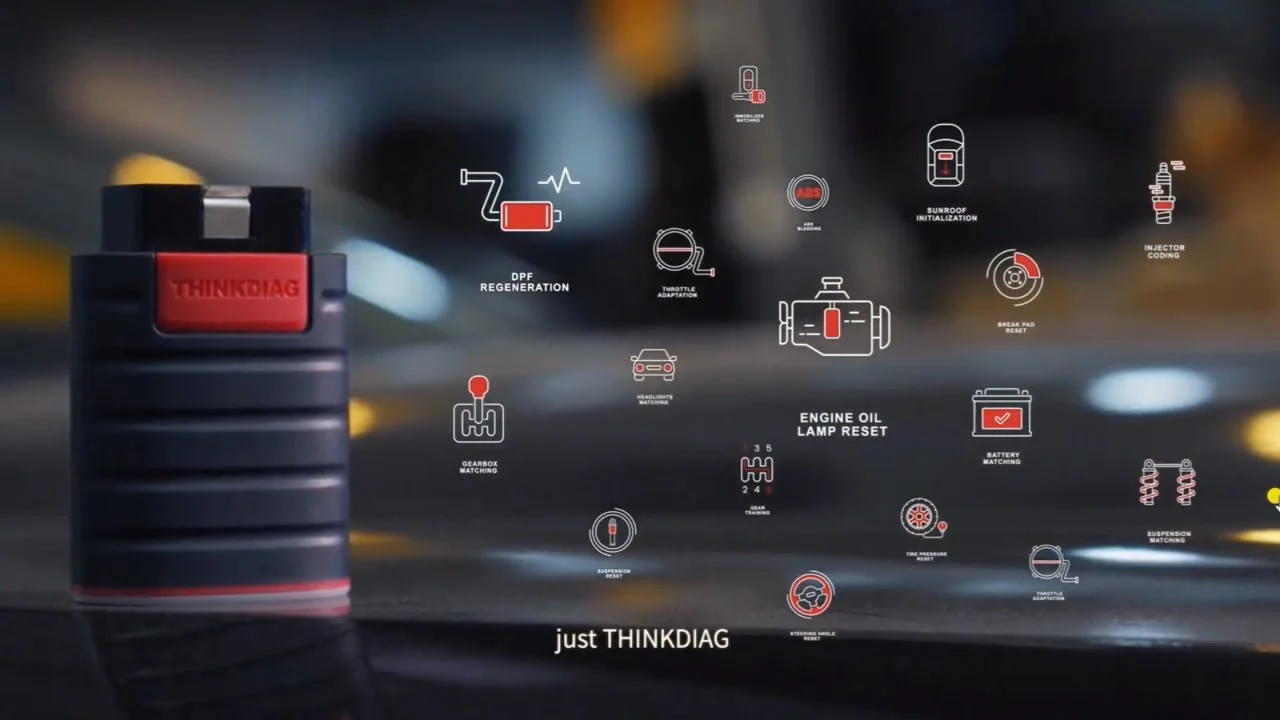
The Thinkcar mobile interface reads data from vehicle control units, executes supported diagnostic commands, and records the results. Its main uses and hardware features include: Bluetooth phone connection, fault codes, live data, and supported service functions.
The service menus that can be opened with the Thinkcar mobile interface device vary by make, model, year, control unit, and installed software package.
Bluetooth phone connection
Fault code and live data
Supported service functions
Product Type
Vehicle diagnostic tools
Usage level
Getting started
Basic functions
With Bluetooth phone connection, fault codes and live data
Product details
What benefits does the Thinkcar mobile interface offer in daily work?
During a Bluetooth phone connection, the Thinkcar mobile interface retrieves data from supported control units in the vehicle via the Thinkcar mobile interface+ app. The Android/iOS app is checked along with the app account and selected vehicle record.
The Thinkcar mobile interface+ app transfers selected data to the phone or tablet screen during fault code and live data viewing. Vehicle and function coverage results are saved along with Bluetooth connection and vehicle software conditions.
For supported service functions to be performed on the Thinkcar mobile interface, the relevant make, model, and function record must appear in the app. Service commands should not be executed without clearly verifying license and software terms. The initial record obtained in the phone app is saved with the vehicle ID, connection time, and selected function.
When the operation is complete, a second reading is taken with the same vehicle and app account; the on-screen result is added to the service note without replacing physical inspection.
Android/iOS app
Vehicle and Operation Coverage
License and software terms
Product details
Establishing a Bluetooth OBD connection with the Thinkcar mobile interface via phone
The Thinkcar mobile interface+ app is used with Bluetooth connection on Android and iOS devices.
The Thinkcar mobile interface device is plugged into the vehicle's OBD socket, and the phone's Bluetooth is turned on. The correct device is selected in the Thinkcar mobile interface+ account; the vehicle record in the app is compared with the physical vehicle. The initial communication is tested only with the steps of reading and obtaining identification.
When the app connection is established, the time, vehicle information, and used phone are noted in the service record.
Check the OBD socket and device label
Turn on phone Bluetooth
Pair the device in the Thinkcar mobile interface+ account
Record the initial vehicle identification
Product details
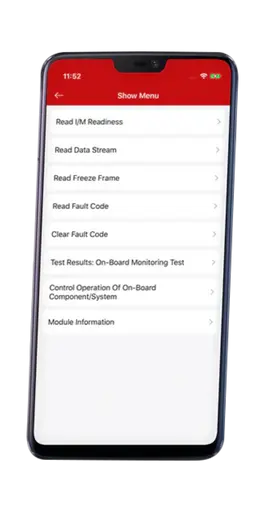
Reading fault codes and live data from supported systems with the Thinkcar mobile interface
Service functions are checked according to the vehicle, function, and license coverage in the app.
When reading fault codes or live data with the Thinkcar mobile interface, the phone is placed in a secure location, and the vehicle's operating condition is recorded. Only the data for the inspected system is selected in the app. The displayed code, data value, and test time are added to the same record; a single screen result is not used as a physical fault decision.
After repair, a new reading is taken from the same vehicle record.
Establish a secure operating condition
Select the relevant app menu
Save the code or data value with time information
Re-read after the operation
Product details
Checking in-app service functions on a vehicle basis with the Thinkcar mobile interface
Fault codes, live data, and supported control menus are reviewed on the app screen.
Before opening a service function in the app with the Thinkcar mobile interface, check the make, model, year, and control unit line. If the function's license or package requirement is not visible in the app, the operation is not started. Ignition, gear, parking brake, and voltage conditions are prepared according to the vehicle manufacturer's procedure.
The result is closed by examining the app report together with the physical maintenance record.
Verify the make-model-year record
Check the function's license status
Apply vehicle manufacturer's operating conditions
Match the app report with the physical maintenance note
Product details
How to verify Thinkcar mobile interface vehicle coverage?
Definitive compatibility cannot be stated for the Thinkcar mobile interface without selecting the vehicle make, model, year, engine, control unit, and the intended operation together. The official Thinkcar coverage tool shows which systems, service functions, or protocols are activated for the selected vehicle and control unit for the Thinkcar mobile interface.
The presence of the make line does not prove that active tests, coding, programming, TPMS relearn, or gateway access are also enabled on the Thinkcar mobile interface.
Before ordering, prepare the VIN or full model information, model year, engine/chassis distinction, and the intended operation for the Thinkcar mobile interface; also check the software version, license duration, VCI, adapter, and regional package.
Thinkcar mobile interface: prepare make, model, model year, and engine/chassis information
Thinkcar mobile interface: select desired system and operation separately; read, live data, active test, coding, or programming
Thinkcar mobile interface: verify ECU and function line in the official coverage tool
Thinkcar mobile interface: check VCI, cable, adapter, license, and regional package conditions
Thinkcar mobile interface: final check with VIN and manufacturer procedure before definitive operation
Product details
Thinkcar mobile interface technical specifications and compatibility information
Bluetooth connection for the Thinkcar mobile interface, the Thinkcar mobile interface+ app, vehicle record, and license terms are examined as separate technical topics. The OBD interface transmits data to a phone or tablet; it is not a standalone screen, fixed service computer, or physical measurement device.
The appearance of fault codes, live data, and service menus depends on the selected make-model, control unit, app version, and account package. The brand name within Thinkcar mobile interface+ does not indicate that the same active test or coding menu will open on every vehicle.
Check the device label, Bluetooth pairing, and current manufacturer coverage before first use.
Android/iOS app: Official technical documentation and product label for Thinkcar mobile interface are used as reference
Vehicle and function coverage: The manufacturer's current list on a make, model, year, and system basis is used for Thinkcar mobile interface coverage
License and software terms: The current license and software terms status in the Thinkcar mobile interface device account are used as reference
Product details
What are the Thinkcar mobile interface's comparable nearby products?
The choice between the Thinkcar mobile interface, MUCAR BT200 Bluetooth OBD Fault Detection Device, MBito OBD, and Vgate vLinker MC+ Bluetooth OBD2 Fault Detection Device is made based on supported functions, connection, and package differences.
Vgate vLinker MC+ is an open Bluetooth OBD2 interface for compatible third-party apps; Thinkcar mobile interface and MUCAR focus on their own mobile diagnostic ecosystems, while MBito OBD focuses on personalization for supported Mercedes vehicles. Bluetooth connection does not place these devices in the same functional class.
The Android/iOS app, vehicle and function coverage, and license and software terms are the primary selection criteria for the Thinkcar mobile interface. The connection method, protocol support, software coverage, and additional modules of devices compared with the Thinkcar mobile interface are not the same.
The vehicle and control unit support required for fault codes and live data is read from the manufacturer's current list published for the Thinkcar mobile interface.
A device that does not offer the required function or connection for fault codes and live data on the Thinkcar mobile interface is not suitable for this service task, even if it is more comprehensive in other areas.
MUCAR BT200 Bluetooth OBD Fault Detection Device: Mobile fault detection via Bluetooth and reading/clearing fault codes in supported systems
MBito OBD: explore hidden features and connect with the app
Vgate vLinker MC+ Bluetooth OBD2 Fault Detection Device: Reading and clearing engine fault codes and live data in compatible applications, and supported BMW operations specified in the bimmerCode official adapter list.
Product details
How is the Thinkcar mobile interface used in service?
Installation of the Thinkcar mobile interface begins with downloading the Thinkcar mobile interface+ app from the official store and creating a user account. After the OBD interface is plugged into the vehicle, the phone finds the device via Bluetooth; the serial number or pairing screen in the app is checked. The selected vehicle information, app version, and license screen are recorded during the initial connection.
When the reading operation is complete, the report is saved in the app account; after the operation, the device is removed from the vehicle socket, and the connection status is noted.
Record the initial status for Bluetooth phone connection
Prepare the Android/iOS app conditions
Perform the Bluetooth phone connection procedure according to the manufacturer's instructions
Re-check the post-operation result with the Thinkcar mobile interface
Can the Thinkcar mobile interface connect to a phone?
Yes. The Thinkcar mobile interface connects via Bluetooth to an Android or iOS phone or tablet and is used with the Thinkcar mobile interface+ application. Actual vehicle functions should be verified according to the application's current vehicle and service coverage.
Is the Thinkcar mobile interface a standalone diagnostic tablet?
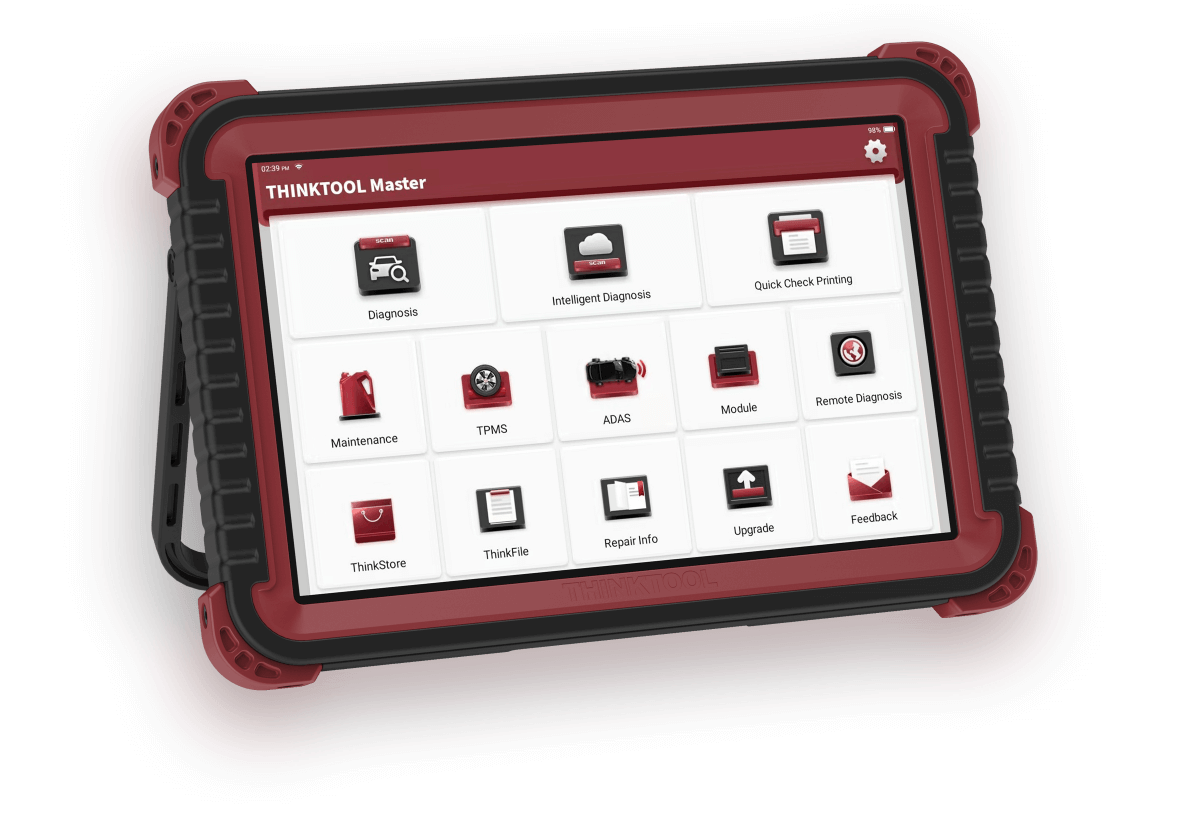
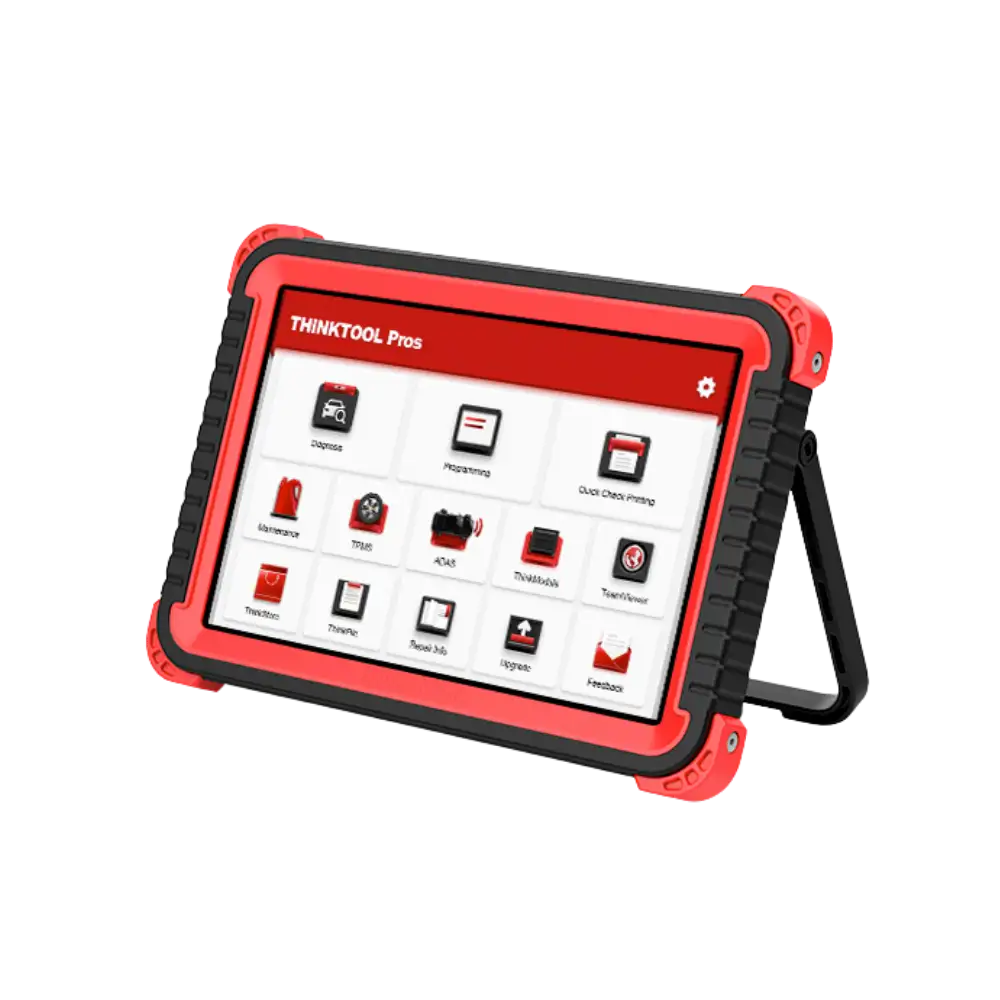
No. The Thinkcar mobile interface is not a standalone tablet displaying menus on its screen, but an OBD interface that connects to the Thinkcar mobile interface+ application on a mobile device. For screened, direct service use, Thinktool Reader 7 or tablets in the Thinktool family are evaluated separately.
Can all service functions be used with the Thinkcar mobile interface?
No. The availability of fault codes, live data, and service functions varies by vehicle make-model-year, control unit, application package, and license terms. Verification should be done through the current coverage of the Thinkcar mobile interface+ application before purchase.
What specific tasks is the Thinkcar mobile interface used for?
The Thinkcar mobile interface is an entry-level diagnostic device used for Bluetooth phone connection, fault codes, live data, and supported service functions. The Android/iOS app, vehicle and function coverage, and license and software terms dictate the vehicle, connection, and package selection conditions for the Thinkcar mobile interface.
If the intended operation with the Thinkcar mobile interface is not found in the manufacturer's current vehicle and function list, it is not considered a standard feature.
Does the Thinkcar mobile interface offer the same functions on every vehicle?
No. The vehicle and function coverage on the Thinkcar mobile interface is determined by make, model, year, control unit, and installed software package. The manufacturer's official vehicle and function list is the basis for the Thinkcar mobile interface. The list shows the Thinkcar mobile interface functions on a vehicle and control unit basis.
What steps are followed during the first use of the Thinkcar mobile interface?
For the first use of the Thinkcar mobile interface, check the device label, OBD socket, phone or tablet operating system, Thinkcar mobile interface+ account, and application version. After installing the application, connect the interface to the vehicle, perform Bluetooth pairing, and select the correct make-model record.
The initial test is performed only with the steps of reading identification, fault codes, or live data; the report and license screen are saved.
Does the Thinkcar mobile interface require updates or a license?
The Thinkcar mobile interface is a software-driven product; the included update period and renewal conditions are shown for the purchased package. Promotions offered for the Thinkcar mobile interface in another country do not automatically apply to the Turkish sales package.
The device account, serial number, and current Thinkcar mobile interface version are recorded upon delivery.
Comparison
Thinkdiag similar models
Compare products in the same class with information on usage level, service tasks, and price.
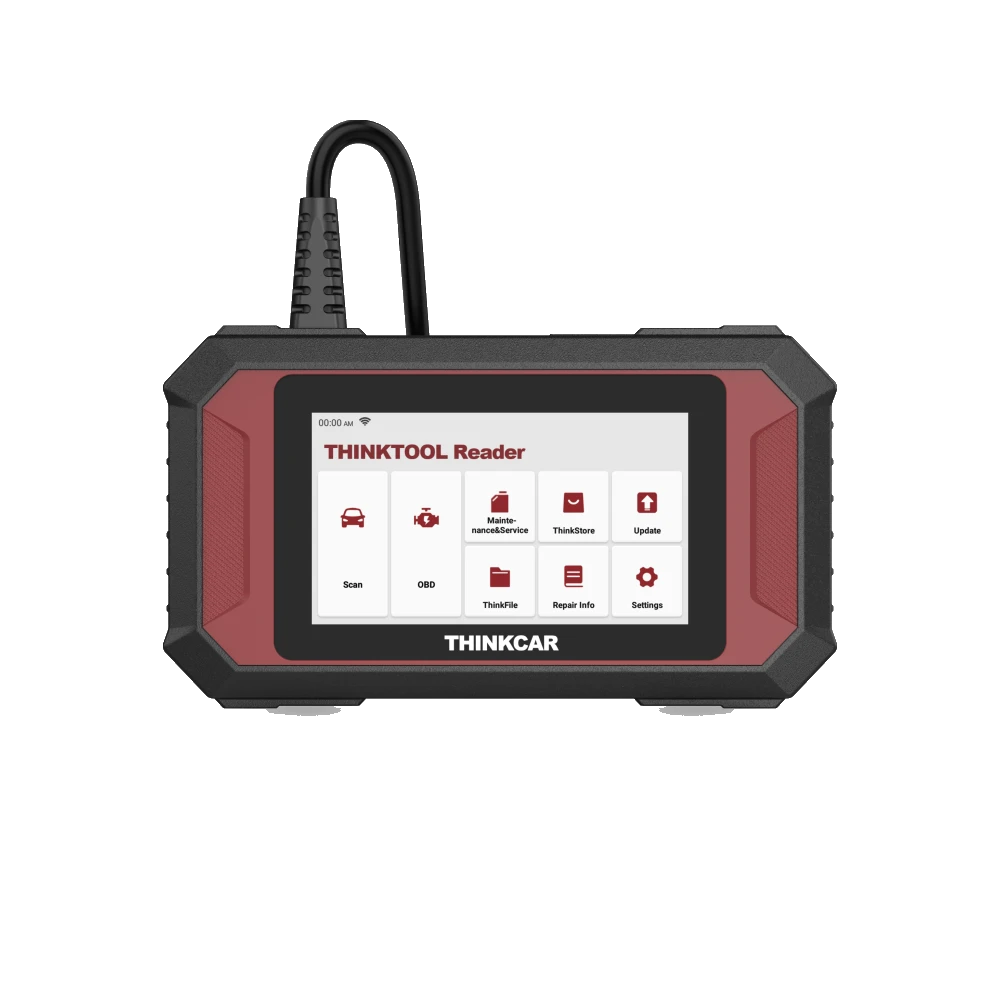
Thinktool Reader 7 is a 5-inch wired device that reads codes and live data in seven vehicle systems, offering seven maintenance functions from 28 options.