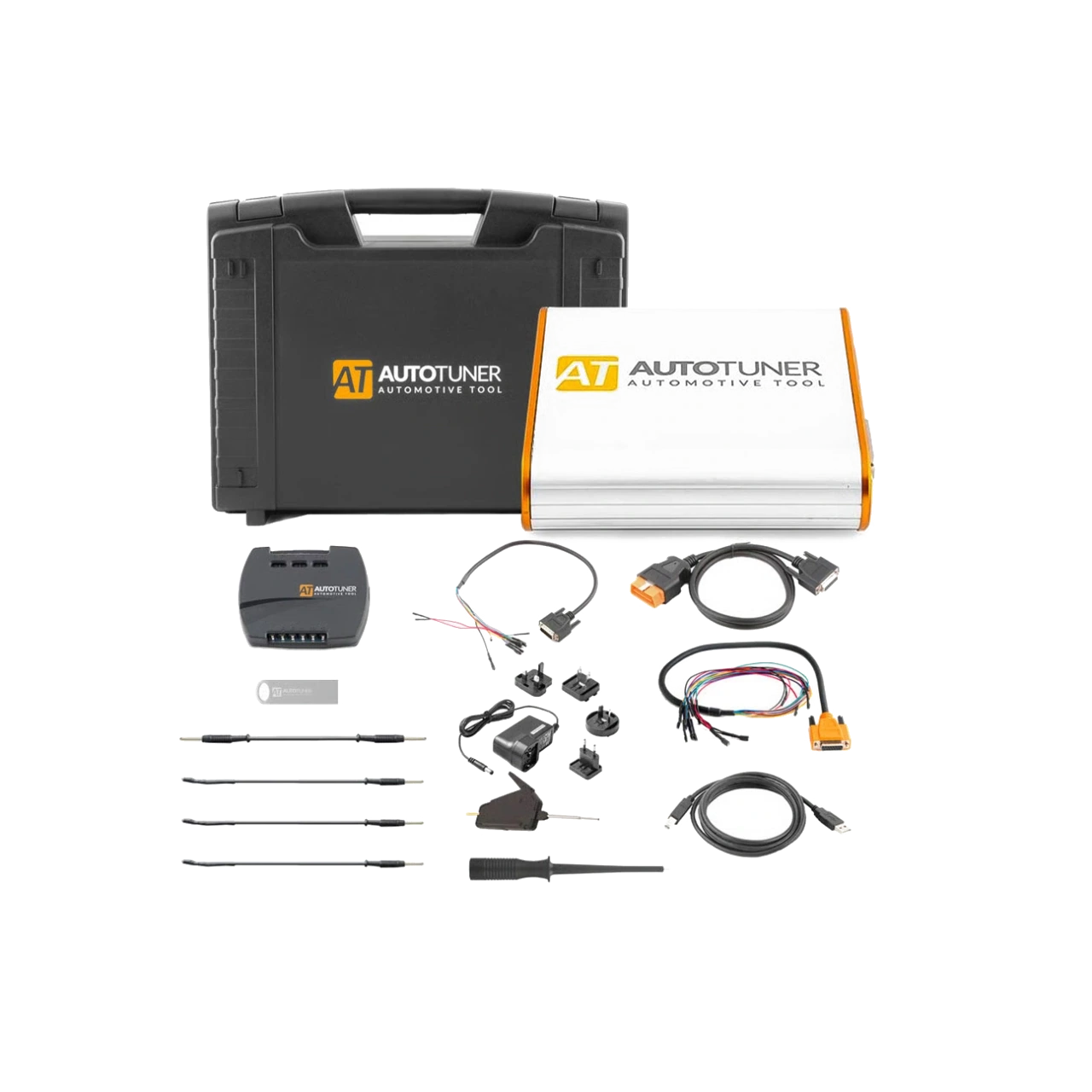
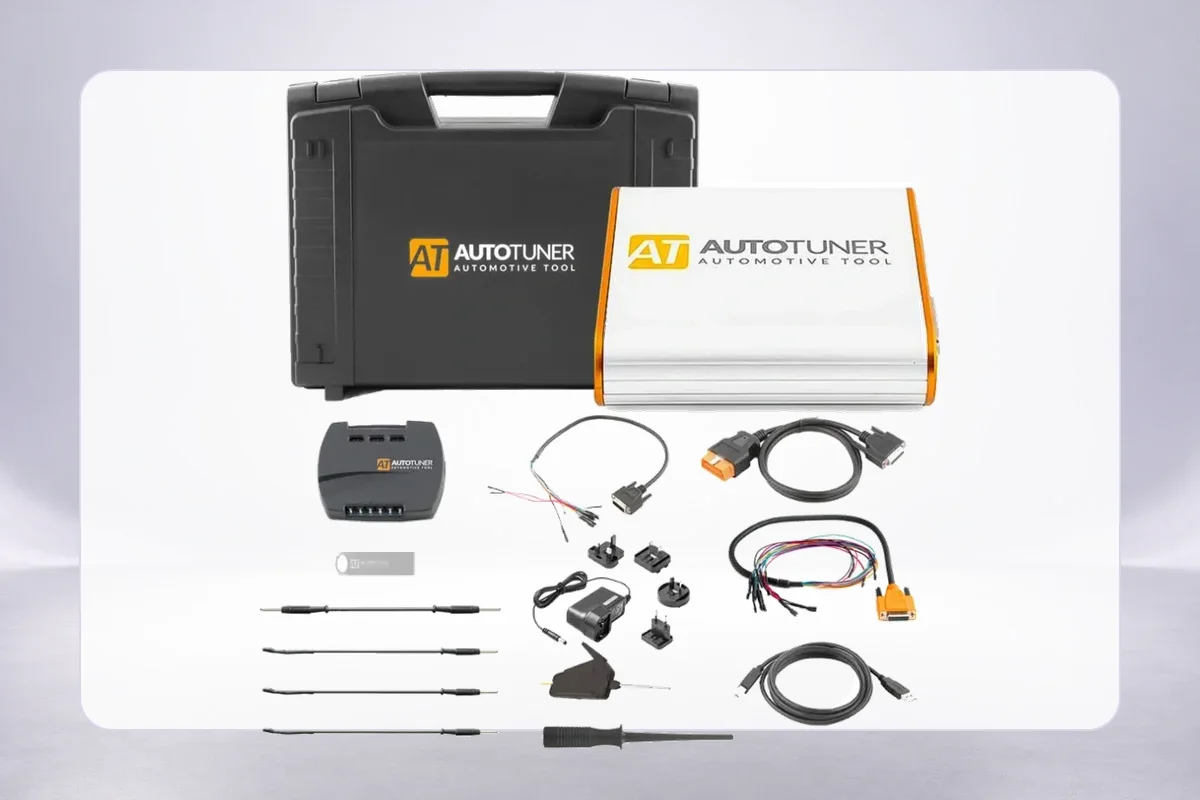
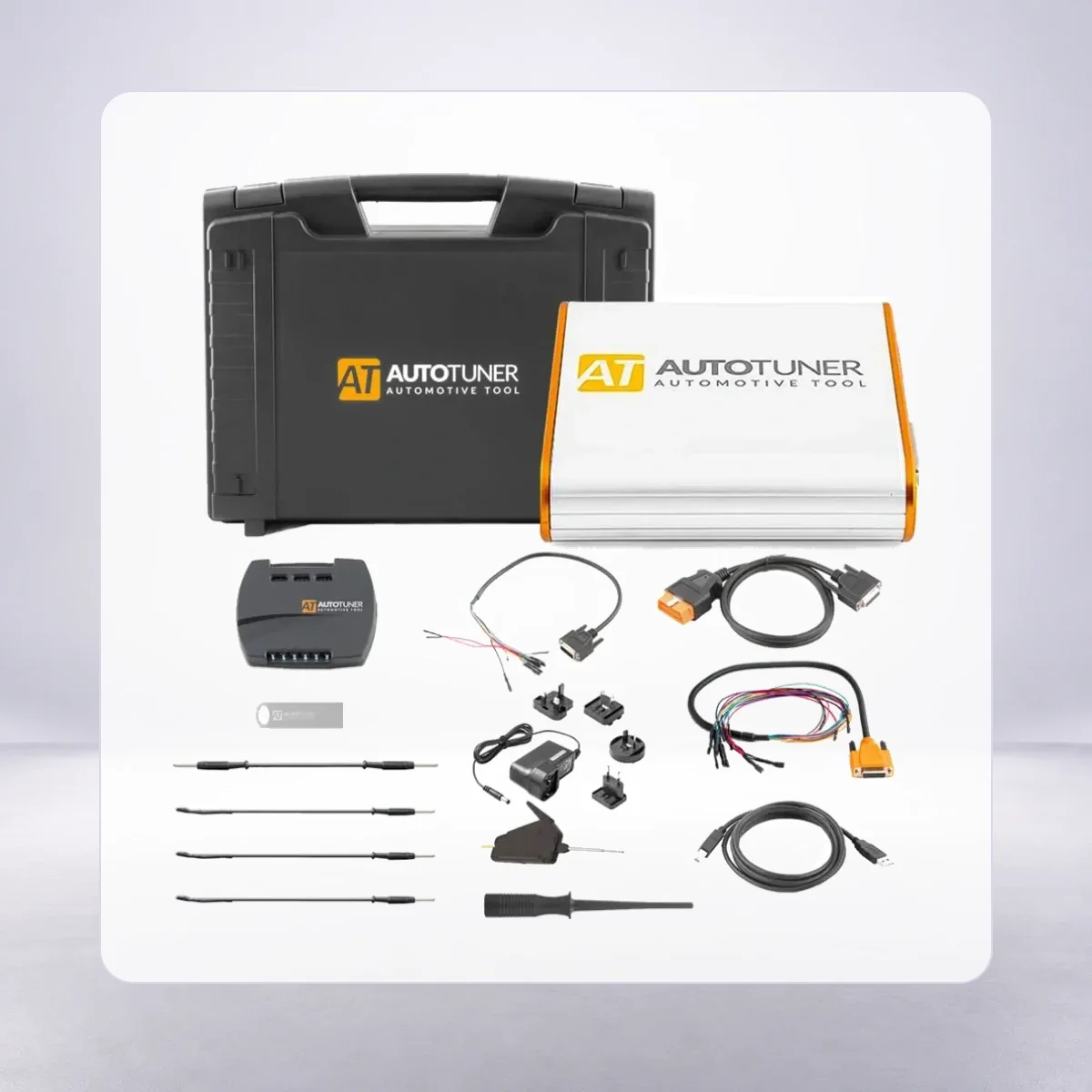
AutoTuner Tool standard set: main device, case, universal box, and basic connection equipment.
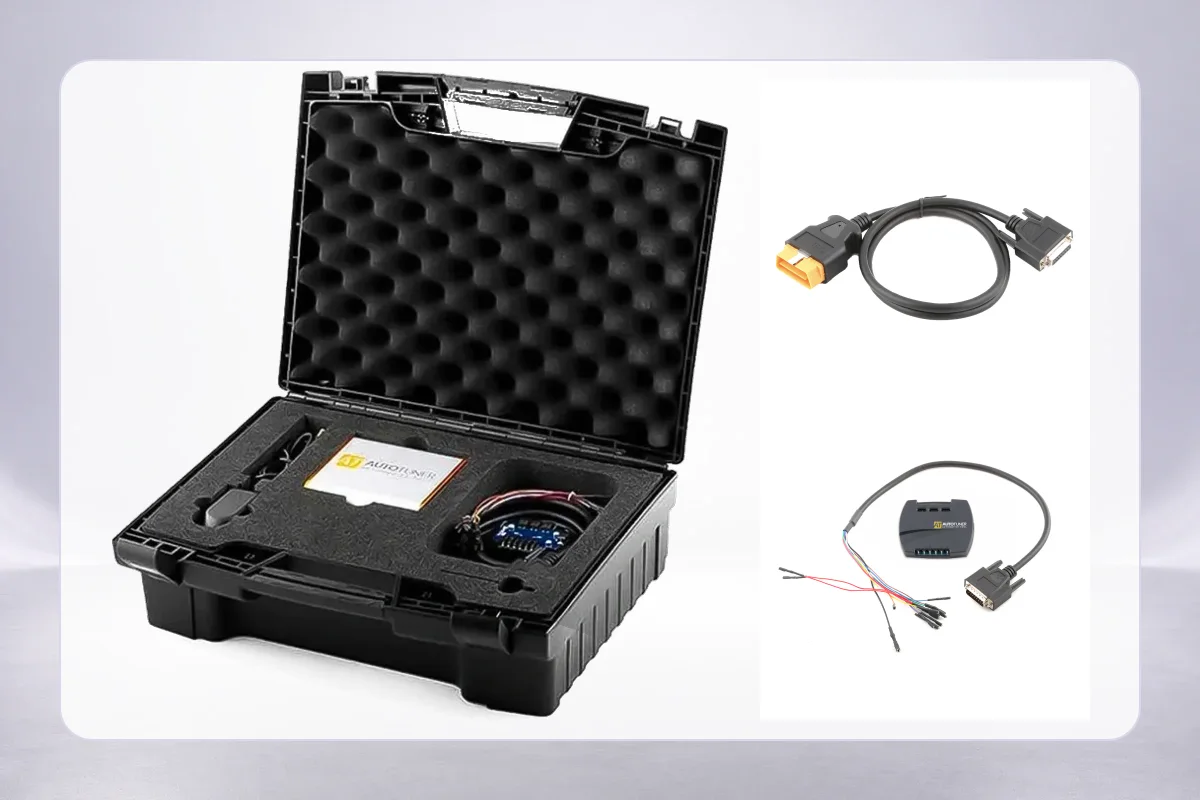
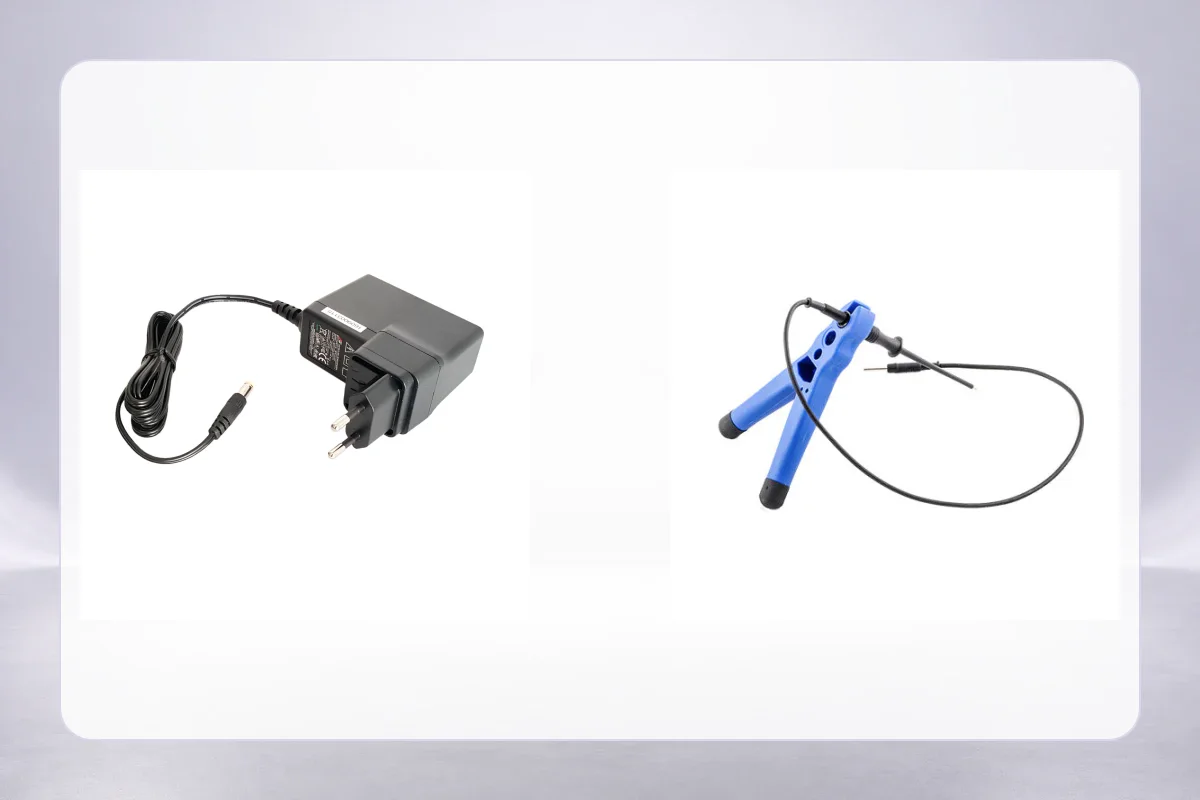
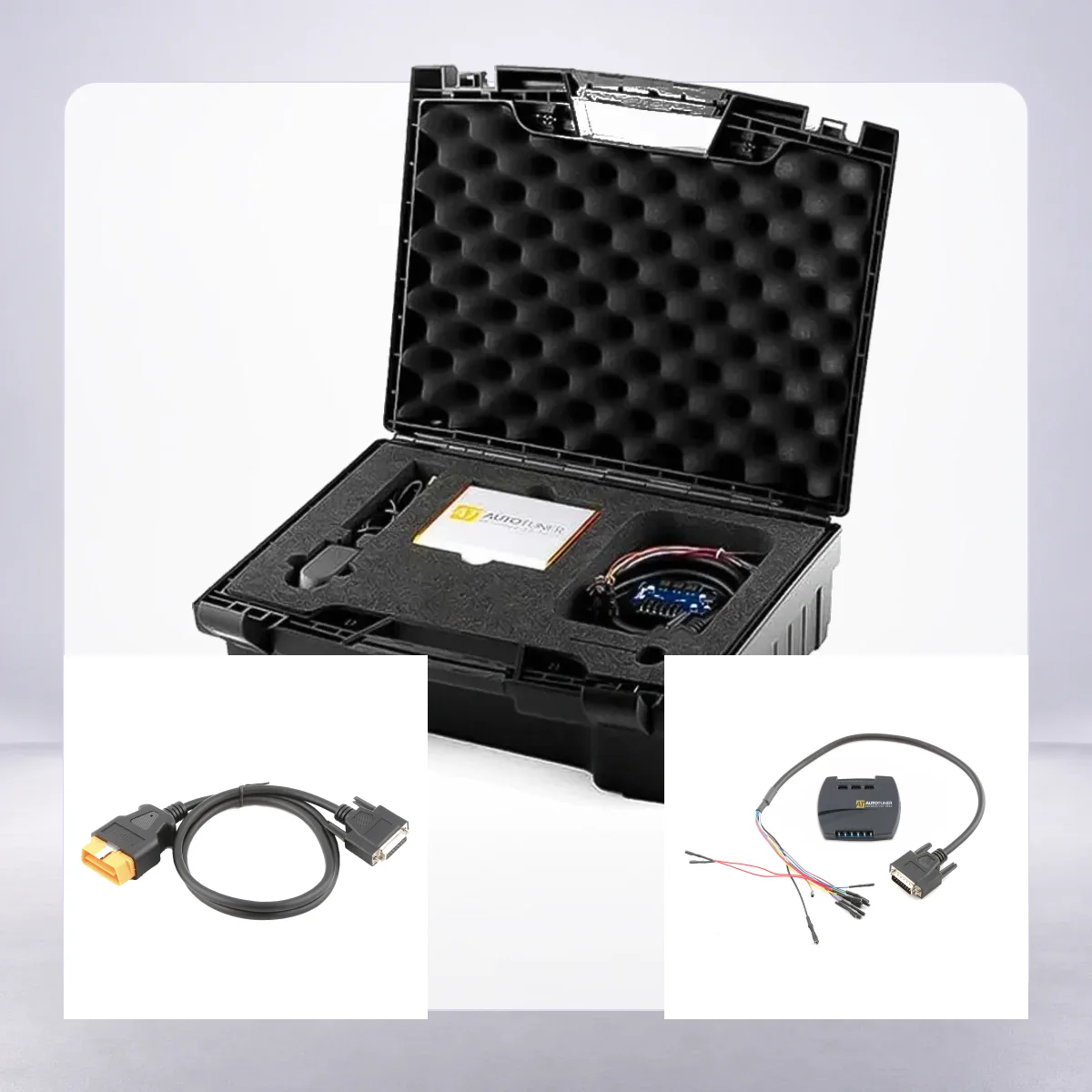
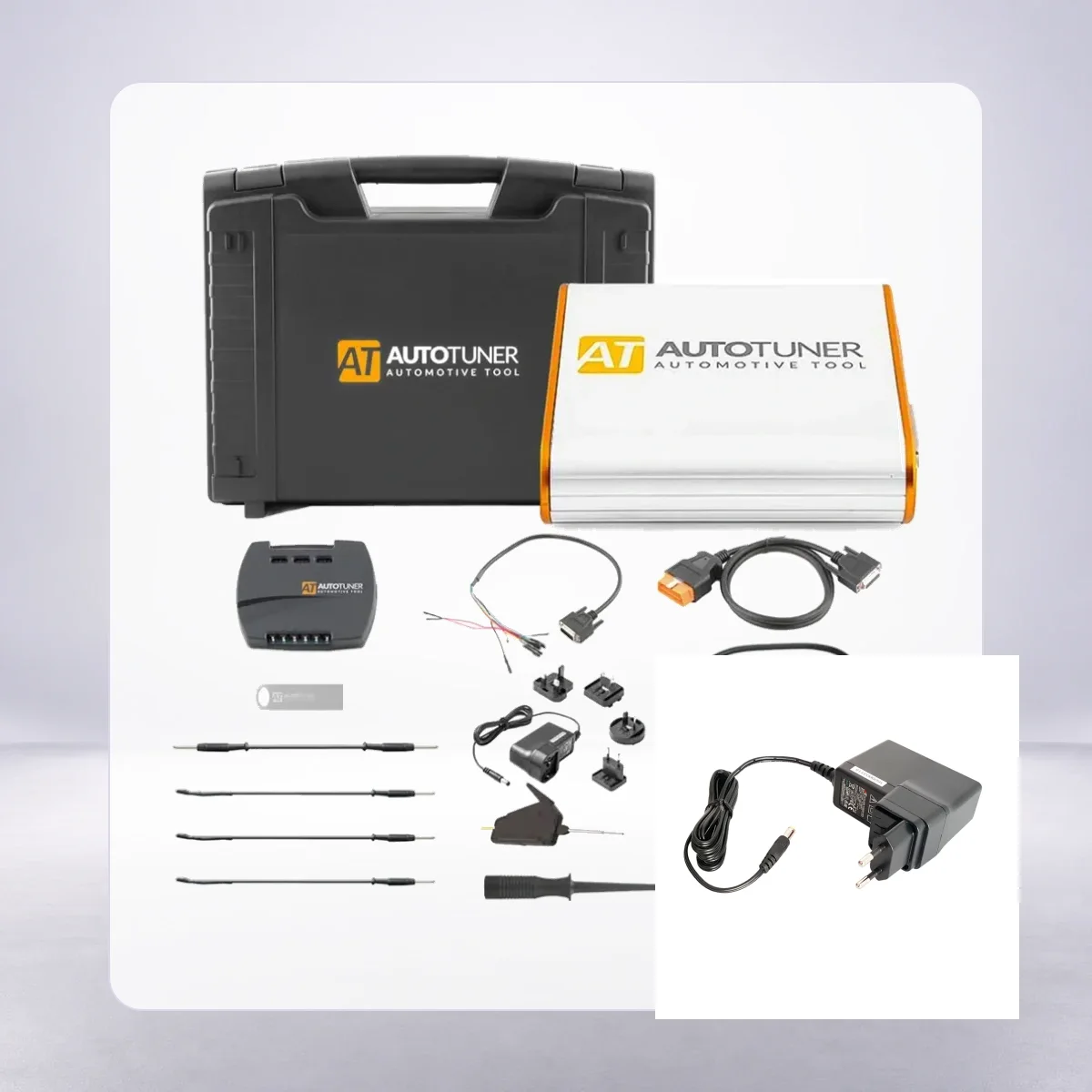
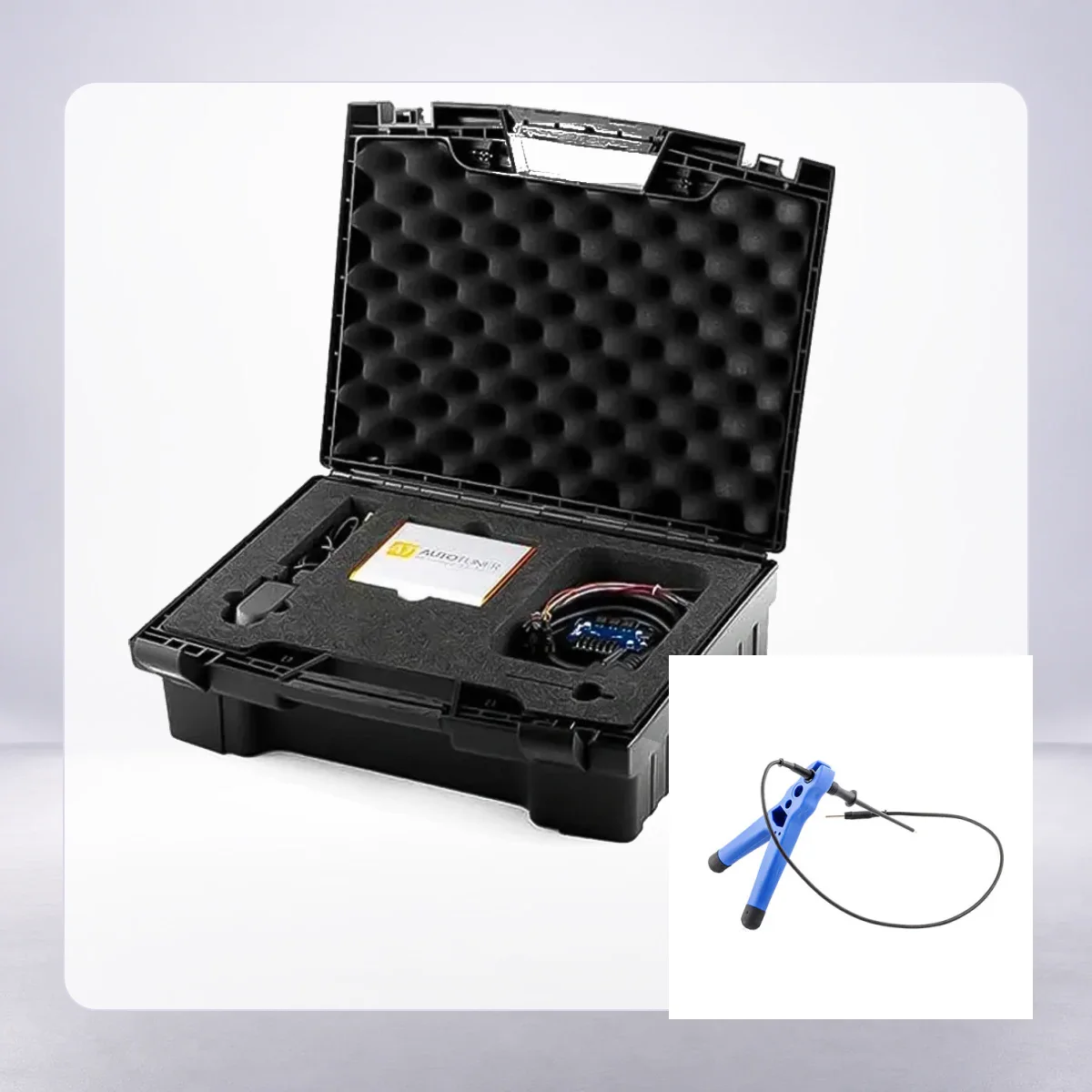
AutoTuner Tool standard set: main device, case, universal box, and basic connection equipment.View of the open carrying case protecting the device and basic connection equipment together.BGA MCU hook and probe accessories used in Bench and Boot preparation.OBD connection cable used for on-vehicle read and write operations.
AutoTuner · Vehicle coding and ECU programming devices
AutoTuner Tool Master and Slave ECU Programming Device
AutoTuner Tool is a professional ECU programming device that performs read-write operations on supported engine and transmission control units via OBD, Bench, and Boot, with the option of open file Master or linked file service Slave.
Master and Slave file options for the same professional hardware
OBD, Bench, and Boot methods on supported control units
Manufacturer software and free updates without annual subscription
Universal box, OBD cable, probes, and basic connection equipment
What is the AutoTuner Tool Master and Slave ECU Programming Device used for?
The AutoTuner Tool is a professional ECU programming device that performs supported read/write operations on engine and transmission control units via OBD, Bench, or Boot methods. The Master and Slave option changes not the physical device's basic connection capability, but who can open and edit the file.
A Master user can utilize an unencrypted file in their own calibration software or a chosen file service. A Slave user can only operate an encrypted file through the Master network to which the device is connected.
Therefore, the choice should be made not solely based on the initial price, but also on file authorization, per-job service fees, waiting times, and the need to change providers. The names OBD, Bench, and Boot are all present on the device; however, this does not mean all three methods are enabled for every vehicle and every ECU.
Before accepting a job, the vehicle, engine, ECU/TCU, software version, intended operation, and connection method must be verified together on the manufacturer's live compatibility list.
What would you buy this for?
Performance and auto electronics workshops that regularly perform read/write operations on supported ECUs and TCUs
Businesses with an open file archive and their own calibration team that require Master authorization
New or growing services that work with a specific file provider and are familiar with the Slave cost model
Technicians who have established secure Bench and Boot setups, stable power, and rollback procedures in addition to OBD
ECU programming features
Master or Slave authorization
Current vehicle and ECU compatibility
Connection method and adapter
Stable power and rollback plan
Vehicle Coverage
What vehicles does the AutoTuner Tool Master and Slave ECU Programming Device support?
The make name alone does not guarantee compatibility. Within the same make, model year, engine, chassis, control unit, communication protocol, and intended operation can yield different support results.
Vehicle Group
ECU, TCU, MCU, or EEPROM families found on the manufacturer's current protocol list
Supported makes
Multi-brand coverage; the current make list is obtained from the manufacturer's official vehicle or protocol database.
Supported models
Verified from the official coverage screen based on make, model, model year, engine or chassis, and control unit.
Scope of service
Code reading, live data, active test, service function, coding, and programming may be supported separately.
Connection conditions
Master or Slave authorization, Current vehicle and ECU compatibility, Connection method and adapter, Stable power and rollback plan
The make and model examples on the page do not guarantee all production years and all functions.
Before any definitive operation, the manufacturer's current coverage record must be verified with the VIN or full vehicle information.
Master and Slave use the same basic hardware; the primary difference determining the purchase decision is whether the file is open or encrypted for the connected Master.
In the AutoTuner manufacturer description, the Master file is defined as unencrypted, and the Slave file as encrypted. A Master user can archive the read file on their own computer, work with it in compatible calibration software, or send it to a different file provider. This freedom does not mean the performed calibration is automatically correct.
File definition, checksum, torque model, temperature protections, and rollback plan still require expertise. A Slave device can perform read and write operations on the same supported ECU; however, the map data is encrypted for the connected Master's ID. File editing, decryption, and re-encryption occur on the Master side.
A Slave owner cannot transfer the file to another provider. The correct Master Tool ID must be entered during the order, and the per-file fee, working hours, revision policy, and emergency rollback channel must be documented in writing.
The manufacturer allows the transfer of a Slave to another Master or upgrading to Master, subject to existing Master approval and transaction conditions. The compatibility of files and backups created before the change with the new connection is not assumed. Therefore, the possibility of changing providers in the future is part of the initial purchase decision.
Master: unencrypted file and independent file provider selection
Slave: encrypted file flow via connected Master
Mandatory correct Master Tool ID for Slave orders
Separate archiving of old files before transfer or upgrade
Product details
How are OBD, Bench, and Boot methods differentiated?
OBD works from the vehicle's diagnostic port, Bench from the control unit's external connector, and Boot from the circuit board level; the usable method is verified according to the ECU record.
The OBD method accesses the control unit via the diagnostic port on the vehicle for supported vehicles by the manufacturer. Identity reading, real or virtual read, and write operations can be offered without removing the ECU; which functions are available depends on the protocol line. In the Bench method, the control unit is removed from the vehicle and connected via its external connectors to the universal box and relevant cable without opening the cover.
Correct pinout, stable voltage, and a secure bench setup are required during Bench writing. The Boot method may require probe, hook, or solder connections to specific points on the circuit board after opening the ECU cover. This method requires more physical preparation and ESD discipline.
The device supporting three methods does not mean all three are selectable for every ECU. Some records only offer OBD writing, some Bench full read, and some Boot recovery or specific memory areas.
Before starting work, the correct connection diagram is downloaded, the ECU part number and software ID are recorded, the battery or bench power supply is verified, and the path for restoring the original file is prepared.
OBD: diagnostic port on the vehicle and protocol-based functions
Bench: connection via external connector after removing ECU, without opening cover
Boot: connection at circuit board level and requires higher preparation
Live compatibility record and connection diagram check for every job
Product details
Scenario 1: Performance service preparing its own files
If the workshop works with different ECU families daily, reads files that its own calibration specialist regularly modifies, and occasionally seeks a second expert opinion, the Master option makes operations less dependent.
The workflow begins with a vehicle intake form: chassis, engine code, ECU label, hardware and software numbers, existing modifications, and desired outcome are recorded. After selecting the compatible method, the original read is archived immutably. The working copy is kept with separate versions for customer requests and performed changes.
Voltage recording is monitored during writing; after the process, the fault memory, live data, and behavior under driving conditions are checked. The Master license does not provide editor, dyno, emissions compliance, or mechanical health. The business must establish these tools and expertise separately. Its benefit is that the file owner and work schedule are managed by the workshop.
Add chassis, ECU label, and software ID to the work order
Separate original, working, final, and rollback files
Stable power and recovery plan before writing
DTC, live data, and observable result check after writing
Product details
Scenario 2: Service using external file service
A new service or one that does not want to establish a calibration department internally can consider the Slave option. The critical factor here is the Master provider's service rather than the device itself. When the vehicle arrives, the ECU identity is read, and the encrypted file is sent to the Master with the same job number. The incoming file must not be written without verifying which vehicle and ECU record it belongs to.
The Slave's lower purchase price is calculated along with the per-file fee and waiting time at high job volumes. If the provider relationship is weak, the workshop cannot control vehicle delivery times.
A strong Master network, with clear pricing and rollback rules, can reduce the initial investment cost for a Slave; however, it does not offer independent file ownership.
Verify Master Tool ID and provider agreement before ordering
Calculate per-file fee along with monthly job volume
Obtain response time, revision, and emergency rollback policy in writing
Match incoming encrypted file with correct ECU ID
Product details
Scenario 3: Auto electronics technician setting up Bench and Boot bench
For an auto electronics technician working with removed ECUs in addition to on-vehicle OBD operations, the device's official package structure, including the universal box, universal cables, probe positioning kit, and BGA MCU hook, is important. However, the parts included in the box are not considered sufficient for every ECU.
Before starting the operation, the manufacturer's diagram, required adapter, pinout, Boot point, and power value are checked. The bench is kept ESD protected; if the ECU cover is to be opened, the responsibility for sealing and physical damage is recorded. Writing is not performed without correct identification and backup.
Automatic saving of the Boot backup does not mean the same full backup is generated for all OBD reads. Especially for second-hand or previously modified control units, the original state must be verified separately.
Current pin and connection diagram for each ECU
ESD-protected bench and controlled power supply
Record of physical condition and sealing for opened units
Distinguish between actual backup and recovery limits based on read type
Product details
Scenario 4: Second-hand Slave or Master change
When purchasing a second-hand Slave, simply powering on the device is not sufficient for inspection. The serial number, connected Master, account ownership, transfer approval, outstanding transactions or locks, warranty start date, and physical condition of the device must be verified. Switching to a new provider is not assumed without written approval from the current Master.
Original and modified files used in vehicles previously written by the workshop must be securely exported, and it must be recorded which file was produced with which Master relationship. If an upgrade to Master is considered, the upgrade cost, account transfer, and reuse of old encrypted files are confirmed with manufacturer support.
If the device's low second-hand price, file history, and account access are not verified, it is not a secure saving.
Serial number, account owner, and connected Master ID
Current Master approval for transfer or upgrade
Archiving of old files on a vehicle and ECU basis
Record of warranty start date and physical device status
Product details
Official package contents and additional requirements
The power adapter and probe positioning kit are standard set components; vehicle battery support, special adapters, and a calibration editor may be separate needs.
The manufacturer's product page lists the AutoTuner Tool, USB key with software connection, universal cable and universal box, EDC16+ME(D)9 universal cable, OBD cable, USB cable, power supply, probe positioning kit, BGA MCU hook, banana cables, and a shock-resistant case as standard contents.
This list should be checked against the invoice and serial number upon delivery. Vehicle or ECU-specific adapters, programming power supply, calibration editor, laptop, training, dyno service, and Master file service for Slave are not automatically included.
It should not be assumed that every small accessory shown in the photo will come in the same quantity in every regional package; the current shipping list should be used as a basis.
Main device, universal box, and basic OBD/Bench connections
Probe positioning kit, hook, and banana cables
USB key, USB cable, power supply, and carrying case
Editor, training, special adapter, and file service evaluated separately
Product details
Update, subscription, and support conditions
The AutoTuner official support page clarifies that there is no annual subscription and that manufacturer software updates are free. This information does not imply that independent file services, calibration editors, training, or special adapters are free. The account, serial number, and accepted terms of use apply.
The purchase document, serial number, and delivery photos should be kept; technical support, inspection, and shipping steps in Turkey should be seen in the written sales conditions at the time of order. This way, software updates and physical device service are not confused.
No annual subscription; manufacturer software updates are free
File service, editor license, and training may be separate costs
Verify account and serial number match upon delivery
Securely store invoice and delivery status
Product details
How to correctly compare AutoTuner prices?
Master and Slave prices in Turkey should be compared separately. Using the same hardware photo does not make the two authorization types equally priced or comprehensive. The connected Master and file service must be specified separately in the Slave offer. Thus, the page, Product schema, Merchant entry, and cart use the same data.
Compare Master price only with Master, Slave price only with Slave
Add Slave file fee to the total cost of ownership
Read the current sales amount from the product's purchase area
Product details
Source of information and verification method
Technical description was compared with official sources on the AutoTuner official product page, live compatibility area, and manufacturer help center regarding Master-Slave, file format, transfer, and subscription explanations on October 15, 2026. Turkish store records were used only for price and package equivalence; they were not used to expand technical scope.
The gallery includes photos of the actual AutoTuner Tool sold, the case, and standard accessories. Open background pixels connected to the edge were deterministically removed; the device, logo, cables, probes, and accessory counts were not redrawn.
Since compatibility changes continuously, a permanent vehicle count is not provided, and the manufacturer's current record is reopened for each new job.
Product and package contents from the manufacturer's official page
Master-Slave and transfer conditions from the official help center
Vehicle/ECU method from live compatibility record
Price comparison under the same variant and tax conditions
Product details
How to verify the vehicle coverage for the Tool Master and Slave ECU Programming Device model?
For the Tool Master and Slave ECU Programming Device model, definitive compatibility cannot be stated without selecting the vehicle make, model, year, engine, control unit, and intended operation together.
The applicable scope for the Tool Master and Slave ECU Programming Device is verified through the exact ECU ID and connection method in the delivered device's protocol list.
When evaluating the Tool Master and Slave ECU Programming Device, merely the presence of the vehicle make or model on the list does not prove that reading, writing, cloning, or any other operation is supported.
Before ordering, prepare the VIN or full model information, model year, engine/chassis distinction, and intended operation for the Tool Master and Slave ECU Programming Device; also check the software version, license duration, VCI, adapter, and regional package.
Tool Master and Slave ECU Programming Device model: prepare make, model, model year, and engine/chassis information
Tool Master and Slave ECU Programming Device model: select desired system and operation separately; read, live data, active test, coding, or programming
Tool Master and Slave ECU Programming Device model: verify ECU and function line on the official scope vehicle
Tool Master and Slave ECU Programming Device model: check VCI, cable, adapter, license, and regional package conditions
Tool Master and Slave ECU Programming Device model: final check with VIN and manufacturer procedure before definitive operation
Related pages
Related content for AutoTuner Tool Master and Slave ECU Programming Device
Frequently asked questions about AutoTuner Tool Master and Slave ECU Programming Device
Are the AutoTuner Master and Slave hardware different?
The manufacturer shows the same basic Tool and standard accessory set in both options. The commercial difference is file authorization: Master works with files without encryption, while Slave works with encrypted files for a connected Master.
Can I edit the Slave file myself?
No. The Slave file is encrypted for the connected Master. Editing and re-encryption are done by the Master or its file service.
Can the Slave be transferred to another Master?
The manufacturer supports transfer operations; confirmation from the current Master and current transaction conditions are required. Pre-prepared files are not assumed to be usable in the new connection.
Can a Slave become a Master later?
The manufacturer offers an upgrade process. The fee, account status, current Master confirmation, and the status of old files must be verified with the manufacturer before the operation.
Do OBD, Bench, and Boot work on every vehicle?
No. The method and read-write operations that can be performed vary according to the vehicle, ECU/TCU, software version, and protocol record. A live compatibility list must be checked.
Is there an annual subscription for AutoTuner?
According to the manufacturer's official statement, there is no annual subscription, and software updates are free. This statement does not cover independent file services or training fees.
Does the power supply in the box replace vehicle battery support?
No. The adapter in the box is for the device's own power supply. Stable voltage support required during writing operations on the vehicle must be provided by separate equipment suitable for the vehicle and operation conditions.
Is the map editing software included in the box?
The official standard box list does not include a calibration editor. The Master user must provide a compatible editor license and expertise separately.
Why is the Master Tool ID requested when ordering a Slave?
Slave files are encrypted for a specific Master ID. An incorrect ID can lead to the file stream not working and require a transfer operation.
Comparison
Similar models to AutoTuner Tool Master and Slave ECU Programming Device
Compare products in the same class with information on usage level, service tasks, and price.
Dimsport TheGenius is a professional programming tool that combines New Genius and New Trasdata functions on a 10.1-inch touch, standalone platform, offering OBD, BENCH, and OPEN operating modes for supported control units. The sales package and active protocols must be confirmed based on the offer.
On-vehicle OBD reading and writing for supported protocols
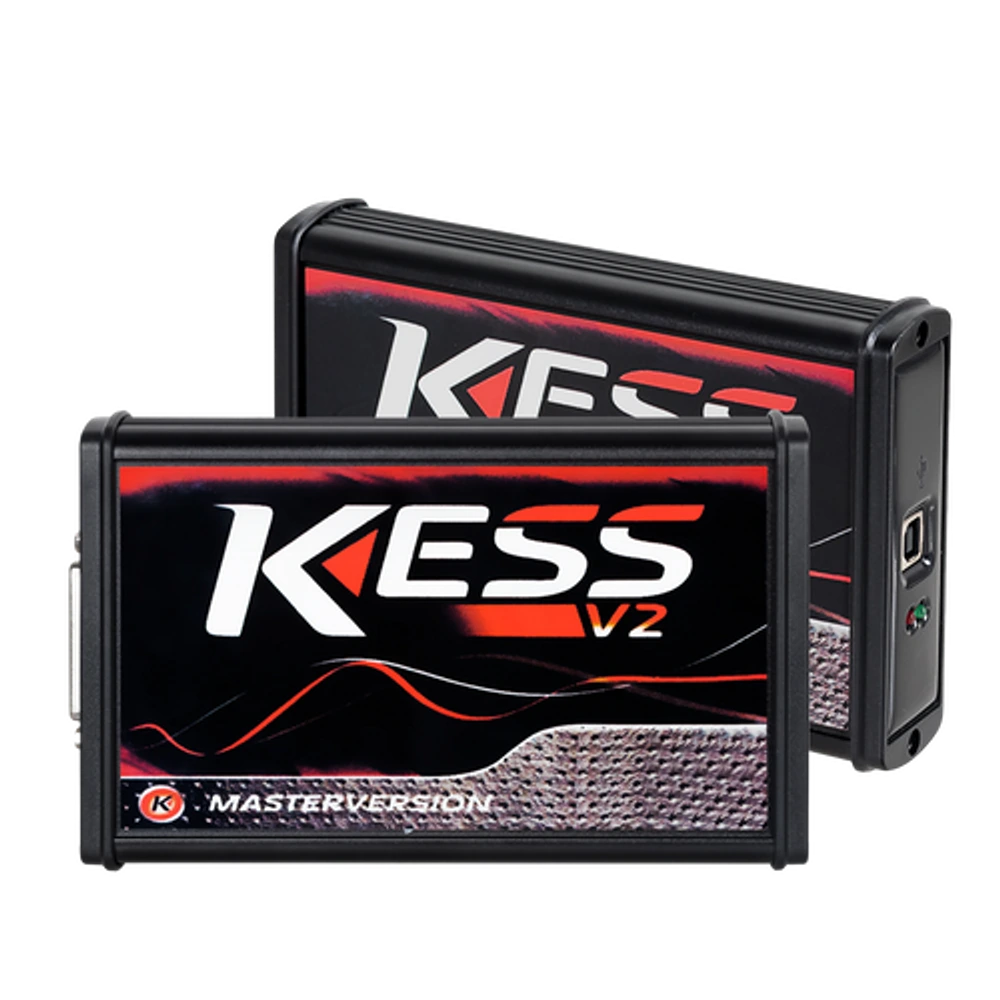
KESS V2 Master 5.017 is an OEM production Euro Clone, Red Board ECU programming device used for reading and writing via OBD on supported ECU protocols. It is not the current official Alientech KESS3.
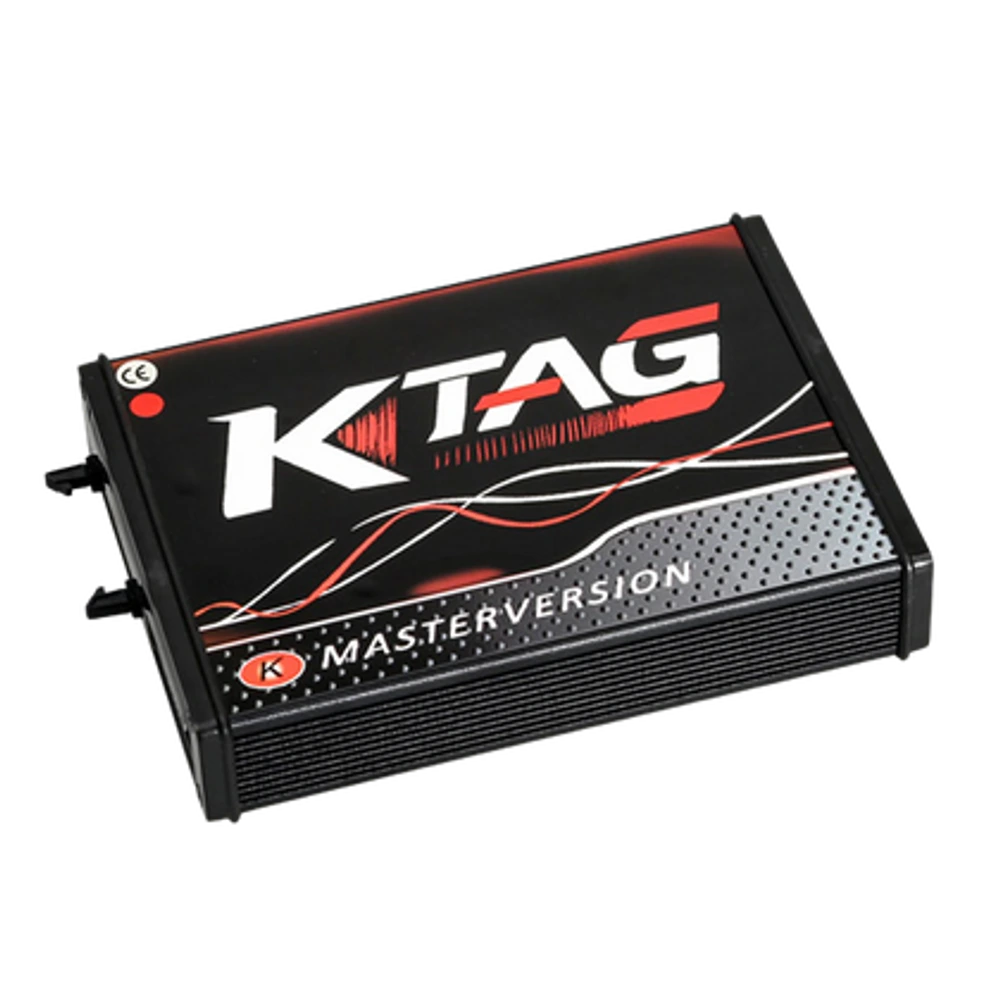
KTAG Master 7.020 is an OEM production Euro Clone, Red Board ECU programming device used for reading and writing via bench connection on supported ECUs. It is not the current official Alientech product.
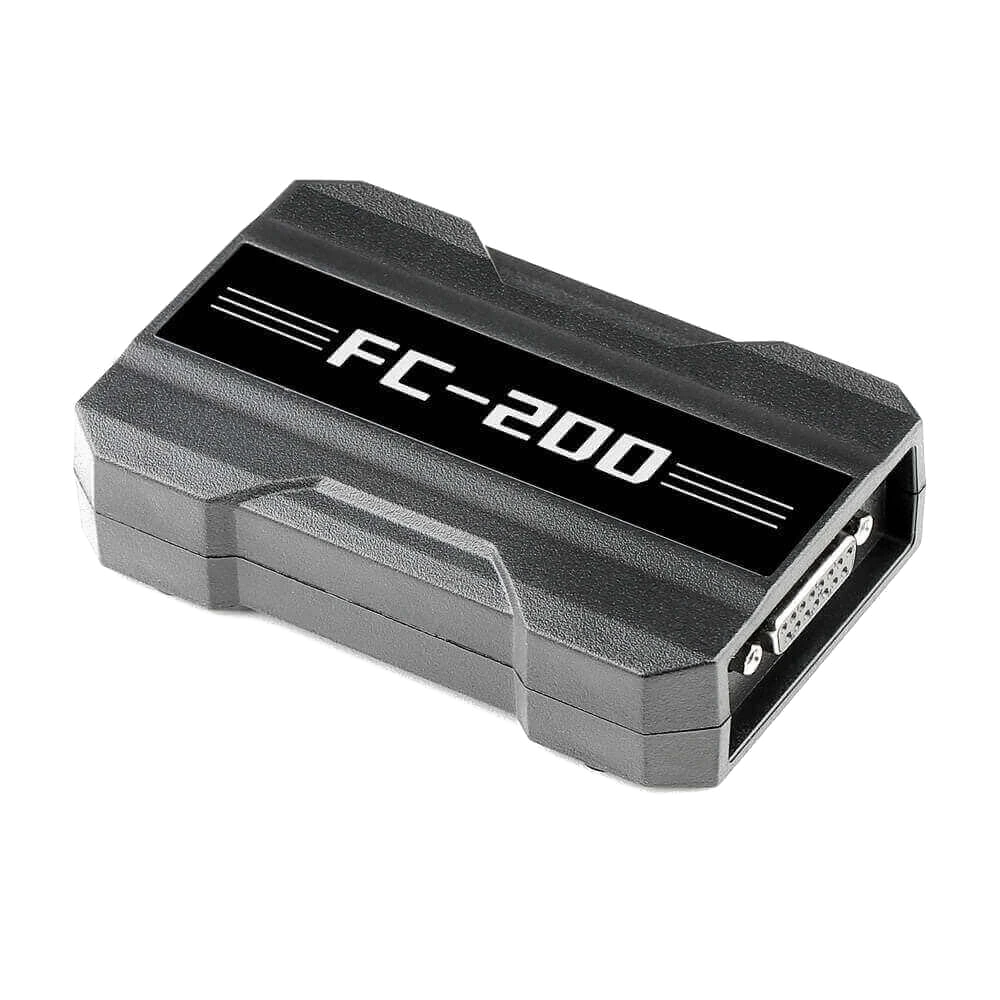
CGDI FC200 is a professional programming device developed for reading, writing, and cloning via OBD, Bench, and Boot on supported ECU and EGS modules; it also features Bosch ECU search, online checksum, and specific BMW ISN operations.