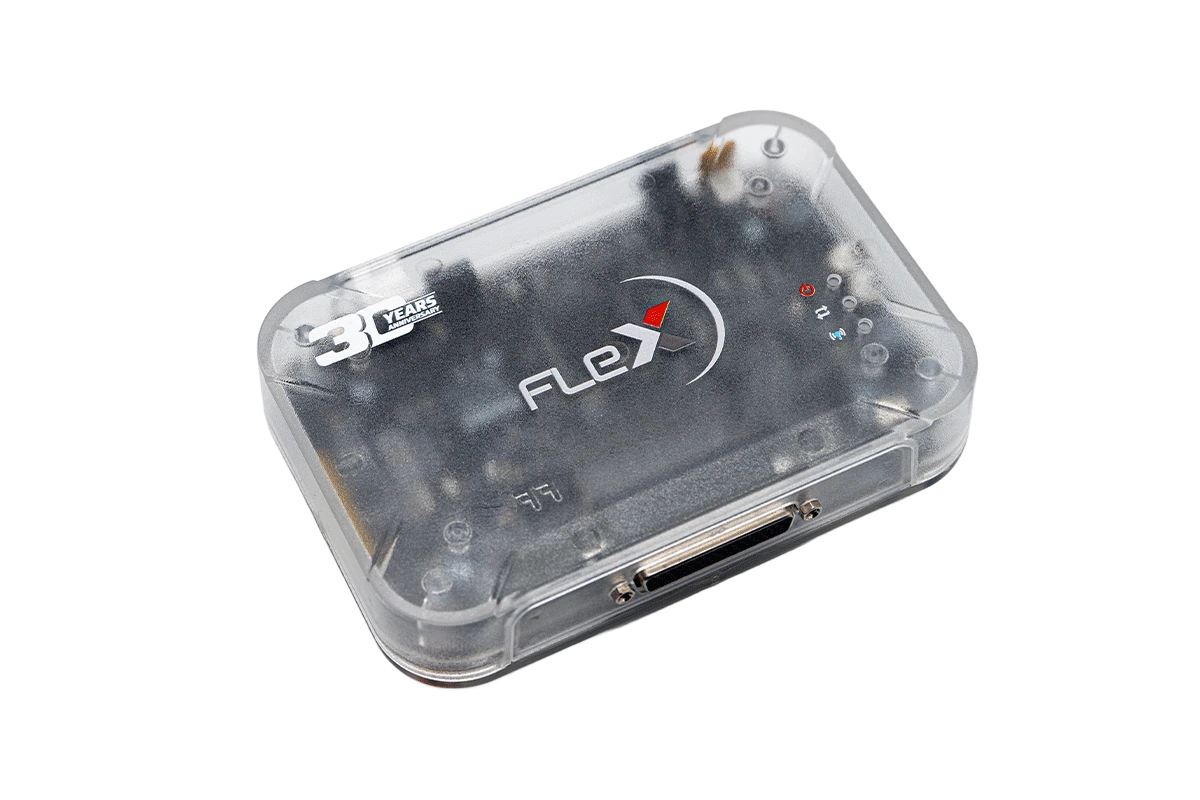
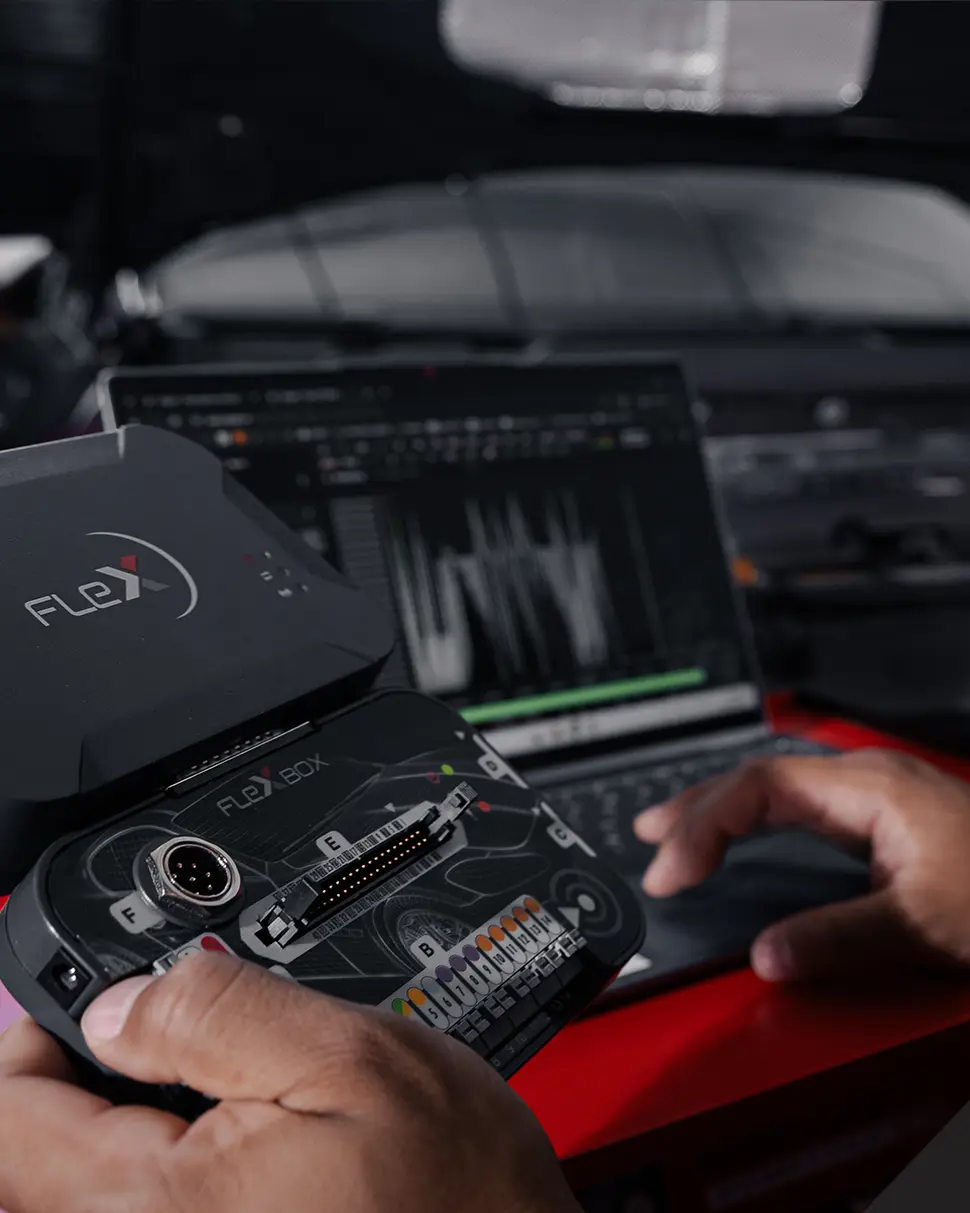
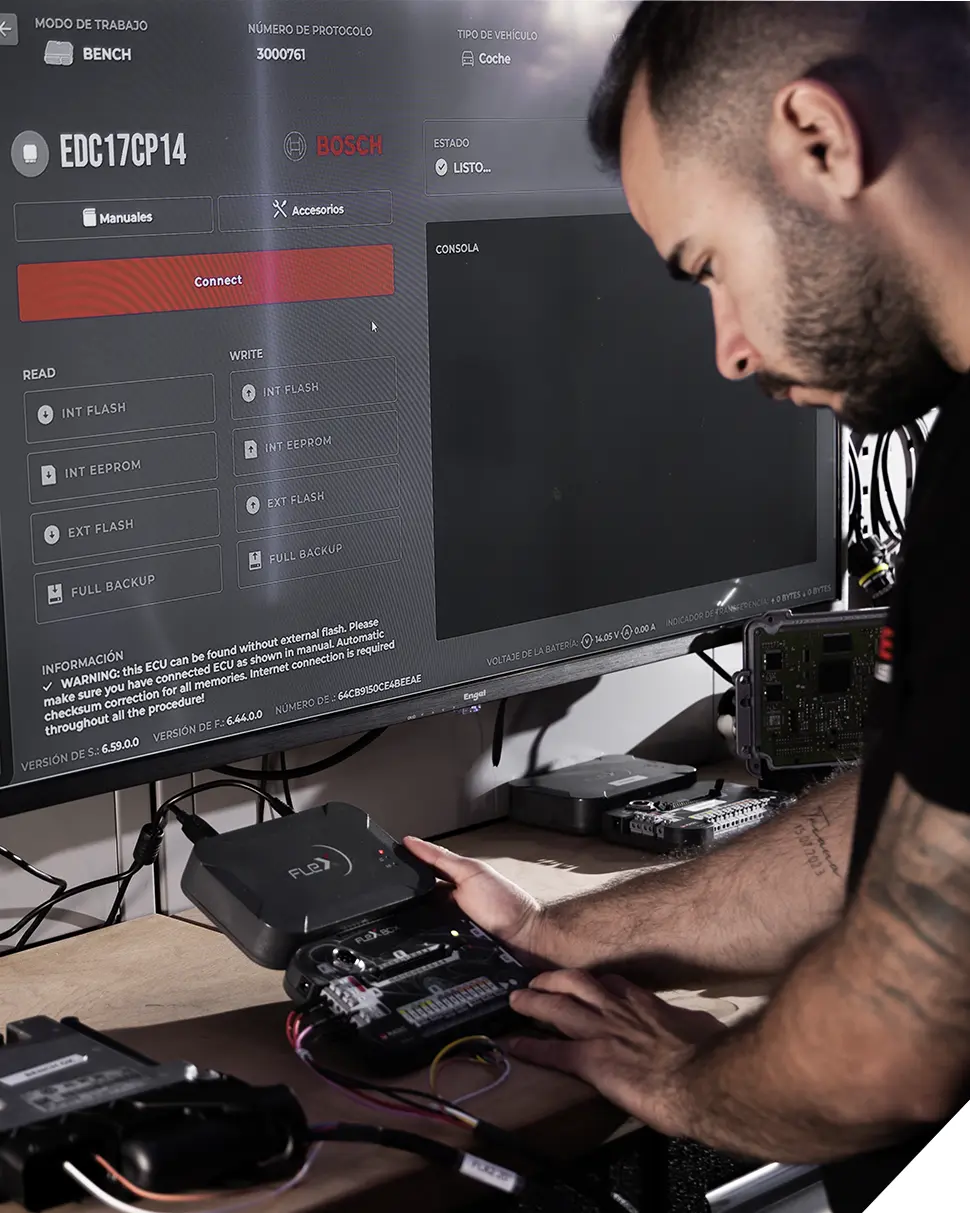
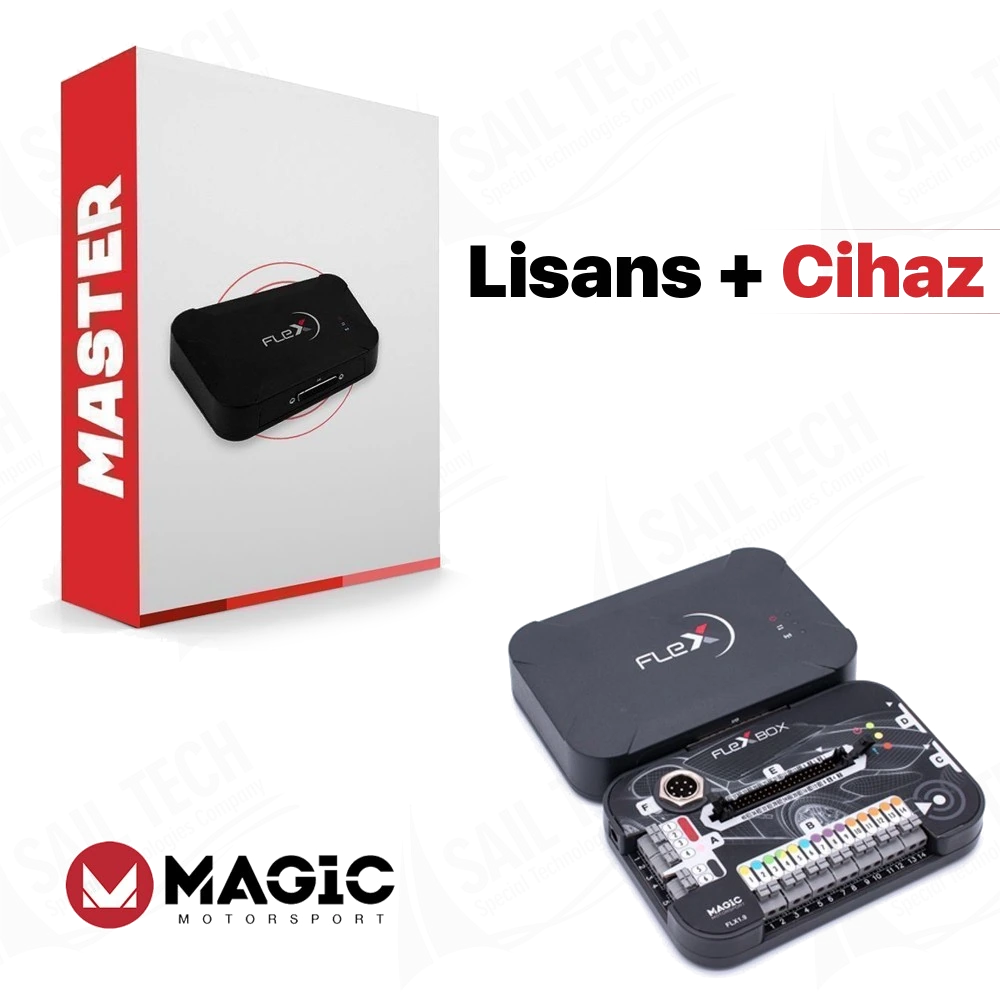
FLEX main programmer: common hardware used in Slave and Master packages.
FLEX main programmer: common hardware used in Slave and Master packages.FLEX hardware set: main device, FlexBox, and basic connection equipment.FLEX and FlexBox: the hardware basis for on-vehicle OBD and desktop Bench workflows.
Magicmotorsport · Vehicle coding and ECU programming devices
Magicmotorsport FLEX ECU OBD/Bench Slave Package
The Magicmotorsport FLEX Slave package combines FLEX and FlexBox hardware with an ECU OBD/Bench Slave license for reading and writing supported engine control units in cars, light commercial vehicles, and motorcycles via OBD or Bench connection.
OBD/Bench Slave license for car, light commercial, and motorcycle ECUs
FLEX main device, FlexBox, and basic connection equipment
Encrypted file processing flow via connected FLEX Master
ECU, protocol, and connection method check with the official vehicle list
In stockThe TRY price includes Turkish VAT. Import duties and local taxes are not included.
View installment options2–6 installments
Accepted cards
Single paymentSingle payment by card104.828,38 TL
2 installments38.437,07 TL per installment112.166,37 TL
3 installments56.083,18 TL per installment115,311.22 TRY
4 installments29,614.01 TRY per installment118,456.07 TRY
5 installments24,320.18 TRY per installment121,600.92 TRY
6 installments20,790.96 TRY per installment124,745.77 TRY
The exact plan and total amount will be shown again at the payment step.
✓Invoiced Product
✓Authorized Dealer
✓Guaranteed in Turkey
1 year free update
This package combines FLEX hardware with the FLS0.1S ECU OBD/Bench Slave license. TCU, Full Slave, processor-specific Boot packages, file editing software, and programming power supply may be separate products or licenses.
What is the Magicmotorsport FLEX ECU OBD/Bench Slave Package for?
The Magicmotorsport FLEX Slave package is for professional workshops that want to read and write supported engine control units in cars, light commercial vehicles, and motorcycles via OBD or Bench. The FLEX and FlexBox hardware in the package use the same physical basis as the Master version; the difference is in file authorization.
With the Slave license, the read file remains encrypted, the user cannot directly open and edit the file content, and works with the FLEX Master account to which the device is connected for modifications. The package is based on the FLS0.1S ECU OBD/Bench Slave scope; TCU, Full Slave, separate Boot processor packages, StageX, or any other calibration editor are not included in the standard scope.
Compatibility is not solely determined by the vehicle name; the vehicle type, make, model, engine, ECU manufacturer, ECU model, protocol, and software package must be found in the official FLEX vehicle list under the same entry.
What would you buy this for?
Chip tuning workshops that obtain file editing services from a trusted FLEX Master provider
Auto electronics services that want to perform OBD read/write on vehicles and Bench read/write on supported ECUs without opening the cover
Businesses that want to provide services with a controlled Master-Slave workflow without establishing their own calibration team
Professionals who want to manage car, light commercial vehicle, and motorcycle ECU tasks within the same FLEX software
ECU programming features
FLS0.1S ECU OBD/Bench Slave scope
Connected FLEX Master account
Current vehicle and protocol list
Stable internet and programming power supply
Vehicle Coverage
What vehicles does the Magicmotorsport FLEX ECU OBD/Bench Slave Package support?
The make name alone does not guarantee compatibility. Within the same make, model year, engine, chassis, control unit, communication protocol, and intended operation can yield different support results.
Vehicle Group
ECU, TCU, MCU, or EEPROM families found on the manufacturer's current protocol list
Supported makes
Multi-brand coverage; the current make list is obtained from the manufacturer's official vehicle or protocol database.
Supported models
Verified from the official coverage screen based on make, model, model year, engine or chassis, and control unit.
Scope of service
Code reading, live data, active test, service function, coding, and programming may be supported separately.
Connection conditions
FLS0.1S ECU OBD/Bench Slave scope, Connected FLEX Master account, Current vehicle and protocol list, Stable internet and programming power supply
The make and model examples on the page do not guarantee all production years and all functions.
Before any definitive operation, the manufacturer's current coverage record must be verified with the VIN or full vehicle information.
FLEX is a PC-based ECU programming platform used to access the software and memory content of supported engine control units. The FLS0.1S license in this package enables the official listed OBD and Bench protocols on car, light commercial vehicle, and motorcycle ECUs. The OBD operation is performed through the vehicle's diagnostic socket.
In Bench operation, the control unit is removed from the vehicle and connected to the socket pins via FlexBox without opening the cover. The software shows the available connection method, wiring diagram, and supported read/write operations for the selected vehicle or ECU entry.
The device's task is to read the file with a reliable transfer stream and rewrite the appropriate file; it does not prepare the performance map on its own. Since the content read in the Slave version is encrypted, file modification is done by the connected Master.
Reading and writing via OBD on supported ECUs
Bench connection without opening the cover on supported ECUs
Vehicle, ECU, and protocol selection in the FLEX software
Processing of the encrypted file with the connected Master
Product details
Verified features and package limitations
Magicmotorsport's official hardware page introduces FLEX as an ECU and TCU programmer; however, its actual functionality is determined by the active software license. The FLS0.1S defined in this product is an OBD and Bench Slave package for car, light commercial vehicle, and motorcycle ECUs.
The official license page states that full content read and write can be performed on supported ECU protocols via the Bench method without opening the control unit. This statement does not mean that a full backup of all ECUs will be taken with every connection; the memory areas and operations offered on each line are separate.
TCU OBD/Bench/Boot Slave FLS0.2S, Full Slave FLS0.5S, and processor family-specific Boot licenses are separate products in the official store. The mention of Boot, TCU, or all protocols in a competitor's listing does not expand the scope of this package.
Product Type
PC-based FLEX ECU programming hardware and Slave licenseNot a general diagnostic tablet or standalone file editor.
Software package
FLS0.1S ECU OBD + Bench SlaveAimed at car, light commercial vehicle, and motorcycle ECU protocols.
Connection methods
OBD and BenchThe method to be used is determined by the ECU and protocol entry.
File authorization
Encrypted Slave fileRequires the connected FLEX Master account for modification.
Computer
Windows 10 or newerInternet connection is required for FLEX software and activation.
Product details
The real difference between Slave and Master
FLEX hardware uses the same physical platform for Slave and Master licenses. The fundamental difference is the ownership and processing authority of the file obtained from the device. The Master license can work with plain text or BIN files; the user can open the file themselves in compatible calibration software. The Slave license produces the file encrypted.
The Slave user cannot view the file's maps or operate them freely in a different file service. The read is sent to the Master, the Master makes the appropriate modification, and returns the re-encrypted write file. According to the official description, the Slave device connects to a FLEX Master account.
Master modification is not a simple setting; explicit permission from the existing Master may be required. Therefore, file delivery time, support hours, per-file fees, revision policy, and the types of calibrations performed by the Master are as important as the price and are part of the business model.
Same hardware; different file access authority
Only the connected Master can open and process the Slave file
Master selection affects the long-term workflow during the activation phase
Product details
ECU read and write scenario via OBD
Official usage graphic: FLEX hardware, FlexBox, and software in the same workflow.
The first step in on-vehicle OBD operation is not to guess the vehicle's make and model name but to find the correct ECU and protocol entry in the FLEX software. The selected entry may offer OBD read or virtual read; some entries provide only write or identification read, or more limited operations.
The vehicle battery is maintained at a constant voltage according to the manufacturer's procedure throughout programming. The computer's sleep mode, automatic restart, and wireless network switching are turned off. After identification reading is complete, the original file is obtained and matched with the work order.
The Slave file is sent to the Master; it is checked that the received file belongs to the same job and matches the vehicle, ECU, and software identification. The ignition, voltage, and cable connections are not changed during writing. Finally, the ECU is re-identified, fault codes are read, and the basic engine operation is observed.
OBD appearance does not mean the operation is risk-free; the correct protocol and stable power are always mandatory.
Selecting the correct ECU and protocol entry
Maintaining the vehicle battery at programming voltage
Archiving the original read with the work order and vehicle identification
Post-write identification, error log, and operation check
Product details
Programming scenario via Bench without opening the cover
Official usage graphic: removed ECU, FlexBox, and Bench operation via computer.
In Bench operation, the ECU is removed from the vehicle and powered via the socket pins on a workbench. FLEX, FlexBox, the appropriate cable harness, and the official connection diagram are used together. This method can provide full content read and write on supported ECUs without opening the cover.
However, the FLASH, EEPROM, map area, and backup types offered by each Bench line are not the same. Power, ground, CAN, and additional communication lines if necessary are checked by pin number; connections are not made by looking at wire color. A current-limited and stable bench power supply is used.
Before initial energization, the risk of reverse polarity, short circuit, and incorrect socket is checked again. The read file is saved without modification. In the Slave workflow, the file received from the Master is written only for the same job and ECU identification.
After programming is complete, a verification read is taken; when the ECU is installed in the vehicle, communication, fault codes, and basic functions are checked.
Matching the ECU socket, hardware number, and connection diagram
Using a current-limited bench power supply
Archiving FLASH and EEPROM areas according to the protocol line
Post-write verification and on-vehicle communication check
Product details
Slave file sending scenario to Master
The commercial value of a Slave device is not measured solely by read and write speed; the file process with the Master determines the daily capacity. When the workshop completes the read, the vehicle, engine, ECU hardware-software number, fuel type, work to be done, and previous software information, if any, are recorded along with the file.
The Master checks that the file belongs to this vehicle and prepares the requested calibration. The workshop looks at the work record within FLEX, the ECU identification, and the Master's response, not the file name. If there are multiple reads for the same vehicle, each file is stored separately with date, time, and status.
When a revision is requested, the original file is not deleted. The Master's response time, weekend support, per-file fee, and post-faulty-write support affect the delivery promise made to the customer. FLEX Slave does not eliminate calibration knowledge; it transfers this expertise to the Master side.
Saving each read with vehicle and ECU identification
Clearly stating the work to be done in the Master request
Storing original, first write, and revision files separately
Adding file fee and delivery time to service cost
Product details
Vehicle and ECU compatibility check scenario
The FLEX vehicle list offers filters for vehicle type, engine, fuel, ECU manufacturer, ECU model, power, model year, connection method, and software package, in addition to make and model search. For correct identification, the vehicle's registration information is matched with the ECU label in the same entry.
Different ECUs can be found with similar engine codes; hardware or software revisions of the same ECU family can change the supported operation. A line in the vehicle list separately indicates the requirement for OBD, Bench, or special service.
The FLS0.1S package must be present on the line; a protocol only available for Master or Full package cannot be used with this Slave license. Operations such as read, write, checksum, virtual read, or full backup are also examined on a line-by-line basis.
Compatibility check is not a one-time permanent check; as the FLEX protocol list is updated, the current entry is reopened at the start of each work order.
Matching vehicle type, engine, and ECU label in the same entry
Checking that the FLS0.1S software package is included in the protocol
Selecting OBD or Bench method from the official line
Examining read, write, and memory areas on an operation-by-operation basis
Product details
Box contents and separately purchasable equipment
The official FLEX hardware set includes the main programmer, FlexBox module, and basic connection equipment. The current official page lists FLEX, FlexBox, cables and connectors, FLX2.14 female OBD cable, and adapter sets for connection to different control units as parts of the hardware kit.
The quantity of parts in the sales package is listed on the invoice and shipping list. Any special ECU cables, jigs, probes, carrying cases, trolleys, Korhex, or programming power supplies shown in the photo are not included in the standard delivery. The FLS0.1S software is a separate activation from the physical cable and is assigned to the device serial number.
Additional cables or different licenses may be required for specific Bosch MDG1, EDC, EMS, or heavy-duty vehicle tasks. Upon opening the box, the device serial number, FlexBox, power components, OBD cable, and adapters should be compared with the shipping list.
FLEX main programmer and FlexBox module
Basic OBD, USB, power, and FlexBox connection equipment
Pin and adapter set included in the current kit
FLS0.1S ECU OBD/Bench Slave software activation
Product details
Activation, updates, support, and warranty
After the device is received, product activation is opened in the Magicmotorsport account, and the FLEX serial number is entered. The email address or FLEX serial number of the Master account is defined for the Slave license.
The official hardware page states that when a software package is purchased with FLEX, a one-year subscription and software updates with new solutions during this period are included. It is explained that after the period ends, work can continue with previously purchased updates, but new protocols will not be added.
With an active subscription, there are limited lifetime warranty conditions for FLEX and FlexBox; conditions such as inspection of damage by technical support and shipping apply. The first point of contact for file and operation support for the Slave user may be the connected Master.
Subscription, Master file fee, and hardware warranty are not the same service; they should be tracked as separate items in the total usage cost.
Activation in the Magicmotorsport account with serial number
Connecting the Slave device to the selected FLEX Master account
One-year subscription information included with the purchased software package
Tracking subscription, file service, and warranty conditions separately
Product details
What to look for when comparing FLEX Slave prices?
Comparing only the visible price in FLEX listings can lead to selecting the wrong package. One listing may show only the FLK02 hardware, another the FLS0.1S ECU OBD/Bench Slave license, and another the Full Slave FLS0.5S software or a combined hardware-software package.
At Otobiltek, this product is offered as a single package with FLEX hardware and ECU OBD/Bench Slave scope. TCU, Full Slave, processor-specific Boot license, StageX, Korhex, additional cables, and programming power supply are not included in the standard package.
This distinction prevents the incorrect matching of a lower-priced incomplete listing with a higher-priced complete package.
Checking FLK02 hardware and FLS0.1S license separately
Separating subscription and Master file service from the device price
Not considering TCU, Full Slave, Boot, and additional accessories as standard package
Product details
How was the technical information on this page verified?
The hardware, license, and Master-Slave difference on the page were compared with Magicmotorsport's official FLEX product page, official store hardware record, FLS0.1S license page, and current vehicle list. Seller pages appearing in search results in Turkey were examined for title, package description, price presentation, and Master-Slave clarity. Competitor texts were not copied.
Claims such as independent file editing not matching official sources, inclusion of all TCU and Boot operations, or working on every vehicle were not used. Magicmotorsport's actual FLEX, FlexBox, and kit photos are included in the gallery; the device casing was not artificially generated or redrawn.
This text is Otobiltek's independent sales and technical information content; it is not a manufacturer or test laboratory statement. The last technical resource date is shown separately, as protocol and subscription conditions may change.
Package code and functions were taken from the official FLS0.1S license page
Slave file authority verified with official FLEX FAQ explanation
Official vehicle and protocol list cited for compatibility
Unverified absolute promises from competitor listings were not carried over to the page
Product details
What similar products is the FLEX ECU OBD/Bench Slave Package model compared with?
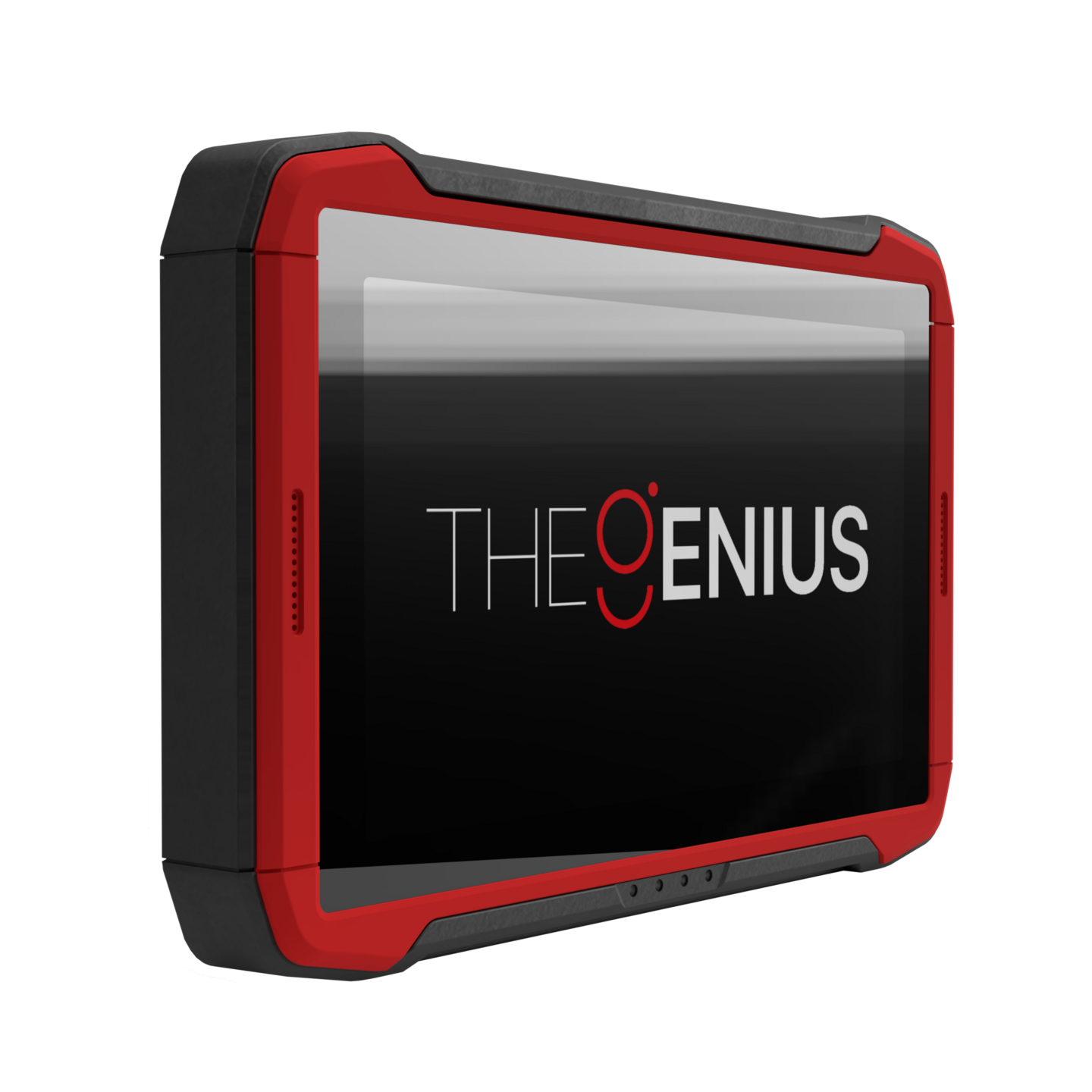
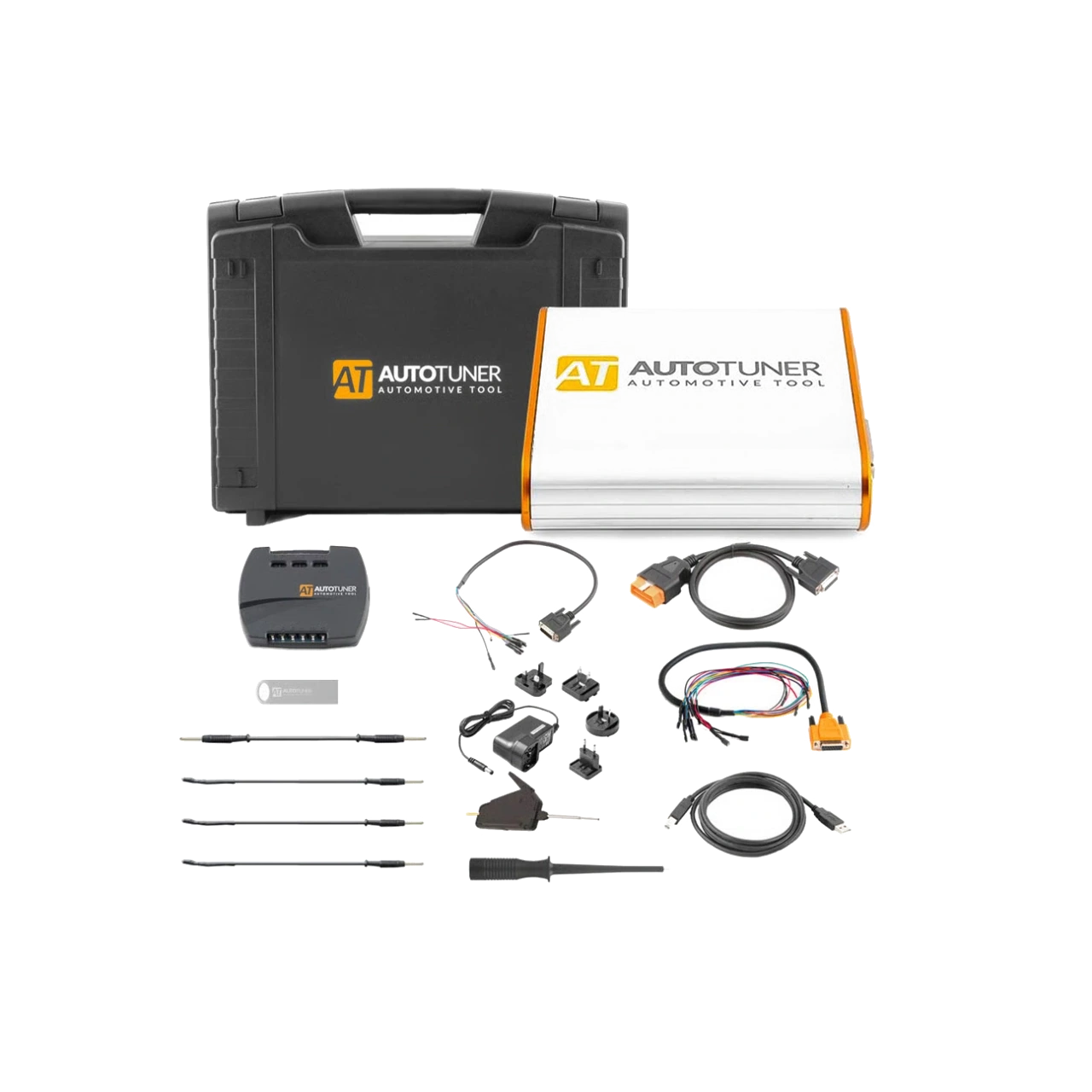
The choice between the FLEX ECU OBD/Bench Slave Package model, Dimsport TheGenius OBD, Bench and Open Programming Device, AutoTuner Tool Master and Slave ECU Programming Device, Magicmotorsport FLEX ECU OBD/Bench Master Package, and CGDI FC200 ECU Programming and Chip Tuning Device is made based on supported functions, connection, and package differences.
TheGenius offers an independent touch-based OBD/BENCH/OPEN workflow; AutoTuner and FLEX execute Master and Slave file workflows under different manufacturer conditions; FC200 and Multi-Prog have different module programming roles. Similar device names do not indicate the same file ownership, connection, cloning, or writing scope.
The FLS0.1S ECU OBD/Bench Slave scope, connected FLEX Master account, current vehicle and protocol list, and stable internet and programming power supply are examined for the FLEX ECU OBD/Bench Slave Package model through full ECU identification and connection method.
In comparison with Dimsport TheGenius OBD, Bench and Open Programming Device, AutoTuner Tool Master and Slave ECU Programming Device, Magicmotorsport FLEX ECU OBD/Bench Master Package, and CGDI FC200 ECU Programming and Chip Tuning Device, OBD, Bench, or Boot access; protocol scope; license conditions; box contents, and backup method are checked separately.
A longer vehicle list does not solely indicate that a specific ECU and operation are supported.
Dimsport TheGenius OBD, Bench and Open Programming Device: on-vehicle OBD read and write on supported protocols and Bench connection on supported units
AutoTuner Tool Master and Slave ECU Programming Device: ECU and TCU OBD read/write and Bench connection without opening the cover
Magicmotorsport FLEX ECU OBD/Bench Master Package: ECU OBD read and write and Bench programming without opening the cover
CGDI FC200 ECU Programming and Chip Tuning Device: ECU and EGS read/write/cloning and OBD, Bench, and Boot connection
Related pages
Related content for Magicmotorsport FLEX ECU OBD/Bench Slave Package
Frequently asked questions about Magicmotorsport FLEX ECU OBD/Bench Slave Package
What license is included in the Magicmotorsport FLEX Slave package?
This package is based on the FLS0.1S ECU OBD + Bench Slave license. It is intended for supported OBD and Bench protocols in car, light commercial, and motorcycle ECUs.
Can I edit the file read with FLEX Slave myself?
No. The Slave file is generated encrypted and its content cannot be directly opened by the user. Modifications are made through the FLEX Master account to which the device is connected.
Does this package include TCU programming?
No. TCU OBD/Bench/Boot Slave FLS0.2S and Full Slave FLS0.5S are separate licenses. TCU scope is not considered included unless explicitly stated in the product name and order record.
Does FLEX Slave work in Boot mode?
This FLS0.1S package covers ECU OBD and Bench. Separate licenses specific to processor families or Full Slave may be required for certain Boot operations. The current protocol line should be checked.
Does FLEX Slave read and write ECUs on every vehicle?
No. Supported vehicle types vary by manufacturer, model, engine, ECU manufacturer, ECU model, year, connection method, and license package. The FLS0.1S line should be searched for in the official FLEX vehicle list.
Is selecting a Master mandatory to use a Slave device?
Yes. In the official activation flow, the Slave user enters the email address or FLEX serial number of the Master account. File modifications are processed through this Master.
Can I switch from Slave to Master later?
Magicmotorsport may offer license upgrade options; the current upgrade cost, existing package, and account connection should be checked through the official account at the time of purchase.
What computer is required for FLEX?
The official page offers the FLEX software for Windows 10 and newer Windows versions. A stable internet connection is required for activation, vehicle lists, file transfer, and support.
Is an external power supply necessary during programming?
Yes. A programming support unit is used for on-vehicle OBD operations, and a current-limited stable power supply suitable for the diagram is used for Bench operations. USB connection does not replace ECU power supply.
Is a one-year update package included?
The official hardware page states that a one-year subscription is included when the FLEX and software package are purchased together. The account record and sales document at the time of activation apply.
Does the device shut down if the subscription is not renewed?
According to the official statement, previously obtained updates can continue to be used; new protocols and updates will not be provided. Services connected to the server may have separate conditions.
Is Master file service included in the FLEX Slave price?
No. The product price is for the hardware and the specified Slave license package. The Master's file preparation, revision, and technical support fees are under the separate terms of the selected service provider.
Comparison
Similar models to Magicmotorsport FLEX ECU OBD/Bench Slave Package
Compare products in the same class with information on usage level, service tasks, and price.
The Magicmotorsport FLEX Master package combines FLEX, FlexBox, and the FLS0.1M license for reading and writing supported engine ECUs in cars, light commercial vehicles, and motorcycles via OBD or Bench connection, enabling independent operation with open file flow.
Dimsport TheGenius is a professional programming tool that combines New Genius and New Trasdata functions on a 10.1-inch touch, standalone platform, offering OBD, BENCH, and OPEN operating modes for supported control units. The sales package and active protocols must be confirmed based on the offer.
On-vehicle OBD reading and writing for supported protocols
AutoTuner Tool is a professional ECU programming device that performs read-write operations on supported engine and transmission control units via OBD, Bench, and Boot, with the option of open file Master or linked file service Slave.
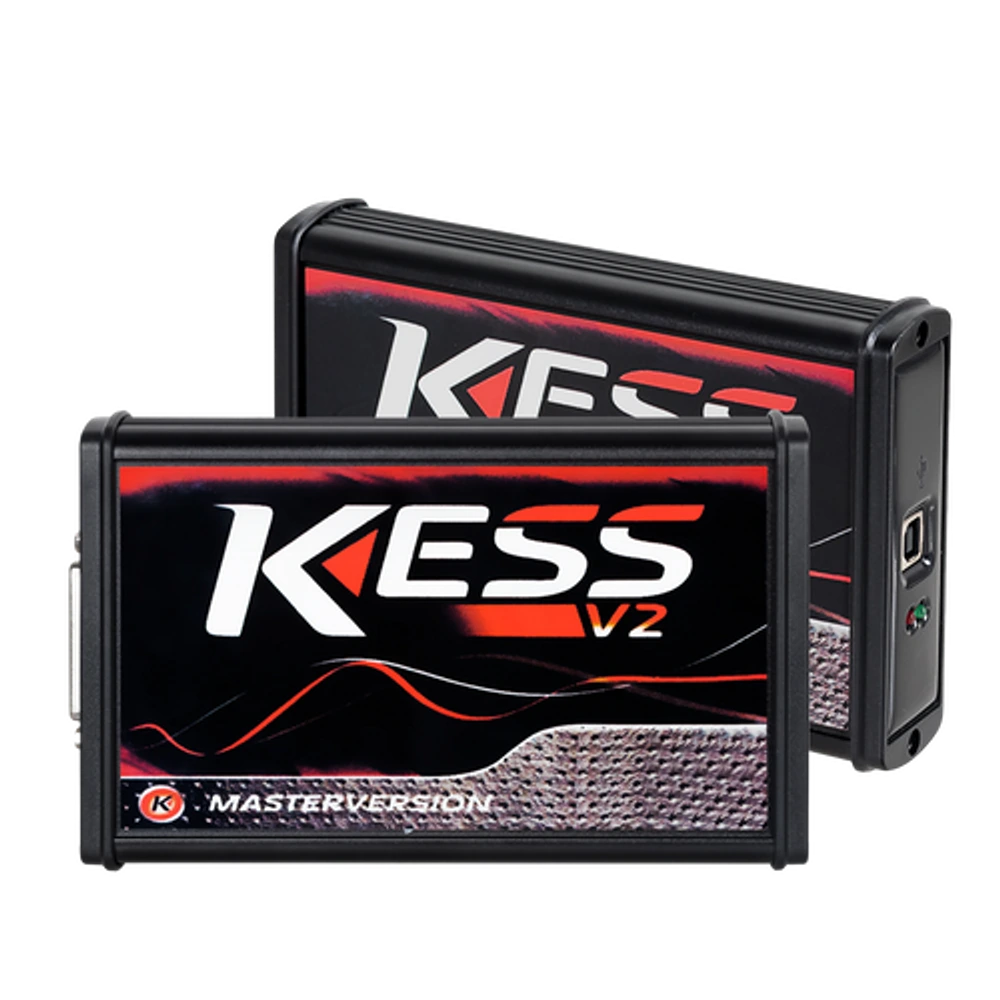
KESS V2 Master 5.017 is an OEM production Euro Clone, Red Board ECU programming device used for reading and writing via OBD on supported ECU protocols. It is not the current official Alientech KESS3.