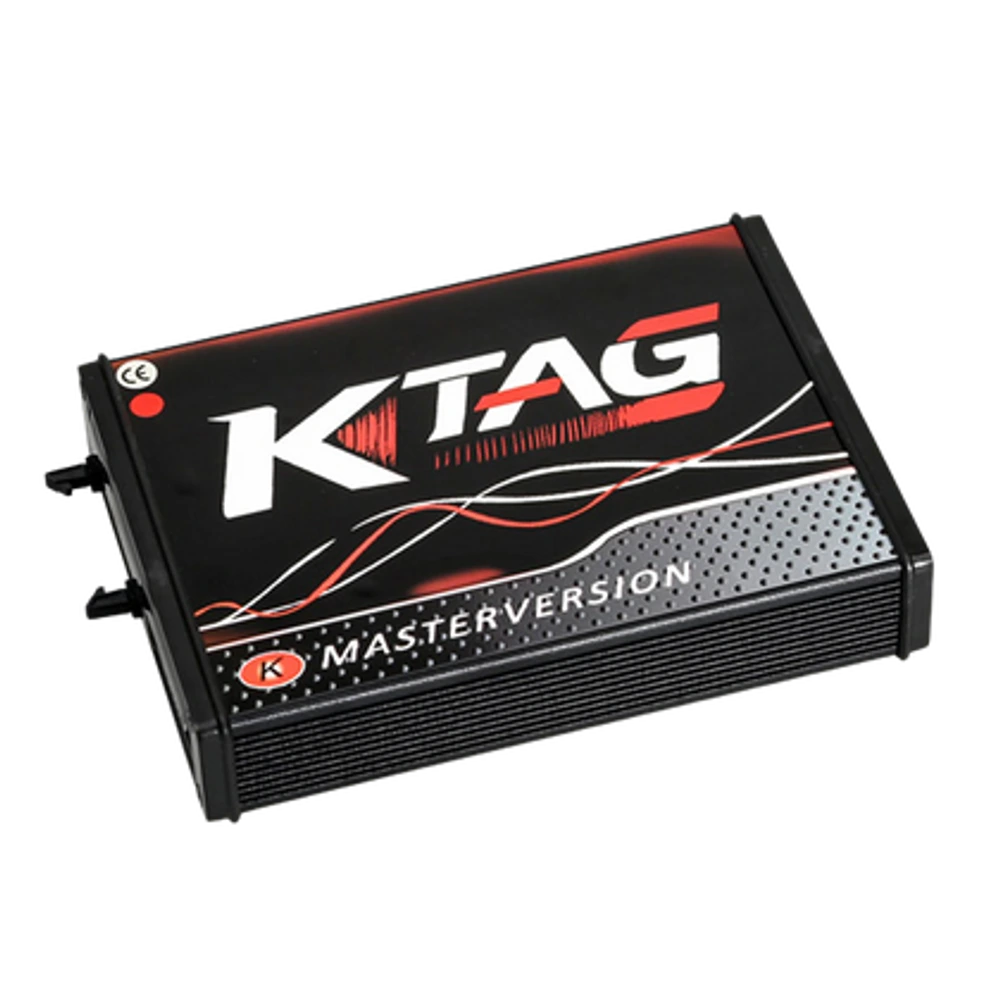
KTAG Master 7.020 OEM/Euro Clone main device view.
OEM | Vehicle coding and ECU programming devices
KTAG Master ECU Programming and Chip Tuning Device
KTAG Master 7.020 is an OEM production Euro Clone, Red Board ECU programming device used for reading and writing via bench connection on supported ECUs. It is not the current official Alientech product.
Before ordering, have the ECU label photo, full part number, and intended operation ready. KTAG support is verified only with the current protocol and connection instructions.
Product information
What is the KTAG Master ECU Programming and Chip Tuning Device used for?
KTAG Master 7.020 is an OEM production Euro Clone device used for read and write operations via bench connection on supported ECUs. It is not a current official Alientech device. For the correct selection, the ECU part number, processor, connection method, required adapter, and software protocol must be verified together before the operation.
What would you buy this for?
Electronics workshops operating with bench connection on removed ECUs
Technicians verifying ECU label and processor
Services using ESD protection, current-limited power, and file backups
Users requiring device and driver checks during initial installation
ECU programming features
HW 7.020 Master variant
ECU part number and processor
Correct pin diagram and stable power
OEM/Euro Clone product identity
Vehicle Coverage
Which vehicles does the KTAG Master ECU Programming and Chip Tuning Device support?
The make name alone does not guarantee compatibility. Within the same make, model year, engine, chassis, control unit, communication protocol, and intended operation can yield different support results.
Vehicle Group
ECU, TCU, MCU, or EEPROM families found on the manufacturer's current protocol list
Supported makes
Multi-brand coverage; the current make list is obtained from the manufacturer's official vehicle or protocol database.
Supported models
Verified from the official coverage screen based on make, model, model year, engine or chassis, and control unit.
Scope of service
Code reading, live data, active test, service function, coding, and programming may be supported separately.
Connection conditions
HW 7.020 Master variant, ECU part number and processor, Correct pin diagram and stable power, OEM/Euro Clone product ID
The make and model examples on the page do not guarantee all production years and all functions.
Before any definitive operation, the manufacturer's current coverage record must be verified with the VIN or full vehicle information.
The variant on sale is a Master class OEM/Euro Clone device equipped with 7.020 and uses the circuit structure known in the market as Red Board. The product is not presented as a current official Alientech solution. Alientech's official support conditions list the K-TAG model among discontinued products whose production and updates have ended.
HW 7.020 Master variant
OEM/Euro Clone product
Red Board circuit structure
Not a current official Alientech product
Product details
What is KTAG used for?
KTAG is used to access supported ECUs in the current software via bench connection outside the vehicle. Depending on the protocol, connection flows called Bench, Boot, or BDM may be encountered; not all of these methods are available for every ECU. Reading or writing should not be initiated without verifying the correct pin layout, supply voltage, processor selection, and connection instructions.
ECU access on the bench
Protocol-based Bench, Boot, or BDM
ECU label and processor verification
Operation according to connection diagram
Product details
Free initial setup support
The delivered device and legal software package are checked on a Windows computer; driver recognition, USB connection, and initial device power-on are verified. Download packages from unverified sources, third-party accounts, or license cracking services are not provided. ECU connection is made separately from installation according to current protocol instructions.
Windows and USB check
Driver and device recognition
Initial power-on support
No unauthorized software or activation
Product details
Secure bench procedure with KTAG
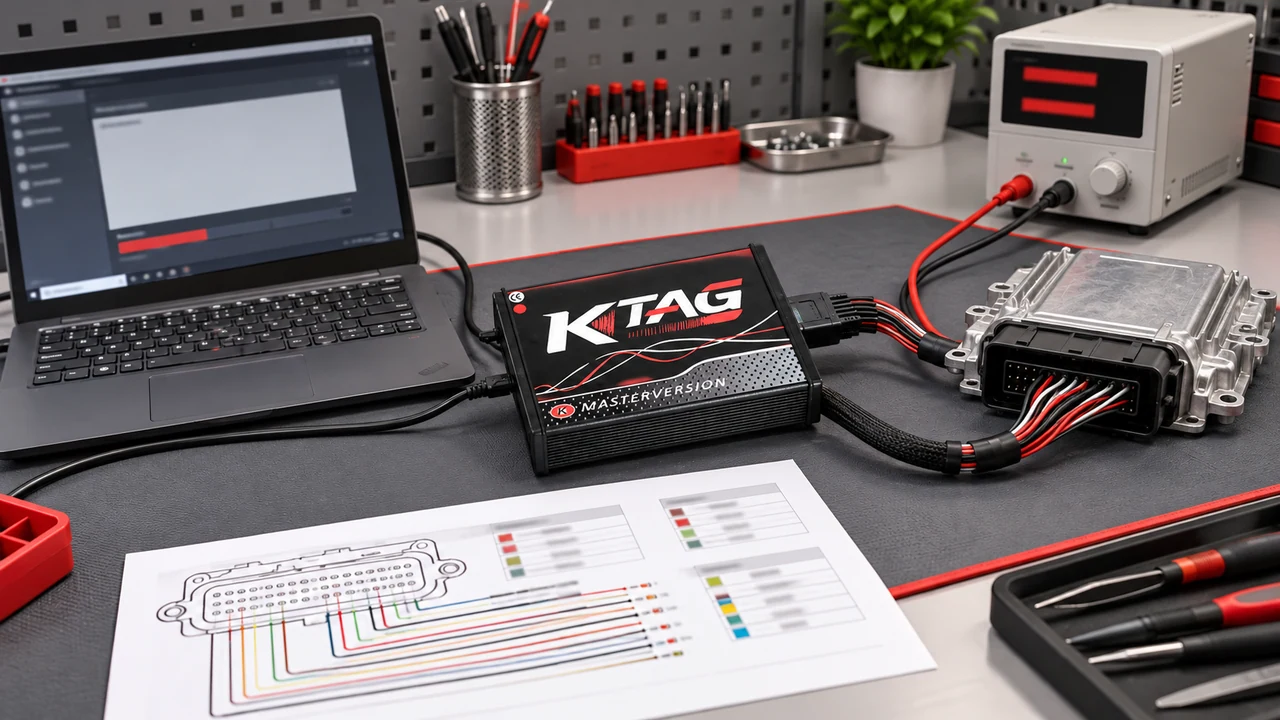
In KTAG bench work, the correct pin diagram, ESD protection, and current-limited stable power are used together.
Before the ECU is placed on the bench, the label and current physical condition are recorded. An ESD-protected work area, a current-limited stable power supply, and the correct pin diagram are used. The first successful read is stored in two separate locations without modification.
Power, USB, and computer are not interrupted during writing; verification and on-vehicle communication check are performed at the end of the operation.
ESD protection and current-limited power
Pin and voltage check
Two separate original file backups
Post-writing verification
Product details
KTAG or KESS V2?
If OBD connection on the vehicle is targeted, check KESS V2 protocols first; if bench connection on a removed ECU is required, check KTAG protocols. Some operations are supported by only one of these methods. Therefore, the decision is made based on the exact ECU ID and the desired memory operation, not the vehicle name or device price.
Check KESS V2 coverage for OBD tasks
Check KTAG coverage for bench tasks
Determine exact ECU and memory operation
Follow current connection instructions
Product details
Verifying ECU label and processor with the KTAG Master ECU Programming and Chip Tuning model
Before verifying the ECU label and processor with the KTAG Master ECU Programming and Chip Tuning model, the ECU label, part number, and processor information (if any) are recorded. With the HW 7.020 Master variant, the ECU part number and processor are verified within the same protocol record.
The connection diagram is opened; pins and supply voltage are measured. The first step is only to read the ECU ID. File operations are not initiated without adding the read ID to the work order.
Record ECU label and part number
Verify connection method with protocol
Check pins and power supply
Read ECU ID only
Product details
Establishing bench connection with the correct pin diagram using the KTAG Master ECU Programming and Chip Tuning model
The KTAG Master ECU Programming and Chip Tuning model connection is prepared according to the OBD, Bench, Boot, or BDM method in the current protocol instruction. The ECU part number and processor are matched with the correct pin diagram and stable power using the device and cable set.
Power supply and computer sleep settings are checked. The first successful read is stored in two separate locations without modification. The process does not proceed without verifying the backup size and ID.
Select the correct cable and adapter
Prepare USB connection with stable power
Obtain the first read without modification
Verify backup in two separate locations
Product details
Backing up the original ECU file in two locations with the KTAG Master ECU Programming and Chip Tuning model
If writing is to be done with the KTAG Master ECU Programming and Chip Tuning model, the target file is compared with the exact ECU ID and the current software record. The correct pin diagram and stable power with OEM/Euro Clone product ID are re-checked before the operation begins.
Power and USB connection are maintained uninterrupted throughout the writing process. The software completion notification is recorded. Then, the ECU is re-identified and communication is checked.
Match target file with ECU ID
Maintain connection throughout the operation
Record writing result
Re-check ECU communication
Product details
Checking ECU communication after writing with the KTAG Master ECU Programming and Chip Tuning model
After the KTAG Master ECU Programming and Chip Tuning model operation, the initial ID, the connection method used, and the writing result are kept in the same service record. The OEM/Euro Clone product ID and HW 7.020 Master variant are re-evaluated in the final check. ECU error or communication status is read.
Basic operation check on the vehicle is completed according to the manufacturer's procedure. The unmodified original backup is preserved for return.
Compare initial and final ID record
Re-read error status
Complete basic operation check
Preserve original backup in service record
Product details
How to verify vehicle coverage with the KTAG Master ECU Programming and Chip Tuning model?
Definitive compatibility cannot be stated for the KTAG Master ECU Programming and Chip Tuning model without selecting the vehicle make, model, year, engine, control unit, and the intended operation together.
The valid coverage for the KTAG Master ECU Programming and Chip Tuning model is checked via the exact ECU ID and connection method in the protocol list of the delivered device.
Simply seeing the vehicle make or model in the list when evaluating the KTAG Master ECU Programming and Chip Tuning model does not prove that reading, writing, cloning, or any other operation is supported.
Before ordering, prepare the VIN or exact model information, model year, engine/chassis distinction, and the intended operation for the KTAG Master ECU Programming and Chip Tuning model; software version, license duration, VCI, adapter, and regional package should also be checked.
KTAG Master ECU Programming and Chip Tuning model: prepare make, model, model year, and engine/chassis information
KTAG Master ECU Programming and Chip Tuning model: select desired system and operation separately; read, live data, active test, coding, or programming
KTAG Master ECU Programming and Chip Tuning model: verify ECU and function line on official coverage vehicle
KTAG Master ECU Programming and Chip Tuning model: check VCI, cable, adapter, license, and regional package conditions
KTAG Master ECU Programming and Chip Tuning model: perform final check with VIN and manufacturer procedure before definitive operation
Product details
KTAG Master ECU Programming and Chip Tuning model technical specifications and compatibility information
The HW 7.020 Master variant, ECU part number and processor, correct pin diagram, and stable power with OEM/Euro Clone product ID determine which ECU and connection method the device will be used with.
When performing bench connection on supported ECUs, reading and backing up ECU files, and writing ECUs according to the connection diagram with the KTAG Master ECU Programming and Chip Tuning model, the ECU label, processor or control unit family, protocol, cable or adapter, and stable power conditions are verified together.
Reading, writing, cloning, and checksum are not the same operations; only the step explicitly supported in the current technical documentation should be applied.
HW 7.020 Master variant: official technical documentation and product label are the basis for the KTAG Master ECU Programming and Chip Tuning model
ECU part number and processor: official technical documentation and product label are the basis for the KTAG Master ECU Programming and Chip Tuning model
Correct pin diagram and stable power: official technical documentation and product label are the basis for the KTAG Master ECU Programming and Chip Tuning model
OEM/Euro Clone product ID: Based on official technical documentation and product label for KTAG Master ECU Programming and Chip Tuning model
Product details
How to use the KTAG Master ECU Programming and Chip Tuning model in the workshop?
Working with the KTAG Master ECU Programming and Chip Tuning model begins by writing the bench connection request for supported ECUs with full ECU identification into the work order. The technician verifies the HW 7.020 Master variant condition, protocol, connection diagram, and power supply. The first successful read is saved in two separate locations without modification.
If writing is required, the target file is matched with the ECU ID, and the connection is maintained throughout the operation. In the final check, ECU communication, writing result, and the unmodified original backup are shown in the same service record.
Save initial state for bench connection on supported ECUs
Prepare HW 7.020 Master variant condition
Perform bench connection procedure on supported ECUs according to manufacturer procedure
Re-check the result after operation with KTAG Master ECU Programming and Chip Tuning model
Product details
KTAG Master ECU Programming and Chip Tuning model package, software, and update structure
The main device, cables, adapters, and any software or license conditions included in the KTAG Master ECU Programming and Chip Tuning model package are listed separately. The HW 7.020 Master variant must match the ECU part number and processor with the correct pinout diagram and stable power delivery of the physical parts.
Parts shown in the product image but not listed by name and quantity in the box list are not considered part of the standard package. Software access, technical support, and hardware warranty are separate conditions.
KTAG Master ECU Programming and Chip Tuning model main device
HW 7.020 Master variant
Cable, adapter, and power components
Included software and license conditions
Warranty and technical support conditions
Post-initial setup support
Reinstallation service for KTAG Master ECU Programming and Chip Tuning Device
The initial installation of the device purchased from Otobiltek is free. The following paid service is for subsequent re-installations and for users who purchased their device from another seller. The service is provided remotely; it does not include the physical product, software license, or shipping.
KTAG Installation and Remote Support Service
Remote installation support covers Windows, USB driver, device recognition, and initial power-on check.
Frequently asked questions about KTAG Master ECU Programming and Chip Tuning Device
Is this KTAG an original Alientech product?
No. The product on sale is the KTAG 7.020 Master OEM/Euro Clone Red Board variant.
Does KTAG perform Bench or Boot on every ECU?
No. The connection method varies depending on the ECU, processor, and current protocol line.
Is the initial setup free?
Yes. Driver, USB, and initial startup check on a Windows computer for the delivered device are included in the free initial setup support.
Can I get installation for my KTAG if I bought it elsewhere?
Yes. A separate KTAG remote installation service can be purchased for devices bought from other sellers and for subsequent re-installations.
Can the KSuite file be downloaded from the page?
Software files with unverified sources or distribution authorization are not published. Installation is supported via the legal software package of the delivered device.
What information is required before ordering?
An ECU label photo, full part number, processor information, and the intended operation should be shared.
What specific tasks is the KTAG Master ECU Programming and Chip Tuning model used for?
The KTAG Master ECU Programming and Chip Tuning model is an ECU programming device used for bench connection, protocol-dependent Bench, Boot, or BDM connection, ECU file reading and backup, and ECU writing according to the connection diagram on supported control units in supported ECUs.
The HW 7.020 Master variant, ECU part number, and processor, along with the correct pinout diagram and stable power, indicate which ECU, connection, and operation flow to use for the OEM/Euro Clone product ID. Full system fault scanning and ECU file operations are distinct tasks.
Does the KTAG Master ECU Programming and Chip Tuning model perform the same operations on every vehicle and ECU?
No. The vehicle and operation scope on the KTAG Master ECU Programming and Chip Tuning model are determined by brand, model, year, control unit, and installed software package. The manufacturer's official vehicle and function list is used as a basis for the KTAG Master ECU Programming and Chip Tuning model.
The list shows the functions of the KTAG Master ECU Programming and Chip Tuning model on a vehicle and control unit basis.
Comparison
Similar models to KTAG Master ECU Programming and Chip Tuning Device
Compare products in the same class with information on usage level, service tasks, and price.
This is a remote technical support service for the KTAG 7.020 device, covering Windows, USB driver, device recognition, and initial startup check; it does not include a physical product or software license.
Remote KTAG 7.020 installation
USB interface and driver check
KTAG software initial operation check
≈ $612,990 TL charged · VAT included · import duties excludedAvailable by appointment
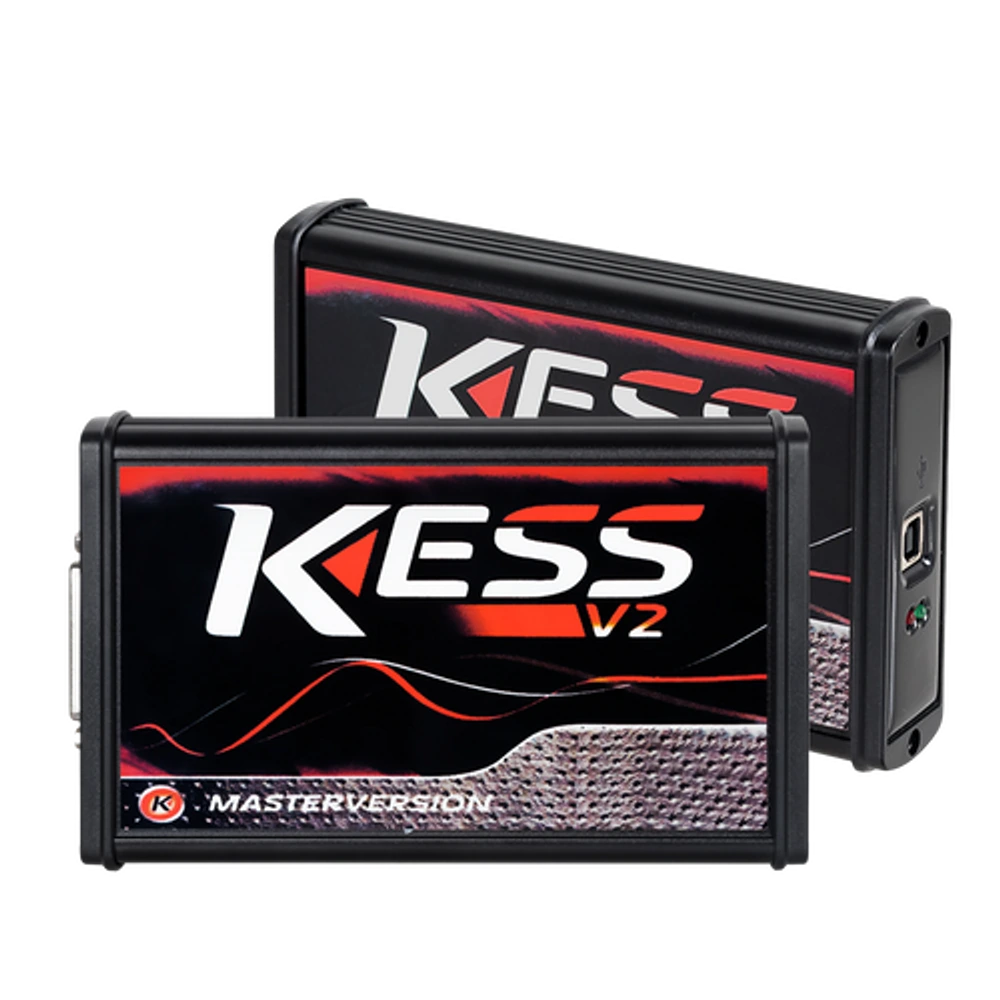
KESS V2 Master 5.017 is an OEM production Euro Clone, Red Board ECU programming device used for reading and writing via OBD on supported ECU protocols. It is not the current official Alientech KESS3.
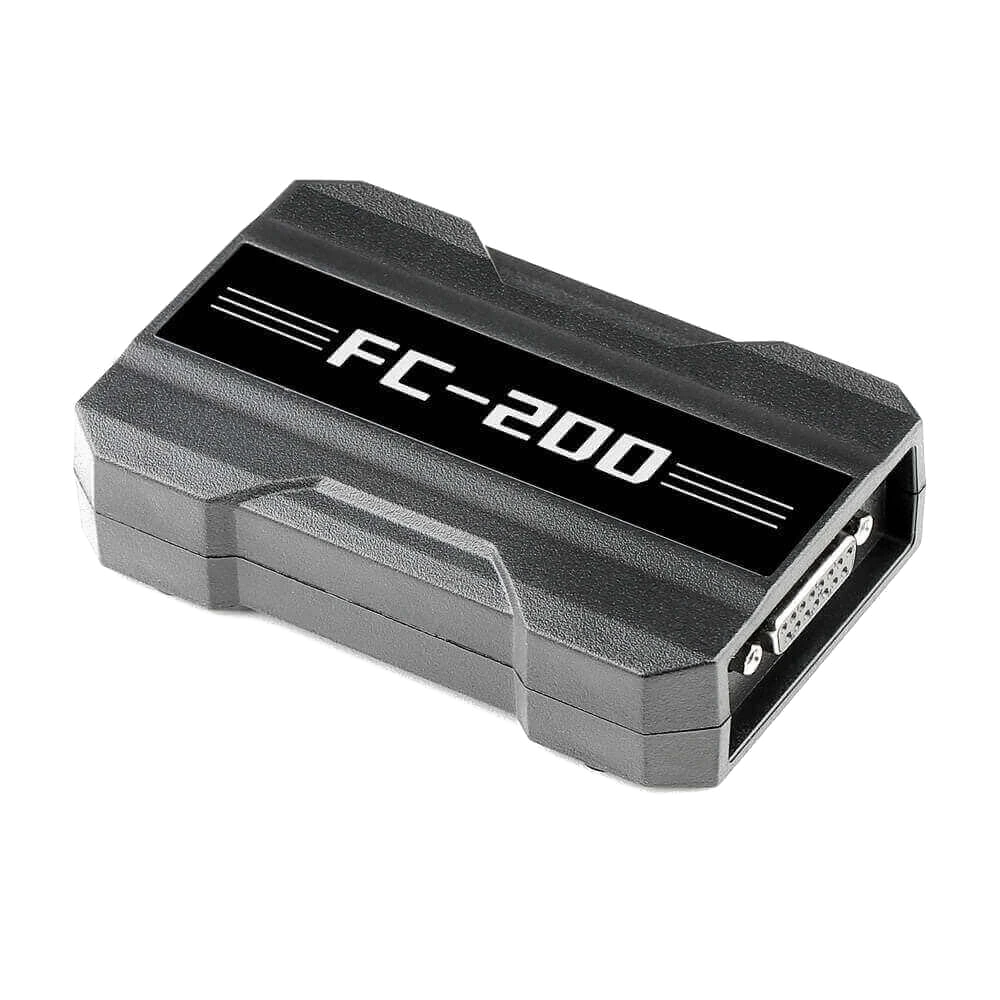
CGDI FC200 is a professional programming device developed for reading, writing, and cloning via OBD, Bench, and Boot on supported ECU and EGS modules; it also features Bosch ECU search, online checksum, and specific BMW ISN operations.