Quick comparison
Initial check across three C-Class generations
The body code is the starting point; the definitive feature list is confirmed via the vehicle and application.
Decision guide
Why are W204, W205, and W206 not evaluated with a single list?
Each generation has different production periods, control units, and in-car network structures. Furthermore, within the same body code, facelift, engine, transmission, regional package, and multimedia unit can vary. Therefore, a function seen on a W205 on the internet is not automatically considered valid for a W205 of a different year or configuration.
The model name on the vehicle registration document may not solely indicate the body code. If the feature list is selected without correctly identifying the chassis family and model year, the application may not match the correct vehicle profile.
MBito official support requires the vehicle selection to be made with a model code such as W177 or W213 and indicates that the available functions are listed for the relevant vehicle. The same method is also a basic check in the research of W204, W205, and W206.
Decision guide
What question does an OBD connection answer?
OBD connection allows viewing fault codes recorded in supported control units and data provided by the application. A read code is not the definitive name of the faulty part; it is initial information indicating which system recorded abnormal values under which conditions.
For example, a communication record caused by low voltage does not directly prove the control unit is faulty. Battery status, sockets, wiring, the time of the fault, and the reoccurrence condition are examined separately.
Deleting codes is not a repair. If records and vehicle symptoms are deleted without noting them, valuable diagnostic context for the service may be lost.
Decision guide
Difference between a device for vehicle owners and a service system
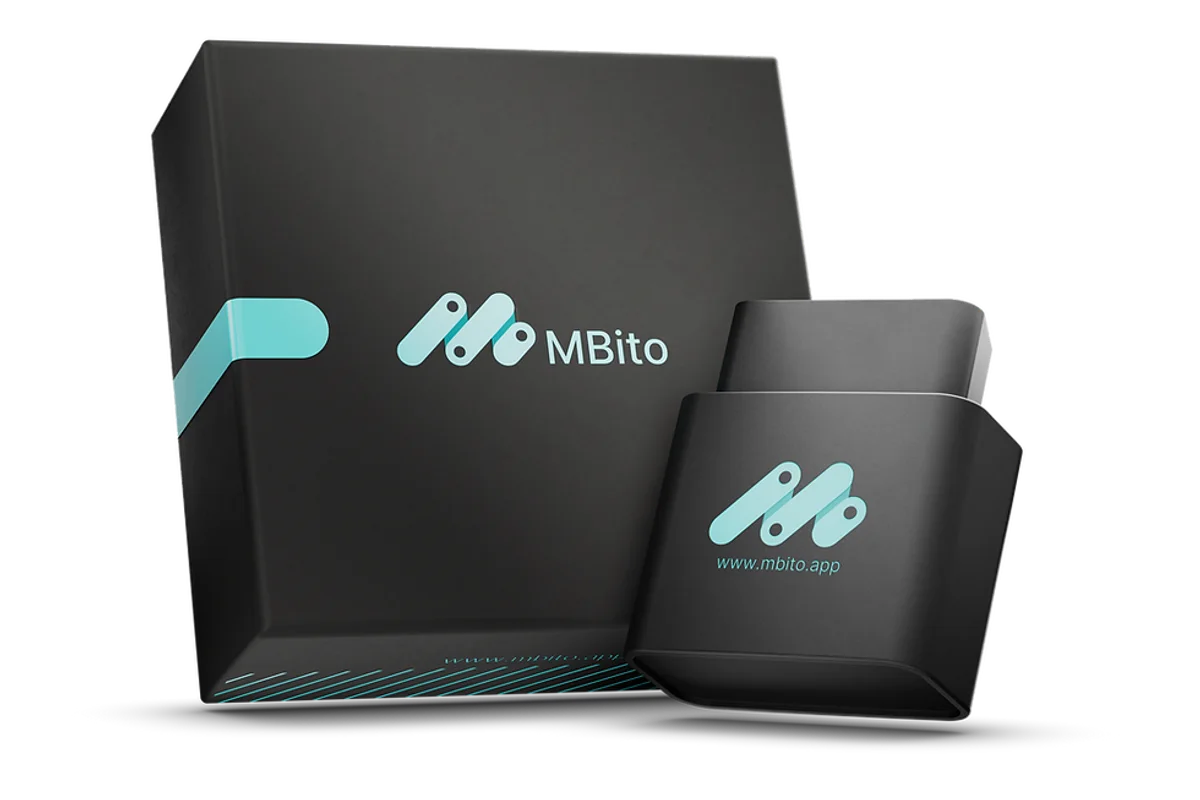
Phone-operated Mercedes-focused adapter, intended for the driver to review supported fault records and customizations. The workshop system uses separate hardware and authorization for broader tasks such as quick test, live data, actuator test, guided diagnosis, coding, and parameterization.
MBito OBD is intended for individuals using one or a few Mercedes vehicles to connect between the vehicle and their phone and view the options offered in the app. It does not replace a professional system for workshops requiring multi-brand service scanning or control unit programming.
Mercedes-Benz further defines supported model years, online access, and time credits in its XENTRY Diagnosis Lite solution. This structure is a different service layer than the mobile adapter user type.
Decision guide
What information should be prepared according to generations?
Before researching a device or feature, the vehicle identification and desired operation must be written in a single line. Instead of 'device for W205,' provide a clear need description like '2017 W205, existing multimedia unit, read engine fault record, and review customizations visible in the app.'
- Chassis code and model year
- Engine and transmission type
- Multimedia system and equipment package
- Warning light or observed symptom
- Control unit to be read
- Desired customization or service operation
Decision guide
How is the initial scan recorded?
With the vehicle voltage stable, select the correct vehicle profile and scan existing fault records without deleting them. Note the code text, code status, date-time, mileage, and the conditions under which the fault occurred. Evaluate the results along with the symptoms.
Communication, engine, transmission, brake, or multimedia records can be viewed simultaneously; they do not all point to the same part. First, separate records related to the current symptom and cascading errors caused by voltage issues.
For active warnings in safety and driving systems, do not proceed by simply deleting the code. Follow the warnings in the vehicle owner's manual and guidance from authorized service.
Decision guide
How to check generation differences before personalization?
The necessary physical hardware for the desired option must be present in the vehicle, and the function must be visible in the app under the correct vehicle profile. A menu that works on a W204 may not be found with the same control unit or name on a W205 or W206.
Operations such as CarPlay, ambient lighting menu, instrument cluster options, or parking sensor settings depend on multimedia and hardware configurations. The manufacturer's current vehicle and feature list is the basis, not online videos.
If new parts, wiring, or control units are required, the issue is not a hidden feature but a retrofit and professional activation process.
Decision guide
In which case MBito, in which case a service device?
If your main need is to view fault records with your phone on supported Mercedes vehicles and use the customizations listed in the app, consider the mobile adapter. If you require deep scanning on multiple brands, active testing, guided diagnostics, new part introduction, or programming, select a service-class device.
When making a purchase decision, check the product's current vehicle list. The Otobiltek product page shows commercial information; the availability of a specific function in the vehicle is confirmed with the vehicle code on the MBito list.
Decision guide
Short checklist before purchase
Confirm the chassis code and model year; list the intended operation item by item; check the app's vehicle list for the relevant profile and function. Do not confuse professional service tasks with user-type customizations. These four steps reduce the risk of purchasing the wrong device by just looking at the model name.
- Verify the vehicle code
- Clearly name the desired function
- Check the current support list
- Separate retrofit operations requiring hardware
- Select a professional solution if service programming is needed
Frequently Asked Questions
Most frequently asked questions by customers
Does MBito work on all W204, W205, and W206 models?
Support for all vehicles cannot be definitively stated based solely on the body code. Model year, hardware, control unit, and the current vehicle-feature list in the application must be checked.
Will a feature seen on the W204 also be enabled on the W205?
Not necessarily. The control units and multimedia structures of the two generations are different; the feature must appear under the relevant vehicle profile, and the required hardware must be present in the vehicle.
Does an OBD scan definitively indicate a faulty part?
No. The code provides system and condition information for diagnosis. Part decisions are made through measurements, wiring checks, live data, and manufacturer procedures.
Is a phone adapter sufficient for the W206?
It may be sufficient for viewing supported fault records and user-level customizations. If programming, new part activation, or professional diagnosis is required, a service system is necessary.
Can the same device be used on multiple Mercedes vehicles?
MBito support indicates that the device can be used on multiple Mercedes vehicles; however, available features vary by vehicle, and feature access may be conditional on a vehicle-by-vehicle basis.