Quick comparison
Basic difference between three device types
Classify the device based on the job you will do, rather than its price.
Decision guide
What need does a basic OBD2 reader fulfill?
A basic OBD2 reader is often used to access standard fault codes related to the engine and emissions system. Seeing the code number and monitoring some general live data contributes to the first step of fault investigation. Connecting the device to the OBD socket does not mean it scans airbags, transmissions, body electronics, or all manufacturer-specific control units.
A quality code reader may be sufficient for a driver seeking only initial information about the engine fault light. If the expectation is to see Mercedes-specific modules, apply supported customizations, or perform detailed diagnostics on different systems, the product description must be verified for these tasks individually.
A fault code records which circuit or condition the control unit did not meet the expected result. The code alone does not indicate the part to be replaced; electrical connection, low battery voltage, mechanical issues, or errors in another system can contribute to the same record.
Decision guide
What does the mobile device developed for Mercedes do?
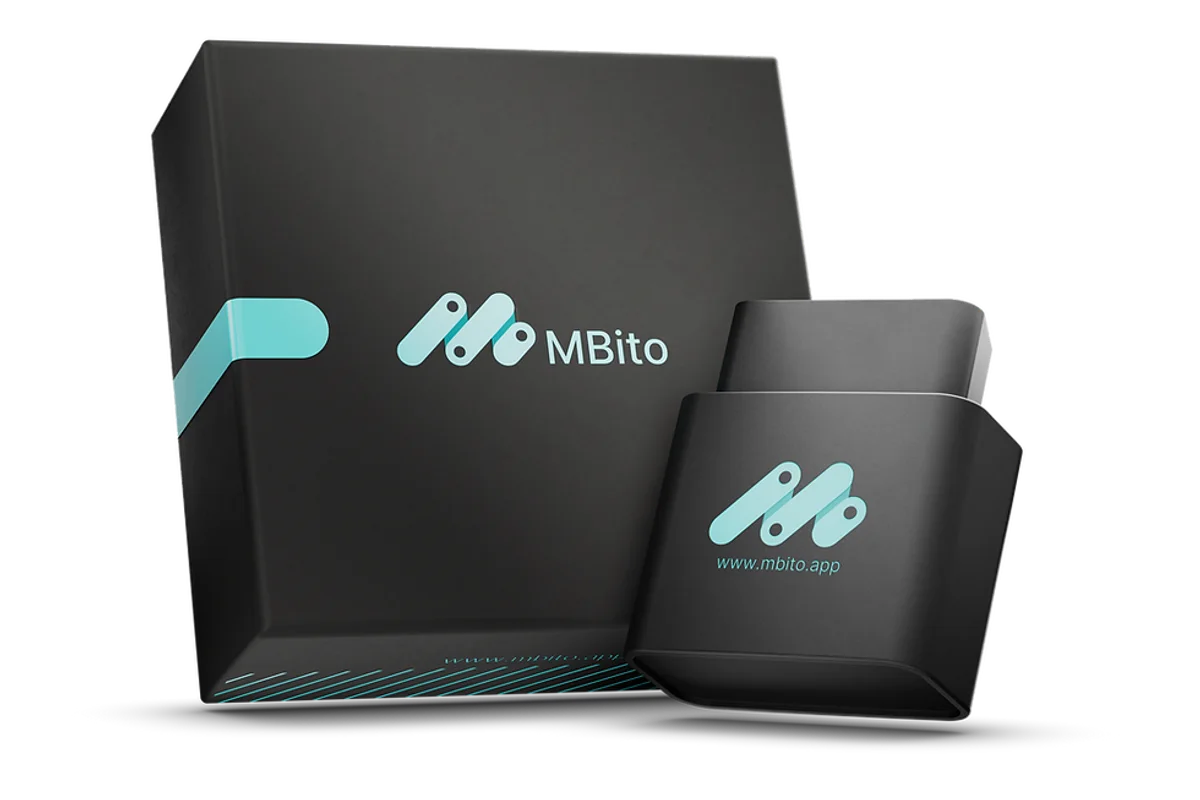
Mobile solutions developed for Mercedes establish an OBD connection between the vehicle and a phone application. MBito OBD falls into this category; it is used to review diagnostic records and personalization options offered in the application on supported vehicles. This usage for vehicle owners is not the same as professional workshop software and guided diagnostic systems.
Available operations may vary depending on the chassis family, model year, hardware, multimedia system, control unit, and software version. The presence of a Mercedes model on the list does not mean every feature with the same name will be enabled in all packages. The current vehicle and feature list should be checked on the manufacturer's model coverage page.
Before a personalization operation, the current setting is saved, the phone connection is maintained, and the vehicle voltage is not allowed to drop. Forcing a function not visible in the application by selecting another model or year is incorrect.
Decision guide
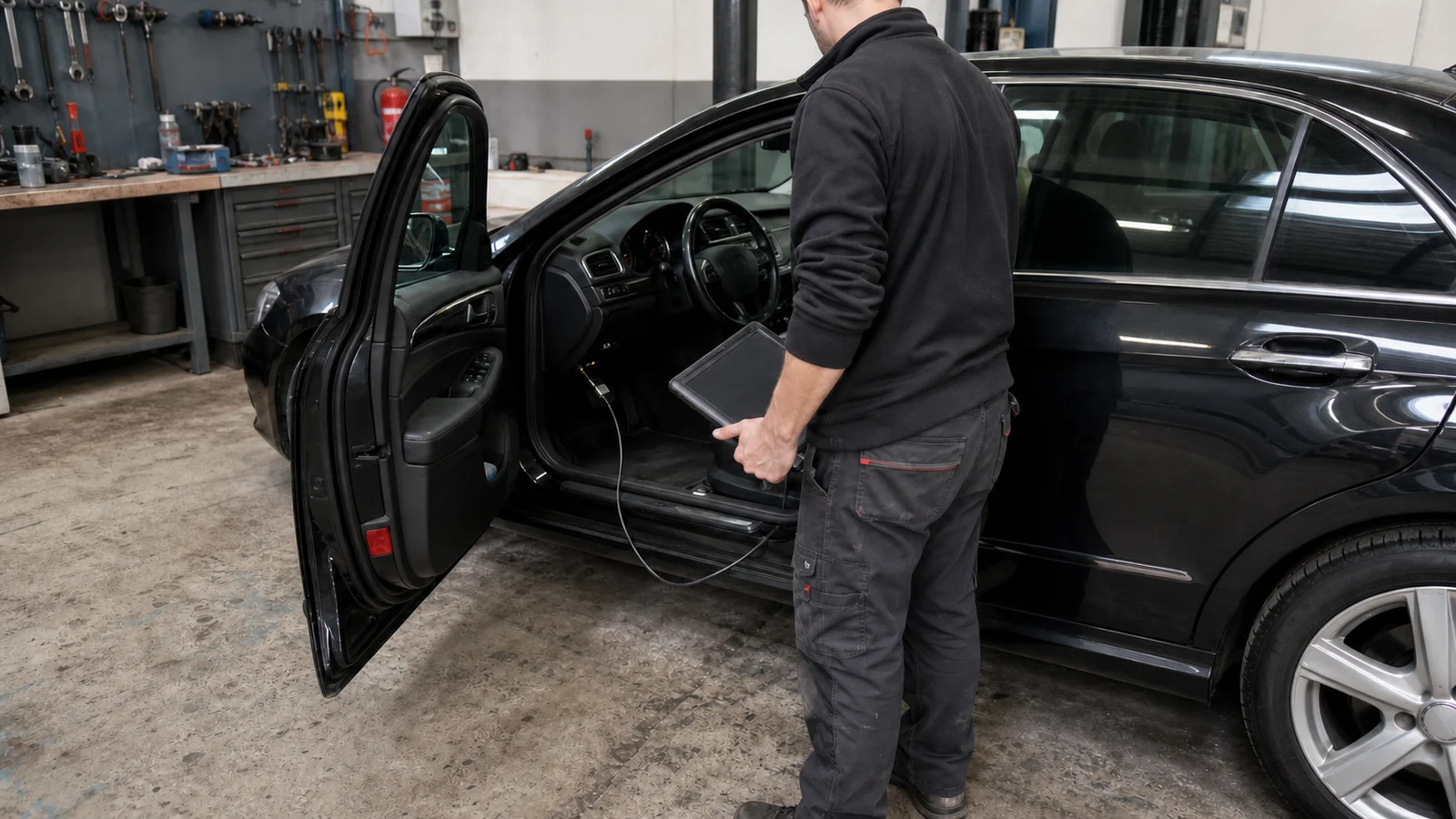
Why are professional Mercedes diagnostic systems evaluated separately?
Professional service systems are designed for quick tests, reading actual values, actuator operation, guided diagnostics, coding, parameterization, and specific software tasks. Mercedes-Benz explains the XENTRY Diagnosis Lite solution with hardware, software, authorization, and online access components for independent workshops.
If tasks requiring component activation, control unit software, key, or security authorization are involved, a suitable workshop system is needed instead of a user-type adapter. In these tasks, power support, service documentation, training, and operation records are as important as the device.
A single car owner and a workshop serving different customer vehicles daily should not choose the same product. A workshop may also require active tests, reporting, technical data, and multi-brand usage expectations.
Decision guide
What seven categories are checked when selecting a device?
Vehicle coverage, readable systems, operation type, connection method, credit or license conditions, change log, and support limitations are examined separately. A long feature list does not replace these seven categories. Product selection should be based on menus usable in your own vehicle and for the job you will perform.
- Model year, engine, multimedia, and control unit structure along with series name
- Difference between general engine codes and Mercedes-specific module access
- That reading codes, live data, personalization, active tests, and programming are separate tasks
- Phone operating system, Bluetooth connection, and account requirements
- The appearance of per-operation credit or license requirements in the application
- Saving the current setting before a change and checking the result
- Separation of vehicle owner usage and professional workshop responsibility
Decision guide
How does the selection change in three usage scenarios?
A single car owner, a family with multiple Mercedes vehicles, and an independent workshop will answer the same question differently. If a single car owner wants to save codes and view personalization options available on their vehicle, they can examine the mobile Mercedes solution. For multiple vehicles, the model year and hardware structure of each car must be checked separately.
An independent workshop may require not only fault numbers but also actual values, actuator tests, technical documentation, and controlled software operations. These needs require a professional diagnostic system, trained personnel, and appropriate power support.
MBito OBD is intended for the scenario where a Mercedes user wants to connect via phone and review supported options. It is not a substitute for a multi-brand service tablet or XENTRY.
Decision guide
What statements on the purchase page are risky?
Unlimited phrases like 'works on all Mercedes models,' 'programs all modules,' or 'definitively finds the cause of the fault' do not describe the device's scope. Lists that only enumerate model names but do not show year, hardware, software, and operation differences are also insufficient for purchase.
Comparisons that transfer capabilities of professional service systems to a user-type adapter create incorrect expectations, as do price and package contents alone. Application access, connection conditions, per-operation requirements, and support scope should be as visible.
Otobiltek presents MBito OBD's current sales information along with actual product images and relevant guides. The technical scope is based on the manufacturer's current model and feature list.
Decision guide
Final check before purchasing MBito OBD
First, determine your vehicle's series, model year, and multimedia information. Then, check if the operation you want to perform is offered for this vehicle in the MBito application. The price and stock information on the product page comes from the Otobiltek sales system; the technical function scope is compared with MBito's current vehicle list.
If your expectation is to review fault records and apply supported customizations, the product aligns with its intended use. If guided diagnostics, professional programming, or multi-brand service acceptance are required, examine their differences with service tablets separately.
Frequently Asked Questions
Most frequently asked questions by customers
Does a Mercedes fault diagnosis tool show all faults?
No. The visible systems and data depend on the vehicle's electronic structure and the tool's software coverage. A fault code is often the starting point for research requiring measurement and physical inspection.
Are a general OBD2 reader and MBito OBD the same?
No. A general reader may be limited to standard engine-emission codes. MBito offers manufacturer-specific diagnostic records and personalization options on supported Mercedes vehicles via its application.
Does MBito OBD perform professional programming?
MBito focuses on supported diagnostic and personalization operations for vehicle owners. Tasks requiring control unit software, guided diagnostics, and workshop authorization fall under separate systems.
Does clearing a fault code fix the fault?
No. Clearing removes the recorded warning; if the electrical, mechanical, or software cause persists, the code may reappear.
What vehicle information is required before purchasing MBito OBD?
The series, chassis family, model year, multimedia system, and desired function must be known. The current vehicle and feature list is checked with this information.