Device selection for transmission adaptation: reading, resetting, and learning
A jolt during gear changes does not solely indicate that transmission adaptation needs to be cleared. First, the transmission type, complaint conditions, records, and service history are investigated. When selecting a device, the ability to connect to the TCM and the ability to complete a specific basic setting or learning process should be evaluated separately. This guide explains the evidence to request for Ancel DS600 and Launch CRP919E BT.
Record the model year, transmission code, and control unit.
02
Determine Service Command
Query the required basic setting or learning based on the repair performed.
03
Check the result
Save the completion message and final inspection findings.
An oil change does not mean adaptation will be reset in every transmission.
Evaluation Method
How was this guide prepared?
Otobiltek is the seller of the devices for which a connection is provided. Device selection is based on the service task to be performed and verified vehicle support.
Manufacturer documentation and technical service resources have been reviewed. Results are not presented as if practical vehicle tests have been performed. Product photos show actual devices. The descriptions next to them differentiate operations; they do not show the result of an applied vehicle test.
Under what conditions the complaint occurred
Control unit and support for the requested function
Verification of device data with physical inspection
When software or manufacturer procedures change, the scope of the operation is re-verified. The delivery package and commercial terms are checked on the product page.
Quick comparison
Separate the question before starting the procedure.
Need
Information expected from the device
Complementary check
TCM scan
Codes, identification, and provided data.
Transmission code and service history.
Need for basic setting.
Support for the complete procedure.
Repair documentation and preconditions.
Completion of learning.
Completion message and required final records.
Re-checking the complaint under appropriate conditions.
Decision guide
First, determine the exact identity of the transmission.
Automatic transmissions with torque converters, dual-clutch transmissions, and CVTs do not share the same service procedures. Along with the vehicle model, the transmission code and control unit identification are also recorded. Different engine and drivetrain options in the same model year may require different menus.
Clarify the customer's statement "gear shifts harshly": is it when cold, during a specific shift, or when moving from a standstill? Material used in maintenance and previous repair information are added to the initial record. Without this information, a general reset selected does not explain the cause of the complaint.
What does Gearbox Matching in the Launch guide describe?
The guide provided by LAUNCH for CRP919E BT relates the Gearbox Matching function to the transmission's self-learning process and provides examples after disassembly or repair. This general description is not a guarantee of coverage for a specific DSG, CVT, or other TCM.
Before purchasing, write down the name of the service function required for the specific transmission. Do not accept code reading support in the same answer as basic setting support. Verify access to that function through the manufacturer's vehicle query and the relevant software on the device.
Three Different Operations
Reading, resetting, and learning are not interchangeable.
Before starting the operation, preserve existing data and verify the name of the required command.
Record existing adaptation data without modifying it.
02
Reset if Necessary
Delete learned values only if the manufacturer's procedure requires it.
03
Complete Learning
Check the conditions and completion information for the relevant transmission.
This distinction is not a universal description of a reset or learning drive.
Decision guide
Reading values, clearing values, and relearning are different.
Reading adaptation values helps record the current state. Resetting can change learned values in a supported system; relearning is a separate process completed under specific conditions. The presence of one in the menu does not imply that the others will also occur automatically.
Instead of just writing "adaptation performed" in the work order, specify the name of the command used and its result. If resetting is done without recording initial values, comparison information may be lost. When taking screenshots, keep the vehicle identification and software version in the same record.
Decision guide
Do not bypass mechanical checks with resets.
ZF's transmission service description treats detailed diagnostics and oil condition inspection as separate tasks for shifting complaints. The model number of the diagnostic tool does not determine how oil or part issues are addressed. The oil and service method to be used are taken from the relevant transmission's documentation.
Having the oil changed does not mean adaptation will be cleared on all transmissions. Whether the procedure is necessary is determined by the repair performed and the manufacturer's procedure. This guide does not provide universal temperature, road speed, or learning drive instructions.
Inquire separately about TCM access and service functions for DS600.
The DS600 manufacturer page lists the transmission under system diagnosis. In terms of purchasing, this means it is a candidate to check the task to be performed. Support for basic setting or clutch learning on a specific transmission must be verified separately.
Add the engine and transmission codes, model year, repair performed, and the desired service step to the support request. General active tests, ECU coding, or the number of maintenance functions are not sufficient proof for this task. Do not transfer software descriptions of the DS600BT model to the DS600.
Decision guide
Why does basic setting become relevant after part replacement?
Schaeffler's relevant LuK dual-clutch repair document requires basic setting with an appropriate diagnostic tool after clutch and transmission assembly in the application it describes. This shows that mechanical assembly and electronic service steps can complement each other.
The condition in the document is evaluated only within its own application scope; it is not generalized to all transmissions. Before ordering, list the final steps of the repair to be performed by the workshop. If the device can only perform the initial scan, it cannot be said that the entire job will be completed with the same tablet.
Decision guide
What is recorded if the procedure does not start or stops midway?
Record the device's full error text, selected ECU, software version, and unmet preconditions. The result "could not start" is not the same as the result "transmission faulty." Communication, vehicle conditions, and function support are examined separately.
When a test fails, return to the relevant procedure instead of performing sequential resets from different menus. If vehicle movement is required during learning, it requires a qualified technician and safe conditions. Do not report an incomplete process as a successful delivery.
Decision guide
Compare the two devices based on the same task.
When evaluating two devices, the vehicle, transmission, and service command must be the same. Evaluate the readable data, completion information, and report saving. The device having a higher model name or showing more service icons is not proof that it performs the task better.
The final report includes the initial complaint, repair performed, command executed, result, and re-check conditions together. If a comparison has not been made on the actual vehicle, speed or success superiority is not stated. The local package and update rights are also included in the purchase decision.
Frequently Asked Questions
Most frequently asked questions by customers
Is adaptation reset after every oil change?
This is not a common rule for all transmissions. The performed maintenance and the relevant manufacturer's procedure are the basis.
Does transmission shudder resolve solely with adaptation?
Such a result cannot be guaranteed. The cause cannot be determined without examining the oil, mechanical condition, control system, and fault records.
Can a device that can read TCM codes perform basic settings?
Code reading and basic setting are separate functions. The requested command must be verified separately for the specific transmission.
Do DS600 and CRP919E BT cover all DSG models?
This guide does not claim such compatibility. Verification is required based on transmission code, ECU, model year, and service function.
Is there a single speed and duration for the learning drive?
No. These conditions depend on the vehicle and the procedure; the driving instructions for another model are not used.

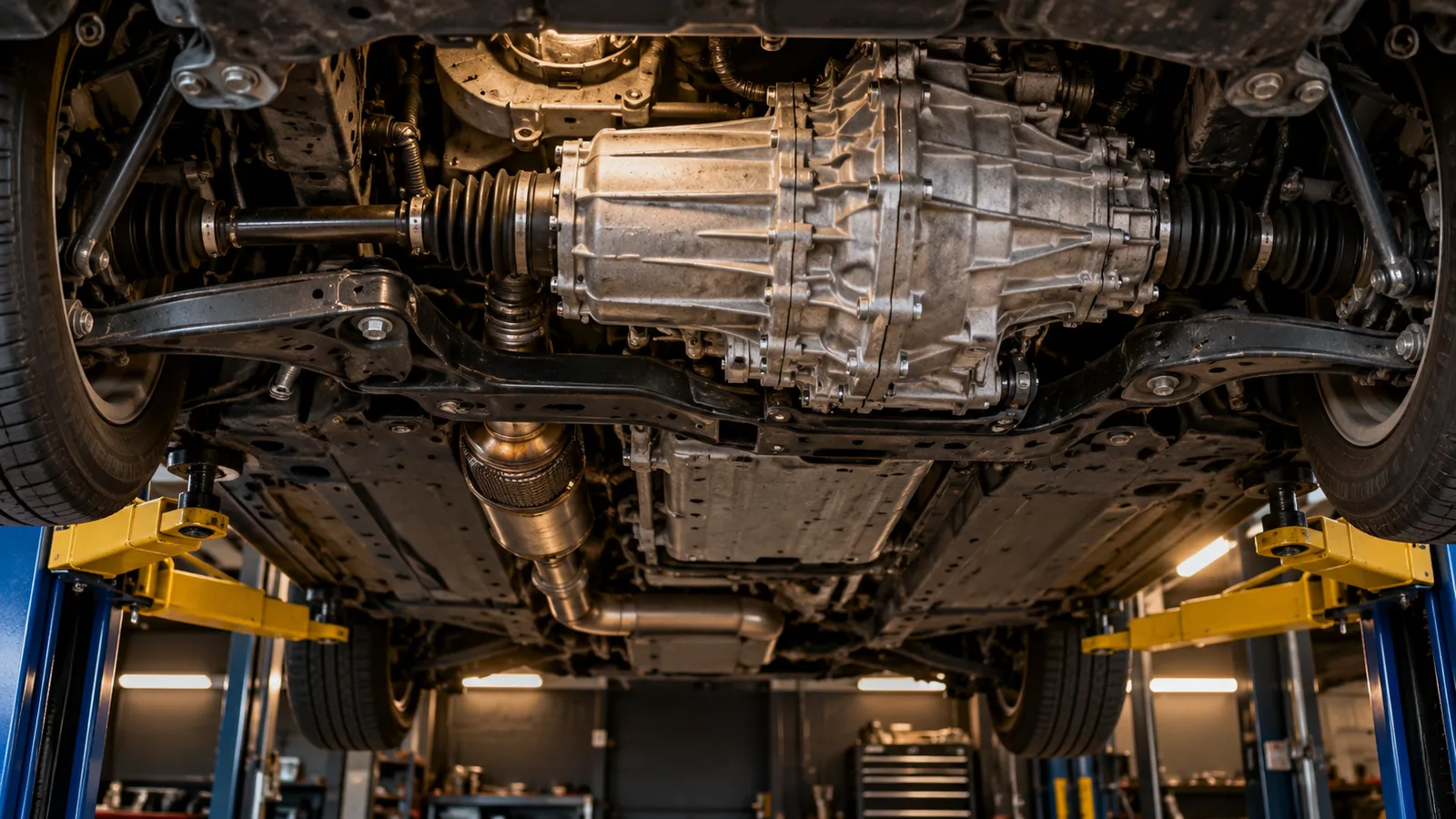
 Launch CRP919E BT
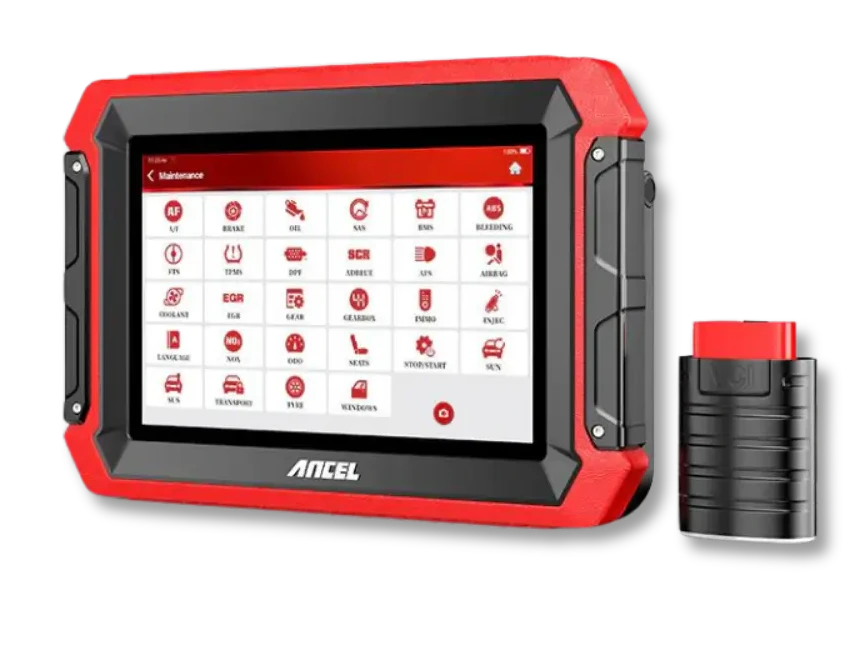 Ancel DS600
