Quick comparison
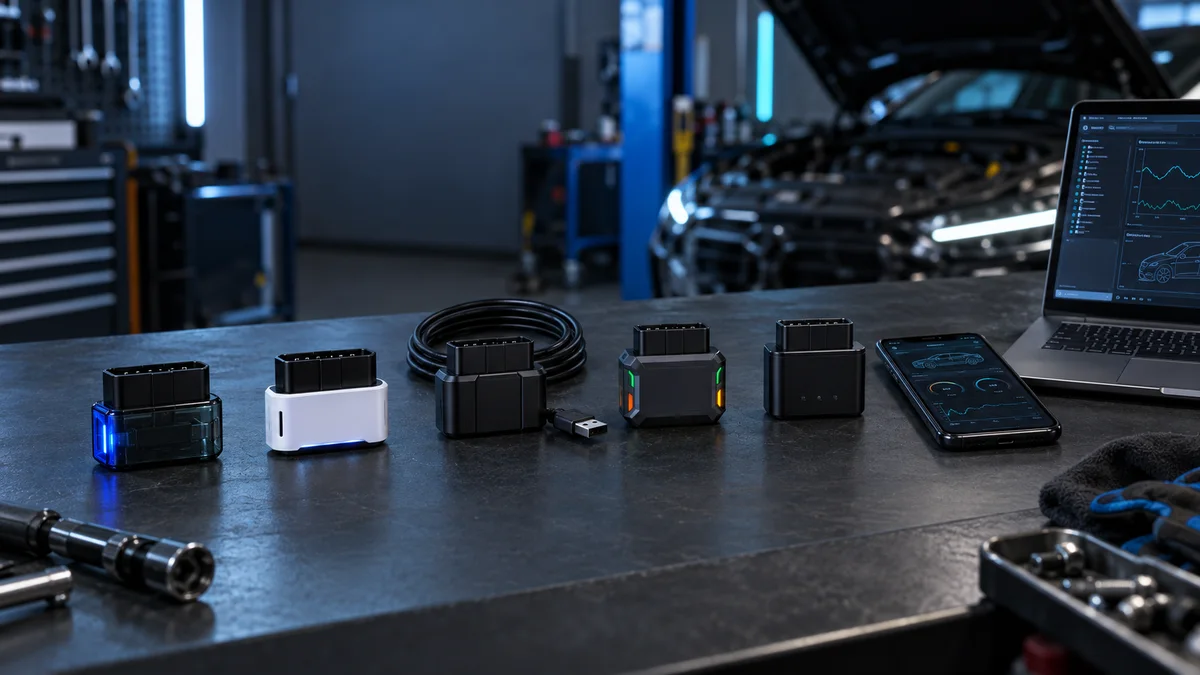
Brief comparison of the Vgate vLinker family
First, determine the connection and vehicle; then select the model clearly supported by the application.
Decision guide
Quick answer: which Vgate vLinker model for whom?
If you plan to use BimmerCode or BimmerLink focused on BMW, consider the iOS difference between BM and BM+. If you need MS-CAN for Ford or Mazda, examine the FD family; if GM SW-CAN and Ford MS-CAN are required together, look into the MC family. If wired Windows connection and specific data conditions are important for FORScan, FS USB is a closer candidate, while FS Bluetooth is for wireless mobile connection. For users seeking general access to multiple CAN lines, MS Bluetooth stands in a class of its own.
MS Bluetooth combines five CAN channels with the widest network option for iOS, Android, and Windows connections within the same family.
BM is directed towards Android and Windows connections only; the absence of iPhone support in BMW-focused usage is a selection criterion.
BM+ adds iOS support with Bluetooth LE; BimmerCode or BimmerLink functionalities still depend on the app and vehicle list.
MC Bluetooth is for Android or Windows users needing GM SW-CAN and Ford MS-CAN.
MC WiFi uses the phone's wireless network; if the app does not support the Wi-Fi adapter, the connection type alone is insufficient.
FD WiFi addresses the MS-CAN need for Ford and Mazda via Wi-Fi; phone internet streaming must be considered separately.
FD Bluetooth is dedicated to Android and Windows usage with basic Bluetooth connection; users wanting iPhone should look at the FD+ side.
FD+ offers iOS and Android support with Bluetooth LE; the manufacturer's current recommendation list for FORScan expectations should be read separately.
FS USB indicates FORScan-focused conditions like wired Windows connection, FEPS, and long data frame.
FS Bluetooth is for users seeking wireless usage, Apple MFi, and the specified network features for FORScan together.
Decision guide
Practical difference between Bluetooth, Wi-Fi, and USB
Bluetooth provides ease of pairing with a phone, but the operating system and supported profile of the app must be checked. Wi-Fi connects to the adapter's wireless network on the phone; an "no internet" warning may appear, and mobile data usage may be restricted. USB connection establishes a physical link with the computer, potentially reducing wireless interference, but Windows drivers, cable, and computer conditions become important. The connection type alone does not imply vehicle module support.
- Verify iOS or Apple MFi for the model for iPhone
- Check phone's network change and app support on Wi-Fi adapter
- Read Windows driver, cable, and FORScan connection type on USB adapter
- Select the exact model name within the app after establishing a connection
Decision guide
How to read CAN channel and protocol coverage?
Listing a CAN channel or protocol on Vgate's product page does not mean every application will access all control units in the vehicle. While MS Bluetooth offers five CAN channels together, MC targets GM SW-CAN and Ford MS-CAN, the FD family targets Ford MS-CAN, and the FS family indicates HS-CAN and MS-CAN switching in the FORScan scenario. A definitive scope cannot be stated without simultaneously evaluating the application, vehicle generation, control unit, and license.
CAN network name and the service command to be performed are not the same concept.
General OBD2 code reading is a narrower task than brand-specific module access.
Vehicle voltage and a rollback record are prepared before coding or programming.
Firmware files are not transferred between variants; the model label must match exactly.
Decision guide
BM vs. BM+ difference: selection for BMW applications
BM is directed towards BMW-focused usage with Android and Windows connections; there is no iPhone support. BM+ adds iOS support with Bluetooth LE and classic Bluetooth connection. Neither model guarantees that BimmerCode or BimmerLink will unlock the same functions across all vehicle generations. The app's current adapter and vehicle list is more reliable evidence than the model name.
- If you only use Android or Windows, the BM connection condition is relevant
- If you use iPhone, verify iOS support on the BM+ side separately
- BMW model generation and control unit must be visible in the app
- Coding is checked together with existing hardware and application license
Decision guide
MC vs. FD difference: GM, Ford, and Mazda usage
The MC family addresses the need for GM SW-CAN and Ford MS-CAN together. The FD family focuses on MS-CAN usage on the Ford side; Wi-Fi, Bluetooth, and Bluetooth LE options cater to different device habits. Therefore, do not consider the two families equivalent solely based on the phrase "has MS-CAN." Verification must be done in a triple of vehicle brand, network, and selected application.
If GM SW-CAN is required, examine the official technical scope of the MC family.
If Ford MS-CAN and mobile connection are required, compare FD or FD+.
The Wi-Fi model requires the wireless network to be recognized by the app.
If programming is expected, seek explicit support from the app and vehicle procedure.
Decision guide
FS USB vs. FS Bluetooth: connection decision for FORScan
FS USB is closer to users who want a wired connection on a Windows computer and FORScan-focused operation. FS Bluetooth, on the other hand, indicates wireless usage on a phone or computer, Apple MFi, and mobile app options. Technical terms provided by the manufacturer for the FS family, such as FEPS, 4K request length, and network switching, are not a general guarantee that every FORScan menu will be accessible on every vehicle.
- Wired operation necessitates computer and driver checks
- Bluetooth operation adds phone operating system and app profile checks
- FORScan's current recommended adapter list should be read before purchase
- Battery voltage and rollback plan prepared before writing or configuration
Decision guide
Secure checkout sequence for initial connection
First, compare the model name on the box label with the one on the adapter. Then, check the vehicle's OBD socket, the power status of your phone or Windows computer, and the current version of the app. After plugging the adapter into the vehicle, select the correct connection type in the app and save the first scan without clearing codes. If the connection is interrupted, do not proceed with writing, coding, or service commands; first, isolate cable, network, ignition, and vehicle voltage conditions.
- Model name and connection variant must be the same
- The initial report must be saved without clearing codes
- Vehicle profile must be correctly selected in the app
- Writing operation must not be initiated without a stable connection
Decision guide
Reading, live data, coding, and programming are not the same thing
An adapter's ability to read fault codes, display live data on the same vehicle, or connect to brand-specific modules does not automatically prove coding and ECU programming authorization. In reading operations, the received code and event data are interpreted with physical diagnostics. In coding operations, the current setting is saved, and a rollback plan is kept. Programming operations require the application, power supply, vehicle procedure, and software license together. Vgate adapters alone do not provide these conditions.
Do not consider an OBD2 adapter in the same class as a standalone service tablet with a screen.
Application subscription or credit fees are not included in the device package.
Attempting to access unsupported modules can pose risks to connection and vehicle safety.
The service report stores the model, app version, vehicle, and transaction type.
Decision guide
Final selection before purchase
A simpler OBD solution may suffice for engine fault codes and basic live data only. For BMW applications, BM or BM+ for iOS needs; for GM and Ford networks, MC; for Ford MS-CAN, FD; and for FORScan's wired or wireless scenarios, the FS family is considered. Users seeking multi-CAN access can look at MS Bluetooth. The final decision should be based on exact vehicle and function matching, not connection convenience.
- Enter vehicle brand, model year, and target control unit
- Determine the application and operating system you will use
- Select the connection type based on your field habits
- Distinguish between reading and writing expectations
- Open the manufacturer's current model and application list before purchasing
Frequently Asked Questions
Most frequently asked questions by customers
Are Vgate vLinker models interchangeable?
No. Connection, operating system, CAN channel, and application support vary by variant. Similar housing does not prove equivalence.
Which Vgate vLinker models should be considered for iPhone?
BM+ adds iOS support; models like MC WiFi, FD WiFi, and FS Bluetooth are also mentioned with iOS connection on the manufacturer's pages. Verify the exact model support of the application you will use separately.
Should FD or FS be chosen for FORScan?
The basic connection expectation and budget may differ; the FS family indicates more specific technical requirements focused on FORScan. The current FORScan recommendation list should be reviewed in conjunction with the type of operation for your vehicle.
Is every control unit accessible with Vgate vLinker?
No. Access varies by vehicle network, application, license, model year, and control unit. General OBD2 access does not imply brand-specific full scanning.
Does the Vgate vLinker device include an application license?
The adapter package does not assume phone, computer, or paid application licenses. Application and subscription conditions must be checked with the software provider used.
Can I use the internet with a Wi-Fi Vgate adapter?
The Wi-Fi adapter creates its own wireless network for connection with the vehicle. While the phone is connected to this network, internet or mobile data behavior may vary depending on the operating system and application.
Can ECU programming be done with Vgate vLinker?
The adapter's ability to communicate does not grant programming authority on its own. Open support from the application, stable power, correct vehicle procedure, and a rollback plan are required.

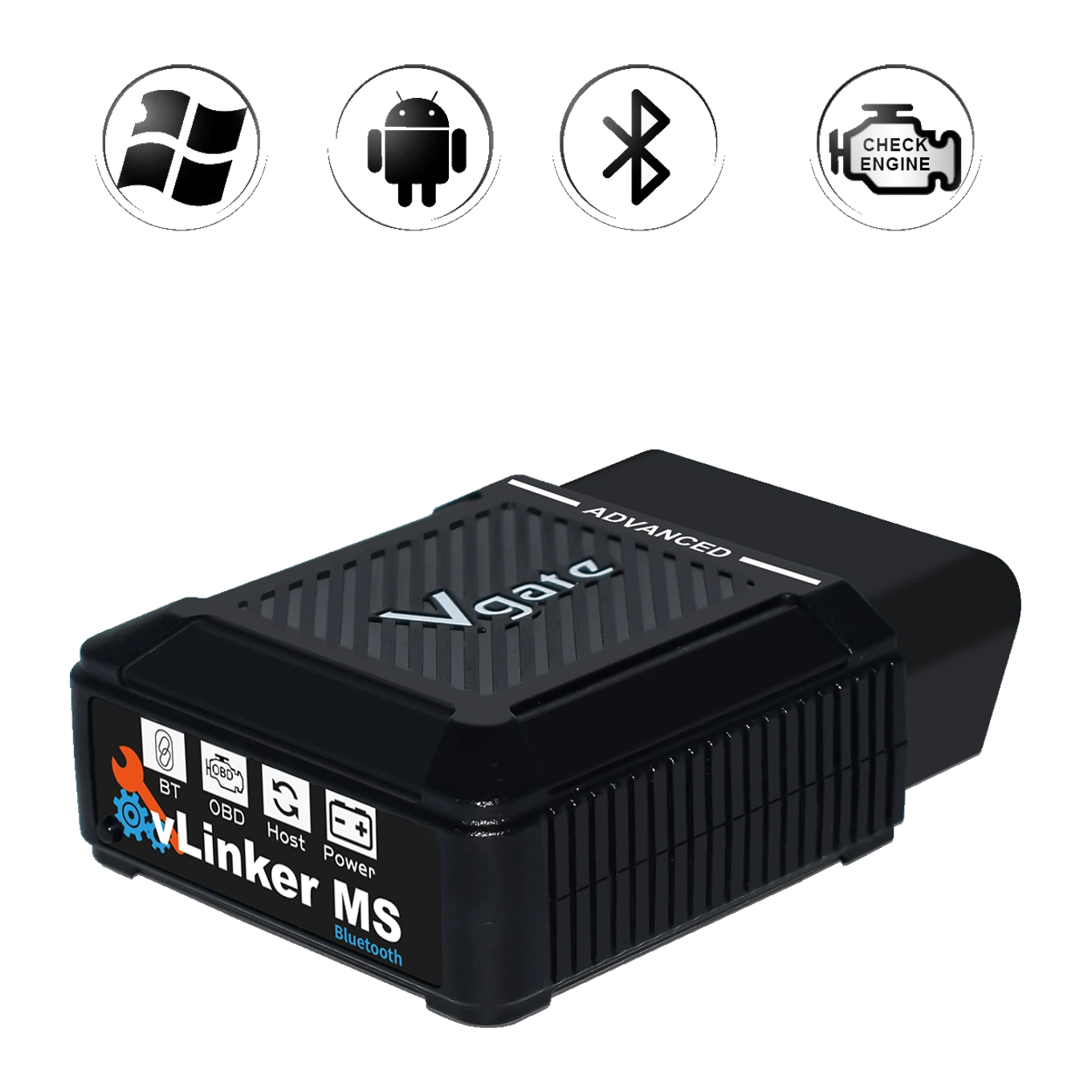 Vgate vLinker MS Bluetooth OBD2 Adapter
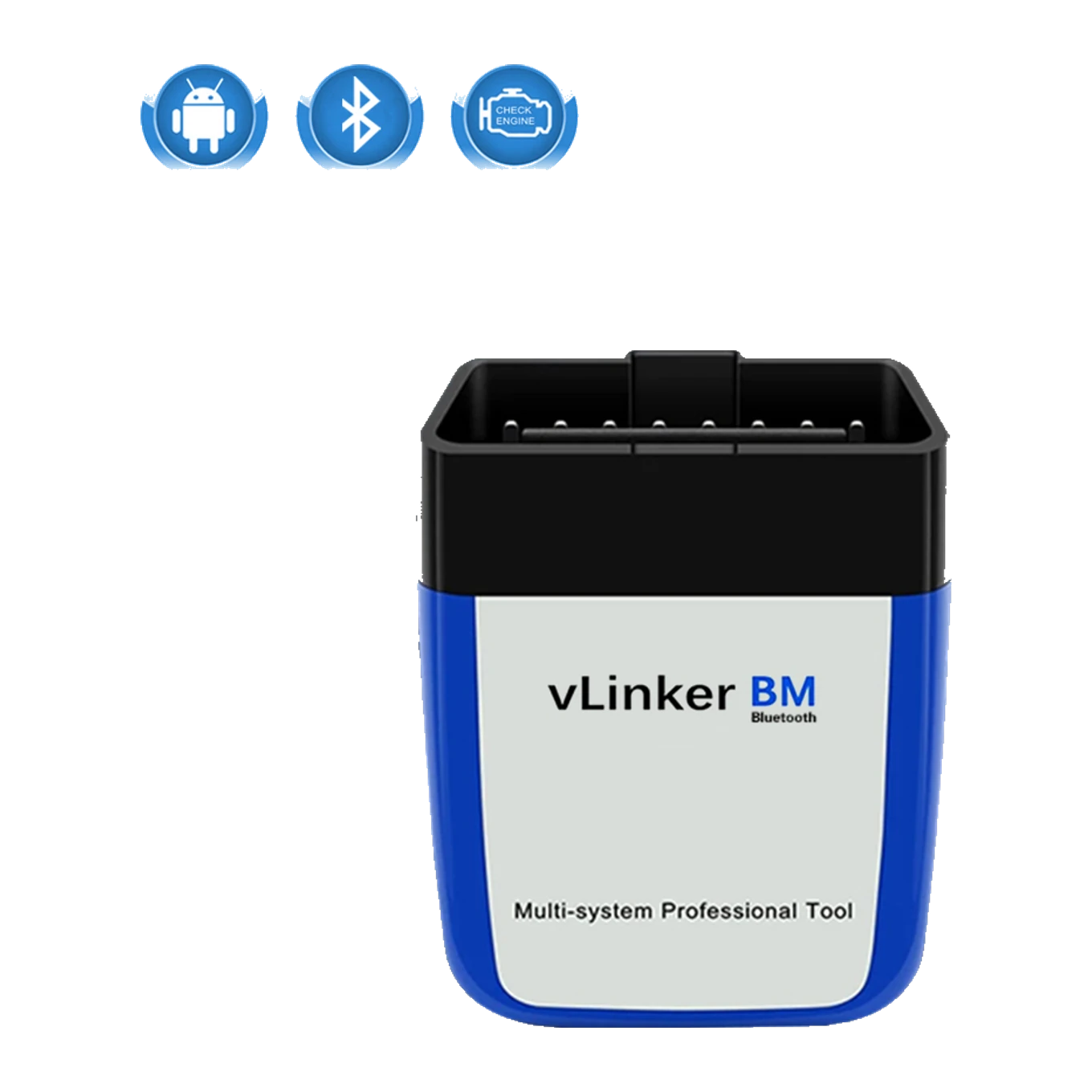 Vgate vLinker BM Bluetooth OBD2 Adapter
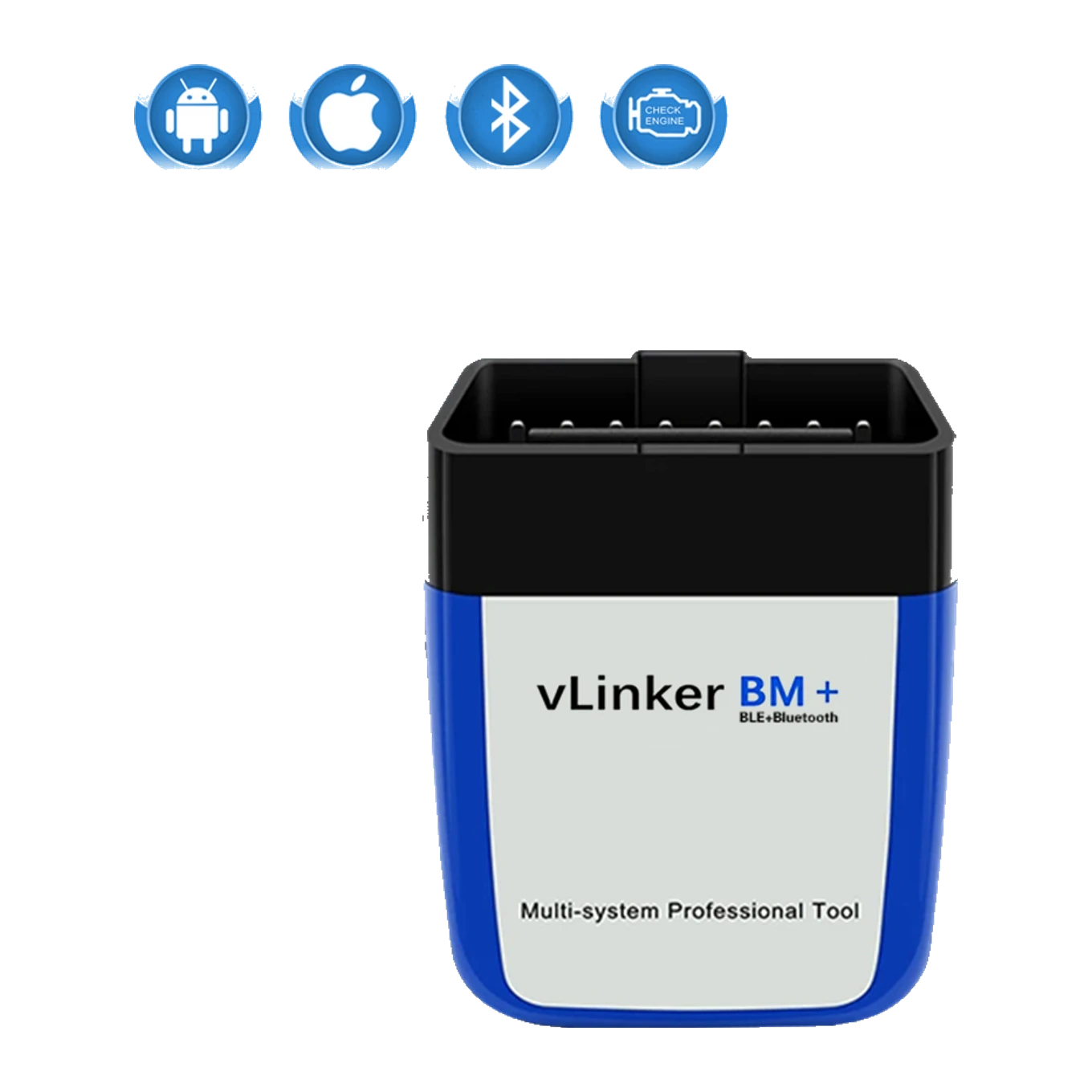 Vgate vLinker BM+ Bluetooth OBD2 Adapter
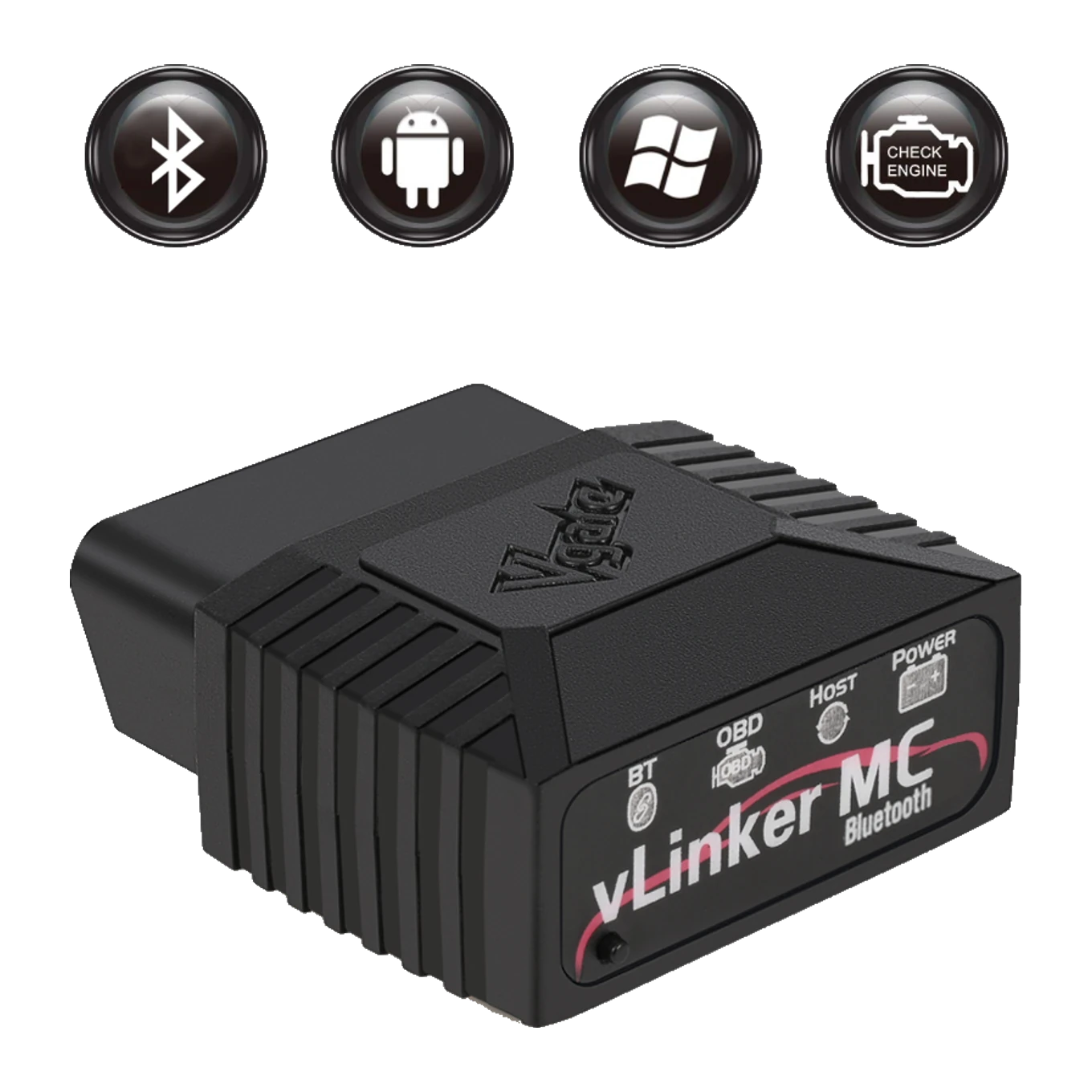 Vgate vLinker MC Bluetooth OBD2 Adapter
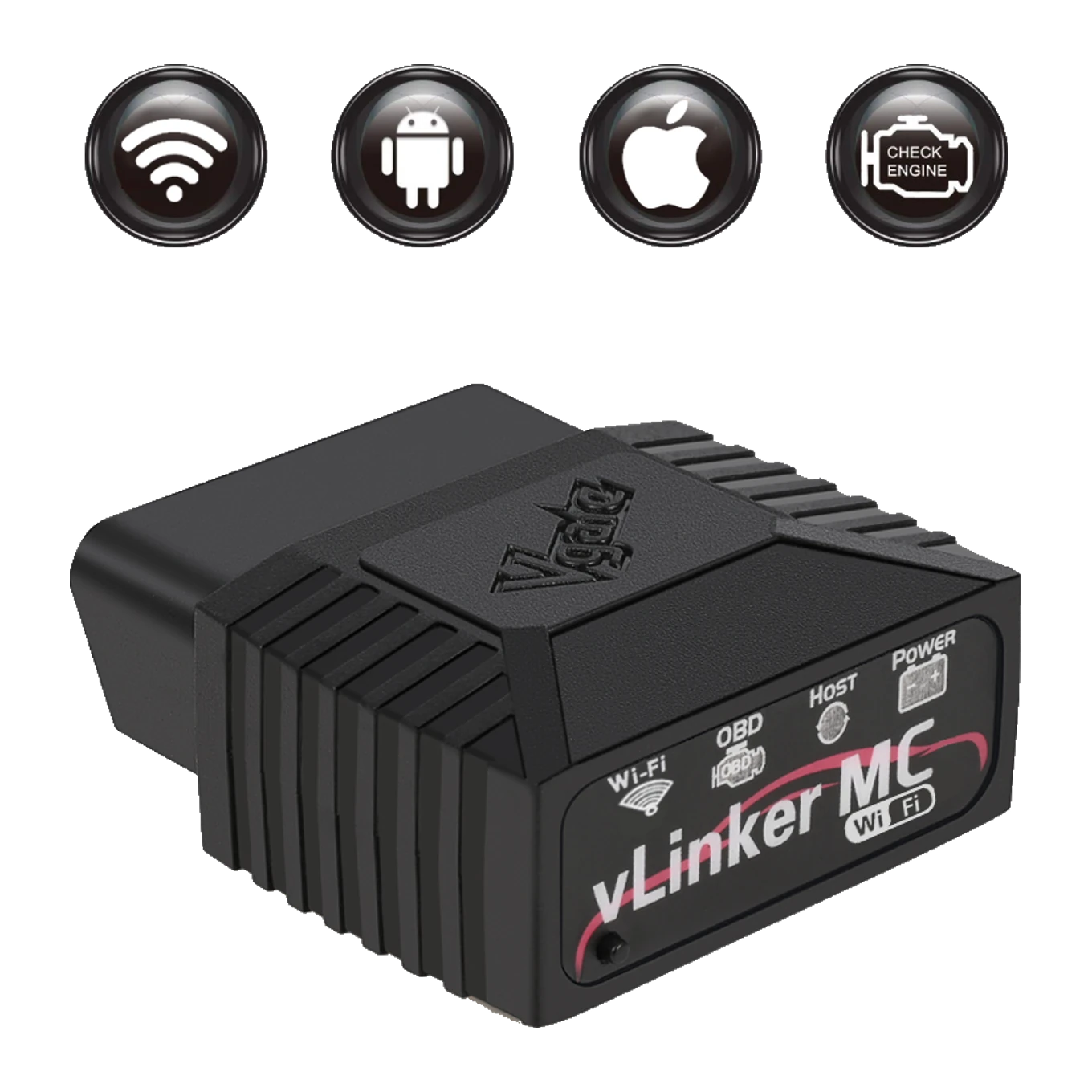 Vgate vLinker MC WiFi OBD2 Adapter
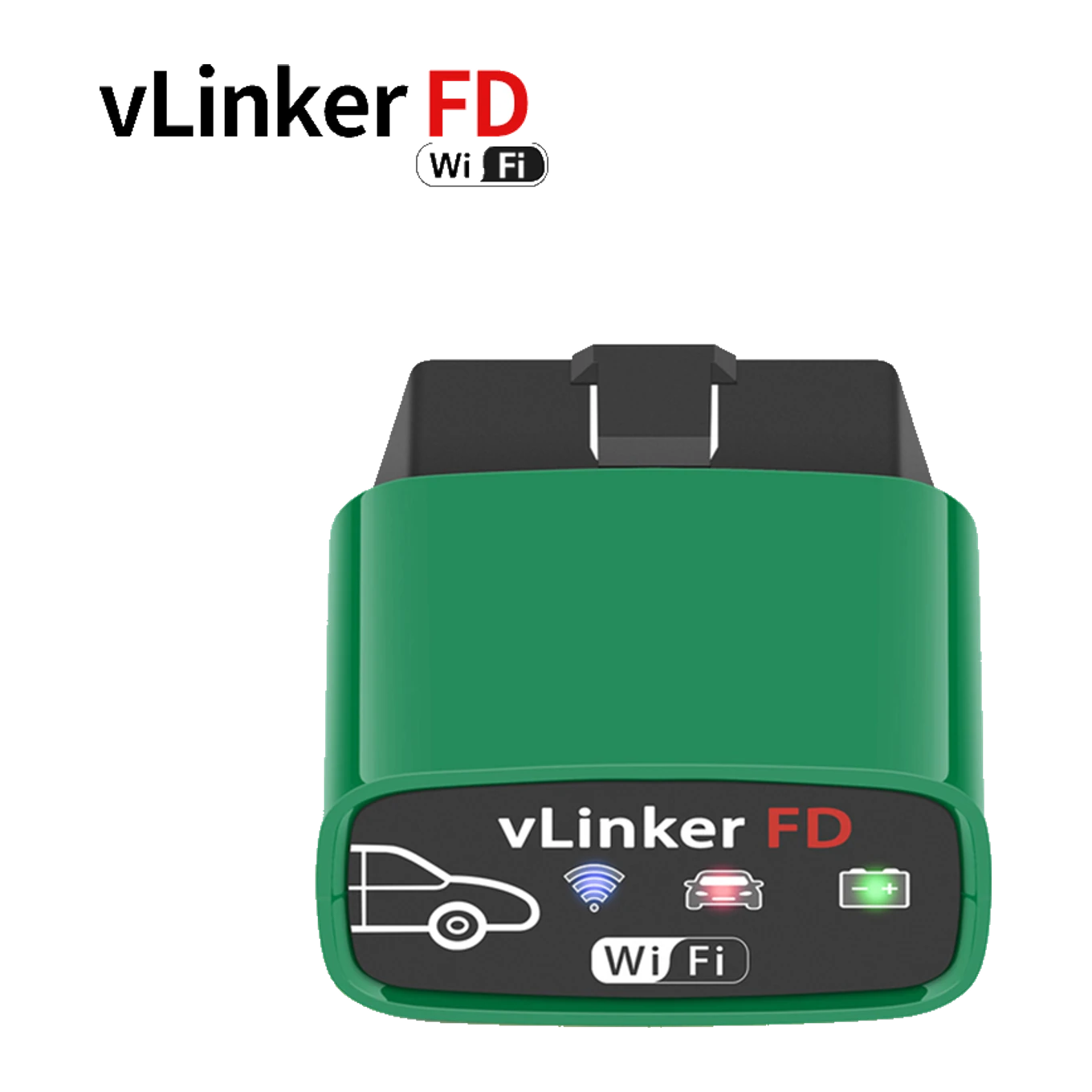 Vgate vLinker FD WiFi OBD2 Adapter
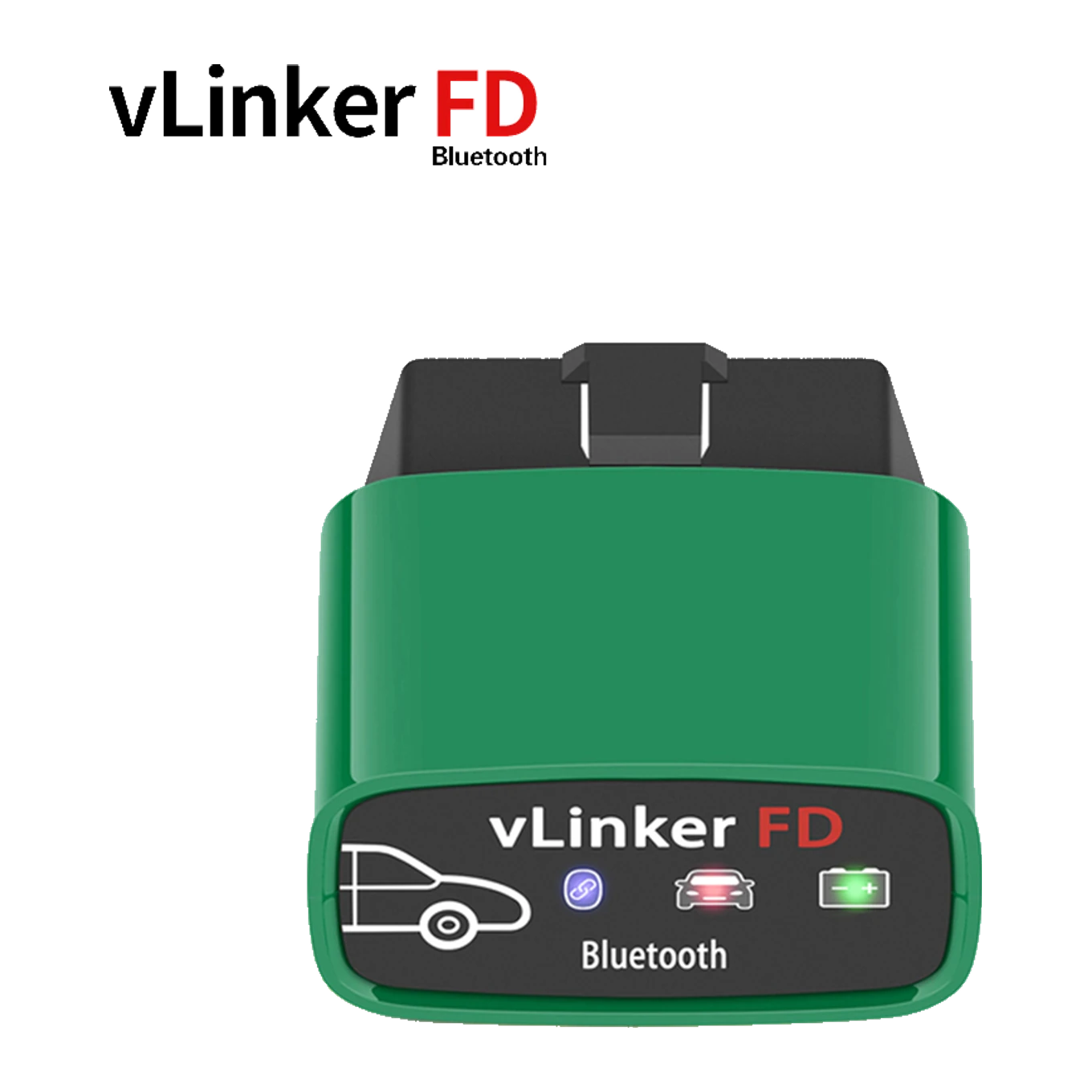 Vgate vLinker FD Bluetooth OBD2 Adapter
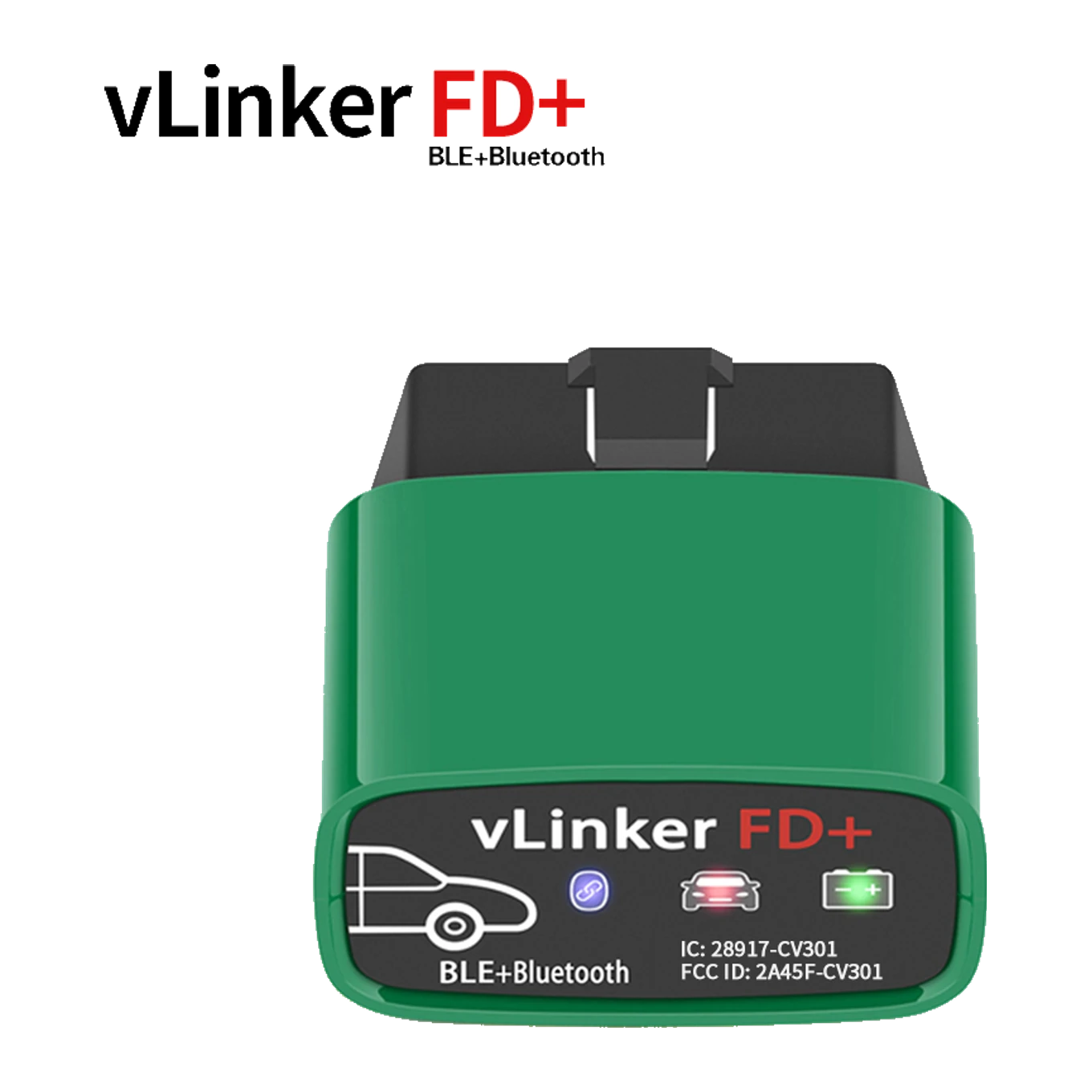 Vgate vLinker FD+ Bluetooth OBD2 Adapter
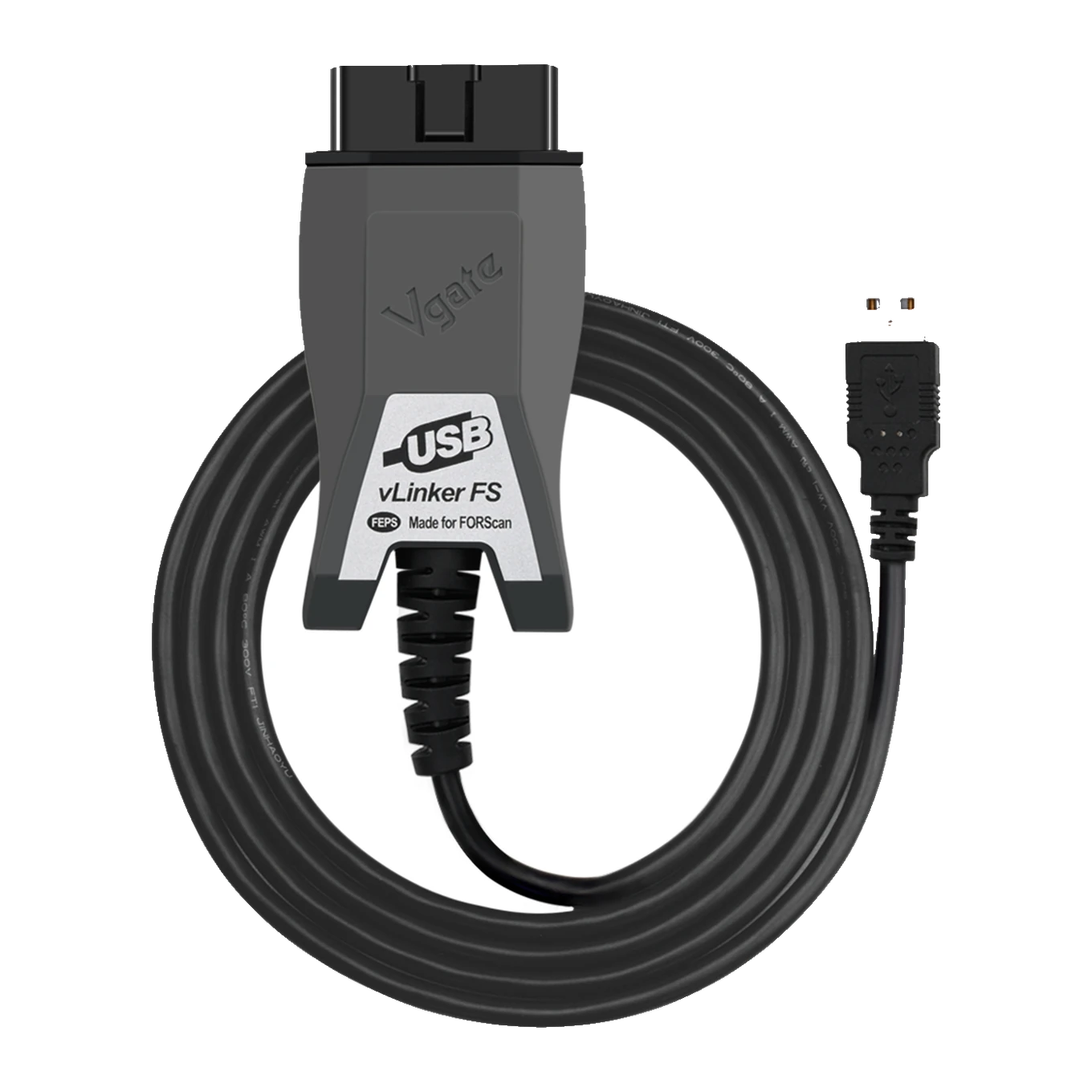 Vgate vLinker FS USB FORScan OBD2 Adapter
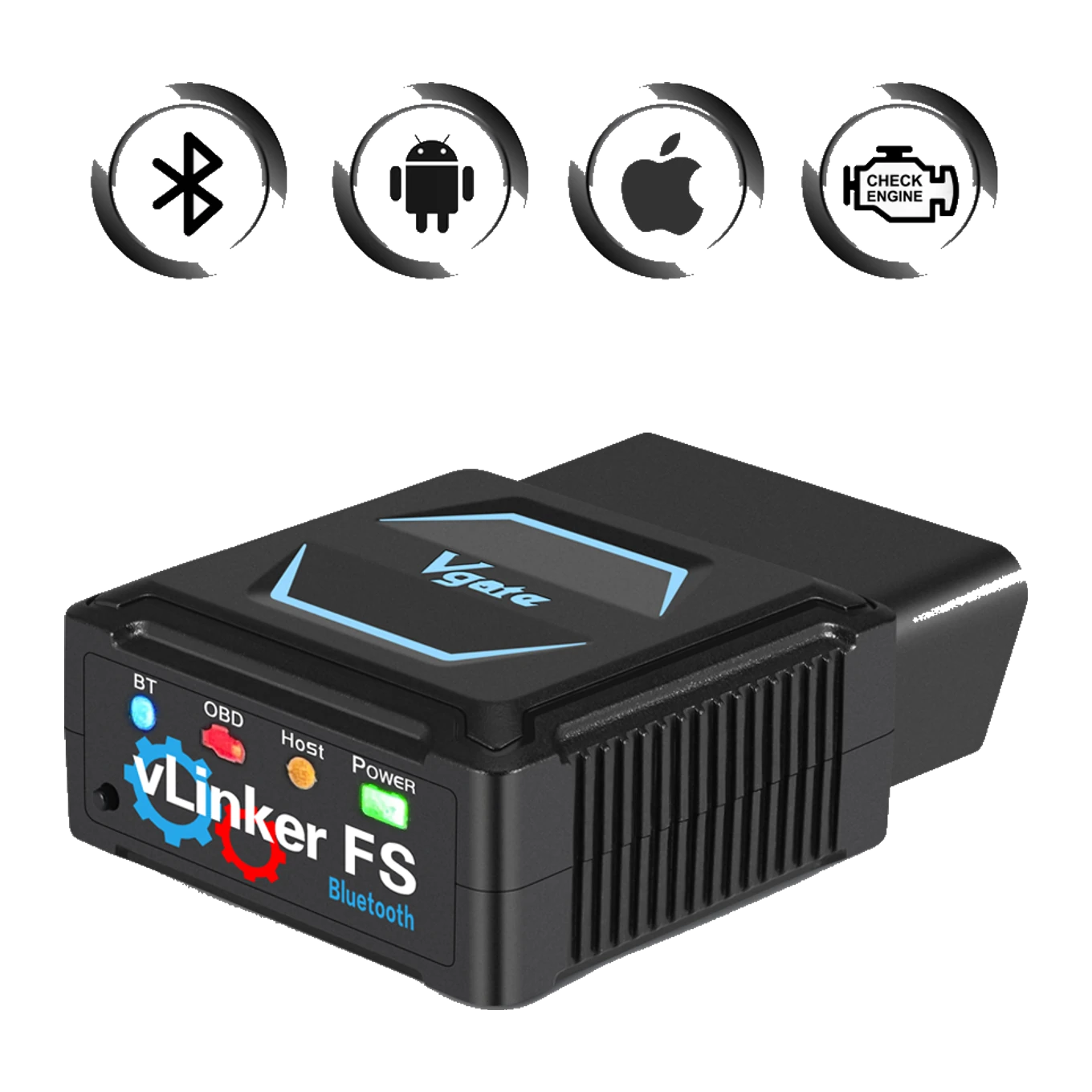 Vgate vLinker FS Bluetooth FORScan OBD2 Adapter