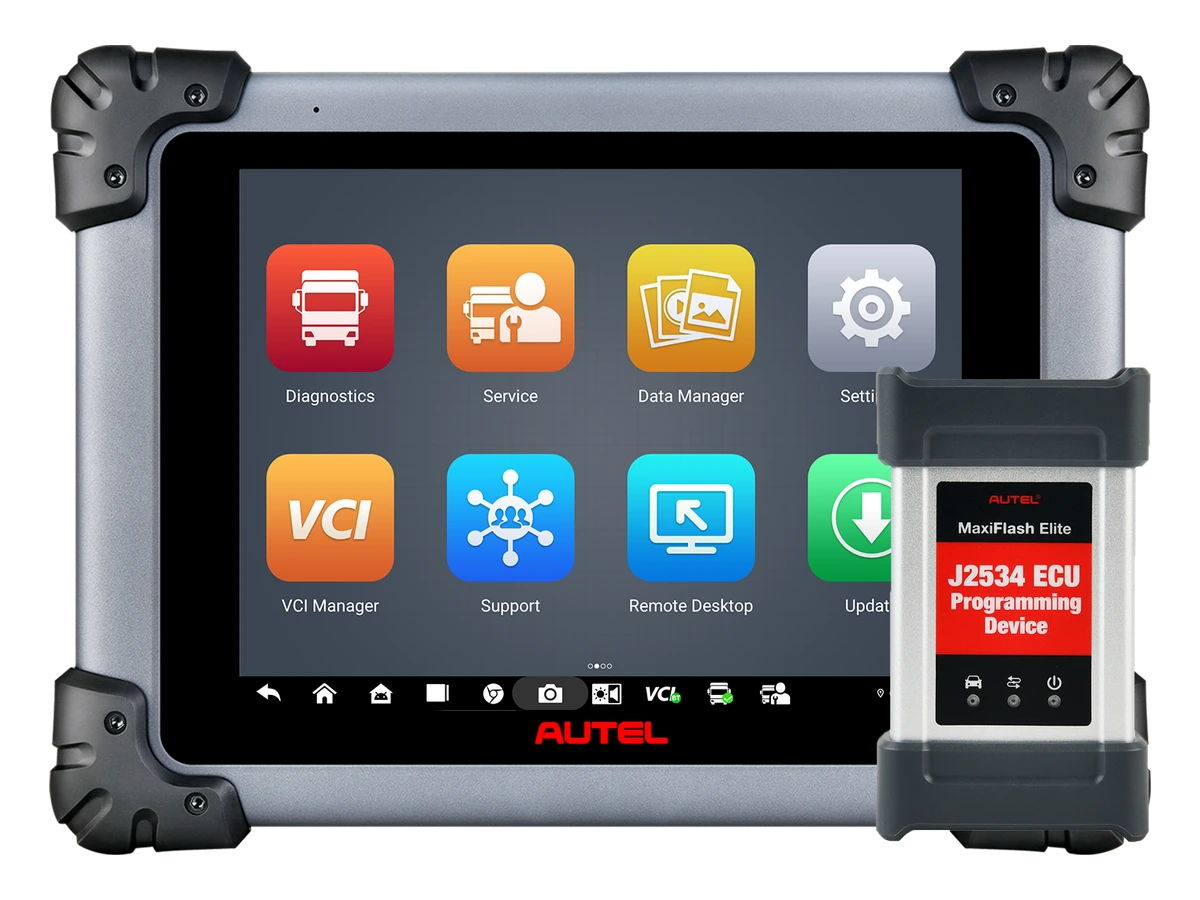
Product information
What is the Thinktool HML Box used for?
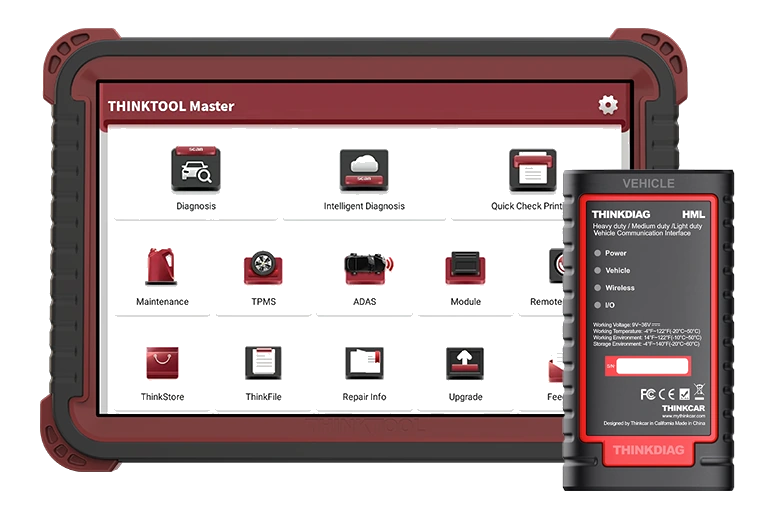
The HML Box is a communication module used with a compatible Thinktool main device for connecting to trucks, buses, commercial vehicles, or construction machinery, requiring heavy-duty software and the correct connector set. No model-specific technical data sheet for the HML Box was found in the accessible THINKCAR V5.0 catalog during the October 20, 2026 audit.
Therefore, supported main devices, 12/24 V operation, cable list, and vehicle coverage must be verified in writing with the serial number.
Physical Connection Coverage
What vehicles and devices is the Thinktool HML Box used with?
Connecting the cable, adapter, or communication module to the vehicle does not prove that the vehicle is supported by the software. The physical connector, pin layout, main device, and vehicle software must be compatible simultaneously.
- Brand coverage
- There is no fixed brand list specific to the cable; the compatible main device and vehicle socket are used as a basis.
- Model Coverage
- Vehicle model and model year are verified separately in the main device's current coverage list.
- Main unit
- VCI, tablet, or diagnostic interface specified in the product name and technical resources
- Physical check
- Main Device Compatibility, Cable Coverage, Vehicle Group
- This product does not add new software, licenses, or service functions to the main device.
- Do not force connection without verifying the pin structure.
Open official sources and coverage connectionsProduct details
What does the HML Box do?
The product serves as a communication layer between the vehicle and a compatible Thinktool main device. It has no screen or standalone diagnostic application. Menus, reports, and licenses operate on the main device.
Product details
Model-Specific Technical Proof Status
Although the accessible THINKCAR V5.0 catalog describes heavy-duty modules and compatible Thinktool families, it does not provide a separate technical data sheet for the HML Box. Manufacturer documentation, module label, and a list of compatible main devices should be requested from the seller.
Product details
Main Device, Software, and Cable Trio
The module alone is insufficient for successful connection. The Thinktool main device model, active heavy-duty software package, and the connector matching the vehicle socket must be paired. Physically connected cables do not prove protocol support.
Product details
Safe Check for 12/24 V Connection
Vehicle voltage, socket pins, and the cable's need for external power are checked before connection. Damaged or unverified adapters are not used. Ignition and power sequence are followed according to manufacturer procedures.
Product details
Service Scenario: Initial Truck Connection
Vehicle make, model, year, and socket type are recorded. The correct cable is selected, 12/24 V power is measured, and the software package is opened. If there is no communication, power, pins, cable, module, and software are tested individually.
Product details
Purchase Scenario: Complete Heavy-Duty Package
The quote must clearly state the HML Box, supported main device, cable names, software duration, and the vehicle groups to be worked on. Orders should not be placed based solely on a module photograph or the term 'universal'.
Product details
What is the HML Box model used for?
The HML Box model is a communication module that establishes vehicle communication between a compatible Thinktool main device and 12/24 V heavy-duty vehicle electronics. Its main uses and hardware features include heavy-duty vehicle connection, commercial vehicle support, and service module functions.
The HML Box model is not a standalone tablet or connector set; it works with a compatible main device, the correct heavy-duty vehicle cables, and the relevant software package.
- Heavy-duty vehicle connection
- Commercial vehicle support
- Service module
- Product Type
- Heavy vehicle diagnostic tools
- Usage level
- Specialty operation
- Basic functions
- Heavy-duty Vehicle Connection and Commercial Vehicle Support
Product details
What does the HML Box model provide in daily work?
This communication module establishes communication between a compatible Thinktool main device and the 12/24 V heavy-duty vehicle line. Main device compatibility is checked via the main device and vehicle group before connecting the module.
The module does not create vehicle coverage on its own for commercial vehicle use; the heavy-duty software on the main device and the appropriate connector set are required together. Cable coverage must match the truck, bus, or other commercial vehicle group to be worked on. The HML Box is a vehicle communication module, not a standalone diagnostic device with a screen.
The vehicle group, software package, and physical cable set must match each other in the same service connection. When communication is established with the module, the main device, module serial number, vehicle group, and the connector used are recorded in the service record. At the end of the job, the 12/24 V connection, cables, and connectors are physically inspected again.
- Main device compatibility
- Cable Coverage
- Vehicle Group
Product details
Initial connection with the socket suitable for the vehicle group using the HML Box model
Before connecting the HML Box model to a heavy-duty vehicle, the vehicle type, 12/24 V power supply, and chassis socket are determined. The HML Box model connectors and cable set are physically checked. The vehicle group, supply voltage, connector, and heavy-duty software are matched.
When the HML Box model is turned on, the vehicle identity and the first communicating control unit are recorded. If the HML Box model cannot establish communication, power, socket, cable, and software selection are tested individually.
- Determine vehicle type and voltage
- Select the correct chassis socket
- Physically inspect the cable set
- Record the initial communication result
Product details
Scanning engine and emission control units with the HML Box model
When scanning engine and emission control units with the HML Box model, the vehicle group is opened under the correct software. The HML Box model preserves engine, exhaust aftertreatment, and related powertrain codes in the initial report. Vehicle identity, connection set, and software version are added to the initial service report.
The HML Box model saves operating hours and event data accompanying the codes. Deletion or service commands are applied after the fault inspection on the HML Box model is completed.
- Scan engine and emission systems
- Store fault codes with event data
- Verify vehicle group and software package
- Inspect fault before deletion
Product details
Recording live data under operating conditions with the HML Box model
Live data recording with the HML Box model begins by entering the engine's operating status and load information. The HML Box model collects fuel, pressure, temperature, and emission-related values under the relevant system. Vehicle identity, control unit, and software version are included in the data recording.
The HML Box model saves values with their units and measurement time. After the repair, the HML Box model takes a second recording under the same operating conditions and compares the differences.
- Record engine operating conditions
- Select relevant live data
- Store values with their units
- Compare after repair
Product details
Rescanning after service operation with the HML Box model
After the service operation, the HML Box model reconnects to the same vehicle and control units. The HML Box model displays the codes from the initial report, the completed operation, and the final scan side-by-side. A second scan is taken using the same connector set and software version.
The HML Box model performs the necessary function check according to the vehicle manufacturer's procedure. The HML Box model clearly indicates ongoing codes and new findings in the customer report.
- Reopen the initial report
- Scan the same systems one last time
- Complete the function check
- Report ongoing codes separately
Product details
How is the vehicle coverage of the HML Box model verified?
Definitive compatibility cannot be stated for the HML Box model without selecting the truck, tractor, or bus group, engine, 12/24 V connection, and connector together. The Thinkcar official coverage tool shows which system, service function, or protocol is activated for the selected vehicle and control unit for the HML Box.
The presence of a brand line does not prove that active testing, coding, programming, TPMS relearn, or security gateway access is also enabled on the HML Box.
Before ordering, prepare the VIN or full model information, model year, engine/chassis distinction, and the intended operation for the HML Box; also check the software version, license period, VCI, adapter, and regional package.
- HML Box model: Prepare brand, model, model year, and engine/chassis information
- HML Box model: Select the desired system and operation separately; read, live data, active test, coding, or programming
- HML Box model: Verify ECU and function line in the official coverage tool
- HML Box model: Check VCI, cable, adapter, license, and regional package conditions
- HML Box model: final check with VIN and manufacturer procedure before transaction
Product details
HML Box model technical specifications and compatibility information
Main device compatibility, cable coverage, and vehicle group module's 12/24 V heavy-duty vehicle connection are determined. The HML Box is not a standalone diagnostic device; a compatible Thinktool tablet, heavy-duty vehicle software, and a connector set suitable for the vehicle socket are required.
J1939 or brand-specific communication support depends on the main device and software package used. Access to engine, transmission, brake, superstructure, and emission systems varies according to the manufacturer's current vehicle list. The module label, serial number, and delivered cables are checked before use.
- Main device compatibility: The physical parts and box contents delivered with the HML Box model must match
- Cable coverage: The physical parts and box contents delivered with the HML Box model must match
- Vehicle group: The manufacturer's current list based on brand, model, year, and system is used for the HML Box model
Product details
Which related products are compared with the HML Box model?
The Launch OBDII non-OBD external HD connector set is not a direct alternative to the HML Box model. The HML Box is a heavy-duty vehicle communication module; the Launch OBDII non-OBD external HD connector set is a connector package that complements physical socket access.
Main device compatibility, cable coverage, and vehicle group must match the tablet, software package, and physical connector set to be used. The communication module does not replace the connector set, nor does the connector set replace the communication module.
- Launch OBDII non-OBD external HD connector set: heavy-duty vehicle connection and connector set
Product details
How is the HML Box model used in the workshop?
Working with the HML Box model begins with writing the vehicle or equipment ID and the heavy-duty vehicle connection request into the work order. The technician prepares the main device compatibility condition and records the initial scan or connection test with the HML Box model.
Only the relevant system is opened on the HML Box model; if there is an active command or write operation, the vehicle voltage is monitored throughout the process. After the application is completed, the HML Box model rescans the same system. The vehicle group is shown in the service report along with the initial record and the operation performed with the HML Box model.
- Record the initial status for heavy-duty vehicle connection
- Prepare main device compatibility condition
- Apply the heavy-duty vehicle connection process according to the manufacturer's procedure
- Recheck the result after the operation with the HML Box model
Product details
HML Box model package, software, and update structure
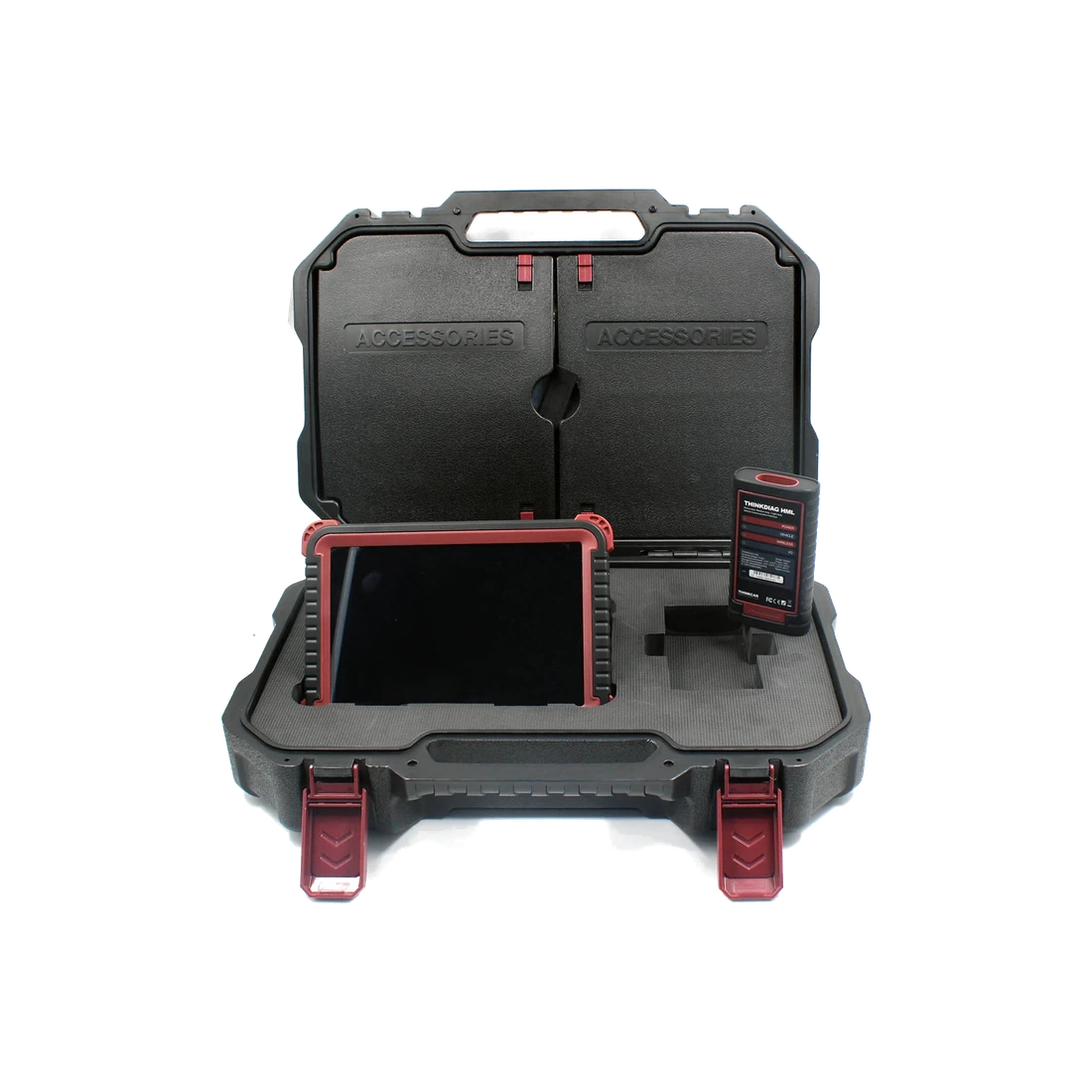
The HML Box model package includes only the power and connection parts listed by the manufacturer along with the HML Box communication module. Main device compatibility, cable coverage, and vehicle group are checked via the delivered product label and parts list.
Thinktool tablet, heavy-duty vehicle software license, and vehicle-specific connector set are not included in the package unless explicitly stated in the box contents. The module's main device compatibility and physical connector coverage are separate technical details. The warranty is valid for the purchased physical product and listed parts under the described conditions.
- HML Box model main product
- Main device compatibility
- Cable, adapter, and power components
- Included software or application information
- Separate display of warranty and update periods
Product details
HML Box model post-delivery usage and registration procedure
Upon receiving the HML Box model, the model label, serial number, box contents, and main device compatibility are compared with the order record. For the HML Box model using software, the account, language, region, and current version are recorded on the first installation day. The first test is performed with a heavy-duty vehicle connection task instead of a risky write command.
If the HML Box model is to be used with a shared workshop account, the account manager and users accessing customer data are determined. Cable, battery, probe, and accessory checks are added to the HML Box model maintenance plan.
- HML Box model model and serial number
- Main device compatibility delivery check
- First test with heavy-duty vehicle connection
- Account or Physical Maintenance Record
- Screen and Operation Record for Support Request