Product information
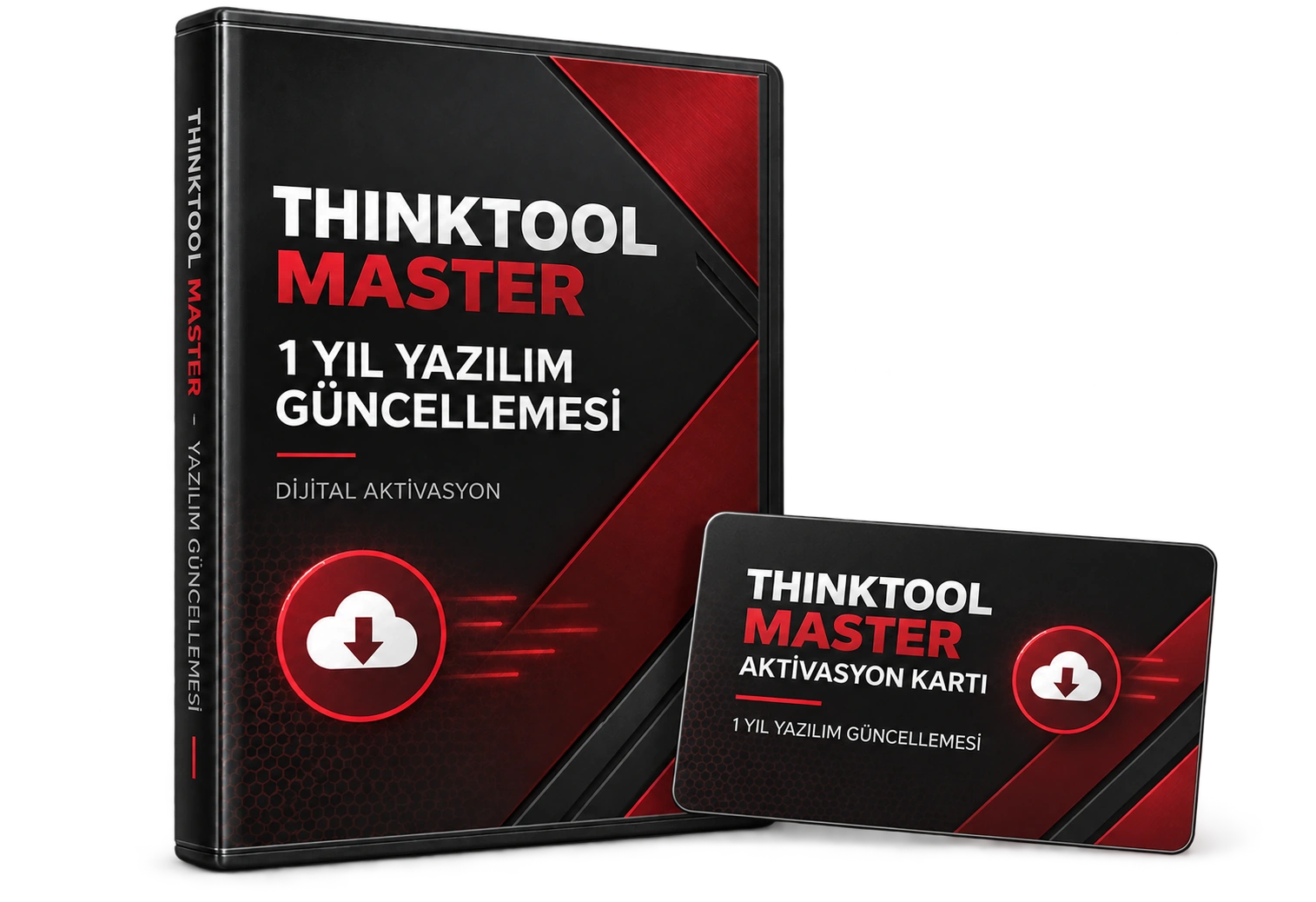
What is Thinktool Master – 1 Year Software Update for?
The Thinktool Master 1 Year Software Update is a digital license service for renewing software and vehicle coverage on a compatible device. Before activation, the device serial number, current license, region, and account information are verified.
Not automatically valid for Master 2, Master X, or other Thinkcar models; manufacturer server and relevant account confirmation are required.
Device and vehicle coverage
What devices and vehicles is the Thinktool Master – 1 Year Software Update valid for?
This product alone does not create new vehicle brand or model support. The scope of use is limited by the main device's hardware, existing vehicle software, account status, and license terms as defined.
- Compatible main device
- Device family and hardware version specified in the product name and official source
- Supported makes
- Brands in the main device's current official vehicle coverage
- Supported models
- Vehicles supported by model year and operation on the main device's coverage screen
- Information before ordering
- Thinktool Master compatibility, Device serial number, Current license screen, Region and account information
- License or update period and vehicle support are not the same information.
- Activation is not promised without verifying the device serial number and current software status.
Open official sources and coverage connectionsProduct details
What does the Thinktool Master update cover?
This product is a 1-year digital software and vehicle coverage update service for the Thinktool Master. Activation is performed after verifying the device serial number, current license screen, region, Thinkcar account, and the software's current compatibility status.
Activation on compatible devices can be done with a T-Code provided by the manufacturer or authorized distributor, or via the serial number. The update does not guarantee every operation on every vehicle; supported make, model, year, control unit, and service function must be verified separately.
- 1-year digital license
- Thinktool Master device check
- Vehicle coverage and software update
- Serial number and account matching
Product details
Pre-purchase and pre-activation check
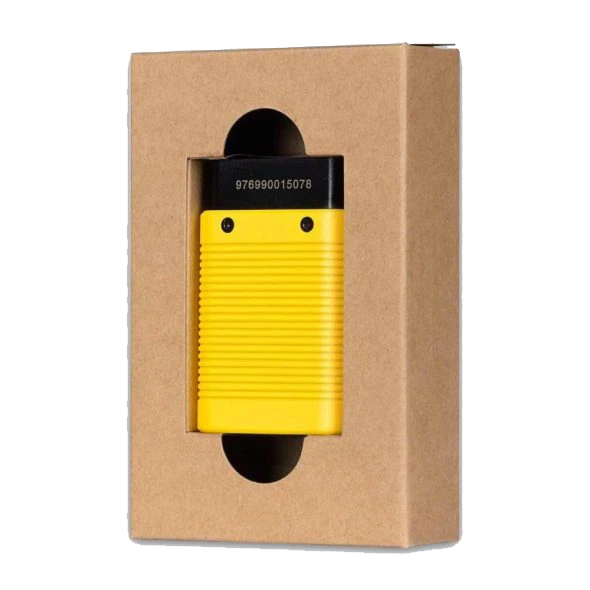
Before payment, check your device's full model, serial number, and current license screen; if possible, open the application's update screen to confirm compatibility. The product is not automatically usable on other Thinkcar models. After ordering, the requested screen captures and account information are used solely for compatibility verification.
Activation may not be completed if the device is the wrong model, locked, linked to another account, in an unsupported region, or if the manufacturer's server does not accept the code; therefore, the process is not considered finalized until compatibility is verified.
- Full model: Thinktool Master
- Device serial number
- Current license and update screen
- Region, account, and activation status
Product details
Scenario: preparing an expired device for update
If the update period for a Thinktool Master used in a service center has ended, first turn on the device, verify the account login and internet connection. Take a current screenshot of the serial number and license screen; photograph the device's full model name as well. These details are checked before quoting to prevent purchasing a license for the wrong model.
After compatibility approval, activation is completed, the device is restarted, and the new expiration date is visible in the update center. The initial software download requires an uninterrupted network and sufficient battery power.
- Record model and serial number
- View license screen currently
- Check expiration date after activation
- Use stable internet for the first download
Product details
Scenario: decision to update for new vehicle coverage
Before a newer model vehicle arrives at the workshop, the license duration alone is not considered. On the Thinkcar coverage page, search for the make, model, year, control unit, and required service function individually.
If the desired operation is not visible in the current version, verify whether the update includes this function; license renewal does not guarantee unlimited functions on all vehicles. After the update, re-check the same vehicle profile and attempt connection with adequate battery support. The result is recorded in the service work order along with the software version.
- Verify vehicle and control unit in advance
- Search for the required service function in the coverage
- Write the software version in the work order
- Use power support during vehicle connection
Product details
Where can you see the update price?
Before ordering, check the device model and license status; evaluate the product price and the physical device price separately.
- Current TL sales amount
- Digital delivery
- Device and license compatibility check
Technical Resources
Technical resources for Thinktool Master – 1 Year Software Update
Technical information checked with official sources on October 8, 2026.