How to perform electronic checks during a vehicle inspection with Autel MX900?
The Autel MX900 can be used to collect information from the vehicle's supported electronic systems in vehicle inspection and to report scan results. Findings in the engine, brake, or airbag units contribute to the electronic part of the vehicle inspection. This scan is not a complete inspection of paint, chassis, mechanical wear, and road behavior. When selecting a device, consider not only the number of readable brands but also the systems accessed in the vehicles you frequently check and the report you will deliver.
Otobiltek is the store selling the device connected in this guide. Technical information and sales offers are evaluated separately.
Prepared by reviewing manufacturer documentation; does not offer practical tests on vehicles or measured success rates. The product page uses actual photos, the cover features a representative AI image, explanatory panels show actual product photos, and topic-specific operation steps are included.
Full model and job to be performed.
Functionality supported on the vehicle.
Required connection and equipment.
Verification and limits of the result.
When the manufacturer's document and vehicle function support change, the technical explanation is re-checked. Prices, delivery packages, and sales conditions are examined on the product page.
Quick comparison
What does each finding indicate in vehicle inspection?
Action
Information obtained.
Additional required check.
System scan
Records of accessible units.
Separate indication of inaccessible systems.
Live data
Values and states at the time of the test.
Condition, unit, and manufacturer reference.
Pre/post scan.
Difference in recordings between two checks.
Explain the intervention in between.
Customer report.
Electronic record of the check.
Combining with physical vehicle inspection findings
To which part of vehicle inspection does the MX900 contribute?
Autel defines this model as an all-system diagnostic and service tablet. Its capabilities in reading codes, live data, ECU information, and scan reporting can be used for electronic inspection. The benefit sought by a vehicle inspection business is the ability to evaluate findings from different modules under the same vehicle record.
The manufacturer's documentation does not state that the device is produced solely for vehicle inspection. The evaluation here is the application of verified features to the vehicle inspection task; it is not a customer reference for specific businesses using the device. Comparative measurements on the same vehicles are required for superior speed or accuracy.
Electronic checks during vehicle inspection
Record first. Inspect next. Finalize with a comprehensive report.
Evaluate electronic findings read with MX900 separately from the vehicle's physical inspection.
Save the vehicle ID, moment of check, accessed modules, and fault records without deleting them.
02
Examine the relevant system
Select supported live data and service function based on the complaint.
03
Note the scope of the check
Specify inaccessible systems; electronic scanning does not prove the integrity of the entire vehicle.
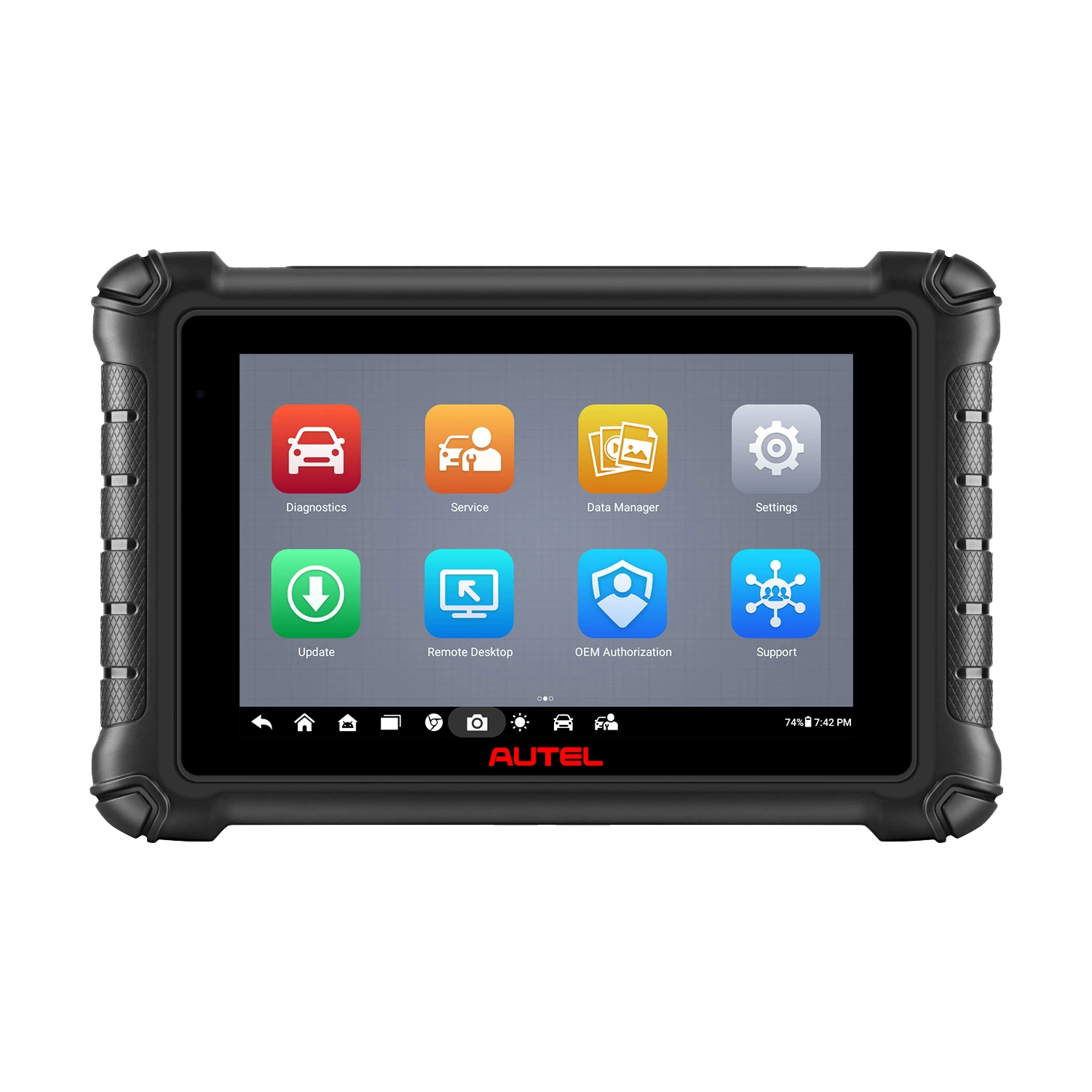
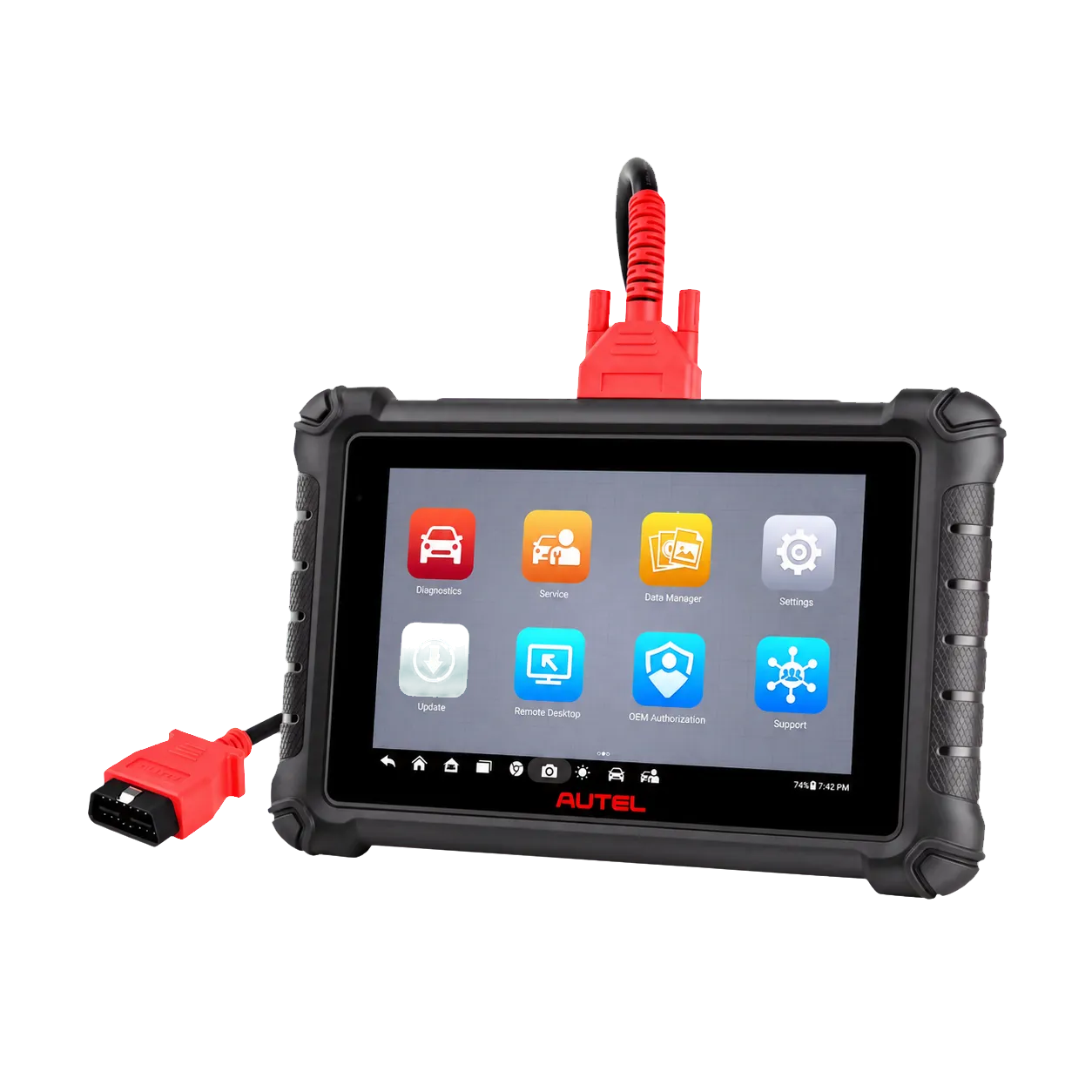
The photo shows the actual device; it is not a completed vehicle inspection test or customer report.
Decision guide
Information to be recorded before scanning at vehicle acceptance.
At the start, write down the control request, vehicle identification, and the complaint observed. The identity of the selected vehicle must match the VIN; hardware, engine, and model year information should be verified separately if necessary. Successful automatic recognition does not alone indicate that all modules are accessible.
Adding the date, mileage, and test conditions to the work order prevents the result from being confused with another vehicle or test time. Recording the mileage does not verify the actual mileage. Keep the customer's explanation of previous interventions separate from the data read by the device.
Decision guide
Save scan results without clearing codes on the initial scan.
Clearing the fault memory is not the initial step of a vehicle inspection scan. First, accessed modules, observed codes, and the record status, if any, are saved. If there is freeze frame data for a fault in a supported system, it is added to the inspection context.
Status names such as recorded, current, or intermittent are evaluated based on the information provided by the system. The absence of any records does not prove that the vehicle has not experienced faults in the past. The current view may change due to a previous clearing operation or a condition that has not yet occurred. Clearly state the time of the check in the report.
Decision guide
Engine, ABS, and airbag findings do not lead to the same conclusion.
An engine code and an airbag communication error require different diagnostic paths. Read the code's description, the unit it came from, and whether the system is accessible together. Do not infer part replacement or past accident history solely from the code number.
For example, the inability to access the airbag unit and the absence of a fault record in the unit are different outcomes. The report should accurately state the access status instead of "no fault." Incomplete reading cannot be presented as a clean result without a qualified technician distinguishing wiring, power supply, vehicle hardware, and device support.
Decision guide
Specify the conditions under which you read live data.
Instantaneous temperature, RPM, or pressure values are not inherently good or bad on their own. The engine being cold, the load condition, and the selected unit alter the interpretation. During vehicle inspection, only parameters relevant to the inspection purpose should be selected, and the meaning of the values should be checked against the vehicle's service information.
A brief snapshot taken at idle does not substitute for behavior under driving load. If a test drive or additional physical measurement was not performed, state this in the report. This article does not provide a list of normal values applicable to all vehicles; criteria may vary even for different engines of the same model.
Decision guide
When are pre-scan and post-scan used?
The MX900 documentation includes pre- and post-scan reporting functions. Separating the results of two checks in a repair job helps to avoid confusing previous findings with the post-intervention status. For a vehicle undergoing only inspection, clearing codes or performing repairs is not required for the post-scan.
When comparing two reports, the vehicle identification, selected systems, and interventions performed in between should be recorded. The absence of the code in the second report does not alone mean the fault has been permanently resolved. Re-evaluating the complaint under the necessary conditions is a separate check.
Decision guide
Make the customer report readable.
The guide explains the functions of report recording, viewing, and sharing. Before delivery, check the vehicle information, report date, and observed results. Alongside the technical code list, explain in simple terms the performed check and the need for further inspection.
It is important for the report recipient to distinguish between "no record read for this system" and "this system was not checked." Verify the recipient to avoid sending the file to the wrong customer. If you use a real vehicle report in promotional content, remove personal information and obtain appropriate usage permission.
Decision guide
Active test, coding, and vehicle inspection scan are different tasks
The presence of active tests on the device does not mean that all actuators must be activated during vehicle inspection. Operations that can generate movement or change system status require control purposes and vehicle procedures. The scan service should be separated from repair or adjustment intervention in the work order.
The features of the MX900 cannot be inherited from other Autel models. Do not assume the coding, wireless connection, and accessory features of the MX900-TS, DS900, or a higher-tier tablet for this model. If your reason for purchase is a specific service operation, verify it with the full model and vehicle.
Decision guide
Use the business's vehicle list before purchasing.
List the most frequently encountered vehicles by model year, engine, and systems to be checked. Examine the access and sample report that the MX900 can provide for these tasks. CAN FD and DoIP support on the Autel page do not mean that all operations on every vehicle are enabled.
The screen, the working arrangement with cables, the transfer of the report to the customer, and the necessary update conditions affect daily use. Check the full model and delivery package in the offer. Prioritize the complete recording of the check you provide to the customer over the number of functions not on your needs list.
Frequently Asked Questions
Most frequently asked questions by customers
Is the MX900 manufactured solely for vehicle inspection?
Autel defines the device as an all-system diagnostic and service tablet. It has functions that can be used in vehicle inspection; however, the claim that it is produced solely for this sector is not made in this guide.
Does the MX900 prove the vehicle is accident-free?
No. Electronic records alone do not confirm accident history. Body, chassis, mechanical checks, and appropriate history records are evaluated separately.
Is a vehicle with no fault codes definitely trouble-free?
No. Scanning only shows the current status of accessible systems. Physical defects and faults that do not occur under all conditions are examined separately.
Should fault codes be cleared before vehicle inspection?
Existing findings should be preserved first. If clearing is deemed necessary, the reason and effect are recorded; it is not used in place of an initial check.
Is there a real vehicle inspection test in this article?
No. This guide is a workflow evaluation based on manufacturer documents. The device screen in the photo is not a test result from a specific customer.


 Autel MX900