How to choose a diagnostic tool for Renault and Dacia?
The correct diagnostic tool for Renault or Dacia is not selected based solely on the hardware plugged into the socket. The vehicle year, control unit, intended procedure, software used, and online authorization if necessary, must be checked separately. An interface sufficient for basic diagnostics on an older vehicle may not enable operations requiring a security gateway, DoIP, or manufacturer account on a newer model. Older Bluetooth interfaces found on the market under the name Renault-COM should also be considered within this framework as a limited and verifiable option.
The following options are not direct equivalents. Current compatibility for the vehicle, control unit, and intended procedure must be verified separately.
Option
Potential Use Case
Connection and Software
Main Limitation
Basic OBD2 Reader
Engine emission codes and limited live data
Phone or standalone display
ABS, airbag, body, and brand-specific functions are not guaranteed
Renault-COM Bluetooth
Basic diagnostics on older Renault/Dacia control units with separately verified compatibility
Bluetooth and older Windows-based software
Current support, license, vehicle coverage, and advanced functions are uncertain
Renault CLIP/CAN Clip Path
Brand-specific diagnostic flow on supported Renault/Dacia vehicles
Compatible VCI, CLIP software, and drivers
Authenticity of the interface, version, and online authorization must be checked separately
ADT and J2534/DoIP
Manufacturer's current service approach for new generation vehicles
Windows computer, cloud access, and compatible pass-thru interface
Account, subscription, network, and transaction authorization are required
Current multi-brand service tablet
Daily diagnostic and service tasks for various brands
Tablet, current VCI, and manufacturer software
Function scope varies by vehicle, year, and control unit
Decision guide
Start selection from the task, not the vehicle
Reading only fault codes on the same Renault or Dacia model does not require the same device as performing active tests, adaptations, key operations, or control unit programming. First, document the vehicle identity, model year, engine, and target control unit; then clearly define the intended procedure. The phrase 'Renault compatible' or 'full system' is not sufficient proof of purchase on its own.
A basic OBD2 reader is mostly used for emission-related engine codes and standard live data. Multi-system software is required for ABS, airbag, transmission, body electronics, and manufacturer-specific service functions.
Reading codes, clearing codes, live data, active tests, adaptations, and coding/programming are separate capabilities. The fact that a device can perform the first two does not imply it can perform the others.
Before purchasing, search for the VIN, model year, target control unit, and intended procedure in the device manufacturer's current coverage list. Verbal information from the seller should be supported by written compatibility records if possible.
Vehicle and model year
Target control unit
Process to be Performed
Software and license
Required connection and authorization
Decision guide
Distinguish between basic OBD2 and brand-specific diagnostics
The physical appearance of the OBD socket does not mean all devices will access all modules of the vehicle. Standard OBD2 provides a common base for engine emissions. Manufacturer-specific control units within Renault and Dacia, service functions, and security sessions depend on the device's software coverage.
A user wanting to read the engine fault light does not need the same class of product as a service performing ABS live data, injector corrections, or body module active tests.
The term 'full system' may describe software that can scan multiple control units; however, it does not guarantee the active test or coding menu for a specific unit. The function list must be checked on a per-vehicle basis.
The age of the vehicle alone is not sufficient. Within the same model year, different diagnostic coverage may be observed due to differences in engine, market, control unit supplier, and hardware level.
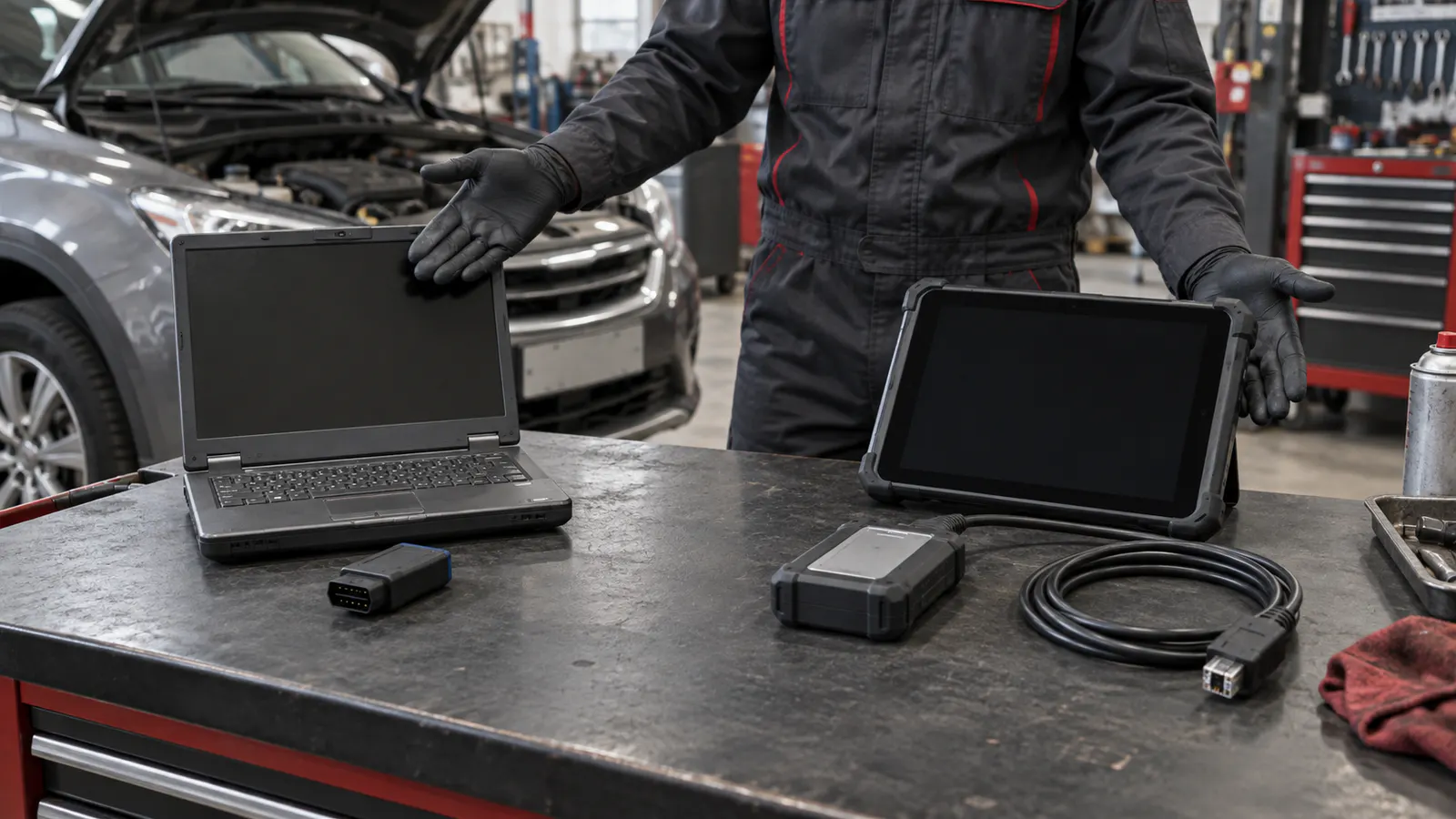
Generic workbench comparing an old Bluetooth OBD interface with a current pass-thru VCI and service tablet
Decision guide
What is Renault-COM Bluetooth?
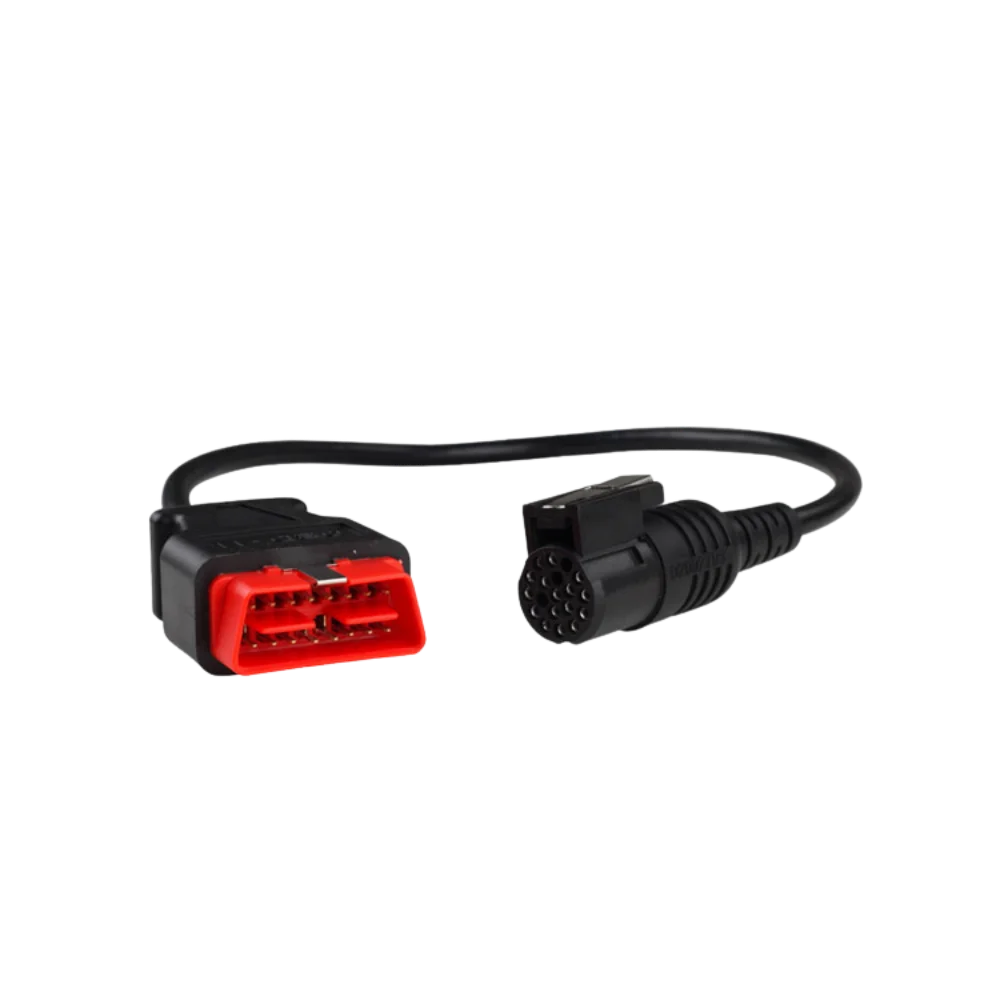
The product sold under the name Renault-COM has not been verified as a current service device offered by Renault. Examples on the market appear as compact aftermarket interfaces that connect via Bluetooth to a Windows computer with a 16-pin OBD plug. Older sales packages show traces of software associated with names like ASM-X or SuperScan; however, the hardware manufacturer, license chain, and current support channel cannot be clearly verified.
The DEC Automotive SuperScan 3 user manual describes ASM-X software and Windows XP, Vista, and Windows 7 32-bit environments. The original SuperScan 3 hardware package in the manual is a larger interface and cable set; it should not be assumed to be the same product as the small Renault-COM Bluetooth body found on the market.
Vehicle lists on the market mention various control units from older generation models such as Clio, Megane, Scenic, Captur, Duster, Dokker, and Logan. These lists are not a guarantee of coverage for all model years or every module in the vehicle.
Due to the lack of current, verifiable manufacturer support, Renault-COM is not recommended as a new service investment. Any existing interface should only be evaluated for risk-free diagnostic operations after the compatible vehicle and software have been clearly verified.
Decision guide
What can Renault-COM do, and which claims should not be trusted?
On a compatible control unit, ECU ID, fault code reading and clearing, freeze frame, live data, and some actuator tests may be possible. Functions beyond this should not be promised without vehicle and software level verification. Claims of key learning, immobilizer, airbag operations, control unit programming, and coverage for all Renault/Dacia vehicles are not a safe basis for purchase.
Bluetooth pairing and virtual COM port setup can cause installation issues with older Windows software. There appears to be no verified support channel for 64-bit drivers, dropped connections, or non-functional installation media.
Connection loss during critical writing or programming operations can render the control unit inoperable. These operations should not be attempted with a Bluetooth interface of uncertain origin and support.
The product should not be confused with general Bluetooth OBD adapters, as there is no verifiable Android or iOS support for operation via a phone app.
Decision guide
CLIP, ADT, and J2534/DoIP are not the same solution
Renault CLIP/CAN Clip is a known path used for brand-specific diagnostics for Renault and Dacia. Renault Alliance Diagnostic Tool, on the other hand, is defined as a cloud-connected approach under current technical prerequisites and requires a suitable J2534 or DoIP interface for newer vehicles. An old Bluetooth adapter does not replace this software and authorization chain.
A J2534 pass-thru interface provides the supported communication path between manufacturer software and the vehicle. A software account, subscription, drivers, and vehicle coverage are also required.
DoIP transports diagnostic communication over IP and Ethernet. DoIP support does not imply programming authorization; a suitable interface, manufacturer software, and a secure session must work together.
Renault's published limitations for independent operators indicate that some new control unit configuration and programming operations, as well as processes like key learning, may be further restricted. Therefore, the phrase 'does it all' is insufficient for any interface.
Decision guide
Check protocols and security access on new generation vehicles
Newer model Renault and Dacia vehicles may have additional requirements such as CAN FD, DoIP, or security gateways. Plugging the device into the OBD socket and reading the VIN does not indicate that protected writing functions are enabled. VCI hardware, software, internet, and user authorization are separate parts of the same chain.
If clearing, active tests, or adaptations are rejected despite being able to read error codes, a security gateway or authorization requirement should be investigated. This situation is not directly interpreted as a device malfunction.
CAN FD and DoIP are hardware features; vehicle and function coverage are determined by software. The protocol logo does not solely prove that a specific operation will work on a particular Renault model.
If online operations are to be performed, account region, subscription duration, internet stability, and serial number registration are added to the purchase cost.
Decision guide
The most logical approach based on usage profile
A reliable basic OBD2 reader may be sufficient for a user who only wants to see engine codes on their own vehicle. A service focusing on older Renault/Dacia may consider the brand-specific path with current and legal software access. A multi-brand independent service may establish a more sustainable workflow with a current service tablet covering frequently encountered vehicles.
If you are purchasing a device for a single older vehicle, compare the product price with the cost of having the vehicle scanned once at a suitable service center. Installation and compatibility uncertainties can make the device uneconomical.
List the models that have arrived and the tasks that could not be performed in the last six months at a service center focusing on Renault/Dacia. Make the device decision based on verified control unit and function coverage for these vehicles.
In a multi-brand service, in addition to vehicle coverage, reporting, VCI connection stability, update costs, technical support, and security access determine daily productivity.
Decision guide
Pre-purchase checklist
Do not just ask the seller 'Will it work for Renault?'. Provide the vehicle model, model year, relevant part of the VIN, engine, target control unit, and the operation you intend to perform in writing. Request a response with the device manufacturer's current vehicle/function list; read the return, license, and technical support conditions before ordering.
Check that the package clearly shows the main interface, cable, adapter, software, and license duration. Different packages may be sold under the same product name.
Serial number, account transfer, update rights, and driver files can be problematic with used or unverified products. Unsupported software can negate the advantage of a low price.
Perform a safe general scan and live data check on the first use. Do not proceed to critical writing or programming operations without the manufacturer's procedure and a stable power supply.
Vehicle and ECU compatibility
Function list
License and update
Cable and VCI package
Returns and technical support
Frequently Asked Questions
Most frequently asked questions by customers
Does Renault-COM work on all Renault and Dacia vehicles?
No. Market listings mostly cover older models and specific control units. The vehicle, model year, engine, ECU, and intended procedure must be verified separately.
Does Renault-COM replace CAN Clip?
Generally no. Renault-COM is an older and potentially unsupported aftermarket Bluetooth interface; CLIP is the brand-specific diagnostic flow, while ADT is the new generation official service approach.
Can Renault-COM be used with a phone?
Verified Android or iOS support is not available. Known packages are associated with older Windows-based software via Bluetooth.
Can the ECU or control unit be programmed with Renault-COM?
General programming support cannot be verified. Critical writing or programming operations should not be attempted with a Bluetooth interface of uncertain connection and license source.
What features should be looked for in new model Renault or Dacia vehicles?
Depending on the vehicle-specific requirement, CAN FD, DoIP, a suitable J2534 interface, security gateway access, up-to-date software, and a valid manufacturer account should be checked.
How is the most accurate device determined?
The vehicle model and year, along with the target control unit and intended procedure, are documented; then verified on the device manufacturer's current compatibility and function list.