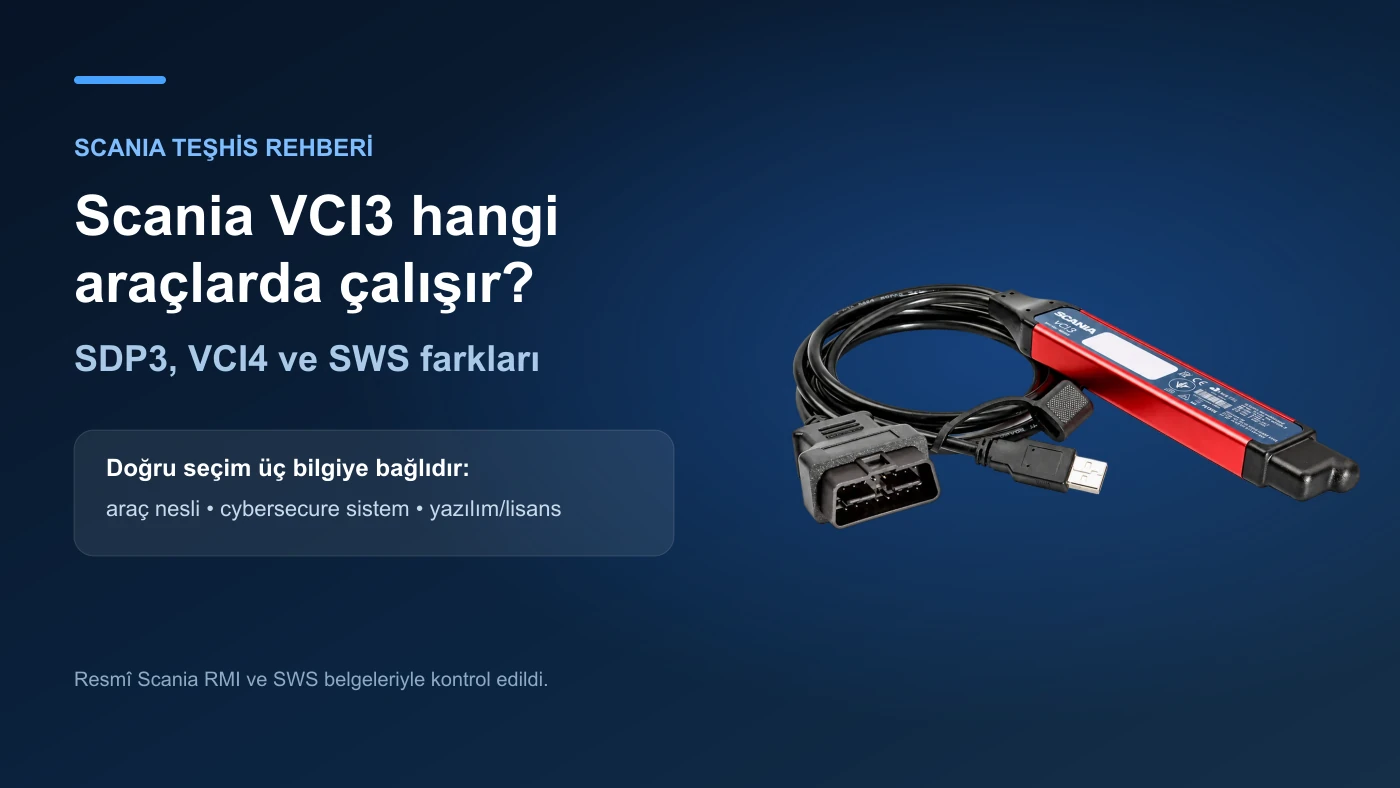
Which vehicles does Scania VCI3 work with? SDP3, VCI4, and SWS differences
When purchasing a Scania VCI3, it is not enough to look only at the vehicle make or the device's appearance. The vehicle series, production date, cybersecure electrical system, diagnostic software used, and operation authorization must be checked separately. This guide addresses the questions "Does VCI3 connect to new Scania?", "Is SDP3 included in the price?", and "Is VCI4 required?" in Turkey, according to official Scania documents.
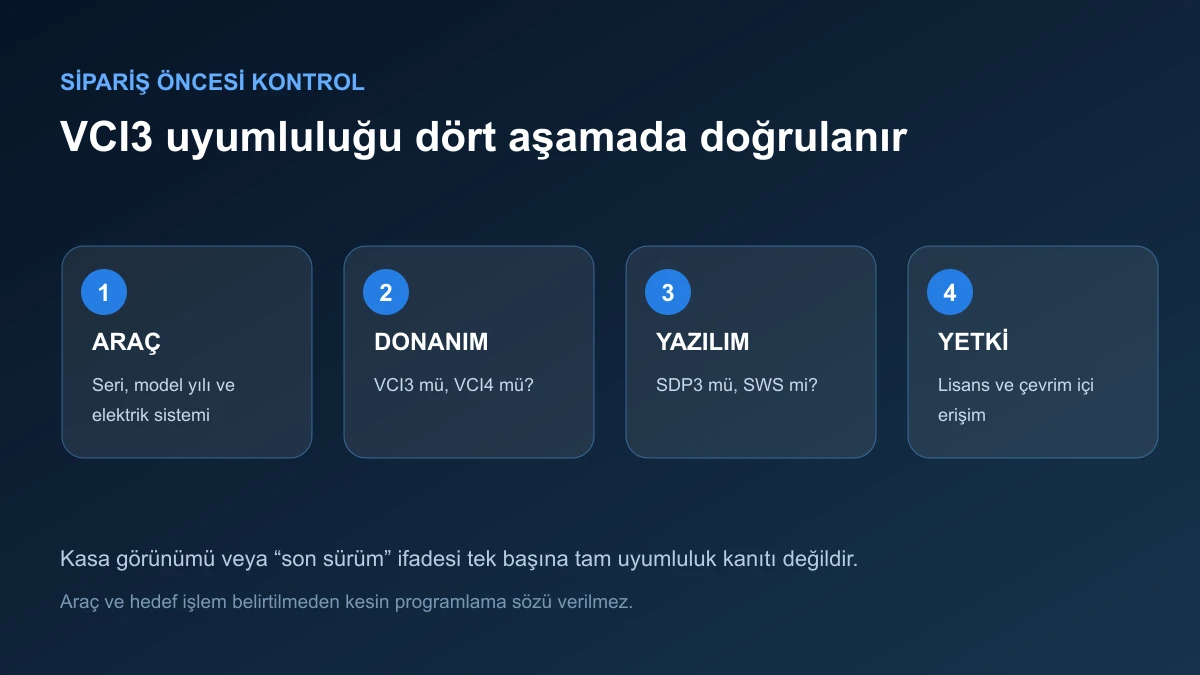
Scania VCI3 compatibility check sequence for vehicle hardware, software, and authorization
Decision guide
VCI3, SDP3, VCI4, and SWS are not the same thing
VCI3/VCI4 are physical VCI hardware that communicates between the vehicle and the computer. SDP3 and SWS are software environments that manage diagnostics, testing, and supported programming operations. Purchasing a VCI does not automatically provide software license, TIS account, or online authorization. In a correct setup, the vehicle, VCI, PC, software, license, and user authorization are separate links; if one of the links is missing, the selected operation may not be completed.
VCI3/VCI4: physical vehicle communication interface
SDP3/SWS: diagnostic environment running on a computer
TIS/license: software and operation access
Vehicle scope: series, year, electrical system, and control unit
Decision guide
What does the official Scania source require for SDP3?
Scania's RMI diagnostic page states that SDP3 requires a standard PC, SDP3 software downloaded via TIS, a purchased license key, and a vehicle communication interface. It explains that the license key is connected to the computer and that the duration extension proceeds via the same key/PC. Therefore, phrases like "the program is ready when VCI3 is plugged in" or "lifetime updates come with the device" do not reflect the official configuration. The hardware, software, and license scope should be stated separately in the product listing.
Windows PC and current technical requirements
SDP3 software obtained via TIS
License key connected to the computer
Scania VCI or verified interface of appropriate standard
Decision guide
In which Scania vehicle series can VCI3 be used?
Scania's SWS documentation states that VCI3 can be used in P, G, R, and T series trucks; L, P, G, R, and S series without a cybersecure electrical system; F, K, and N series buses; and non-cybersecure C/K series. This series list does not mean that the same functions are active on all model years and control units. The chassis, production date, electrical system, and operation to be performed must be checked with official technical information.
Truck: P/G/R/T and conditionally L/P/G/R/S
Bus: F/K/N and conditionally C/K
Non-cybersecure electrical system requirement can be critical
The control unit to be operated on is as important as the vehicle series
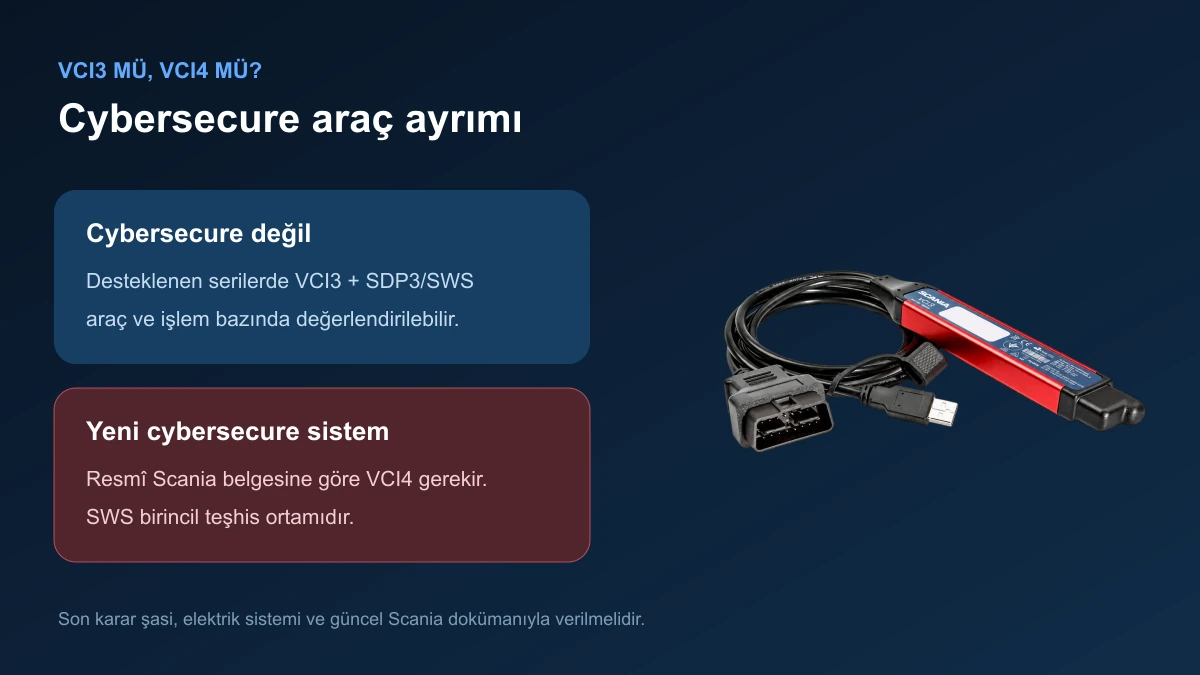
Cybersecure vehicle distinction in Scania VCI3 and VCI4 selection
Decision guide
Why is VCI4 required for new cybersecure Scania vehicles?
Scania's current SWS document clearly states that only VCI4 can communicate with new cybersecure vehicles and power systems. The presence of a WLAN light on VCI3 or its appearance in SDP3 does not eliminate this generation difference. When purchasing for a new L, P, G, R, S, or bus, it must be determined whether the vehicle has a cybersecure electrical system, not just its series name. If new vehicles are targeted, VCI3 should not be purchased without verifying the VCI4/SWS requirement through official channels.
Decision guide
How to establish USB and WLAN connection with VCI3?
The Scania VCI3 user manual directly shows that wireless connection or WLAN profile can be defined via existing network infrastructure. Devices can be listed in SDP3, searched by serial number, and a connection password can be entered if necessary. Drivers can be installed on the computer during the initial connection. However, the wireless hardware and firmware of an aftermarket device are not considered the same as the official unit. In the acceptance test, USB, then WLAN, and the SDP3 VCI information screen should be verified first.
Driver and device recognition via USB
WLAN profile, SSID, and region settings
Search by serial number within SDP3
Connection interruption and firmware status check
Decision guide
What operations can be performed with VCI3?
In supported vehicles and software environments, fault memory, live data, control unit information, tests, parameters, and calibrations can be viewed. Operations such as programming or SOPS may require additional data, licenses, and authorization. Phrases like "all operations", "full online", or "all Euro 6 vehicles" in competitor listings are not definitive proof without a vehicle/operation matrix. Reading faults and writing to the ECU are not the same capability and risk level.
Fault code and live data
Supported component tests
Parameters and calibration
Programming dependent on authorization and procedure
Decision guide
Why are Turkish prices so different?
As of the October 9, 2026 scan, VCI3 type listings were seen at approximately 9,300 TL, 12,000 TL, 12,750 TL, and 18,699.90 TL levels; some products were out of stock. Some sellers show the price excluding VAT and excluding currency, while others show it including software installation or computer. When comparing prices, the physical device, internal hardware revision, WLAN, software/license, computer, VAT, invoice, warranty, and technical support should be within the same scope. Otobiltek's price of 24,990 TL including VAT is above the market; therefore, what is excluded from the package is clearly stated.
Separate prices including and excluding VAT
Distinguish between in-stock products and out-of-stock listings
Do not confuse hardware-only sets with computer-included sets
Request a supply document for "original" claims
Decision guide
Final checklist before ordering
Before purchasing, the vehicle series, model year, electrical system, control unit to be operated on, and the service step to be applied are determined in writing. A real photo of the device to be sent, its serial label, USB/WLAN status, and SDP3 recognition screen are recorded. Whether the computer and license are included in the package is confirmed. If programming is planned, operations are not started without the power supply, recovery procedure, and user authorization ready.
Vehicle series, model year, and cybersecure status
System and service step to be operated on
Physical serial, cable, USB, WLAN, and firmware
PC, software, license, and TIS access
Programming power supply and recovery plan
Frequently Asked Questions
Most frequently asked questions by customers
Does Scania VCI3 work on the new S series?
It can be used on non-cybersecure supported S series. Vehicles with the new cybersecure electrical system require Scania document VCI4.
Is SDP3 software required for Scania VCI3?
For operations within the scope of SDP3, appropriate SDP3 installation and license are required. New vehicles may require the SWS/VCI4 configuration.
Is the license included in the VCI3 device price?
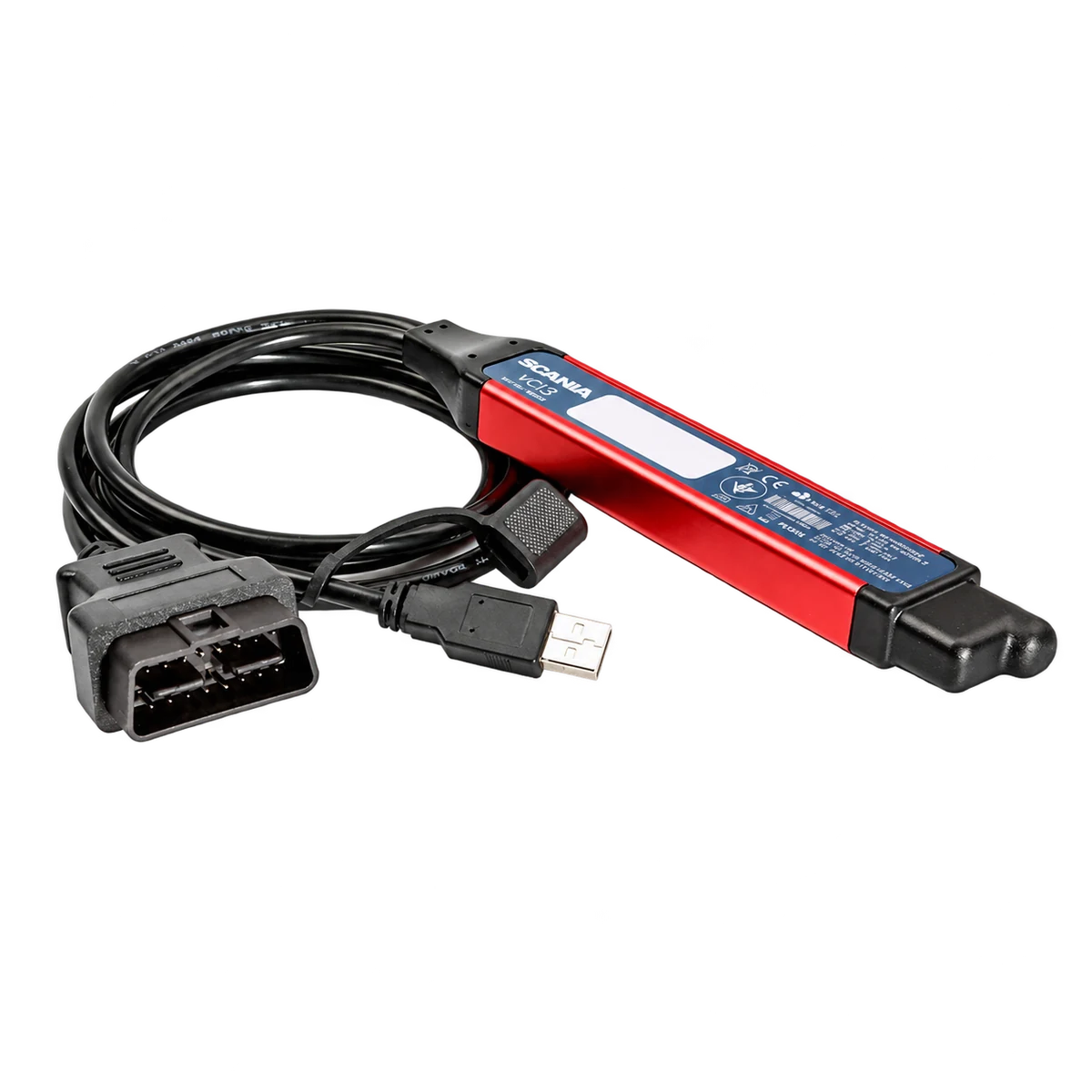
Each listing is not the same. The Otobiltek product's price of 24,990 TL including VAT is for the device and cables shown in the visuals only; computer, software, and license are not included.
Does Scania VCI3 have Wi-Fi connection?
Official VCI3 supports WLAN. For aftermarket devices, this function must be tested via the physical unit and firmware to be sent.
Can the SOPS parameter be changed with VCI3?
If the appropriate vehicle, software, data, and authorization are available, supported parameter operations can be performed. Unconditional SOPS access cannot be guaranteed for every vehicle and operation.
Can engine programming be done with VCI3?
Programming can be done if the appropriate license, data, authorization, stable power, and recovery procedure are available on the supported control unit. Purchasing only the hardware does not provide these conditions.
What is the difference between VCI3 and VCI4?
VCI4 is the new generation interface and is the required hardware for new cybersecure Scania systems. VCI3 is for non-cybersecure supported vehicles.
How to tell if a Scania VCI3 is original?
Serial number, part label, official supply document, and verification through the Scania channel are required together. The casing, logo, or file name alone are not proof of originality.
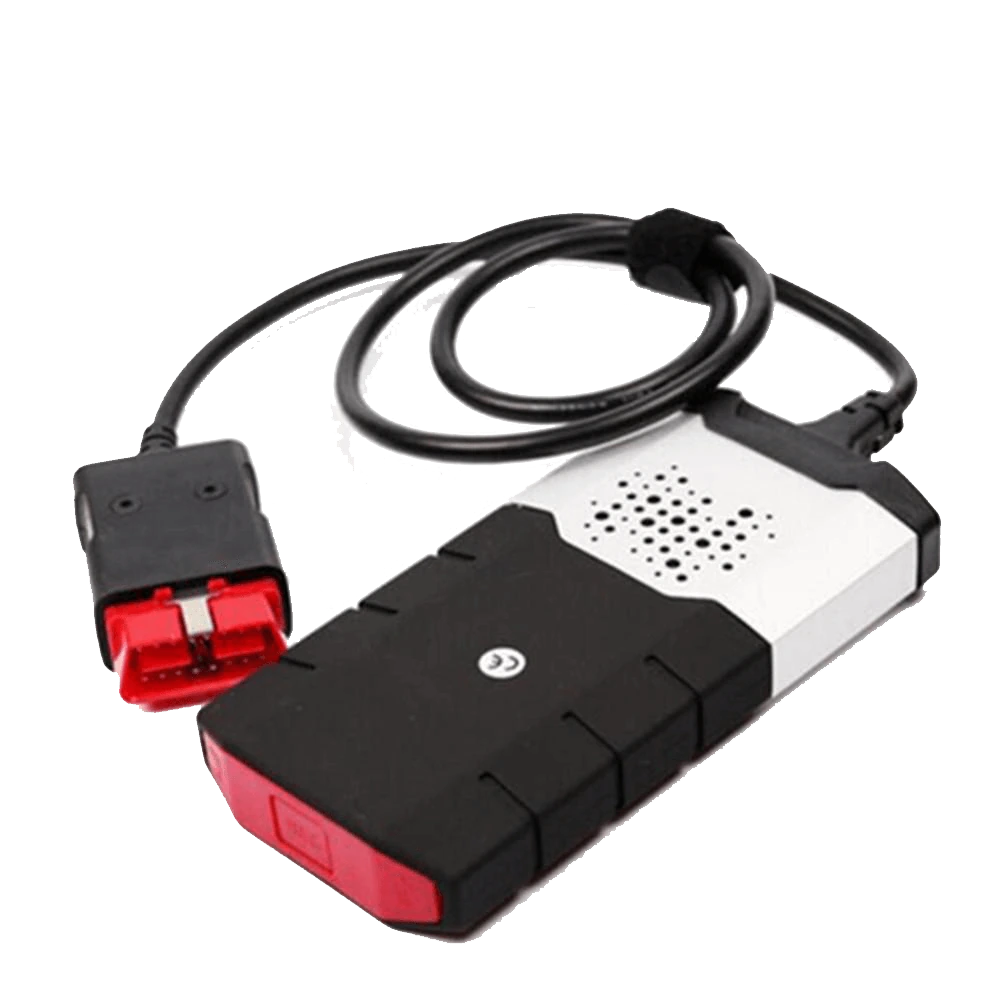
This aftermarket interface in Scania VCI3 format is used for diagnostic communication with supported Scania trucks, buses, and power systems via PC in a compatible SDP3 environment.
Read and clear fault codes in supported Scania vehicles
Live values, ECU information, and guided tests
Parameterization, calibration, and programming in appropriate procedures
Unbranded VCI package offered with a separate SKU for passenger car and heavy-duty groups. Initial setup is free; software license is not included. Vehicle and function compatibility must be checked separately.
Comparison of passenger car and heavy-duty packages