Evaluation Method
How was this guide prepared?
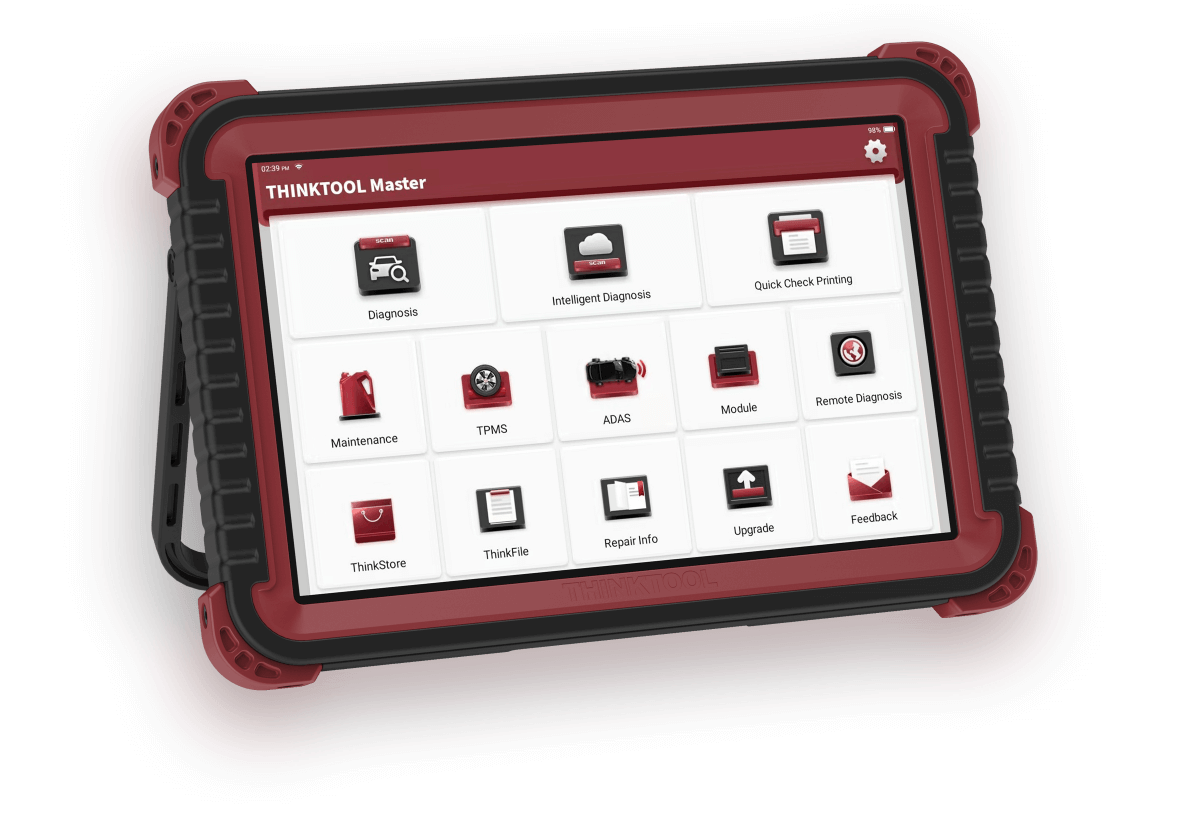
Visual representation of a service scene; does not show the actual Master device, activation screen, or code.
The initial setup, VCI activation, and FAQ sections of the THINKCAR Master user manual were reviewed. No tests were performed on the device.
- Separating the warning into registration, session, and VCI activation
- Protecting the privacy of serial number and code
- Adhering to the support limitations in the manufacturer's manual
The guide will be re-verified with the manufacturer's manual and the delivered device if menu names or activation flows change.
Decision guide
First question: Is the device already activated?
The manufacturer's standard initial setup flow includes email account, login, and VCI pairing. On a device pre-configured by the seller, the user may not encounter the new registration screen. Do not reset the device to factory settings just because registration is described in the manual if the main menu and update center are accessible. First, record which account is logged in, the VCI serial number, and the license status. Randomly trying new accounts without knowing the ownership or previous account information can exacerbate the problem.
Decision guide
Why does registration and login fail?
In case of registration errors, the manual first checks the internet connection, then whether the email address has been used before. If the verification code does not arrive, re-read the entered address and request a new code. In case of a login error, even if the network is working, the username or password may be incorrect. For 'server' warnings, try again later instead of changing the password or resetting the device. Do not share the password of a working account or the activation document in public service groups.
The Wi-Fi connected icon alone does not prove internet access; try opening a reliable page in a browser.
If a valid account has been opened for another THINKCAR product, the manual states that login can be done with this account.
If the username cannot be retrieved, use seller or THINKCAR support.
Decision guide
How to match serial number with activation code?
The Master manual specifies the VCI serial number as 12 digits and the activation code as 8 digits; the code is located on the password document in the box. Do not confuse this information with the tablet model name or the number on another VCI label. If VCI connection was not activated during registration, the Settings > Activate VCI area can be used. If the number and code are correct but the 'invalid' or 'configuration empty' warning persists, the manual directs to THINKCAR after-sales or regional seller support. Randomly generating codes or trying codes shared online is not a solution.
Decision guide
If 'VCI not active' appears on the update screen
This warning does not always mean the device is faulty. The manufacturer's FAQ section lists the VCI not being activated during registration as a possible reason. Check the activation status and the selected VCI serial number in the Settings menu. If multiple connection devices are registered under the account, the downloaded diagnostic software must match the correct VCI. If the wrong serial number is selected, do not redownload vehicle packages without selecting the correct connection.
Decision guide
What records should be prepared for support?
The full model name on the product and VCI, a masked view of the VCI serial number as needed, the error text, the purchase document, and the device's current account/license screen help diagnose the problem. Do not put the activation code in an open email chain, comment section, or social media message; share it only through verified support channels. Service support cannot say 'reset the device' without checking the old pairing in the manufacturer account or code validity. Proceeding with evidence reduces the risk of re-activation.
Frequently Asked Questions
Most frequently asked questions by customers
Does every customer need to open a new account to use Master?
The manufacturer's standard initial setup includes an account. A previously activated device may not display the new registration screen. A general 'not required' or 'mandatory' ruling cannot be made without checking the device's session and VCI status.
How many digits is the activation code?
The VCI activation code in the Master manual is 8 digits; the VCI serial number is 12 digits. This information must match the documentation of your own device.
If the code is invalid, should I reset the device?
No. First, check the network, VCI serial number, and that the code belongs to the correct device. If the code is still rejected, contact the seller or THINKCAR support.
What to do if there are multiple VCIs in one account?
Select the serial number of the connected device being used from the VCI list in Settings. Incorrect VCI selection can lead to the downloaded vehicle software not matching the serial number.
Technical Resources
Sources for technical information
Technical information checked with sources on October 11, 2026.