Decision guide
How to set up Thinktool Master?
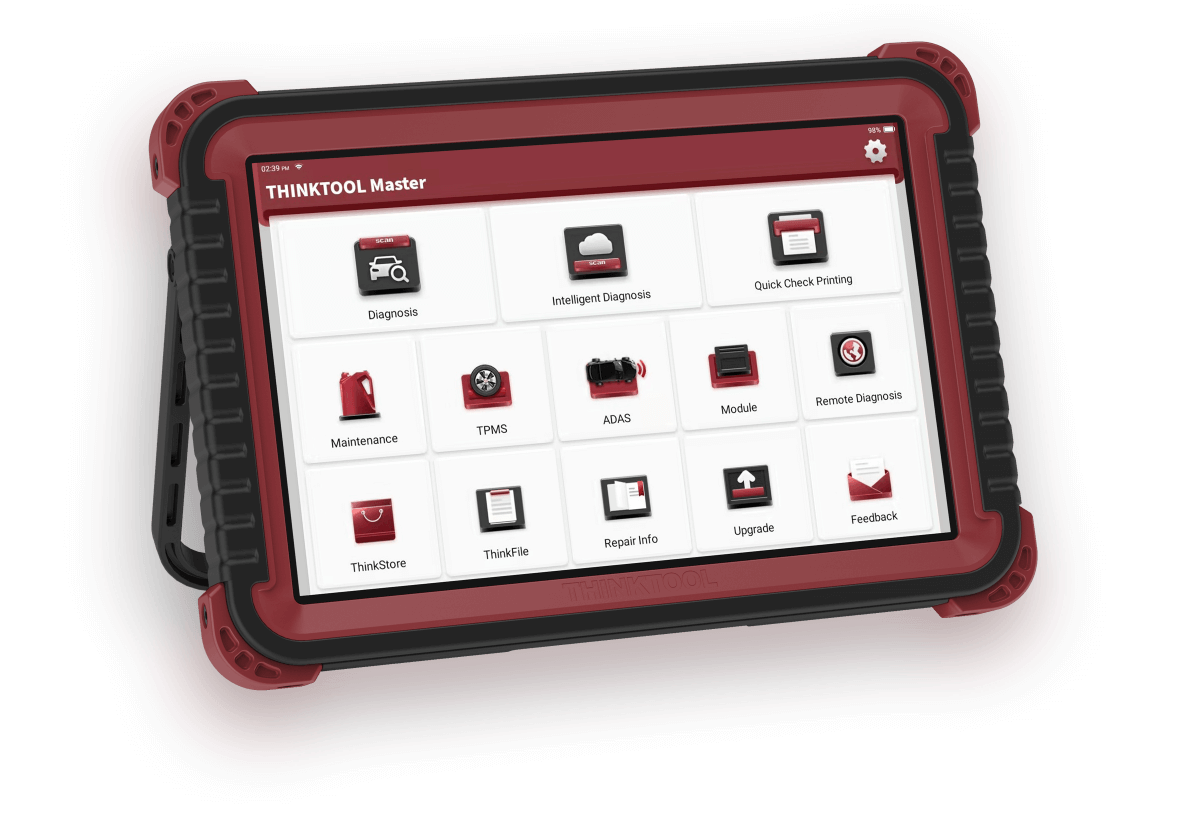
First, compare the model and serial number of the tablet and VCI device with the order documents. Turn on the tablet with sufficient charge and connect it to a reliable Wi-Fi network. The Master manual from the manufacturer includes steps for account creation or login, followed by pairing with the VCI serial number and activation code for initial use. If the seller has pre-configured the device, these screens may have already been completed; the device's session and license screen will determine if a new account is needed. Do not reset the device without knowing the existing account or activation code.
- Check serial numbers on tablet and VCI
- Establish Wi-Fi connection; check existing account and license status
- If the device requests activation, pair the VCI serial number with the code in the manufacturer's flow
- Download appropriate software packages in the update menu
- Verify VCI connection and perform an initial general scan on a supported vehicle
Decision guide
Initial software update and getting started
The Software Update menu in the manufacturer's manual updates vehicle software over the internet. Maintain the tablet's charge and connection until the download is complete; check the installed packages and license expiration date on the screen. For the first vehicle test, select the correct make, model, and year, and try reading fault codes and live data; programming a control unit is not an initial setup test. If the update menu is not visible, or if the account or VCI pairing gives an error, contact Otobiltek support with the device serial number and a screenshot.
Decision guide
What information should be requested when comparing sellers?
Different VCI, license, and accessory packages may be available under the same model name. Before payment, the device and VCI serial numbers, the quantity of included cables and adapters, software update expiration, warranty certificate, shipping conditions, and technical support scope must be clearly stated in writing. The Otobiltek product page shows the live price including VAT, current stock status, installment table, and links for returns/delivery. A domain name or logo alone is not proof of an official store or authorized seller belonging to the manufacturer; claims of authorization must be supported by verifiable manufacturer records.
Decision guide
Are Master and Pros the same package?
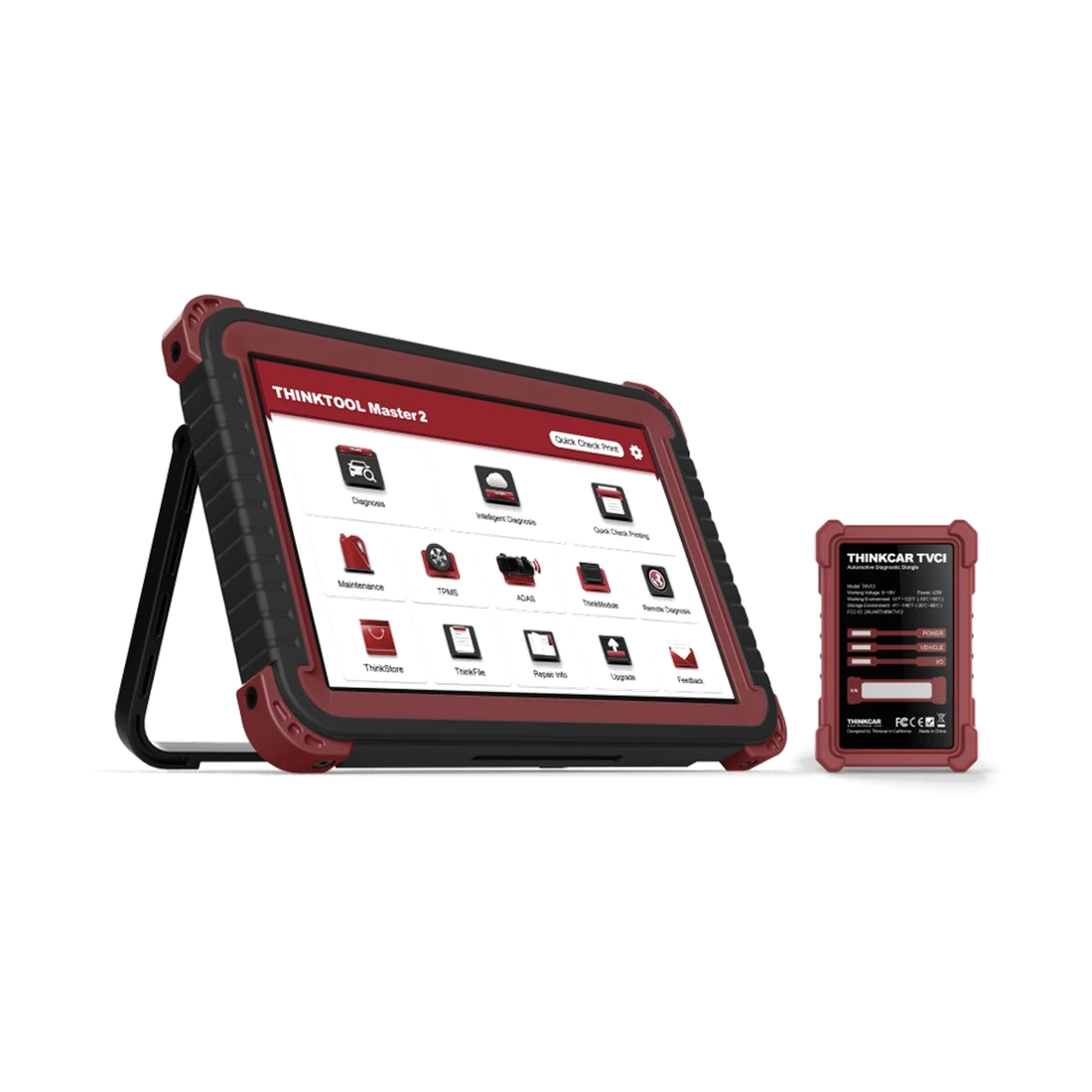
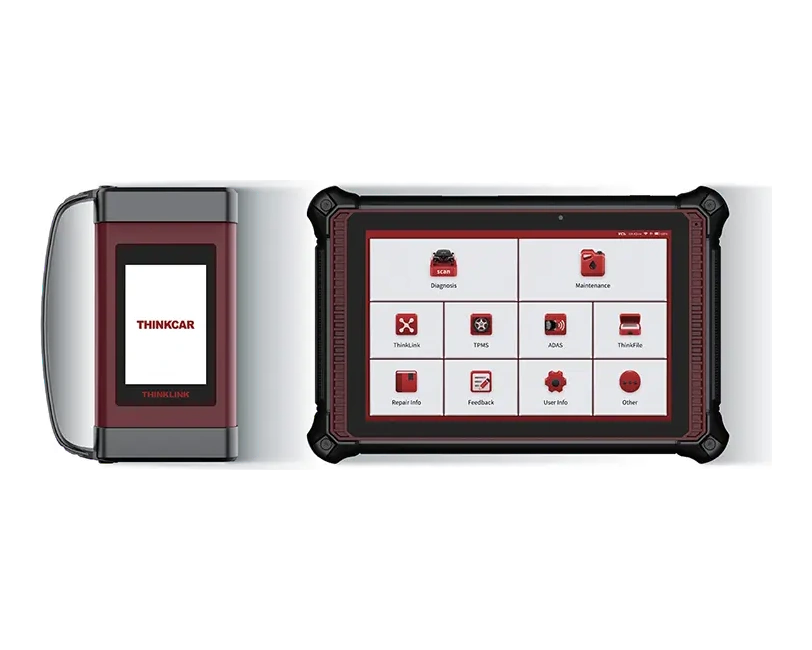
Do not use the names Pros and Master as if they were the same box contents. The THINKCAR V5 comparison distinguishes between THINKDIAG for Master and VCI connection supporting CAN FD for Master 2. A box labeled Pros, a different tablet casing, or an adapter set is not proof of Master delivery. Before purchasing, match the device label, VCI model, and included adapters with the information in the order package. This explanation is based on manufacturer documentation and visual inspection; it is not a result of testing on a vehicle.
Decision guide
What is the decision difference between Master and Expert?
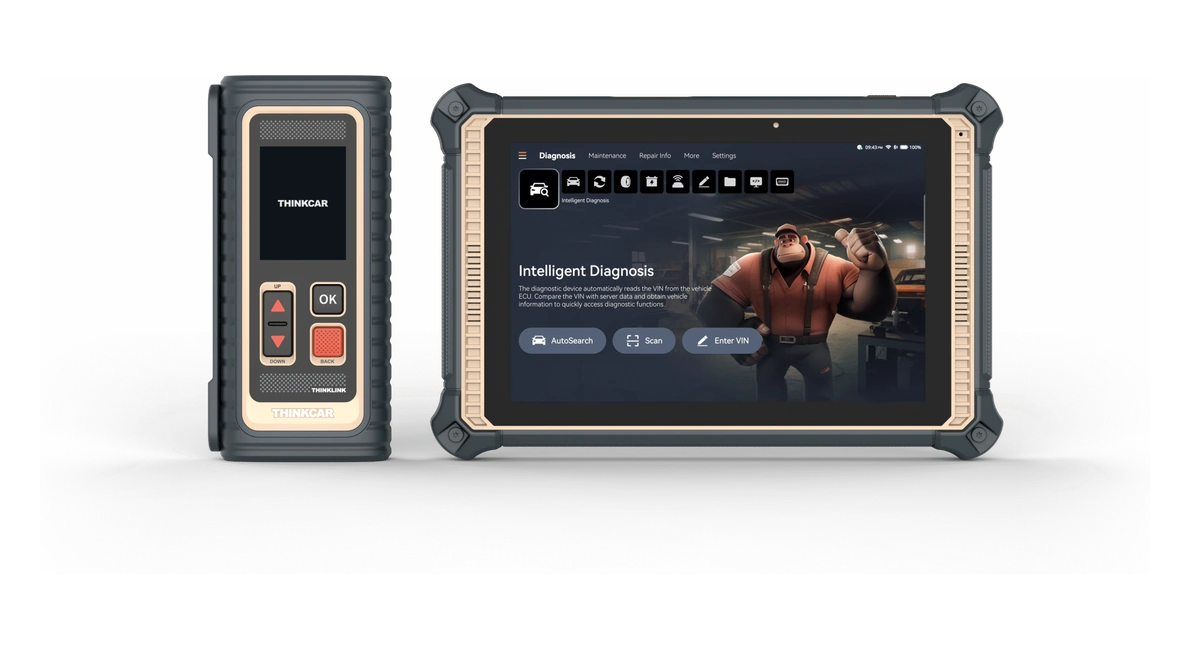
The names Master and Expert do not refer to the same level. The correct choice for a service is made based on the model's scope of operations and VCI package in the catalog. A model like Expert 391 may be more suitable for daily diagnostics and specific service functions, while Master may be preferred in workshops that utilize the module and programming ecosystem more extensively. Evaluate this difference not just by name or price, but by the actual tasks to be performed.
- Vehicle density in the service
- Active test and service function
- Programming and secure access
- Module needs
Decision guide
Does Thinktool Master perform programming?
Thinkcar product documentation includes online programming for some supported brand groups. However, programming requires the appropriate vehicle, control unit, OEM account, license, region, software file, and a stable power supply. Before purchasing, the intended operation must be confirmed with the specific vehicle and module name.
Frequently Asked Questions
Most frequently asked questions by customers
Is opening a new user account mandatory for Thinktool Master?
The manufacturer's initial setup guide shows account login and VCI activation. On a pre-activated device, the customer can start directly with Wi-Fi connection and updates. Check the account, license, and VCI status on your own device; if the activation screen appears, do not skip this step.
How to update Thinktool Master?
Connect the tablet to a Wi-Fi network, open the Software Update menu, and download the appropriate vehicle software offered by the device. Maintain charging and connection during the process. If a license or account warning appears, request support with the serial number and the on-screen error.
When will the Thinktool Master be shipped?
The exact shipping time depends on stock, payment confirmation, and order conditions; check the delivery information at the purchase step. No fixed time is promised or verified in this guide.
Who is Thinktool Master suitable for?
It is considered for workshops that regularly use full system scanning, live data, active tests, and service functions in multi-brand services. A simpler device may be sufficient for users who only want to read basic engine codes.
Is Thinktool Master sufficient for programming?
The model name alone is not sufficient. Conditions such as vehicle, control unit, manufacturer account, license, security access, and power supply must be checked separately.
Are modules included in the Thinktool Master price?
Modules and accessories may vary by package. TPMS, oscilloscope, videoscope, ADAS, and heavy-duty parts should be checked on the quote, not assumed to be in the standard box contents.