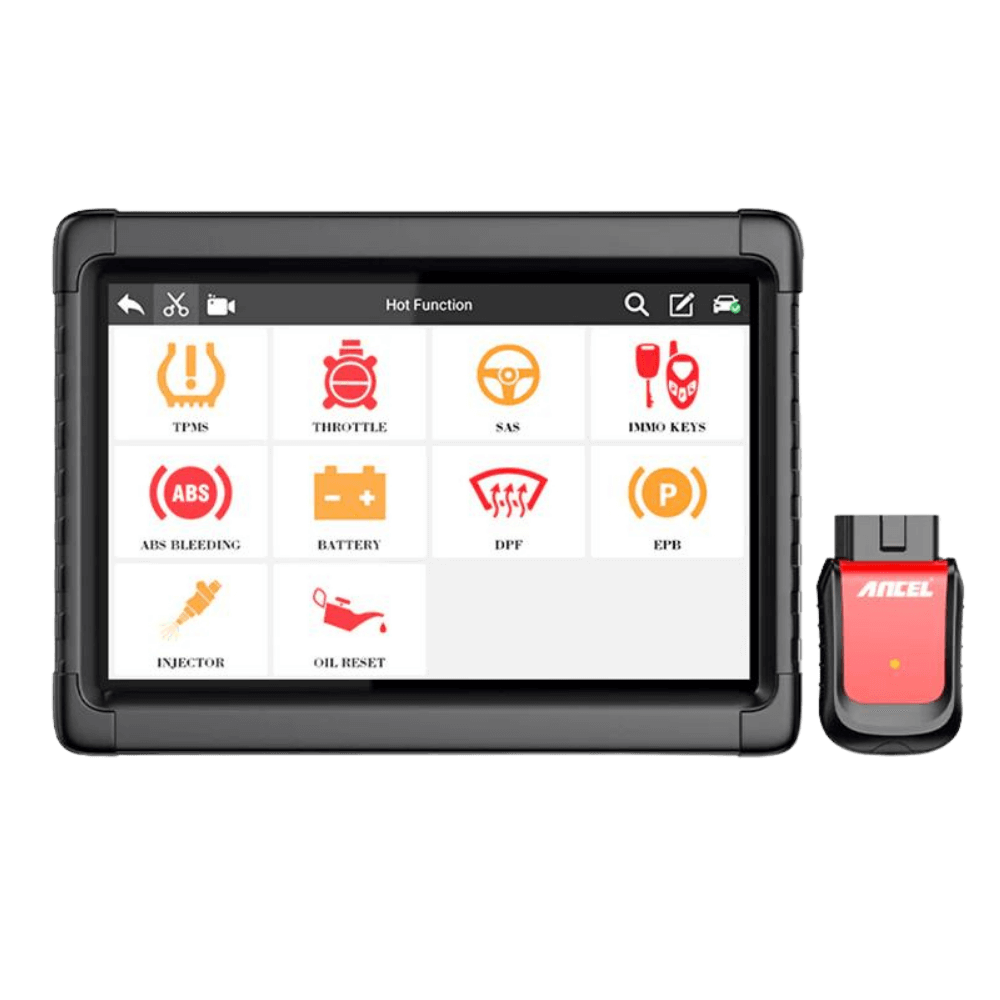
Product information
What is the ancel MT700 1 Year Software Update and Installation Service for?
This listing is for users who have a working ANCEL MT700 and wish to renew their device's software update period. First, the serial number, device version, and current license status are examined. Support for a specific vehicle, model year, or function is not promised without compatibility confirmation.
Device and vehicle coverage
Which devices and vehicles is the ancel MT700 1 Year Software Update and Installation Service valid for?
This product alone does not create new vehicle brand or model support. The scope of use is limited by the main device's hardware, existing vehicle software, account status, and license terms as defined.
- Compatible main device
- Device family and hardware version specified in the product name and official source
- Supported makes
- Brands in the main device's current official vehicle coverage
- Supported models
- Vehicles supported by model year and operation on the main device's coverage screen
- Information before ordering
- Full model: MT700, Device serial number, Current software and license status, Manufacturer account and region compatibility
- License or update period and vehicle support are not the same information.
- Activation is not promised without verifying the device serial number and current software status.
Open official sources and coverage connectionsProduct details
Scope of service
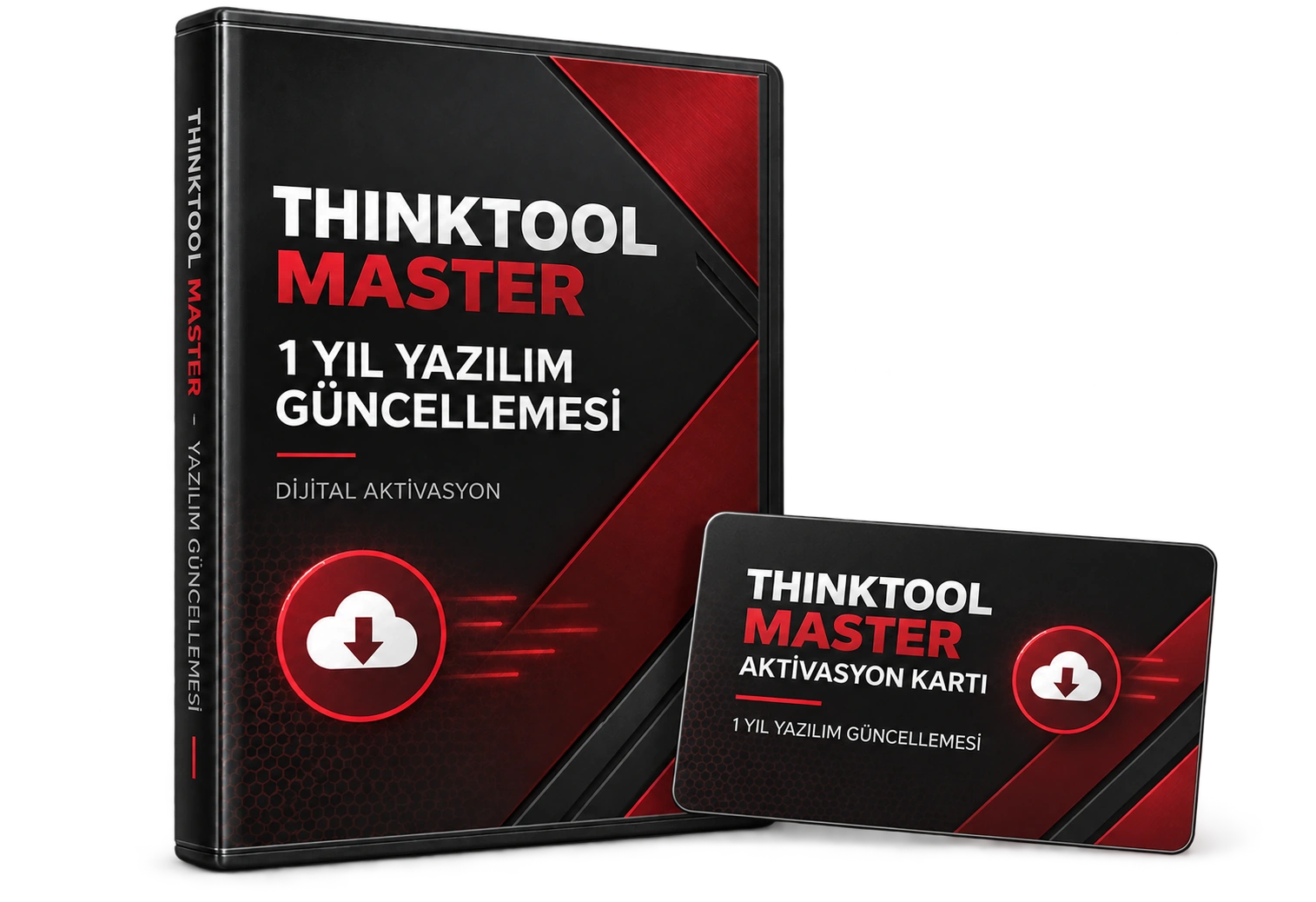
The manufacturer's MT700 page states free updates for the first year, followed by an annual renewal requirement. The service in this listing covers the software renewal and installation process for an existing MT700 device; it does not include the tablet, VCI, adapters, spare parts, or physical shipping. The final scope is confirmed after checking the serial number and manufacturer account.
- Duration: 1 year
- Usage: single MT700 device
- Delivery method: digital update and installation tracking
- Physical device: not included
- Compatible model
- ancel MT700This listing is not used for other ANCEL models.
- Service type
- Software updatePhysical product shipment is not made.
- Check
- Serial numberCompatibility confirmation is obtained before the process.
Product details
Serial number and compatibility check
Have your MT700 device's serial number, current software version, and license expiration status ready before payment. The serial number should be checked from the device label or the device information screen. Vehicle VIN, order number, or Android version do not substitute for the device serial number.
- Verify the full model name is MT700.
- Compare the serial number on the device and account screens.
- Note the current license or update expiration date.
- Do not consider payment/process completion final without confirmation of region and manufacturer account compatibility.
Product details
Update and installation flow
Information is obtained before ordering and compatibility with the manufacturer's coverage is checked. If compatibility is confirmed, the update/activation process is initiated; the customer is informed about the completion of the process. Account, region, key, or software limitations on the manufacturer's side may affect the initiation or completion of the service.
- Model and serial number are entered into the service form.
- Device version and current license status are specified in the service form.
- Wait for compatibility confirmation.
- Check the version and license screen on the device after activation.
Product details
What does this service not change?
Software updates do not renew the device hardware, screen, battery, VCI, or physical adapters. Updates do not mean the same functions will be unlocked on every motorcycle; brand, model, year, control unit, socket, and manufacturer software coverage are also decisive.
- Hardware repair and parts replacement are not included.
- New MT700 device or adapter set is not included.
- No guarantee of specific functions on a specific motorcycle.
- Activations outside the manufacturer's scope are not processed.
Product details
Scenario: update period of a working device is ending
If the MT700 used in the service is operating with its current software but the license period for new software packages is expiring, the device's model and serial number are first verified. After checking the current version, license expiration date, and manufacturer account, the compatibility result is determined.
Thus, software renewal for a working device is not confused with ordering new hardware.
- The device turns on with the current software.
- Check the license expiration date.
- Match the serial number and account.
- Renewal starts after compatibility confirmation.
Product details
Scenario: MT700 with expired license
The MT700 device can continue to operate with previously installed software; however, access conditions to the manufacturer's current model and function packages may change. When the period expires, first the internet connection, device account, and current software screen are checked.
The renewal service does not replace these checks and does not repair a faulty screen, battery, or connection adapter.
- Check access to the device account.
- Record the current version and license screen.
- Hardware failure is evaluated as a separate service issue.
- New package access depends on manufacturer compatibility.
Technical Resources
Technical resources for ancel MT700 1 Year Software Update and Installation Service
Technical information checked with official sources on October 10, 2026.