Product information
What is the Ancel X6 1-Year Software Update for?
The Ancel X6 1-Year Software Update is a digital service for renewing diagnostic software on an existing X6 device. The serial number entered in the order determines the device to be used. It does not cover X6 HD or other ANCEL models. It does not include a new tablet, VCI, Android version upgrade, hardware repair, or key programming package.
Device and vehicle coverage
What devices and vehicles is the Ancel X6 1-Year Software Update valid for?
This product alone does not create new vehicle brand or model support. The scope of use is limited by the main device's hardware, existing vehicle software, account status, and license terms as defined.
- Compatible main device
- Device family and hardware version specified in the product name and official source
- Supported makes
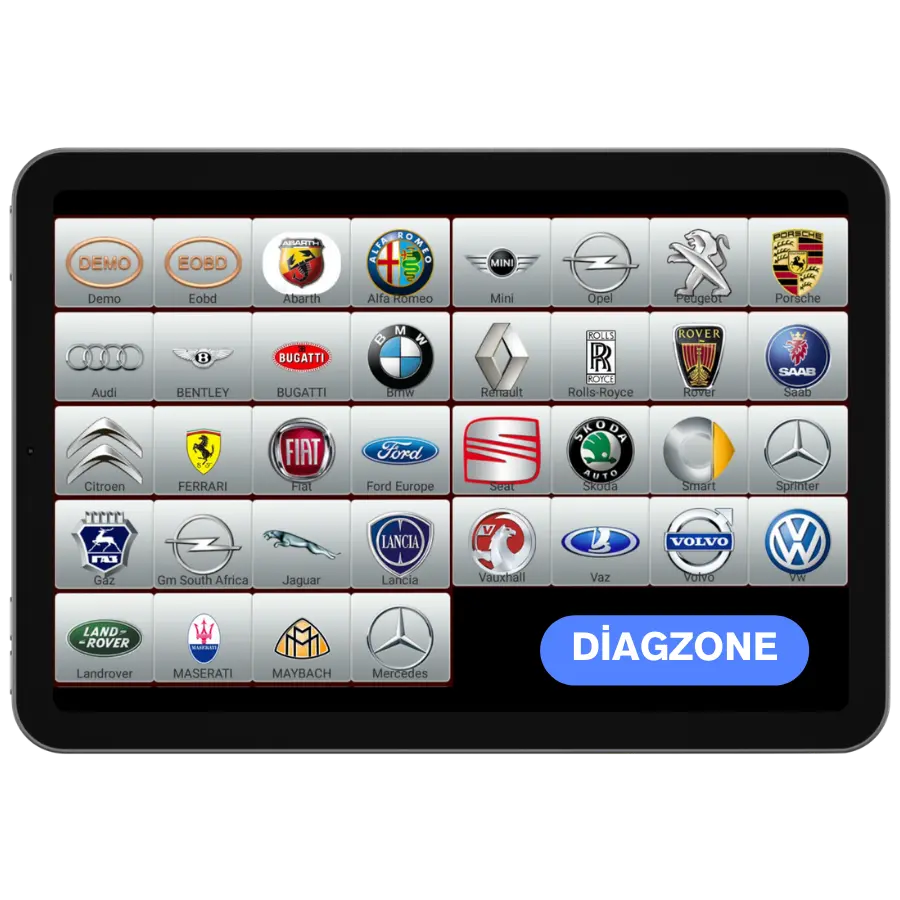
- Brands in the main device's current official vehicle coverage
- Supported models
- Vehicles supported by model year and operation on the main device's coverage screen
- Information before ordering
- Full Model: X6, Correct Serial Number, Existing Account Access, Update Expiration Date
- License or update period and vehicle support are not the same information.
- Activation is not promised without verifying the device serial number and current software status.
Open official sources and coverage connectionsProduct details
What is included in the one-year renewal?
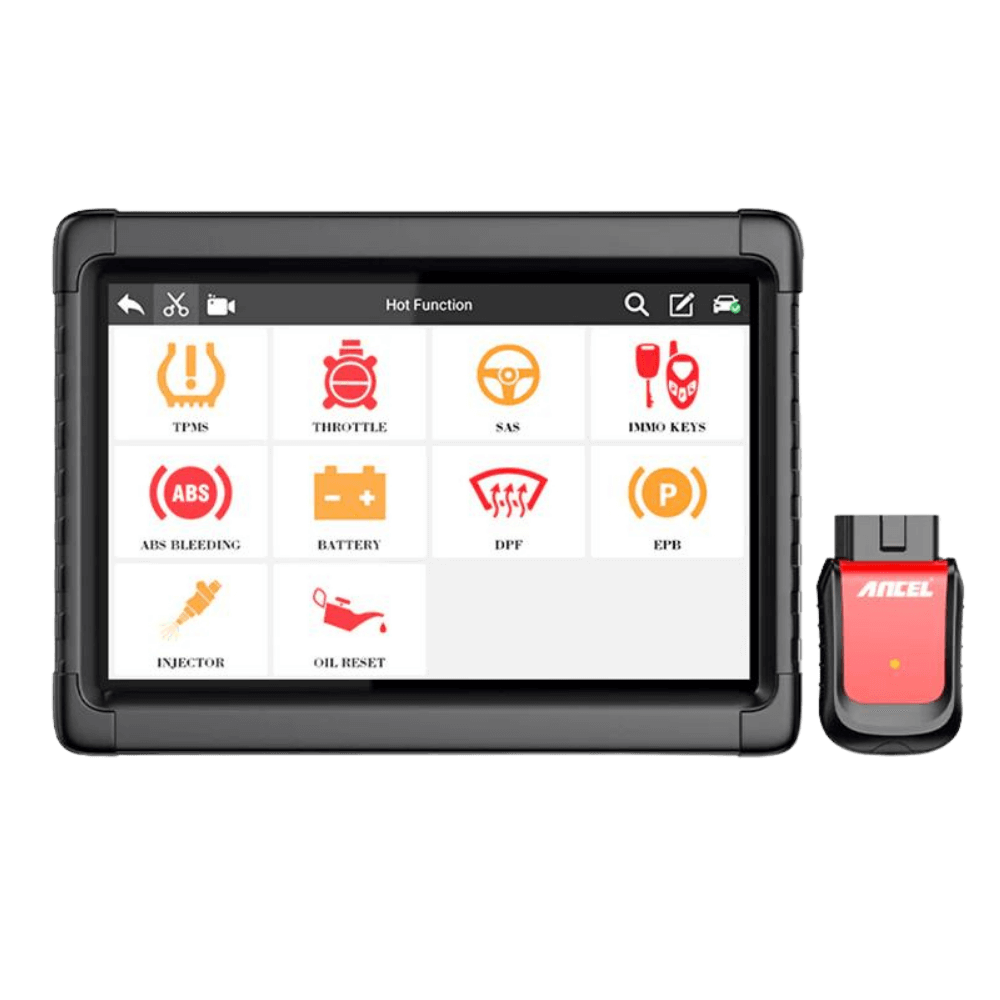
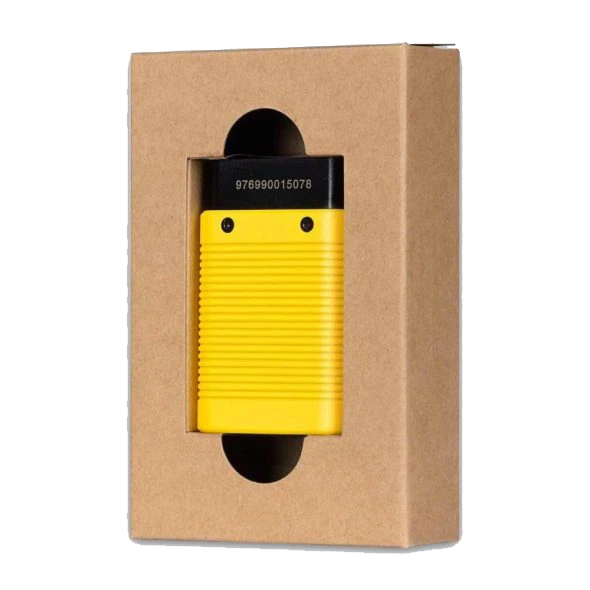
The purchased service is a one-year diagnostic software update for a single X6 device. The license is processed via the serial number you specify in your order. No physical activation card, tablet, or connection adapter is delivered. The product photo is for introducing the compatible X6 hardware; the device and VCI in the photo are not included in the sales price.
- Package Duration: 1 Year
- Usage: Single X6 Device
- Delivery Method: Digital Update
- Device Serial Number Required for Purchase
- Model
- Ancel X6X6 HD is not covered by this package.
- License duration
- 1 YearFor the device specified in the order.
- Delivery
- DigitalDoes not include physical device or shipping.
Product details
Purchase by Serial Number
Check the serial number on the device's label or in the device information section of the ANCEL application. Enter this information completely in the Device Serial Number field on the payment screen. Do not use the vehicle chassis number, order number, or Android version instead of the serial number. Ensure that the letters, numbers, and any hyphens are correct.
- One order is for one device.
- Payment cannot be initiated with an empty serial number.
- Password or verification code is not required.
- Invoice and payment information are completed on the secure payment screen.
Product details
Check your existing license before purchasing
Open the update screen on your tablet and check the current expiration date. A device with a valid free update period may not need a new license immediately. Ensure you can log in to the registered account for your device and that the serial number matches this device.
Account access issues and expiration of the update period are different situations; purchasing a renewal does not remove an account lock.
- Verify the model name is X6.
- Read the expiration date from the device screen.
- Double-check the serial number before payment.
- Record the version information before deleting the existing software.
Product details
Scenario: Update period of a working device has expired
An X6 that can read fault codes in the workshop may show a time warning when trying to download new software. In this case, first check that the account is active and the internet connection is stable. If the expiration date has passed, a one-year renewal can be purchased.
After entering the serial number in the order, continue using the same device; do not accept another tablet as a continuation of the same license.
- Check the update expiration date.
- Note the current version of the device.
- Review the new license status from the device after activation.
- Use sufficient battery and uninterrupted internet during download.
Product details
Scenario: Renewing a second-hand device
For a second-hand X6, first ensure the tablet and VCI are working. Purchasing an update without resolving the seller's existing account access or the device's association with the account will not fix these issues. Compare the number on the label with the device information in the application. Do not rely solely on the casing photo when deciding if the device is truly an X6; X6 HD is a separate model.
- Try connecting the tablet and VCI.
- Check access to the registered account.
- Compare the serial number with the application and label.
- Do not purchase software renewal for physical damage.
Product details
Features Not Changed by the Update
A new software version does not mean all functions are enabled on every vehicle. The scope of fault codes, live data, maintenance, active tests, and coding depends on the vehicle and control unit. The manufacturer states that the X6 does not support new key programming and that the IMMO function is no longer updated.
The key icon seen in the old product photo does not change this limitation.
- Android hardware and storage capacity remain unchanged.
- Damaged VCI, screen, or battery are not repaired.
- X6 HD license is not provided.
- It is not promised that new functionality will be added for a specific vehicle.
Product details
What to check on the device after activation?
When the update process is complete, check the license duration and downloadable software packages on the device's license screen. Follow the download steps in the manufacturer's application. Do not interrupt the tablet's internet connection or power during download.
After updating the diagnostic software, record the version of the vehicle brand you are using; compare it with the previous version using the same vehicle and control unit.
- View the new license status on the device.
- Record the software version information.
- Do not close the application before the download is complete.
- Resetting the device to factory settings is not a step in the renewal.
Technical Resources
Technical Resources for Ancel X6 1-Year Software Update
Technical information checked with official sources on October 10, 2026.