Product information
What is the Mercedes SD Connect C4 / C5 16 Pin OBD2 Cable used for?
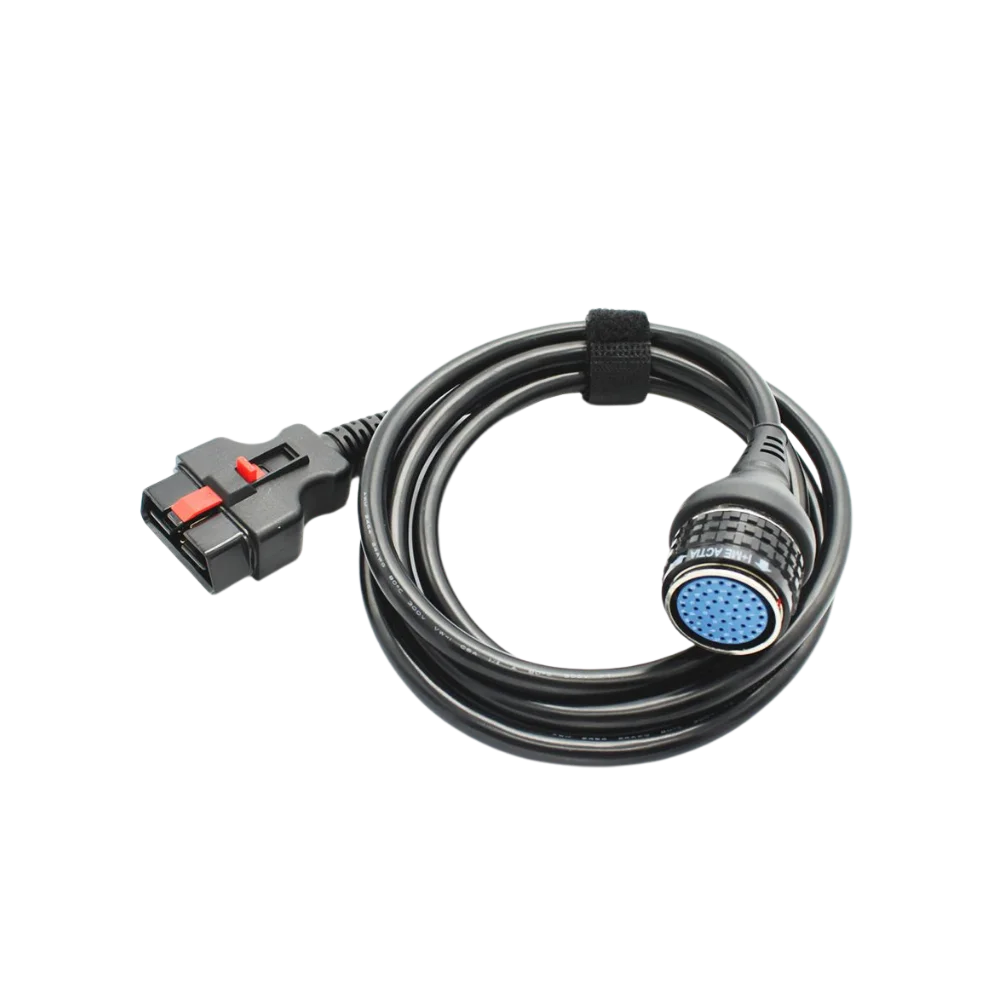
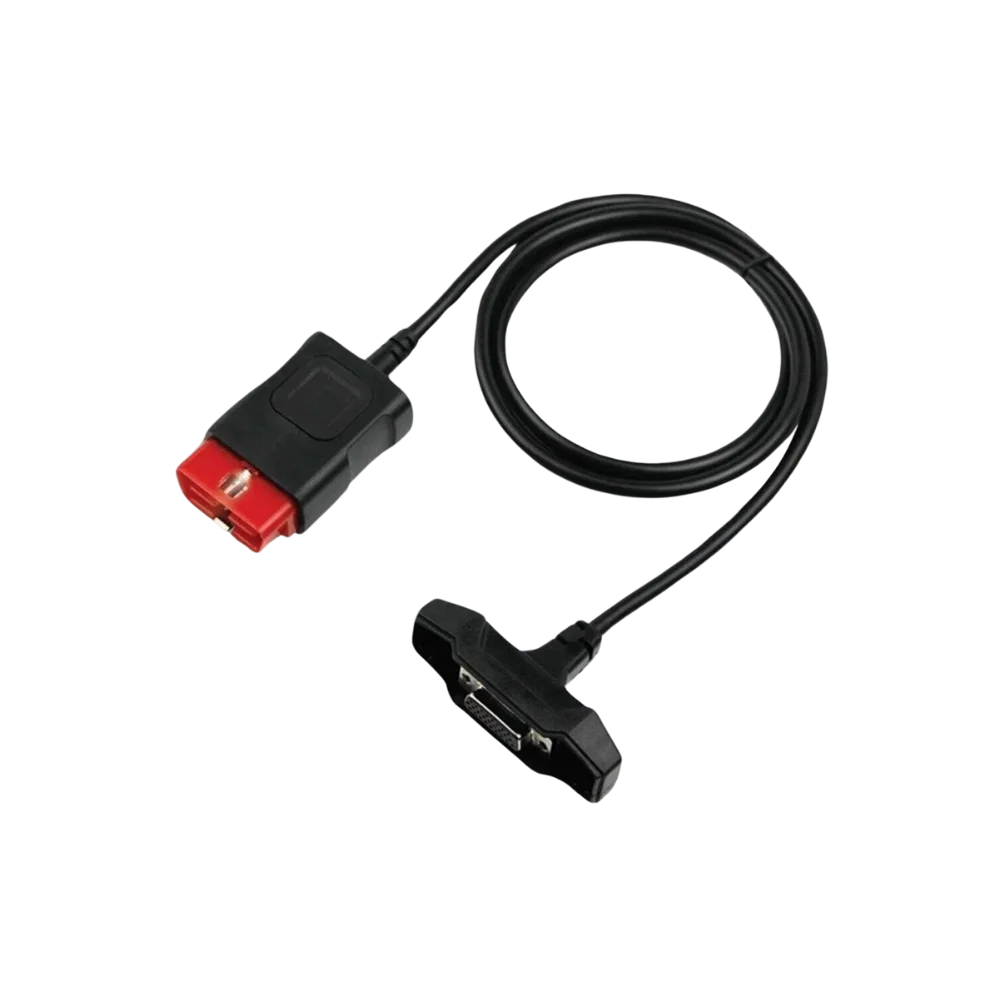
This main cable connects between compatible C5 interfaces using the same physical connection and the SD Connect C4 with the 16-pin OBD2 vehicle socket. As there is no verified Mercedes-Benz part number on the cable, no claim of original part is made.
Physical Connection Coverage
Which vehicles and devices is the Mercedes SD Connect C4 / C5 16 Pin OBD2 Cable used with?
Connecting the cable, adapter, or communication module to the vehicle does not prove that the vehicle is supported by the software. The physical connector, pin layout, main device, and vehicle software must be compatible simultaneously.
- Brand coverage
- Mercedes-Benz
- Model Coverage
- Vehicle series, model year, diagnostic socket, Xentry/DAS version, and target control unit are verified together.
- Main unit
- VCI, tablet, or diagnostic interface specified in the product name and technical resources
- Physical check
- Device-side round connector, 16-pin OBD2 end, Lock and pin arrangement, C4/C5 hardware variant
- This product does not add new software, licenses, or service functions to the main device.
- Do not force connection without verifying the pin structure.
Open official sources and coverage connectionsProduct details
16-pin vehicle end and round device end
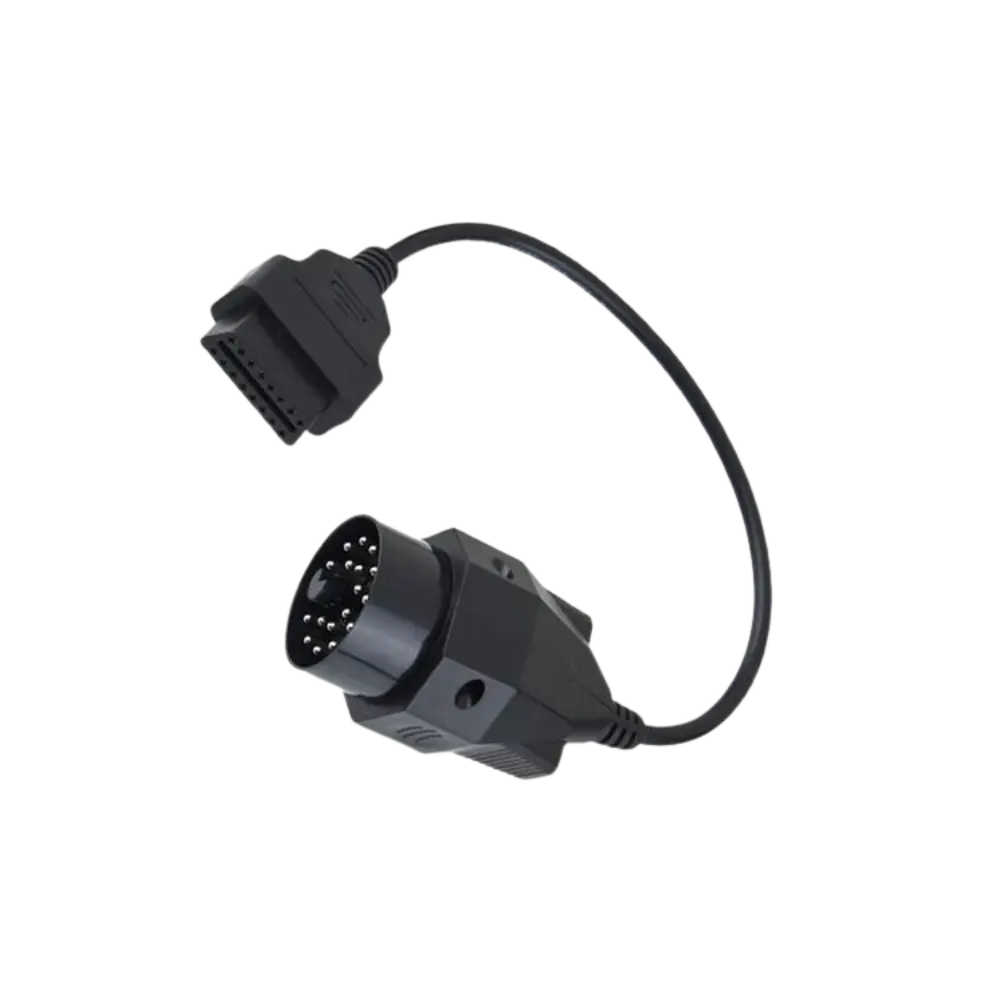
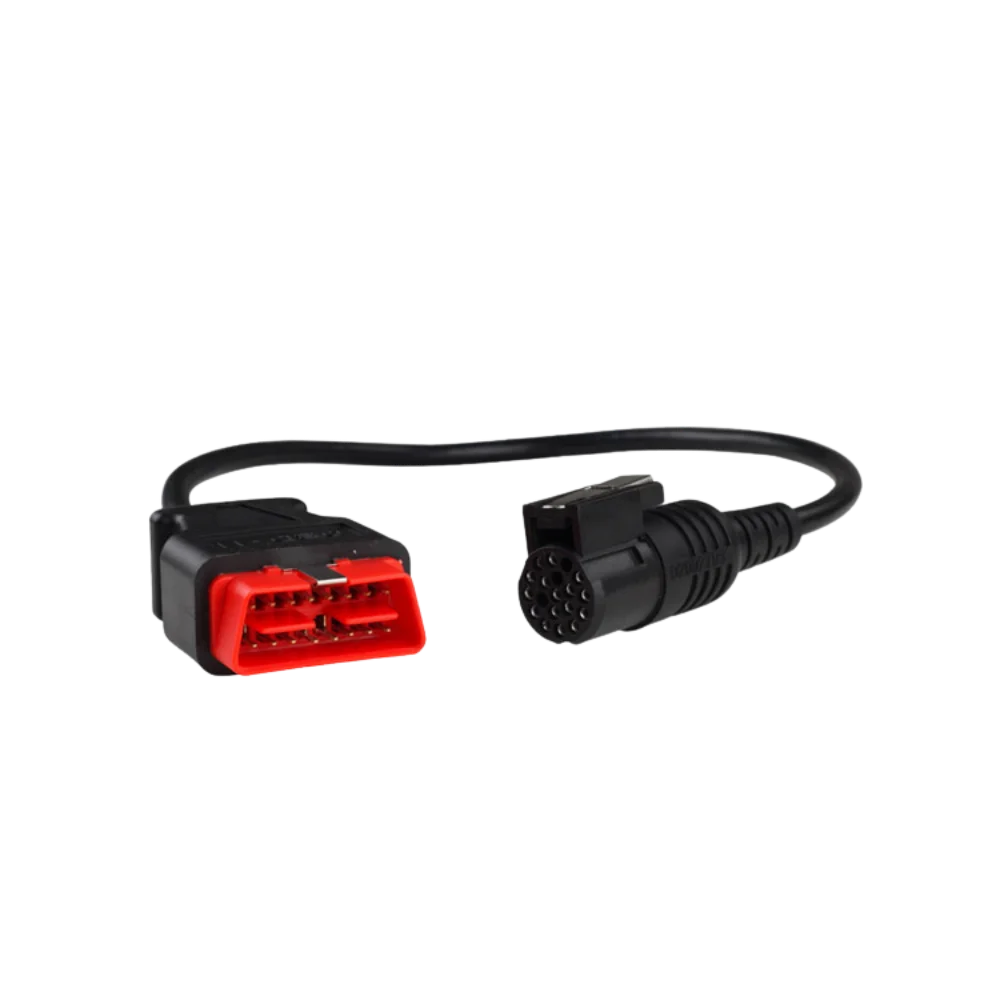
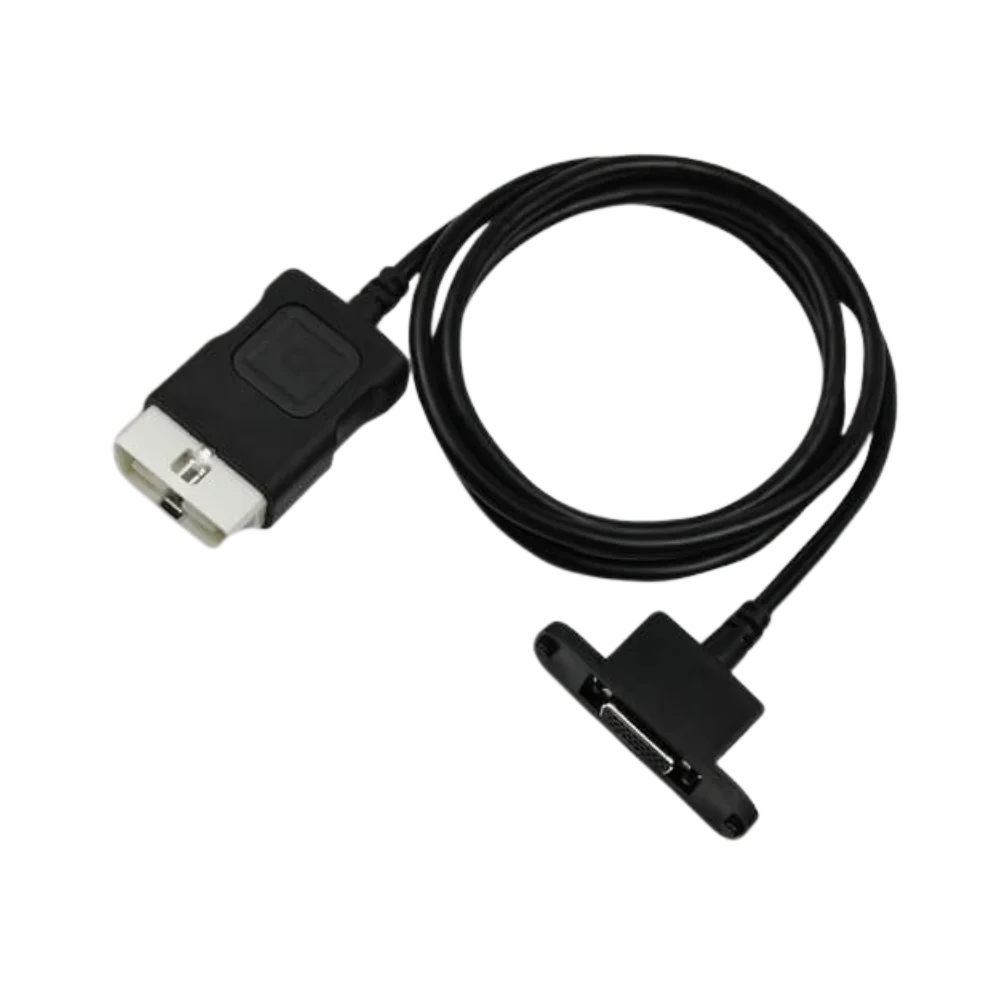
Four actual product photos show the black cable body, the red-locked 16-pin OBD2 connector, and the round multi-pin device end with a blue pin seat. Close-up visuals facilitate pin comparison before ordering.
- 16-pin OBD2 vehicle connector
- Round multi-pin SD Connect end
- Red lock and molded body
Product details
Why are C4 and C5 names not sufficient on their own?
Different chassis and hardware revisions may be available under the C4 and C5 names on the market. Cable compatibility is determined by the actual socket of the interface; the model name, seller title, or device color alone is not sufficient proof.
- Compare the key channel in the round socket
- Look for angled pins in the blue pin seat
- Evaluate XENTRY license separately from the physical cable
Product details
Package and function limitations
The package includes only one 16-pin main cable. The SD Connect device, 38-pin adapter, LAN cable, computer, XENTRY software, and license are not included. The cable does not add new protocols to the vehicle or device.
Product details
Protection of the round plug and red OBD2 end
The pins of the round device plug are exposed to impact during transport; it should be kept in its protective compartment when not plugged in, and the cable's weight should not be applied to the pins. The red OBD2 end is removed by gripping its body, not by pulling the cable from the vehicle. The lock and key channel are kept clean, and bent pins should not be straightened with pliers at the vehicle site.
Saving close-up photos of the device input and cable facilitates finding the same revision when selecting spare parts in the future. These maintenance steps only preserve the physical connection; they do not provide XENTRY access or vehicle support.
Product details
Scenario: Verifying the round socket on the C4/C5 side
The SD Connect device is placed on the workbench and powered off. The key channel of the round input on the device, the color of the pin seat, the pin arrangement, and the locking mechanism are compared with the close-ups in the gallery. Since there are different chassis under the same C4 or C5 name, the housing label alone is not sufficient.
The cable plug should seat only in the correct orientation, without applying pressure; if the lock does not close, it is realigned and not forced. It is also checked that there are no bent pins or cracks on the red 16-pin connector on the vehicle side.
After physical matching is complete, device connection and vehicle identity reading are attempted on the XENTRY side; writing operations are not performed in case of unstable communication.
Product details
Scenario: First SD Connect connection with a new main cable
When using a new cable, measure the vehicle battery voltage and connect an appropriate support device if necessary. First, lock the round device end, then plug the 16-pin OBD2 end into the vehicle with the ignition off. The XENTRY interface should recognize the device, and no unexpected restarts should occur on the SD Connect.
The first test is only for vehicle recognition and control unit listing. If communication changes when the cable is moved, the connection is stopped; the round socket, red OBD2 body, and pins are inspected again.
This main cable is not sufficient on its own for older 38-pin Mercedes vehicles; the correct 38-pin adapter and vehicle and software scope must also be verified.
Technical Resources
Technical resources for Mercedes SD Connect C4 / C5 16 Pin OBD2 Cable
Technical information verified with official sources on October 12, 2026.