Product information
What is the Opel 10 Pin - 16 Pin OBD2 Converter Cable used for?
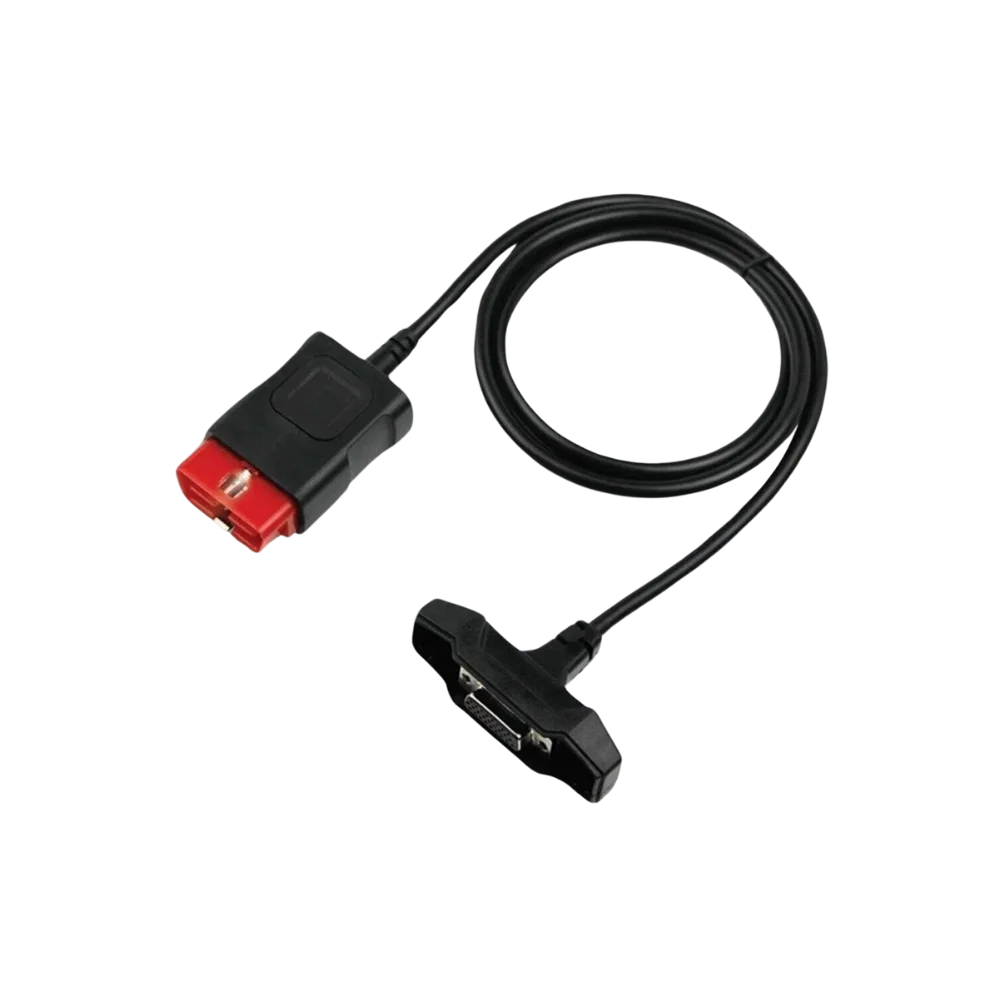
This product provides a physical adaptation between the old-type Opel 10-pin diagnostic socket and a compatible diagnostic tool with a 16-pin OBD2 connection. The cable alone does not add protocol, vehicle coverage, software, or licenses; exact compatibility must be verified by checking the vehicle socket and the main device together.
Physical Connection Coverage
Which vehicles and devices is the Opel 10 Pin - 16 Pin OBD2 Converter Cable used with?
Connecting the cable, adapter, or communication module to the vehicle does not prove that the vehicle is supported by the software. The physical connector, pin layout, main device, and vehicle software must be compatible simultaneously.
- Brand coverage
- Opel and related GM brands listed in the official GM software for the product
- Model Coverage
- Verified by model year, socket, regional software, MDI/MDI 2 hardware, and control unit.
- Main unit
- VCI, tablet, or diagnostic interface specified in the product name and technical resources
- Physical check
- The actual 10-pin Opel socket on the vehicle, Connector housing and keying direction, 10-pin contact arrangement, Vehicle and control unit coverage of the main device
- This product does not add new software, licenses, or service functions to the main device.
- Do not force connection without verifying the pin structure.
Open official sources and coverage connectionsProduct details
Verified physical structure of the Opel 10-pin adapter
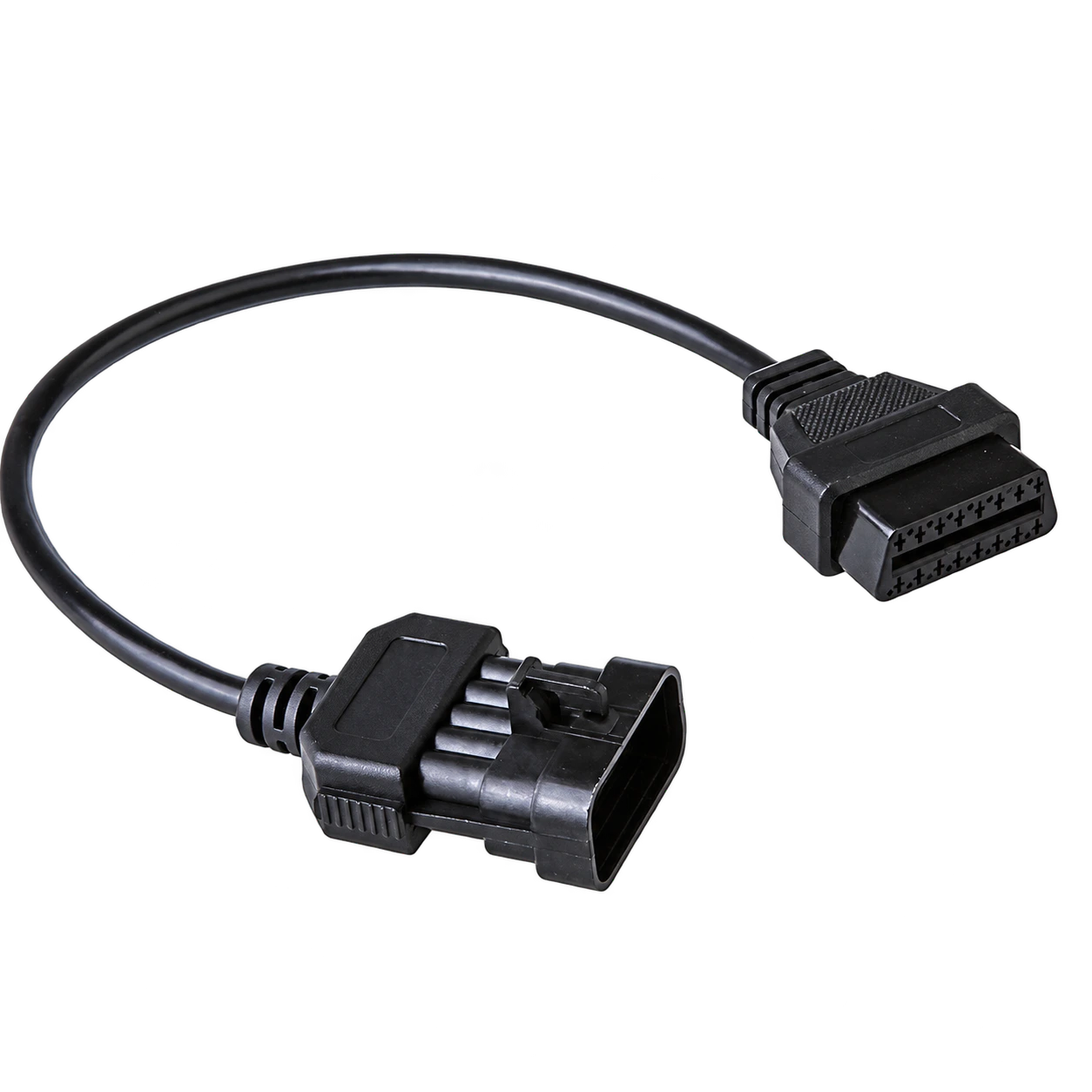
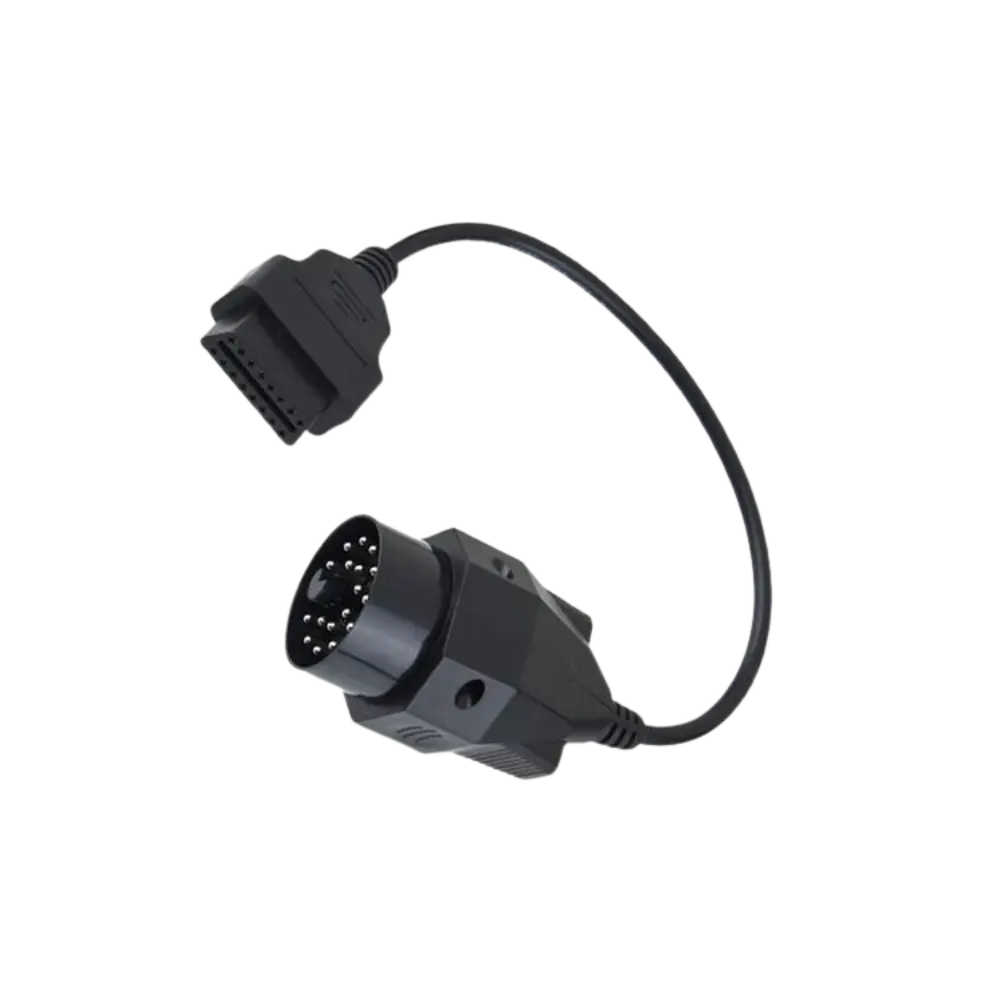
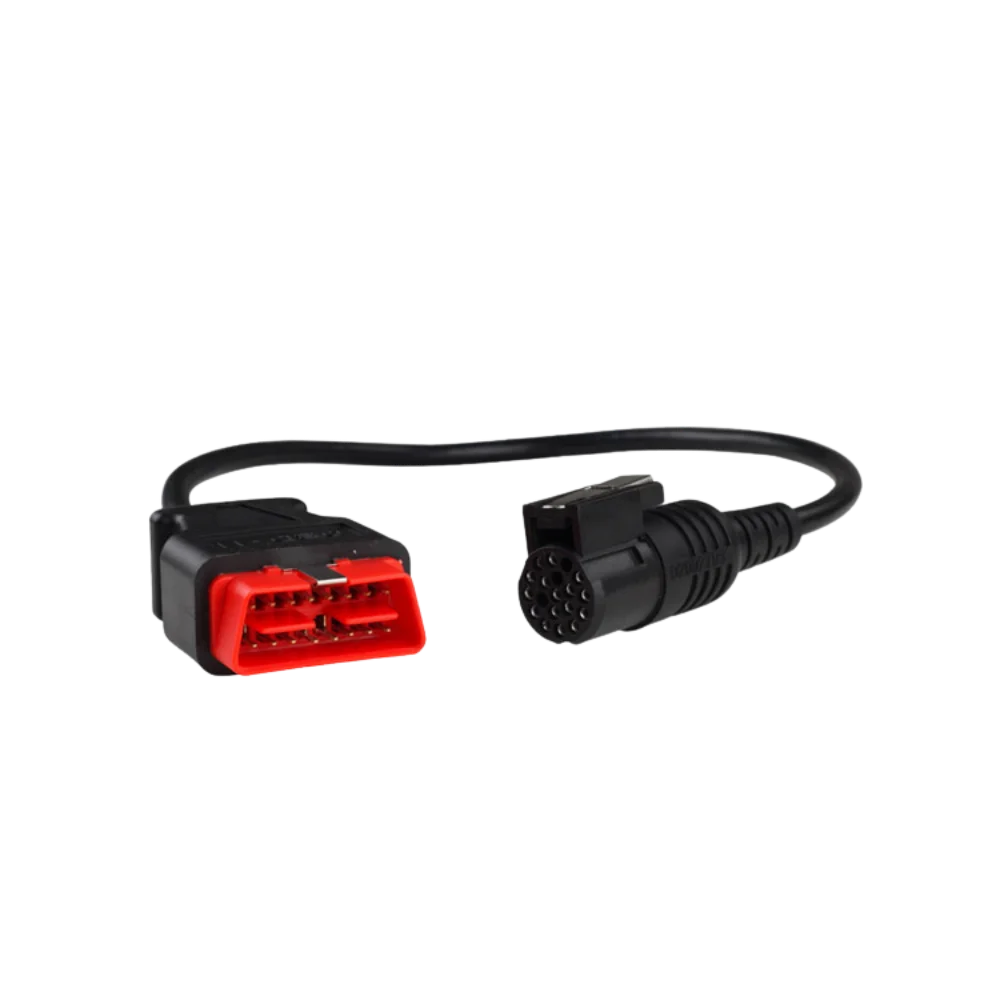
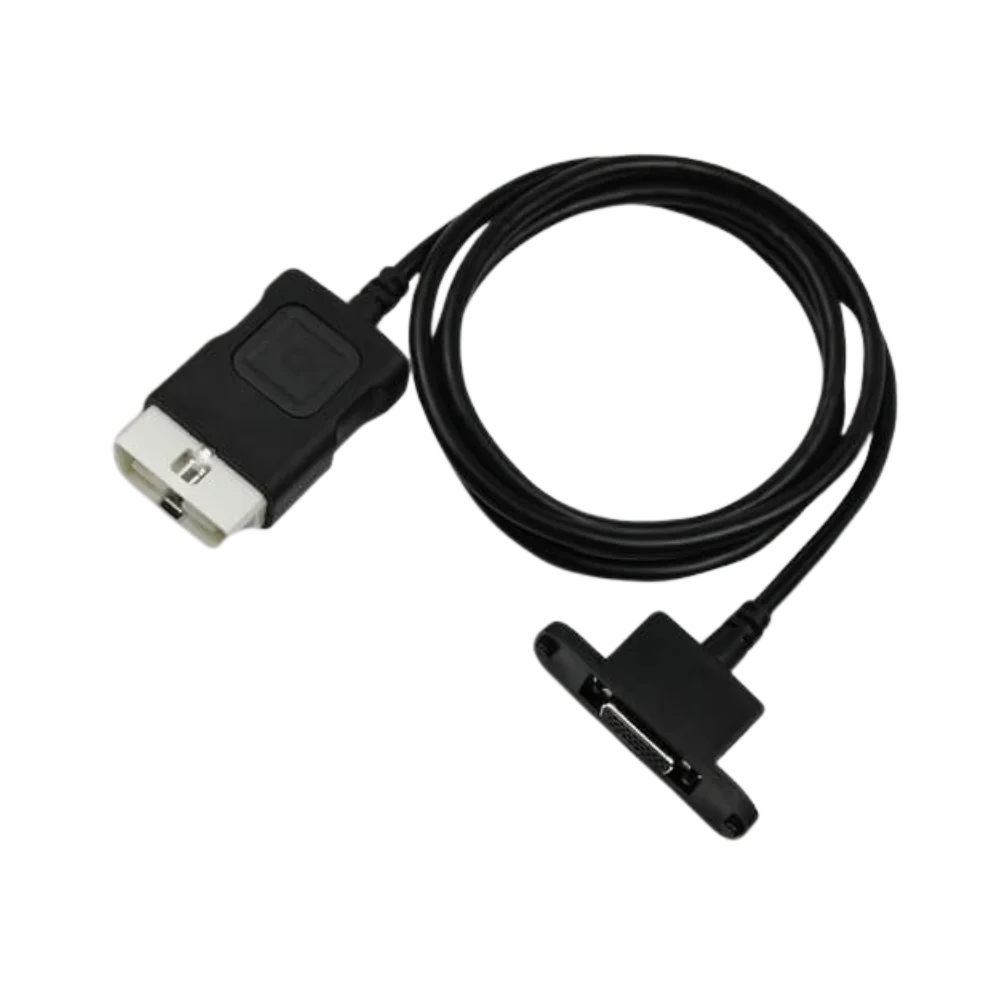
Three product images show a black, short adapter cable; a 10-contact connector with a lock on the vehicle side, and a standard-shaped 16-pin OBD2 female connector at the other end. The gallery does not include a device, box, or any other accessories.
Hella Gutmann's official 2026 diagnostic catalog lists a 10-pin vehicle adapter named OPE01a for Opel as a separate accessory. This source confirms the existence of a specific 10-pin adapter class in Opel applications; it does not imply that the cable on sale is a Hella product or compatible with all Opel vehicles.
- 10-pin housing with a lock on the vehicle side
- 16-pin OBD2 female socket on the device side
- Short adapter cable without electronic modules
Product details
How to check vehicle and device compatibility?
The Opel brand name or the age of the vehicle alone is not sufficient. The external housing of the socket on the vehicle, the locking tab, the keying gaps, and the contact layout must be compared with the 10-pin end in the gallery. Then, it must be verified that the diagnostic device's own 16-pin male OBD2 main cable mechanically fits the female end of the adapter.
The listing of a separate adapter cable for Opel/Vauxhall Multec connection in Bosch's professional diagnostic product information also highlights the importance of this physical matching. Internal pin routing, not visible in the photo, and vehicle electronic system coverage should be checked from the documentation of the device used.
- Compare the 10-pin housing and keying direction side-by-side
- Use the device's existing main cable on the 16-pin side
- Verify the relevant vehicle and control unit in the device software separately
Product details
Package contents and what the product does not do
The package consists of only one Opel 10-pin to 16-pin OBD2 physical adapter cable. Diagnostic tool, VCI, computer, USB cable, power adapter, software installation, account, activation, and license are not included.
The passive adapter is used to route the vehicle's existing diagnostic lines to the compatible device cable; it does not enable unsupported protocols, add control unit coverage, or provide programming authorization. The vehicle list and target module coverage of the device must be checked before purchase.
Product details
Making the initial connection safely
With the vehicle ignition off, visually inspect the 10-pin socket for any bent contacts, oxidation, cracks, or foreign objects. Insert the connector only in the keyed direction; do not rotate or force a misaligned plug. Connect the main device cable to the 16-pin end of the adapter by holding the cable body.
When the device is turned on, the first test is limited to a low-risk operation such as reading vehicle identification, control unit list, or fault codes. If communication is unstable, do not proceed to coding, adaptation, or writing operations; check the vehicle power supply, device coverage, main cable, and adapter individually.
Product details
Scenario: Connecting to an old Opel vehicle's 10-pin socket
At the service center, the location of the socket on an old Opel vehicle is first found using reliable service information. Any round or rectangular old socket is not considered a 10-pin socket due to superficial similarity. With the socket clean and de-energized, the outer frame, upper lock, pin count, and keying channels are matched with the close-up view in the gallery.
If there is a correct match, the vehicle end of the adapter is plugged in, followed by connecting the main device cable on the 16-pin side. In the device software, the make, model, year of manufacture, engine, and the electronic unit to be connected are selected. For some older vehicles, access may only be possible to specific control units; a "connected" status does not imply support for all modules.
After reading is complete, turn off the ignition and remove the connector by gripping the housing without pulling the cable.
Product details
Scenario: Adapter connected but no communication
If the device does not turn on at all, first check the device's power supply method (from the vehicle socket or an external source) from its manual; standard OBD2 power supply is not assumed for old-type sockets.
If the device turns on but cannot find control units, check that the 10-pin end is fully seated, the contacts are not retracted, and the 16-pin connection is not loose. If a known working device or adapter is available for the same vehicle, a comparative test can be performed.
Do not apply external power to the cable pins, do not attempt unknown internal pin configurations, and do not initiate programming with communication interrupted. If the result does not change, the problem may be related to the vehicle wiring, the device's hardware protocol, or software coverage before the adapter.