Product information
What is the Opel / GM MDI Compatible OBD2 Main Cable used for?
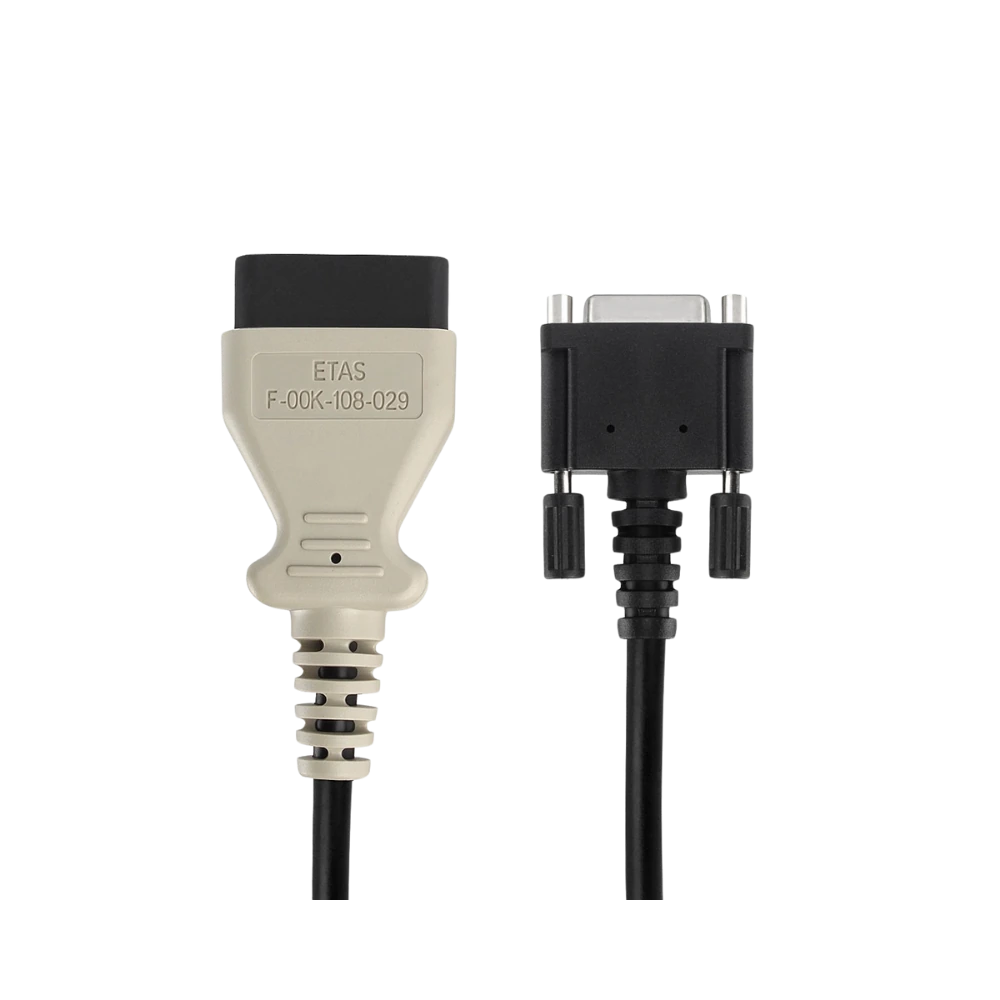
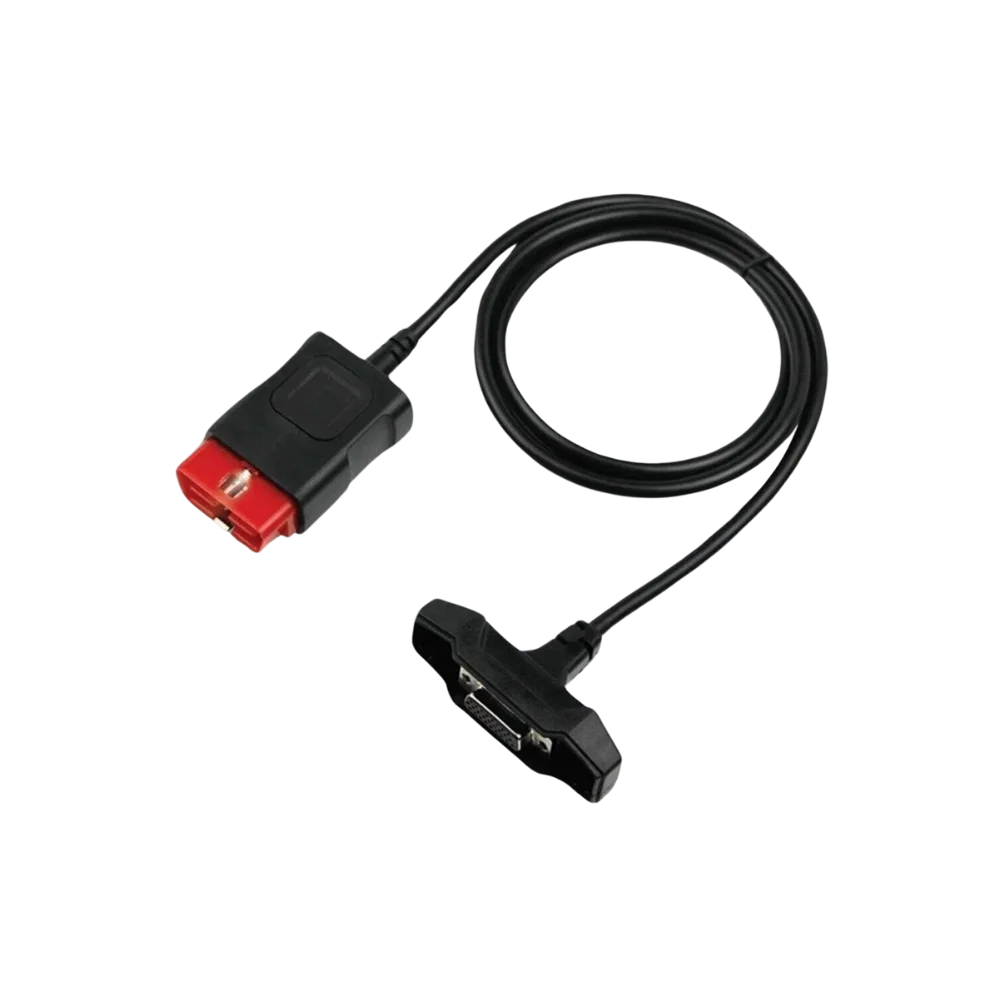
This light-colored product is the physical main cable for compatible VCIs in the first-generation MDI form factor. Although the image shows an "ETAS" marking, the manufacturer part number and authorized supply documentation have not been verified, so it is not presented as an original Bosch/ETAS or GM product.
Physical Connection Coverage
Which vehicles and devices is the Opel / GM MDI Compatible OBD2 Main Cable used with?
Connecting the cable, adapter, or communication module to the vehicle does not prove that the vehicle is supported by the software. The physical connector, pin layout, main device, and vehicle software must be compatible simultaneously.
- Brand coverage
- Opel and related GM brands listed in the official GM software for the product
- Model Coverage
- Verified by model year, socket, regional software, MDI/MDI 2 hardware, and control unit.
- Main unit
- VCI, tablet, or diagnostic interface specified in the product name and technical resources
- Physical check
- Difference between MDI and MDI 2, Device-side connector format, OBD2 end and pins, Hardware revision
- This product does not add new software, licenses, or service functions to the main device.
- Do not force connection without verifying the pin structure.
Open official sources and coverage connectionsProduct details
MDI cable structure verified in the image
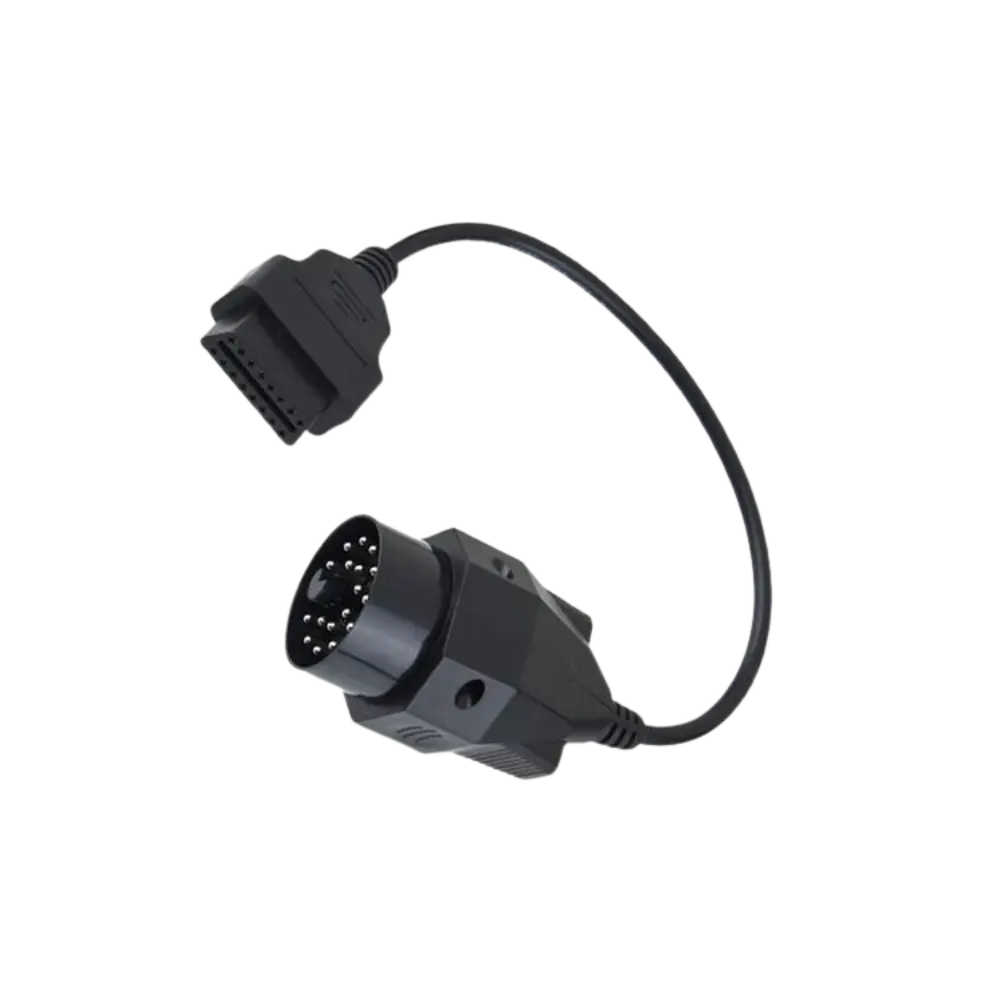
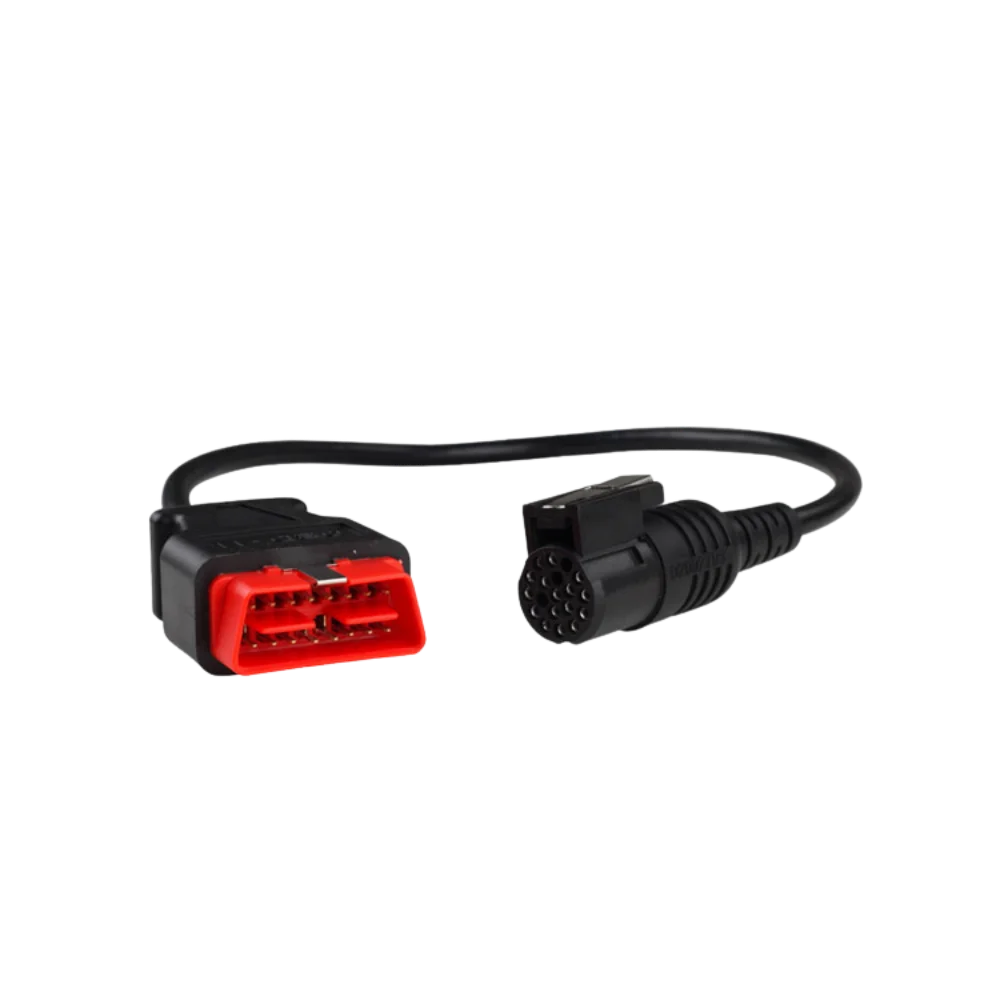
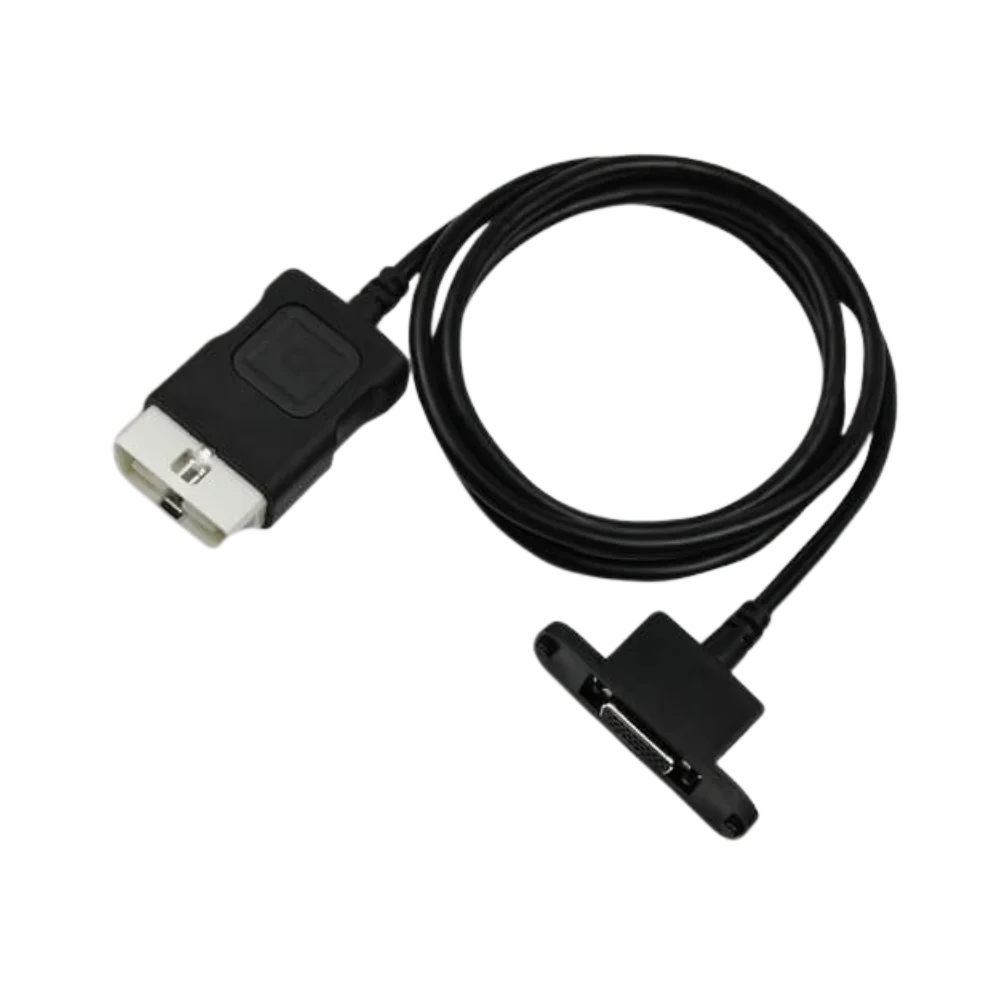
The four photos show a light-colored vehicle connector, a 16-pin OBD2 port, and a multi-pin plug with metal fastening on the device side. The marking on the cable is a physical label; it is not proof of manufacturer, originality, or part number by itself.
- Light-colored 16-pin OBD2 housing
- Metal-fastened VCI connector
- Black single-piece cable
Product details
MDI and MDI 2 cable difference
Bosch official support page manages MDI and MDI 2 hardware as separate products. This product is listed for the first-generation MDI format socket; it is not considered compatible with the MDI 2 device solely by name similarity.
- Compare the first-generation MDI device plug with the photo
- Do not consider the MDI Manager version as a cable feature
- Seat the metal screws by hand without forcing
Product details
Sales Scope
The package is one OBD2 main cable. MDI/MDI 2 interface, USB or Ethernet cable, computer, MDI Manager, GDS2, Tech2Win, SPS access, and license are not included.
Product details
Correct order image and cable storage
When ordering for the first-generation MDI, a straight-on photo of the vehicle cable input along with the device label must be prepared. The width of the metal plug, pin rows, two screw points, and key orientation are compared with the end in the gallery.
When the delivered cable is not in use, do not place weight on the metal connector; store the cable in a wide loop, away from moisture and high heat. Do not remove the cable from the vehicle by pulling the OBD2 housing. These simple checks reduce connector loosening and ordering for the wrong MDI generation; they do not change device software, accounts, or programming authorization.
Product details
Scenario: Do not mix up MDI and MDI 2 cables
The device label in the service, the housing shape, and especially the socket where the vehicle cable connects are recorded. Since MDI and MDI 2 are handled as separate hardware in Bosch's official support area, selection is not made by product name similarity.
The multi-pin plug with metal fastening in this gallery is compared one-to-one with the input and screw points on the device. The orientation and pin sockets of the light-colored 16-pin OBD2 housing are also examined. If the plug does not fit or the screws do not align, do not force the cable.
After correct matching, the MDI Manager should see the device; the first vehicle test should be limited to reading identification and fault codes only.
Product details
Scenario: Isolating cable failure in MDI connection
If the MDI appears on the computer but does not communicate with the vehicle, the vehicle OBD supply, main cable, and VCI are tested separately. Look for bent pins at the cable ends, loose screws on the metal plug, and cracks in the molded housing.
If the same interface works on another vehicle, and the problem persists only with a specific vehicle, check the fuses and vehicle network before changing the cable. Even if communication is established with the new cable, do not start SPS programming immediately; the connection should be stable for several reading cycles, and the vehicle battery should be supported with an appropriate power supply.
GDS2, Tech2Win, or SPS access is not included with the physical cable, and account/license requirements must be met separately.
Technical Resources
Technical resources for Opel / GM MDI Compatible OBD2 Main Cable
Technical information verified with official sources on October 12, 2026.