Product information
What is the Snooper Compatible OBD2 Main Cable used for?
This product is a replacement OBD2 main cable for a compatible diagnostic interface in Snooper format. As the manufacturer part code, license, or device ID is not verified, the cable is not offered as an original part of any software brand.
Physical Connection Coverage
Which vehicles and devices is the Snooper Compatible OBD2 Main Cable used with?
Connecting the cable, adapter, or communication module to the vehicle does not prove that the vehicle is supported by the software. The physical connector, pin layout, main device, and vehicle software must be compatible simultaneously.
- Brand coverage
- There is no fixed brand list specific to the cable; the compatible main device and vehicle socket are used as a basis.
- Model Coverage
- Vehicle model and model year are verified separately in the main device's current coverage list.
- Main unit
- VCI, tablet, or diagnostic interface specified in the product name and technical resources
- Physical check
- Snooper side connector, OBD2 end shape, Fixing screws, Pin layout and hardware revision
- This product does not add new software, licenses, or service functions to the main device.
- Do not force connection without verifying the pin structure.
Open official sources and coverage connectionsProduct details
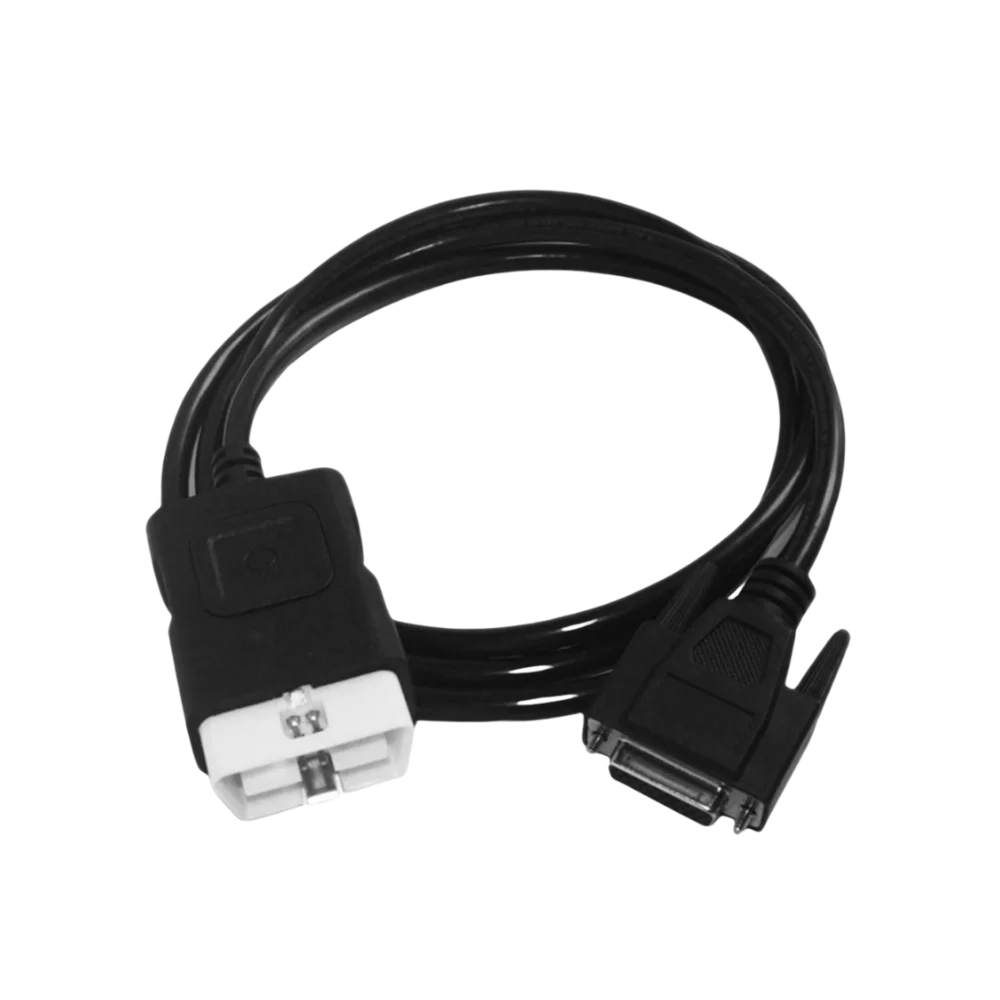
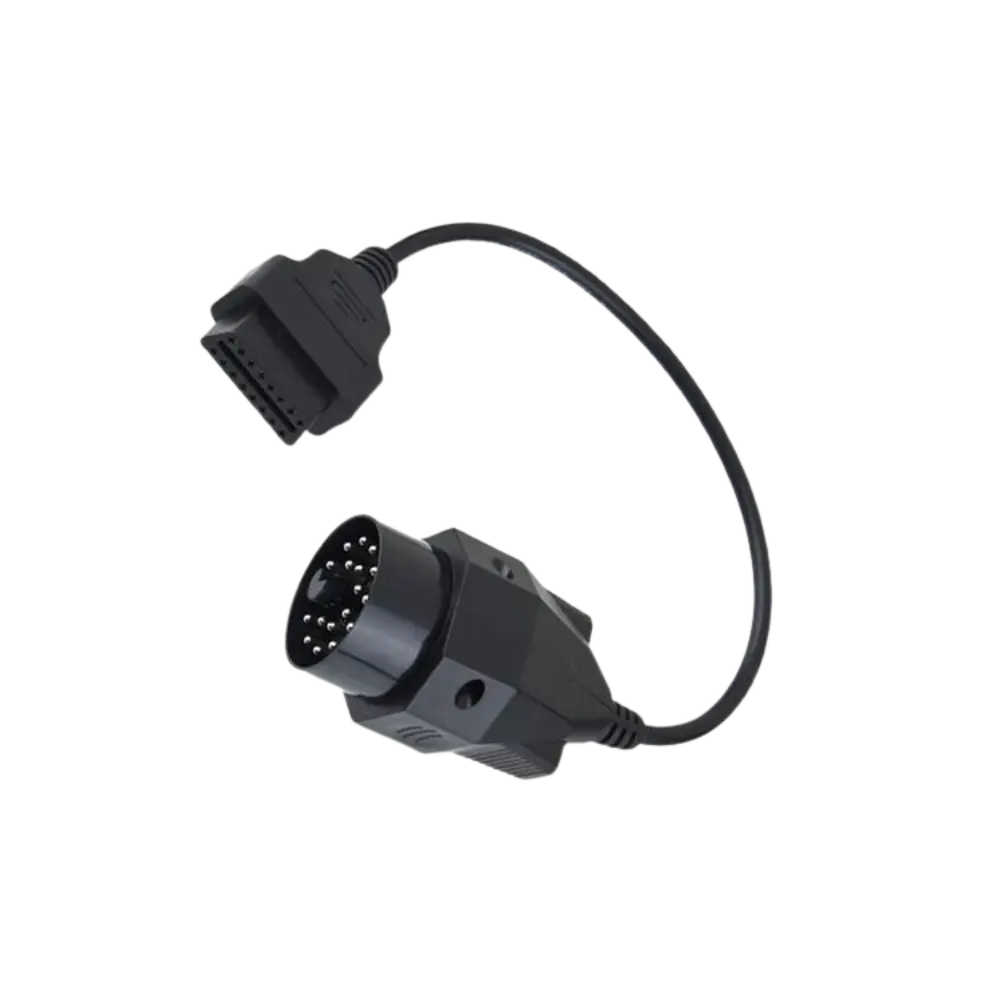
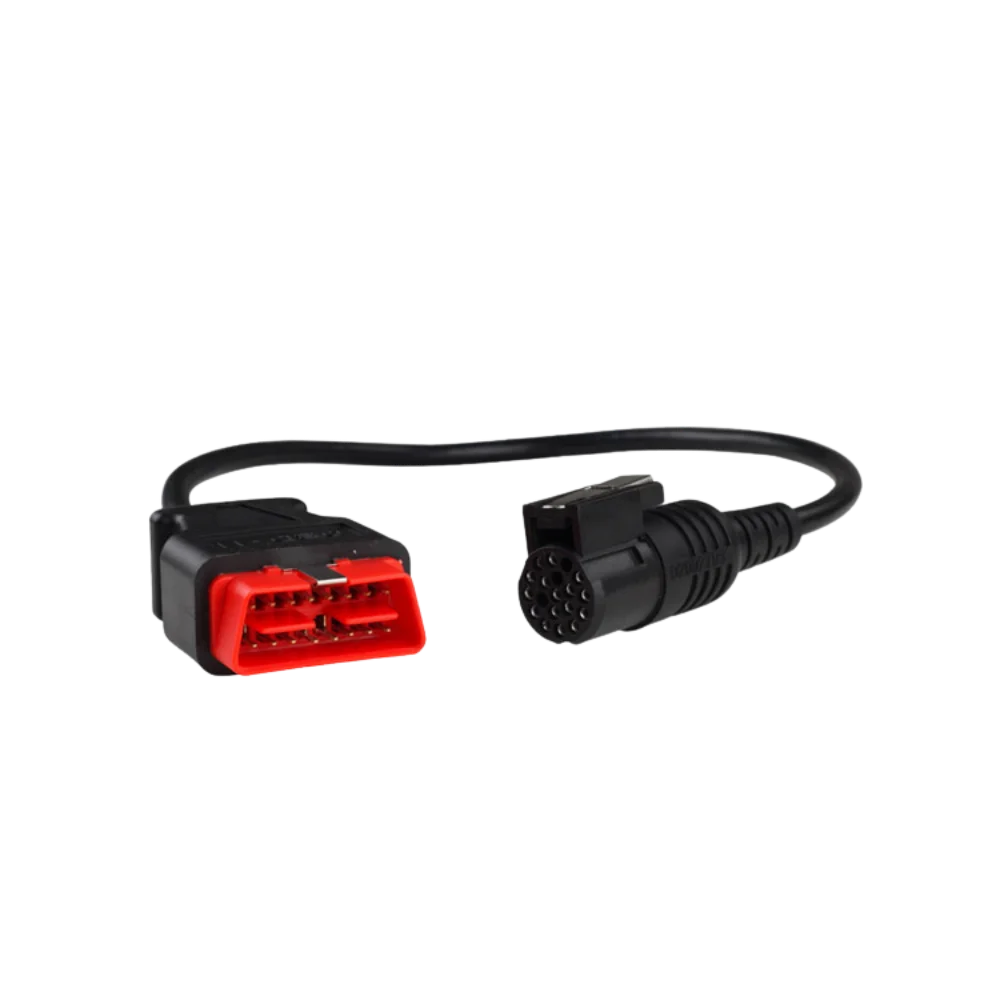
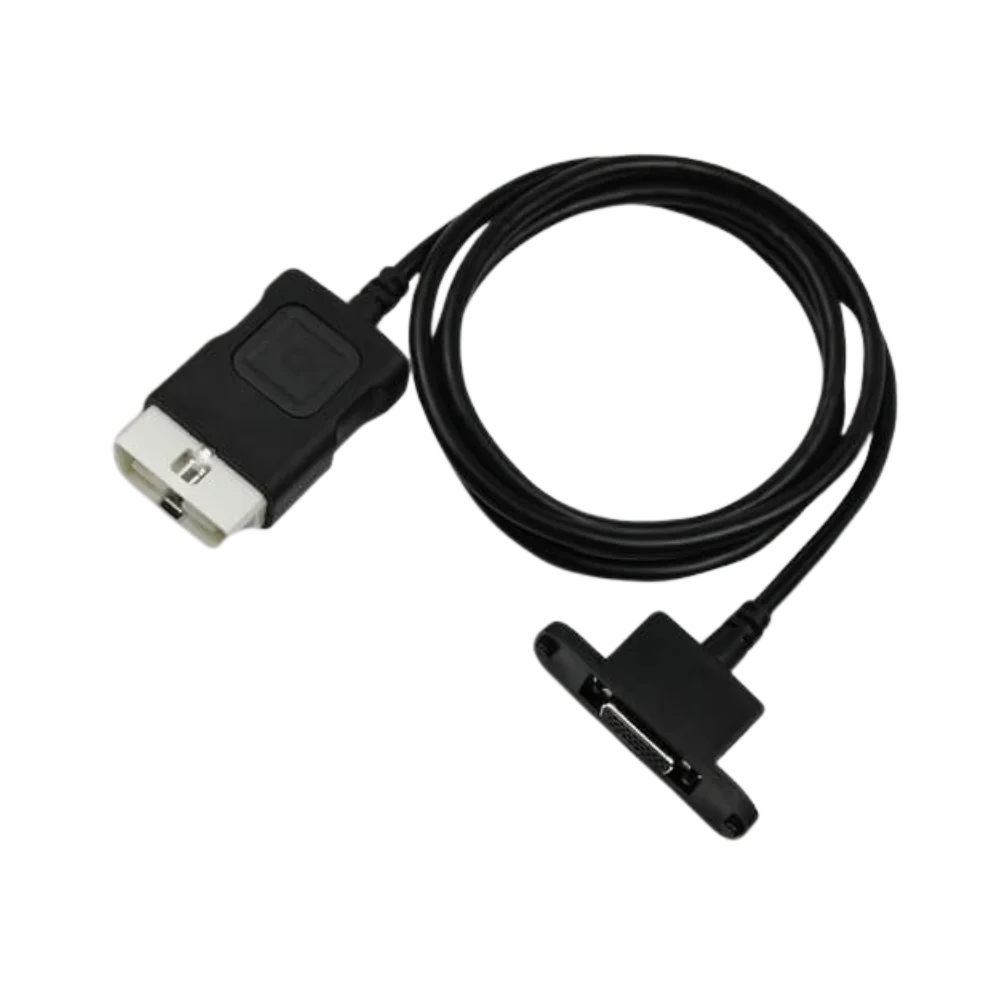
What do the four product photographs show?
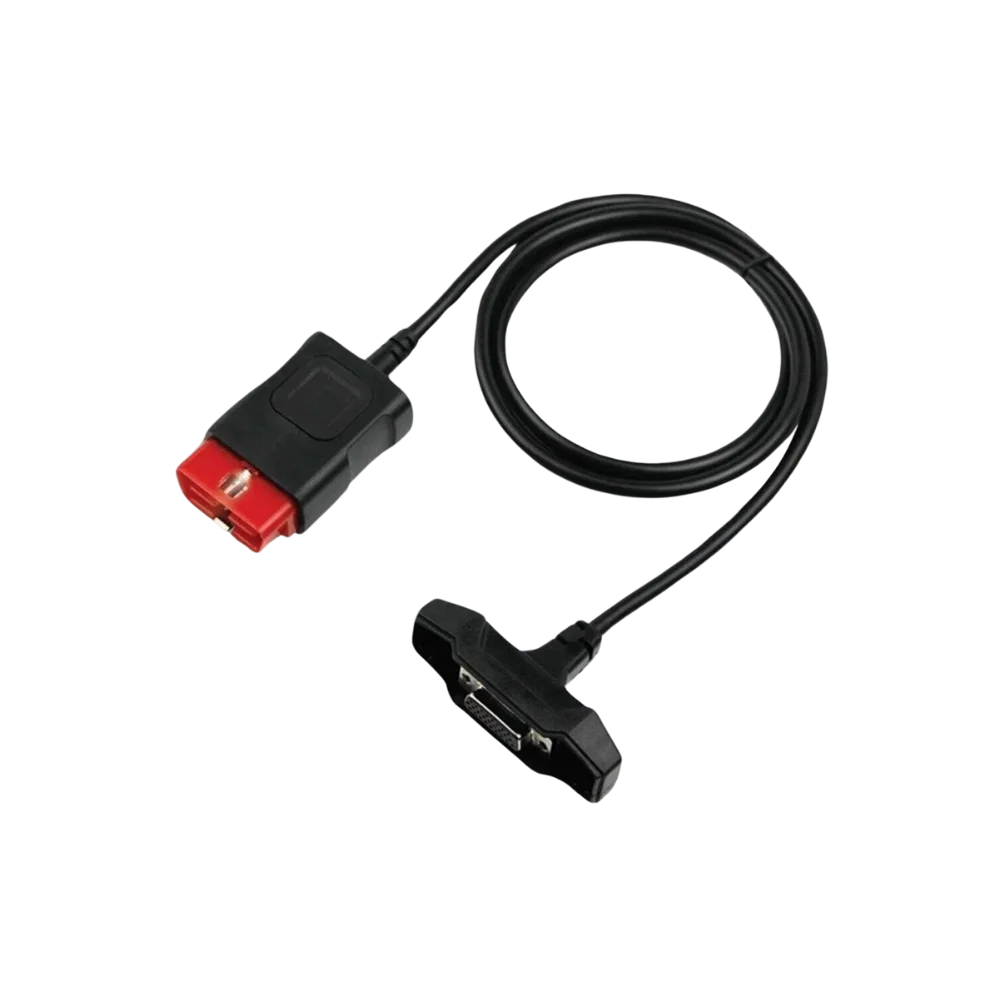
The visuals confirm the black molded connectors, the 16-pin OBD2 socket on the vehicle side, the multi-pin connector with metal fixing on the device side, and the cable length from different angles. The internal pin connection diagram cannot be determined from the photograph.
- 16-pin OBD2 vehicle connection
- Device connector with fixing screws
- Black cable and strain reliefs
Product details
How to check Snooper compatibility?
The Snooper name may be used in different hardware and software packages. The two ends of the old cable, the device socket, pin order, and fixing points should be compared with this product. Cables that are reversed, loose, or forced into connection should not be used.
- Compare the device plug of the old cable side-by-side
- Check that the D-sub screws are aligned
- Do not bend the cable during communication testing
Product details
Package contents
The package includes only one main connection cable. Diagnostic VCI, USB cable, computer, Bluetooth module, software, activation, and vehicle adapters are not included.
Product details
Order photograph and daily cable maintenance
Photographing the device input from the front, showing the pins and two screws, facilitates order checking. If an old cable is present, the vehicle and device ends should also be shown in the same frame. Upon delivery of the new product, cracks in the black molded bodies, bending of the metal plug, and retraction of the OBD2 pins are checked for.
The cable is removed from the vehicle socket by holding its body; it is not coiled into a tight loop and not left under heavy parts in the device bag. Energy is not applied with a measuring instrument without verifying the pin diagram. This maintenance supports the lifespan of the physical part but does not provide software license, vehicle coverage, or wireless connectivity.
Product details
Scenario: Verifying the Snooper+ device-side connector
It is not assumed that all interfaces used under the Snooper name have the same cable. With the device off, the external dimensions of the existing port, pin order, key orientation, and the spacing of the two fixing screws are compared with the metal plug in the gallery. WOW!
Since the 16-pin OBD plug for Snooper+ is listed as a separate spare part in the official parts source, the device model and physical match must be sought together. The 16-pin connector on the vehicle side is not used if it is cracked or loose. The new cable is first fitted straight into the VCI, then connected to the vehicle with the ignition off.
At the first power-on, the device power supply and the software's recognition of the interface are checked; incompatible plugs are not forced.
Product details
Scenario: Testing the cable during Snooper communication interruption
If the connection is lost during scanning, the test is stopped instead of continuing the operation by shaking the cable. The pins on the OBD2 end, the strain reliefs at the cable exit, and the screws on the device plug are inspected. If the same interface can be tested with another known good cable, or the same cable with another compatible interface, the results are recorded.
If the interruption occurs only in the Bluetooth or computer connection, reasons other than the main OBD cable are evaluated. Low vehicle battery and the OBD power fuse can also cause similar symptoms. Adaptation, coding, or other interruption-sensitive operations are not initiated without stable communication for several consecutive reads.
Technical Resources
Technical resources for Snooper Compatible OBD2 Main Cable
Technical information verified with official sources on October 12, 2026.