Product information
What is the Thinkcar ThinkPrinter used for?
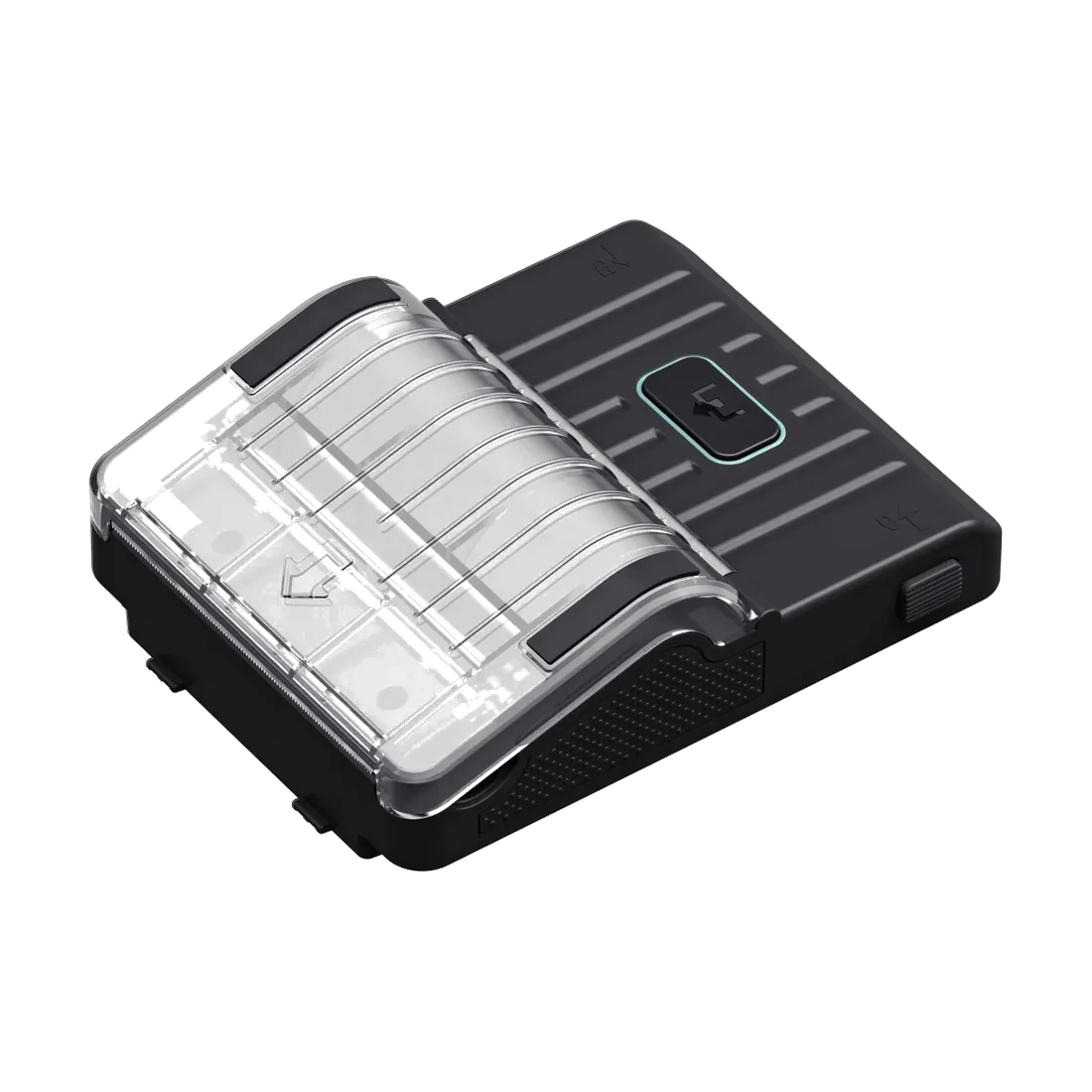
The ThinkPrinter is a thermal printer accessory within the Thinktool ecosystem for services that want to provide customers with physical diagnostic reports or work order attachments. The official manual specifies an 80 mm print width, 576 dots/line, and a 60 mm/sec print speed for the old ThinkPrinter model.
Before purchasing, main device compatibility, connection method, and the supply of 80 x 30 mm thermal rolls must be verified together. The product on this page is not the ThinkPrinter 2.
Vehicle and part coverage
Which vehicles is the Thinkcar ThinkPrinter used with?
A make-model software list, as found in diagnostic devices, does not apply to this product. Compatibility is determined by the part to be measured, the electrical system, the operating range, the probe or connection method, and the manufacturer's safety limits.
- Vehicle make
- Evaluated not by brand, but by the product's technical measurement or service limit.
- Vehicle model
- Further evaluated if the system to be measured and connection condition are within the technical range.
- Technical limitation
- Device compatibility, Setup, Consumables
- Diagnostic Scope
- Does not include vehicle control unit software or make-specific service menus.
- Measurement range and safe connection conditions are verified from the product's official technical documentation.
Open official sources and coverage connectionsProduct details
The ThinkPrinter and ThinkPrinter 2 are not the same product
In the current THINKCAR catalog, the ThinkPrinter and ThinkPrinter 2 are listed under separate names. The visuals and technical resources on this product page belong to the old ThinkPrinter model. Wireless operation via the Module Dock or different speed information provided for the ThinkPrinter 2 should not be applied to this product.
The product label, photo, and compatible main device name should be included together in the quote.
- Product type
- Diagnostic report thermal printer
- Print width
- 3.1 inches / 80 mm
- Print density
- 576 dots/line
- Print speed
- 2.3 in/sec / 60 mm/sec
Product details
How to verify Thinktool compatibility?
The ThinkPrinter is not selected like a standalone printer. First, record the exact model name and serial information of the Thinktool main device being used; then, check for ThinkPrinter support in the device's module or printer menu. A physically similar connection port alone is not proof of software compatibility.
Products should not be ordered from Otobiltek quotes without the main device model being matched in writing.
- Record the exact main device model name and serial label
- Check for printer or module support in the device software
- Match the connection method with the product label and manual
- Perform a test print with a report generated on the main device
Product details
80 mm thermal paper and consumables
The official Thinktool manual describes the ThinkPrinter thermal roll as 80 x 30 mm and approximately 6–7 meters long. If the roll orientation is incorrect or the paper is not thermal, printing will not occur. Open the cover without forcing it, insert the roll with the print side facing the correct direction, and leave a portion of the paper extending out of the slot.
Product details
Correct workflow for service reports
At vehicle intake, the customer complaint and vehicle ID are recorded; a pre-service diagnostic report is prepared and saved on the main device. After repair, checks of the relevant systems are repeated. The ThinkPrinter prints the selected report prepared by the main device.
Vehicle information, date, and repair outcome should be visible in the printout; the output alone should not substitute for a technical test proving the fault has been resolved.
Product details
Daily scenario: vehicle intake report
When the vehicle arrives at the service center, the license plate, chassis number, and mileage are recorded. An intake report is prepared using a compatible Thinktool device. Critical fault codes and relevant systems are explained to the customer; the report is printed via the ThinkPrinter and attached to the work order. This printout serves as the initial record to be compared with the result report at vehicle delivery.
Product details
Daily scenario: post-repair delivery
When the repair is completed, fault codes are read again, and relevant live data and road test results are checked. The final scan is printed as a separate report. The initial and final reports are presented together to the customer; the fact that a deleted code has not reappeared and the complaint has been resolved is based on the completed inspection steps, not solely on the printout.
Product details
Sequential check if printing fails
First, check that the printer is correctly connected to the main device and recognized by the software. Then, examine the thermal side of the paper, the roll orientation, the complete closure of the cover, and ensure there are no paper jams in the path. Blank output is usually due to paper orientation or consumable type; no response typically indicates issues with connection, power, or compatibility.
Record the error screen and serial label before resetting the device.
Product details
Printing the service report with the ThinkPrinter model
Before printing the service report with the ThinkPrinter model, the service report is completed on the compatible Thinktool device. Vehicle information, date, fault codes, and results sections are checked on the screen. After confirming the printer connection and paper status, printing is initiated. Check for any cut-off, faint, or missing lines in the printout.
A legible physical report is given to the customer; a digital copy is kept in the service record.
- Complete the digital service report
- Check printer connection and paper
- Print the report
- Verify the printout is complete
Product details
Preparing the transaction printout for the customer with the ThinkPrinter model
The ThinkPrinter model prints the prepared report to deliver the completed transaction to the customer in writing. Customer data on the printout is included only to the extent permitted by the work order. Initial findings, applied procedures, and final checks are shown in separate sections. The technician verifies the date and vehicle information before handing over the paper.
The date of the copy given to the customer is added to the service record.
- Check customer information
- Show initial findings and final results separately
- Deliver the physical copy
- Record the delivery date in the service record
Product details
Checking printer connection and consumables with the ThinkPrinter model
When checking the ThinkPrinter model connection, verify that the main unit recognizes the printer. Place the paper in the correct orientation and check for foreign objects in the printing mechanism. A short test printout checks the connection and report content separately. For faint or intermittent printing, check consumables and cover placement.
Once the test is successful, print the actual service report.
- Verify the main unit recognizes the printer
- Check paper and printing mechanism
- Print a test output
- Print the service report after a successful test
Product details
What are the ThinkPrinter model's comparable products?
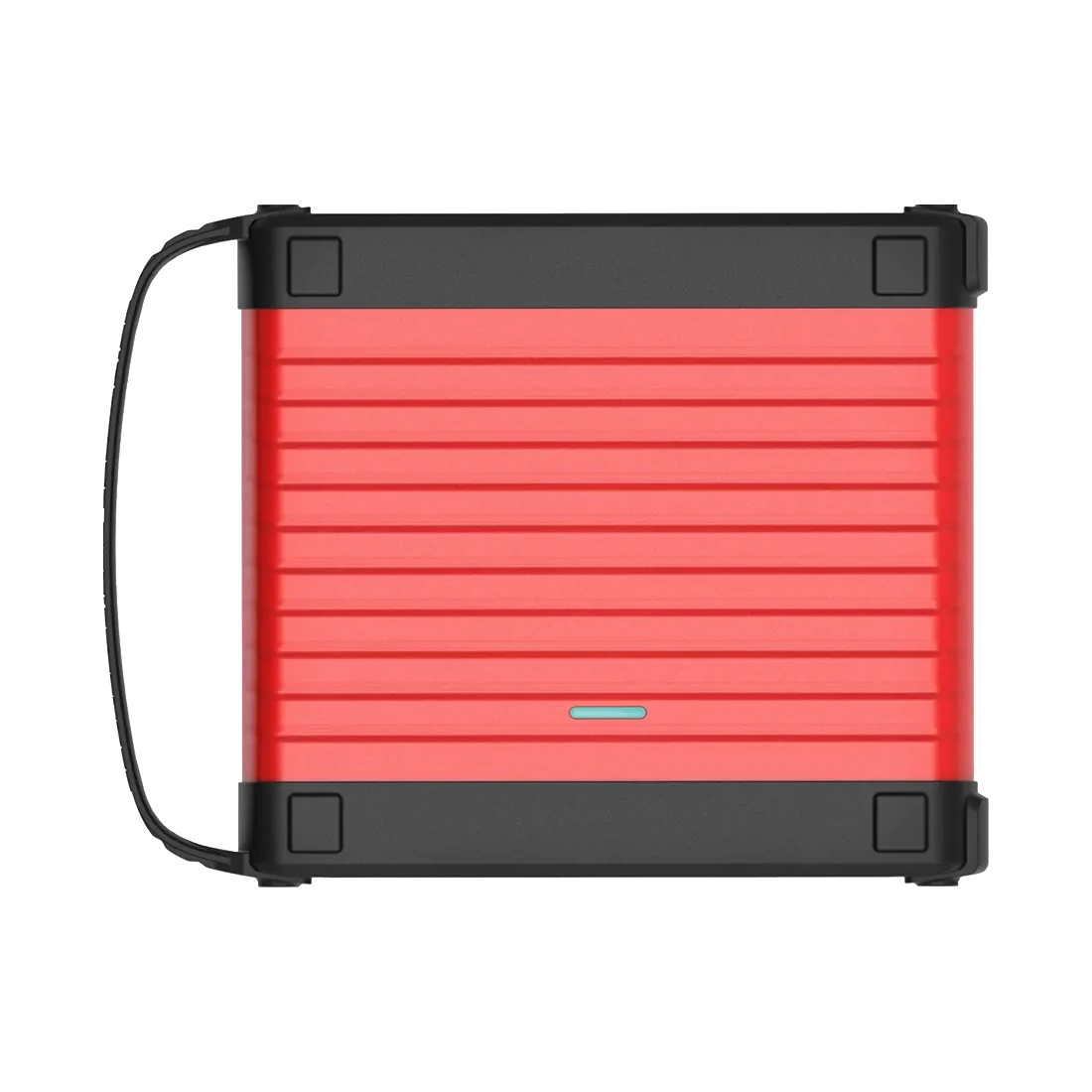
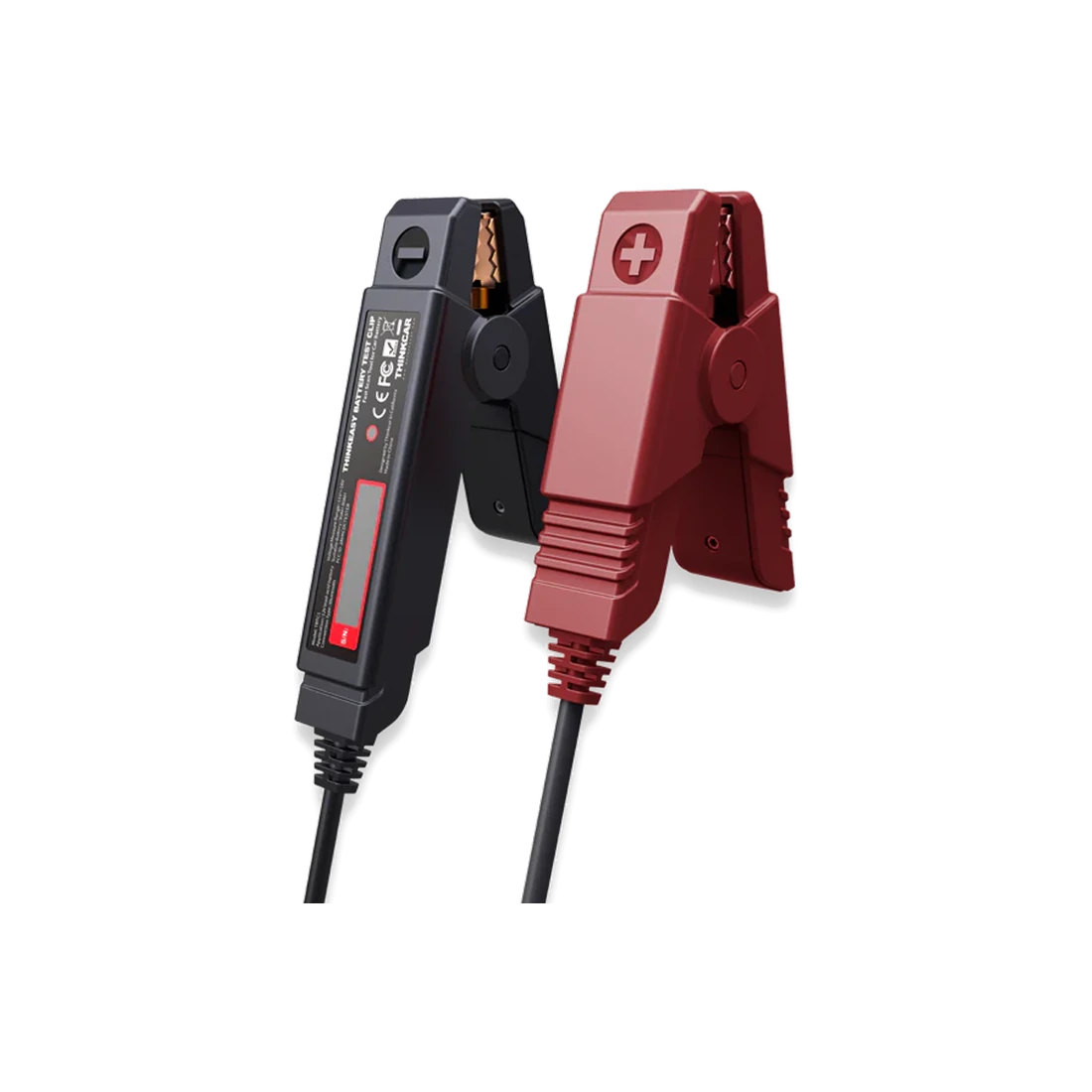
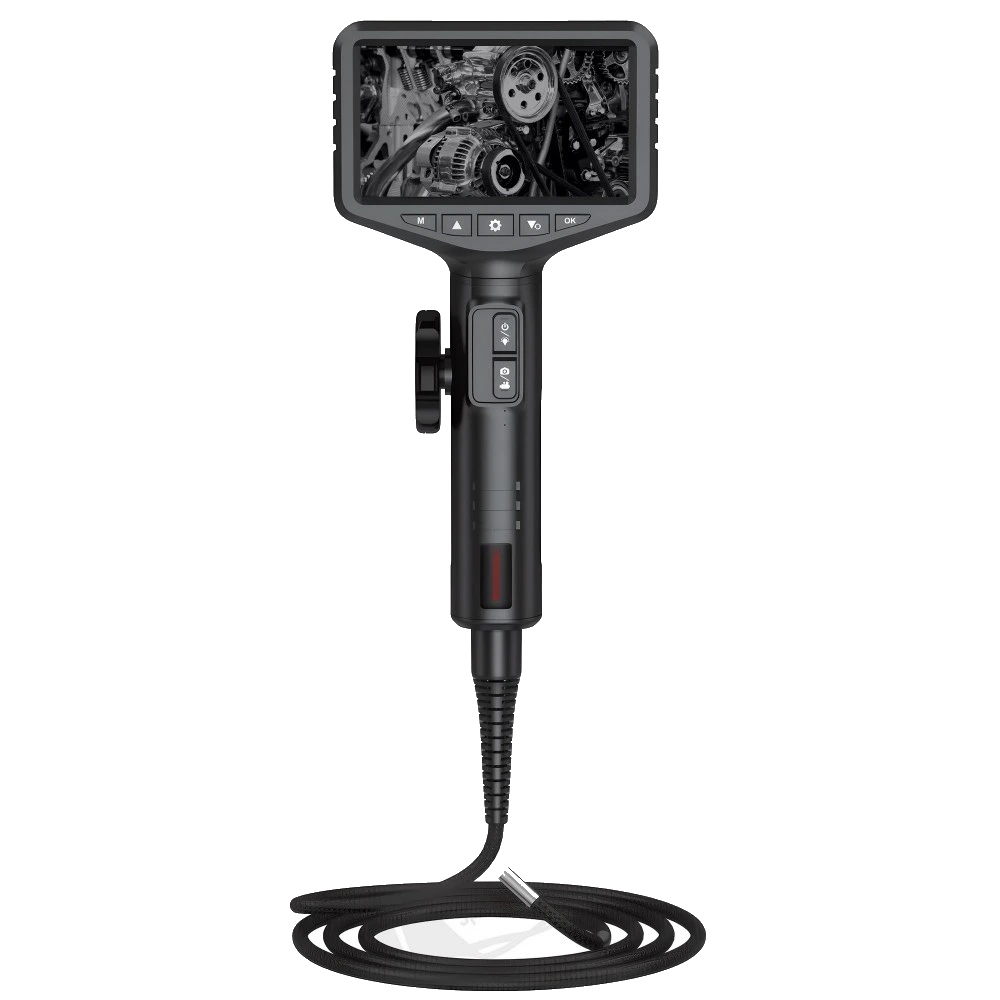
The ThinkPrinter model, Thinktool Scope Box, Think Easy Battery Test Clip, and Ancel S300 are not direct alternatives to each other. Although workshop accessories may appear in the same category, printing, waveform measurement, battery connection, and smoke leak detection are entirely different tasks. The ThinkPrinter is used directly for the service report function.
Compatible Thinktool device, printer connection, print layout, and consumable selection are compared during selection. The Thinktool Scope Box, Think Easy Battery Test Clip, and Ancel S300 perform different service tasks and cannot be used as replacements for the ThinkPrinter model.
First, the test to be performed and the safe operating limit are examined, followed by the connection method and box contents.
- Thinktool Scope Box: Oscilloscope measurement and electrical signal
- Think Easy Battery Test Clip: battery testing and voltage check
- Ancel S300: EVAP leak test and vacuum line check