Decision guide
How are the ThinkPrinter and ThinkPrinter 2 differentiated?
In the THINKCAR official product catalog, the ThinkPrinter and ThinkPrinter 2 are separate models. This guide is for the old ThinkPrinter model. The official user manual for the old model specifies an 80 mm print width, 576 dots/line, and a print speed of 60 mm/sec. Wireless operation via the Module Dock or different speed information listed for the ThinkPrinter 2 should not be applied to the old model.
Decision guide
Which devices does the ThinkPrinter work with?
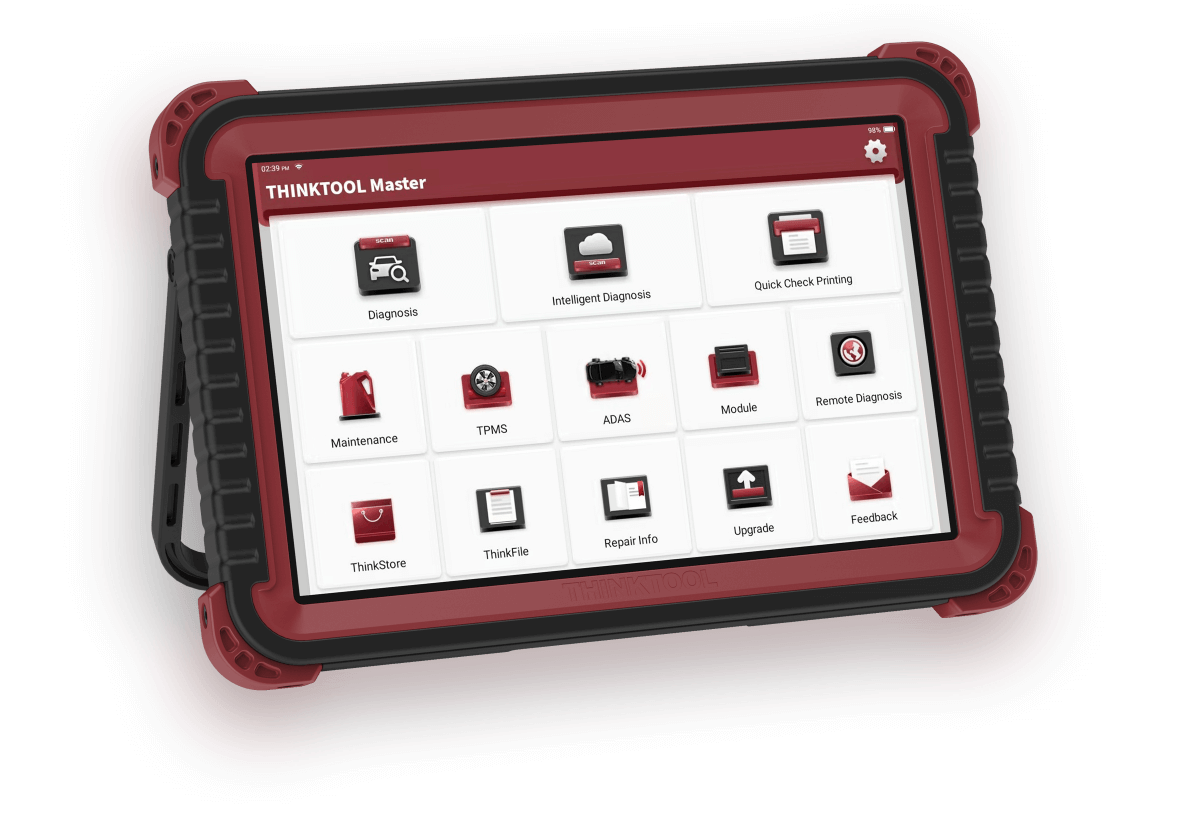
Do not assume universal compatibility. Record the exact model and software version of the Thinktool main device used; check for ThinkPrinter support in the module or printer menu. A physically similar connection port does not prove software support.
Decision guide
How to install 80 mm thermal paper?
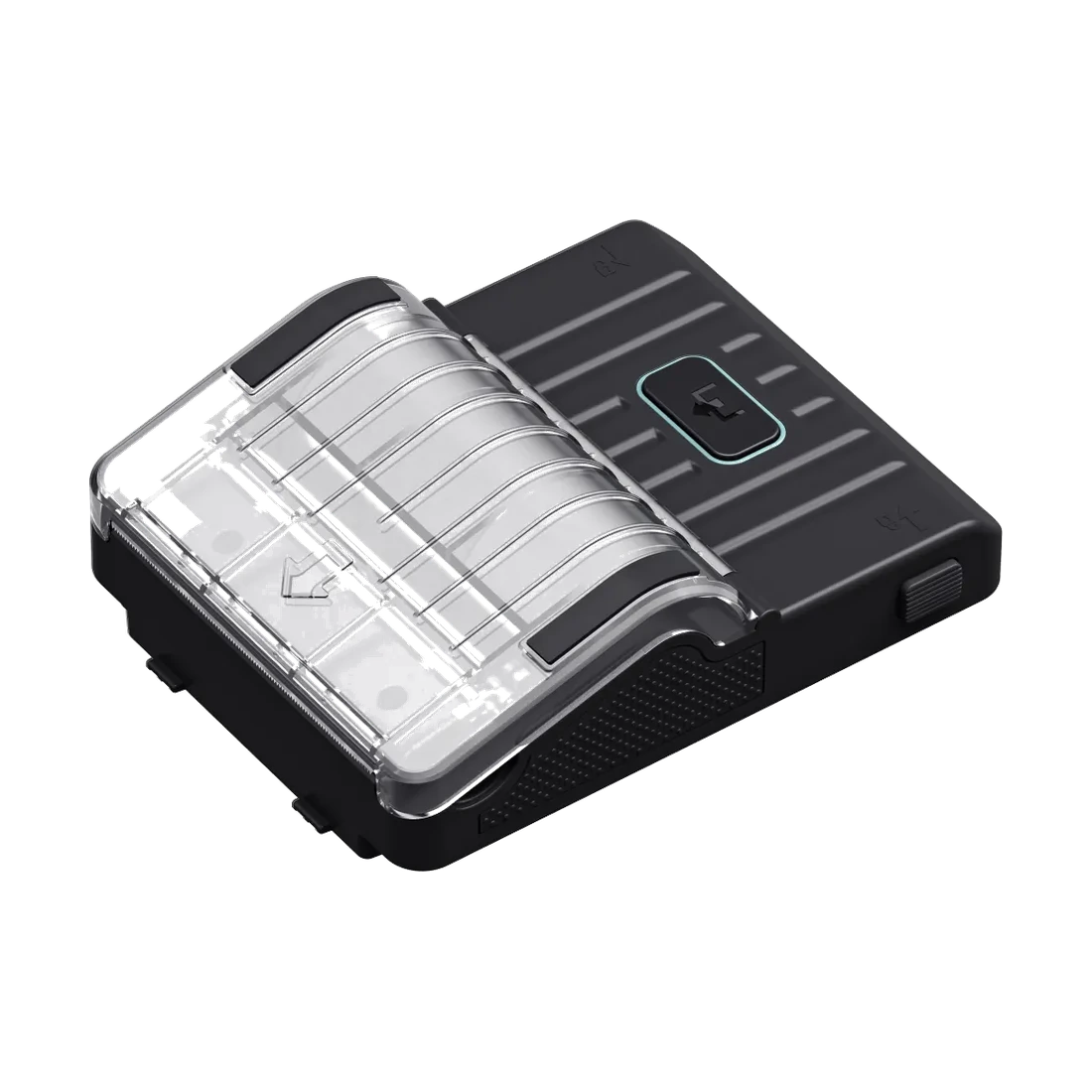
The official manual specifies an 80 x 30 mm thermal roll, approximately 6–7 meters long, for the ThinkPrinter. Open the cover without forcing it, insert the roll with the thermal print side facing the correct direction, and let the paper's edge extend out of the slot. After closing the cover, perform a short test print. If blank paper comes out, first check the roll orientation and whether the paper is thermal.
- Use 80 x 30 mm thermal rolls
- Turn the print side in the correct direction
- Do not jam the paper path
- Send a short test report from the main device
Decision guide
How to print the first service report?
After recording the vehicle ID and mileage, the initial scan is completed with the compatible Thinktool device. The report on the main device is checked for vehicle, date, and relevant fault codes. Printer connectivity is verified, and only the necessary report is printed. After repair, a second scan is performed and added to the work order along with the initial printout.
Decision guide
In what order should checks be performed if the printer is not working?
First, check if the main device recognizes the printer. Then, examine the connection, power, cover, paper orientation, and any jams. Blank output suggests issues with consumable orientation or type; no response indicates problems with connection, power, or compatibility. Record the serial label, main device model, and error screen before resetting the device.
Decision guide
What information should be included in the customer report?
The report should clearly show the vehicle ID, date, mileage, scanned systems, and important fault codes. It should be noted that the initial and final scans were taken at different times. The non-recurrence of a code is verified with live data and physical inspection results; the thermal printout alone is not a technical diagnosis.
Frequently Asked Questions
Most frequently asked questions by customers
What paper does the ThinkPrinter use?
The official manual for the old ThinkPrinter specifies an 80 x 30 mm thermal roll and a length of approximately 6–7 meters.
Is the ThinkPrinter compatible with all Thinktool devices?
No, universal compatibility is not assumed. The main device model, software menu, and connection method must be verified.
Why does the ThinkPrinter produce blank output?
The thermal paper may be loaded with the print side reversed, or incompatible paper may have been used. Check the roll orientation and consumable type.
Is it the same as the ThinkPrinter 2?
No. The manufacturer's catalog lists the two models separately; this guide is for the old ThinkPrinter model.
Does the ThinkPrinter perform fault diagnostics?
No. Communication with the vehicle and report generation are done on the main Thinktool device; the ThinkPrinter only prints the report.
What is the print speed?
The official manual for the old ThinkPrinter specifies values of 60 mm/sec and 576 dots/line.