What is steering angle sensor calibration and when is it needed?
The steering angle sensor informs driving dynamics systems about the position and direction of rotation of the steering wheel. SAS calibration teaches the reference position that the sensor will accept when the vehicle is moving straight ahead, according to the manufacturer's procedure. However, it is not used to mask a crooked steering wheel with software, correct faulty wheel alignment, or repair a faulty sensor. First, check tires, suspension, steering geometry, and related fault codes; perform basic setting with an appropriate diagnostic device when the vehicle is in the correct mechanical condition, and verify the result with live data, warning lights, and a safe test drive.
Which systems does the steering angle sensor provide information to?
The steering angle sensor transmits the driver's steering input to control units with angle and rotation speed information. The ABS/ESP system evaluates the vehicle's trajectory by comparing this data with information such as wheel speeds, lateral acceleration, and yaw rate. Electric power steering, parking assist, adaptive headlights, and some driver assistance systems may also utilize this information depending on the vehicle architecture.
The sensor can be located in the steering column, spiral cable assembly, steering gear, or an integrated module. Its location and replacement method vary from vehicle to vehicle. The sensor may be expected to show zero when the steering wheel is straight; however, the exact tolerance and procedure must be obtained from manufacturer data.
The ESP interprets the driver's intended direction from the steering angle and the vehicle's actual movement from sources such as wheel speed, lateral acceleration, and yaw sensors. If these values are inconsistent, the warning light may illuminate, or driving support functions may be limited. The problem may not solely be with the SAS component.
HELLA's ABS/ESP technical information explains that driving dynamics sensors can be adapted to manufacturer values with a basic setting function, and that the system must be error-free as a prerequisite. Therefore, calibration is not a general reset to be attempted without diagnosis.
Visual summaryMechanical accuracy first, then calibration
01
Tires and front endDamage, play, and pressure
02
GeometryWheel alignment values and mechanical center
03
Steering centerVehicle straight and steering wheel centered
04
SAS calibrationTeaching the reference with manufacturer procedure
Teaching the zero point with software does not eliminate the cause of crooked steering or faulty geometry.
Decision guide
What does SAS calibration do, and what doesn't it do?
Calibration teaches the control unit the neutral or reference position of the steering and ensures the sensor value matches the vehicle geometry. It does not correct internal electrical faults of the sensor, play in the steering gear, crooked suspension parts, incorrect tire pressure, or faulty wheel alignment. If the mechanical condition is not correct, the software zero value will not reflect the actual driving geometry.
If the steering wheel is crooked but the vehicle is driving straight, first check wheel alignment, steering linkages, and mechanical center. Resetting the sensor with calibration in a crooked steering position can disrupt the steering's range of motion and the driving dynamics calculation. Basic setting is not performed without establishing the correct mechanical center.
If the sensor signal is intermittent, jumping, or inconsistent with physical rotation, a live data graph and electrical check are required. Calibration does not fix a faulty signal. The fault code may indicate different conditions such as 'no calibration' versus 'sensor circuit'; the description and test plan are separated.
After disconnecting the battery, some vehicles may learn automatically by turning the steering wheel in both directions and a short drive; others require basic setting with a device. A single ignition-steering wheel movement is not applicable to all brands. Vehicle usage and service documentation are the basis.
Teaches the reference position
Does not perform mechanical wheel alignment
Does not repair faulty sensors
Requires vehicle-specific procedure
Decision guide
After which operations is SAS checked?
SAS value may be checked after steering gear, steering column, spiral cable, or angle sensor replacement; wheel alignment and front end repair; some ABS/ESP module operations; battery or control unit power interruption; accident and chassis geometry repair. The need for checking is determined by the operation and vehicle manufacturer.
After wheel alignment, the steering wheel must be physically centered, and the wheel geometry brought to manufacturer values. The angle value in the device is compared to the straight position. If the value is out of tolerance, only resetting is not performed without re-examining the mechanical adjustment.
When replacing the steering gear, the mechanical center and connection position can be critical. New parts may require additional operations such as coding, end-stop learning, or torque sensor calibration. 'SAS reset' does not automatically cover all these functions; device menus should be checked separately.
In accident repair, wheel, alignment, suspension, and body references are verified. Turning off the warning light by resetting the sensor does not make damaged mechanical geometry safe. The technician compares the repair measurement report with diagnostic records.
SAS calibrationTeaches the steering angle reference.
03
ADAS calibrationAdjusts camera and radar references according to manufacturer methods.
These operations can complement each other; however, one is not an automatic substitute for the other.
Decision guide
Pre-calibration mechanical checklist
The vehicle must be on a level surface, tire pressures and sizes must be correct, and there should be no play in the steering or suspension. Wheel alignment must be within manufacturer values, the steering wheel must be at mechanical center, and the vehicle load condition must be according to the procedure. Check for binding or abnormal noise during steering movement.
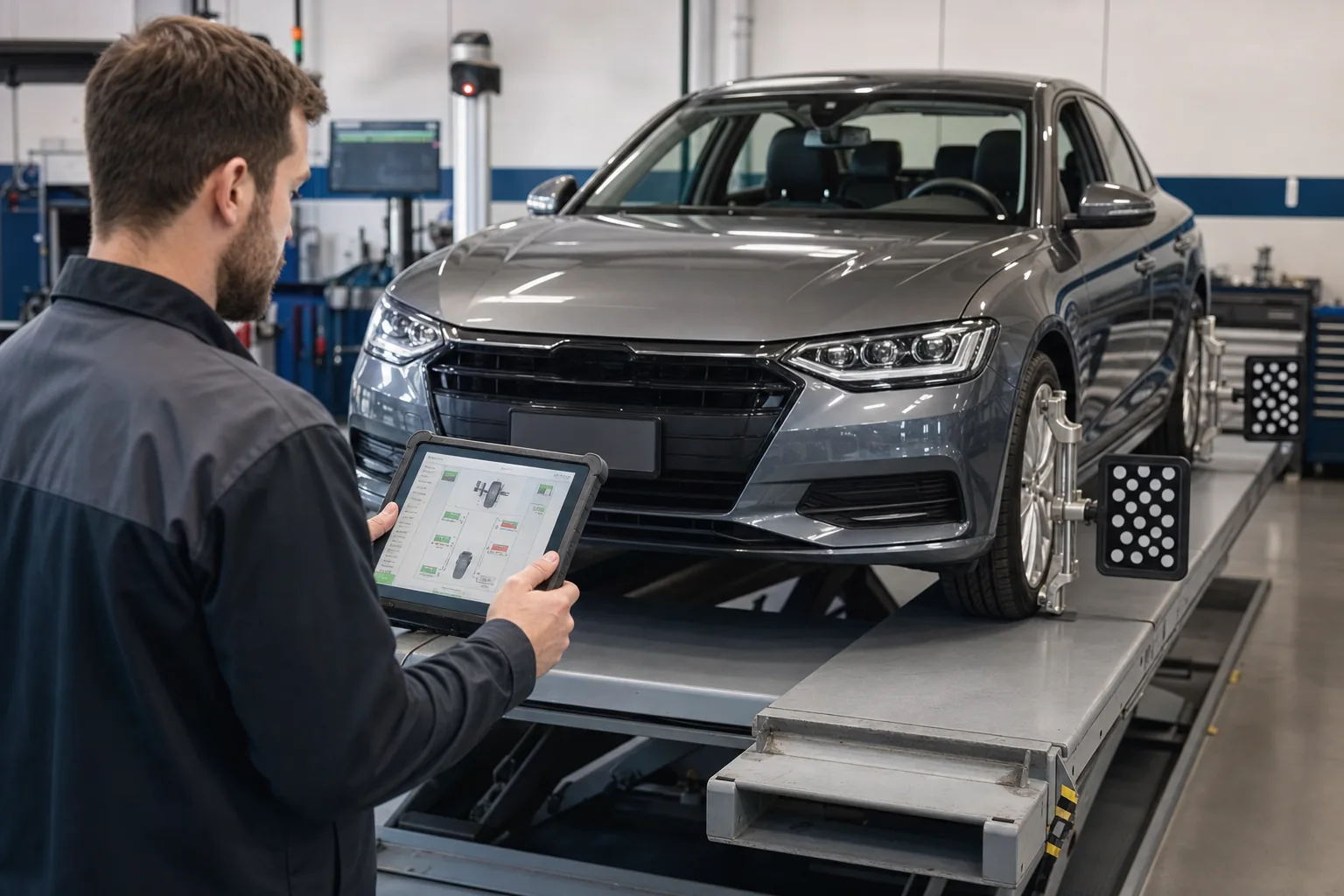
Different tire diameters or significant pressure differences can affect the wheel speed relationship and the vehicle's straight-line driving. Check all four tires before calibration. The wheel alignment device measurement considers front and rear axle geometry; simply holding the steering wheel straight by hand is not sufficient.
Physically inspect the steering column joint, tie rods, control arm bushings, wheel bearings, and signs of accident. Geometry that changes under play can cause the sensor value, which appears zero in the workshop, to deviate on the road. First, complete mechanical repairs.
Check battery voltage and charging support. Low voltage can cause communication and actuator errors during electric power steering or ABS/ESP basic setting. Apply appropriate power support to the connection point specified by the vehicle manufacturer.
Decision guide
How to read fault code and live angle data?
An initial general scan shows related codes in ABS/ESP, electric power steering, body, and ADAS modules. Codes are reported before being cleared. Live data monitors steering angle, direction of rotation, angle speed, and calibration status if supported. Observe the behavior of the values at the straight position, at the ends of travel, and during slow turns.
A slight deviation may be within manufacturer tolerance when the steering wheel is straight. A universal 'must be exactly zero' rule is not applied. The value is compared to the mechanical center, wheel alignment, and manufacturer documentation. Check that the angle unit is degrees and how the sign direction is defined in the device.
As the steering wheel is turned slowly, the value should increase and decrease smoothly. Sudden jumps, freezing, or unexpected cut-offs in one direction suggest sensor, spiral cable, power supply, or communication issues. A rapid signal fault may require an oscilloscope or manufacturer test method.
Multiple modules may show different steering angle values; compare the data source and the signal transmitted over the network. If there is a communication code in the relevant module, investigate the network and gateway status before replacing the sensor.
Initial general scan
Straight position value
Smooth change from end to end
Calibration status indicator
Related ESP/EPS/ADAS codes
Visual summaryData used by driving dynamics systems
Technical signals
01
Steering angleDesired direction of the driver
02
Wheel speedsMovement information of each wheel
03
Roll rateVehicle's yaw rate
04
Lateral accelerationVehicle's sideways movement
If the SAS value is inconsistent with other motion sensors, the warning and intervention behavior can be affected.
Decision guide
Calibration flow with a diagnostic device
After selecting the correct vehicle and system, SAS calibration within ABS/ESP, electric power steering, or service functions is activated. The screen's desired wheel and steering position, ignition, engine, and ground conditions are met. No command is sent without verifying vehicle identification and prerequisites. The steering wheel or vehicle must not be moved during the procedure.
Some procedures may require the steering wheel to be first turned to the center, then to both extreme positions; some only record the straight-ahead position. Some require straight-line driving at a specific speed after calibration. These steps are model-specific and are not copied from another vehicle.
If the device says 'conditions not met,' check the fault memory, system voltage, wheel speed, steering position, and mechanical alignment. Find the missing prerequisite instead of repeatedly trying the command. Basic setting may not be completed with an active sensor or control unit fault.
After the success message, the new calibration status and angle value are read. Fault codes are cleared, the ignition cycle is performed if required, and a general scan is repeated. If the steering wheel is still crooked, the mechanical alignment is re-examined instead of accepting the software result.
Decision guide
Difference between SAS calibration and wheel alignment
Wheel alignment brings the mechanical geometry of the wheels, such as toe, camber, and caster, within the manufacturer's range. SAS calibration matches the electronic sensor's reference position to this correct mechanical geometry. One does not replace the other. The healthiest workflow is mechanical inspection and wheel alignment, followed by electronic calibration if necessary.
If the values on the wheel alignment device are correct but the steering wheel is crooked, check the steering wheel centering method. Incorrectly removing and installing the steering shaft or wheel can cause the sensor and mechanical center to diverge. Calibration is not used to mask this installation error.
If the SAS value appears correct but the vehicle pulls to one side, investigate tire conicity, brake friction, suspension, road camber, and rear axle geometry. The electronic zero value does not prove all mechanical conditions for straight driving.
Explain the work done to the customer clearly: wheel alignment, SAS basic setting, and test drive are distinct operations. An ambiguous phrase like 'computerized wheel alignment' hides which procedure was performed.
Visual summaryVerification after calibration
01
Live angleLogical reference when the steering wheel is centered
02
WarningsABS, ESC, and steering lights
03
Straight drivingCenter behavior in safe test
04
Final scanCheck for persistent or new faults
The success message is verified by the vehicle's straight driving and the sensor data's actual behavior.
Decision guide
SAS and ADAS calibration are not the same procedure
ADAS calibration involves the adjustment of camera, radar, or surrounding sensors using targeted or dynamic methods according to the vehicle's geometry. The steering angle sensor can provide data to these systems and may be one of the prerequisites for the ADAS procedure; however, SAS calibration does not replace camera or radar calibration.
Windshield replacement, camera removal, radar repair, accidents, suspension, or wheel alignment may require ADAS calibration on some vehicles. The manufacturer's service information is used to determine which event requires calibration for which sensor. The absence of a dashboard warning does not confirm that the system geometry is correct.
HELLA ADAS overview addresses sensor faults, communication issues, and calibration errors as separate categories; the steering angle sensor is one of the relevant data sources. A proper workshop does not present SAS, wheel alignment, and ADAS tasks as a single 'reset.'
ADAS may require specific conditions such as a target board, level ground, measurement area, tire pressure, and vehicle load. Simply purchasing a diagnostic tablet is not sufficient to provide full ADAS service. Calibration equipment and training must also be planned.
Decision guide
How to select a device with SAS capability?
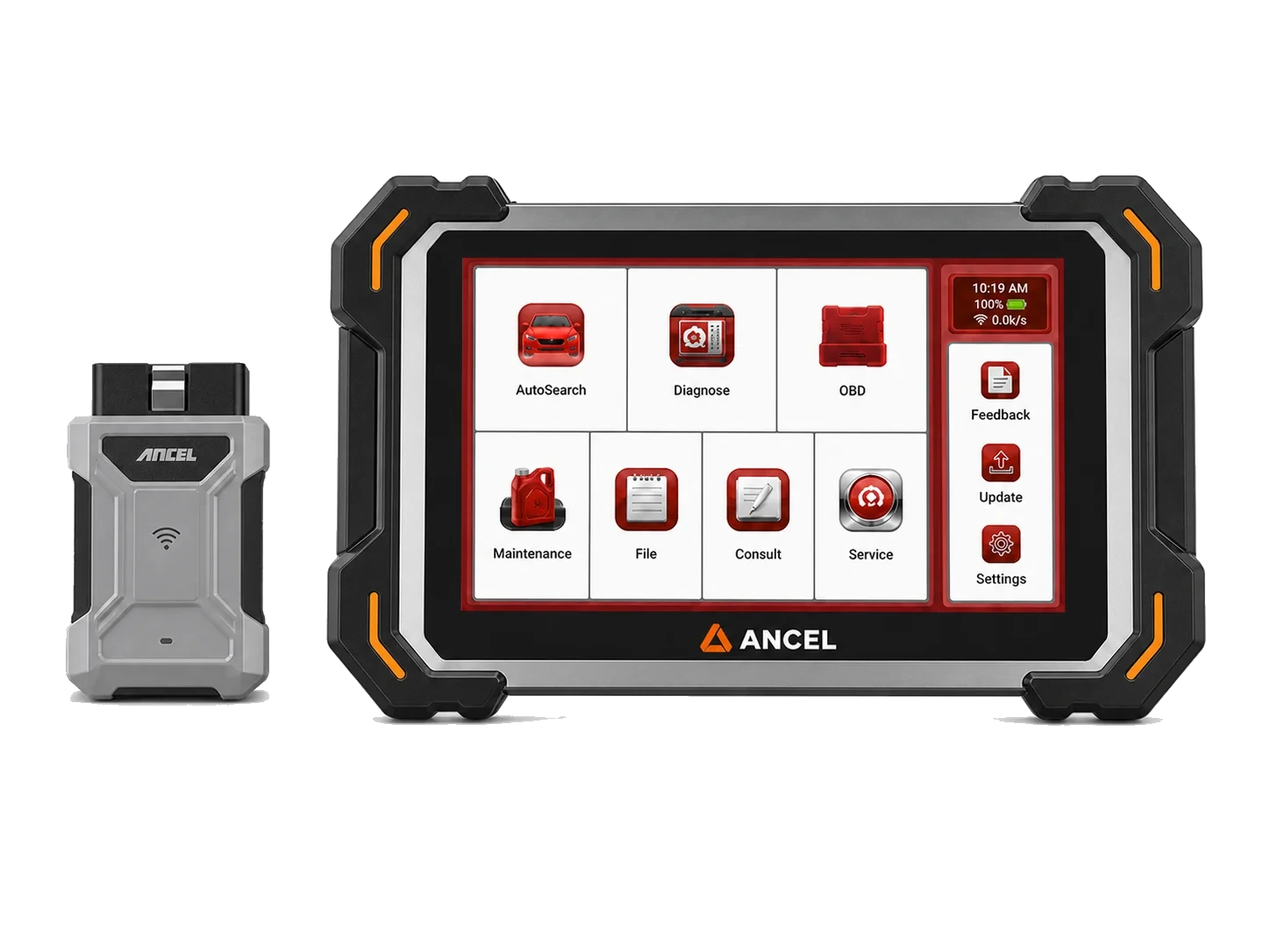
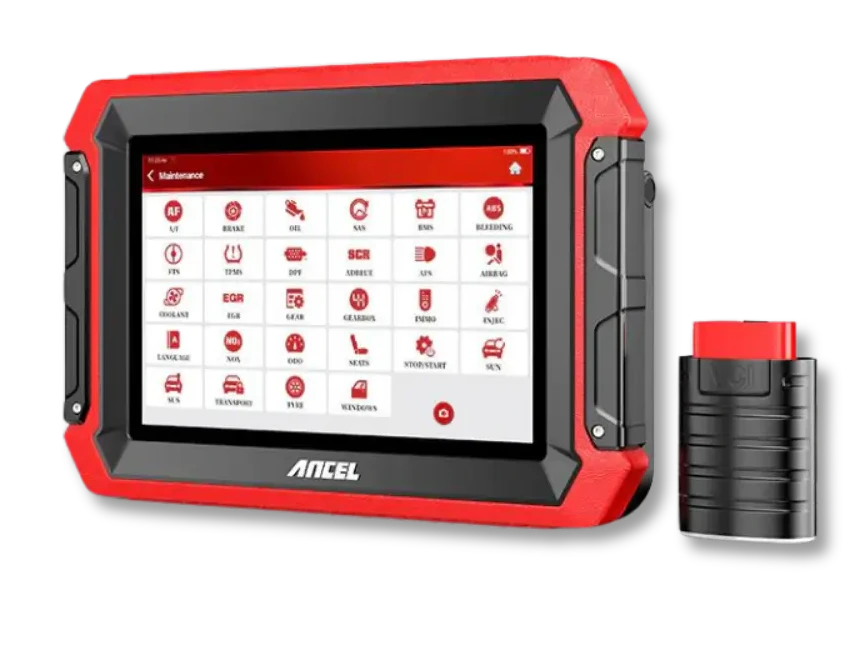
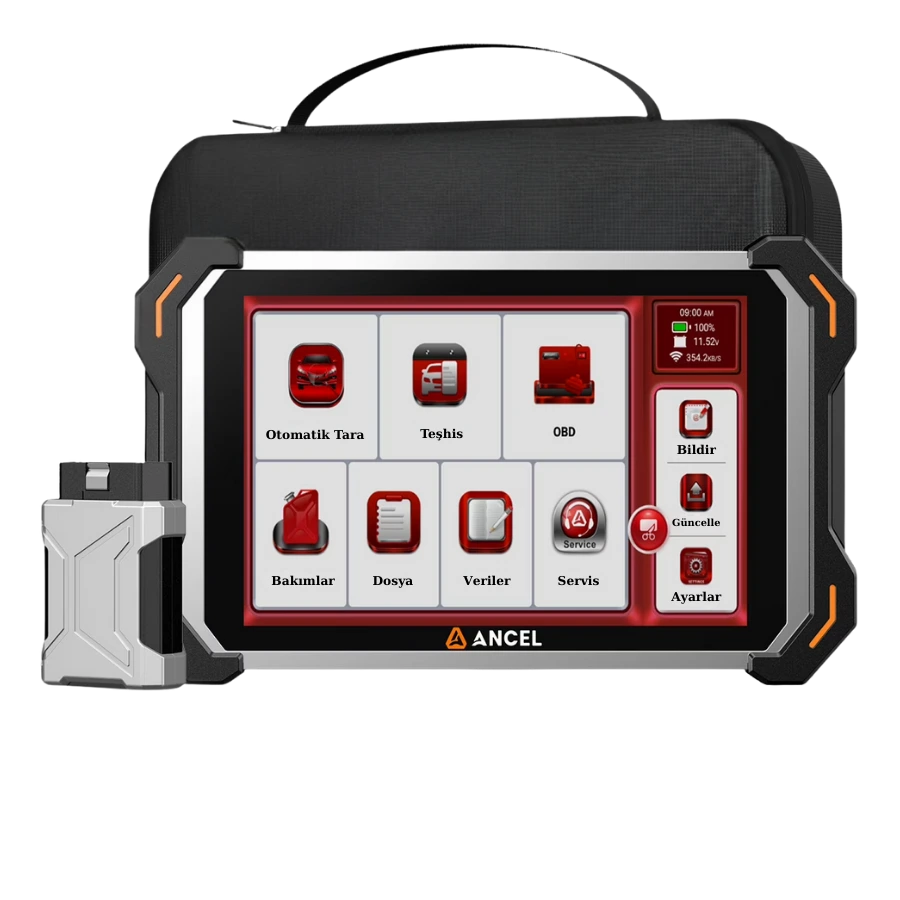
Having 'SAS reset' in the device's product list is a starting point. For vehicles arriving at the service center, access to ABS/ESP and electric power steering modules, live angle data, fault codes, basic setting, and if necessary, end-stop or torque sensor learning are verified separately. The device clearly showing procedure prerequisites and recording reports enhances service quality.
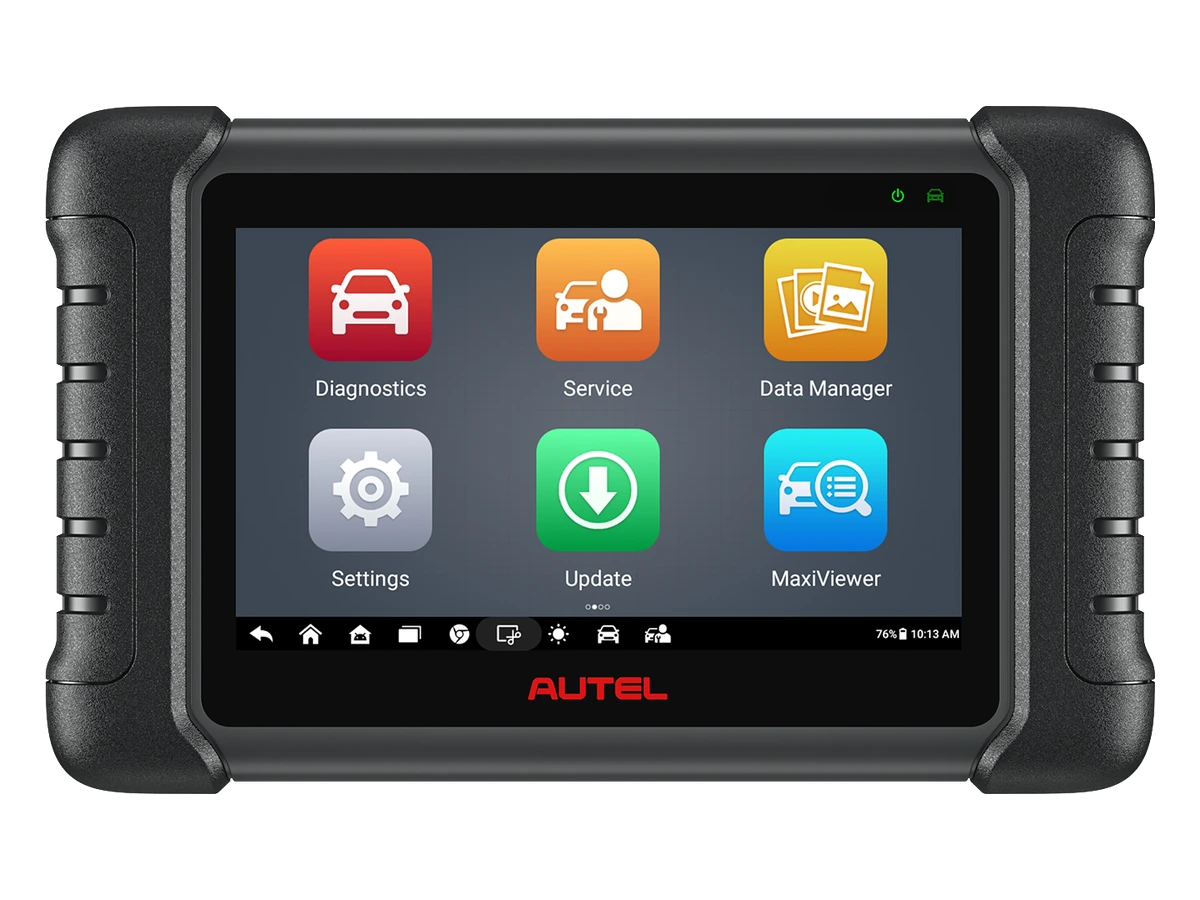
A basic OBD reader usually does not access the SAS module. A multi-system service tablet can offer calibration for common vehicles. A professional device may provide broader model coverage, guided tests, or ADAS equipment integration. The class is chosen based on the services performed.
For wheel alignment service, the tablet's vehicle coverage, fast VIN recognition, service shortcuts, and post-operation reports are important. If ADAS work is to be performed, the camera or radar to be calibrated, the software license, and the physical calibration set must be compatible with each other.
Before purchasing, write down the make, model, year, and the intended procedure. Prepare a concrete list of operations such as 'SAS calibration after wheel alignment, basic setting after steering box replacement, and live angle reading.' Support is checked based on the manufacturer's current vehicle and function list by model year.
Decision guide
Post-operation verification and customer delivery
After calibration is complete, check the live angle value with the steering wheel physically centered. Warning lights should be off, fault codes should not return, and the vehicle should drive straight during a safe test drive. Observe steering wheel turning, return, and ESP/EPS behavior. If the manufacturer's test drive condition exists, apply it exactly.
During the test drive, the driver does not look at the device screen; data recording or a second technician is used. On a straight and safe road, angle, wheel speeds, and related sensors can be recorded. If abnormal intervention or warning occurs, the drive is terminated, and the system is scanned again.
Initial and final scans, wheel alignment report, and calibration result are added to the customer file. Replaced parts and performed basic settings are written separately. Instead of 'SAS reset,' specify the calibration and test completion conditions for the vehicle.
The correct result is the matching of mechanical and electronic data. If the software shows success but the steering wheel is crooked, the vehicle pulls, or the live value jumps, the procedure is not considered complete. The vehicle is evaluated for safety until the root cause is found.
Decision guide
Diagnostic path to follow if calibration fails
When the device rejects calibration, first record the prerequisite and error message on the screen. Check the mechanical center of the steering wheel, the straight position of the wheels, vehicle speed, ignition status, system voltage, and active ABS/ESP or EPS codes. If the sensor value does not change at all, cuts out, or is outside the allowed range, proceed to electrical and mechanical diagnostics instead of repeatedly trying calibration.
If the steering box or column has been newly replaced, verify the part number, installation position, and coding if necessary. If the spiral cable is not installed in the center position, both the sensor reference and the cable's range of motion can be compromised. Check the manufacturer's centering marks before removing the part.
If calibration is completed but the warning returns after a short drive, examine the SAS value along with wheel speeds, yaw, and lateral acceleration data in the same log. Mechanical geometry may change under load, or another sensor reference may be faulty. The result is not solely based on a success message obtained while parked.
Add the relevant part of the VIN, device and software version, fault codes, live angle screen, wheel alignment report, and applied procedure to the technical support record. This information provides a faster and more reliable solution than the statement 'SAS is not working.'
Frequently Asked Questions
Most frequently asked questions by customers
Does SAS calibration correct wheel alignment?
No. Wheel alignment corrects mechanical wheel geometry; SAS calibration matches the sensor's reference position to the correct mechanical geometry.
Is the steering angle sensor calibrated after the battery is disconnected?
Some vehicles may require re-learning, others do not. Check fault code, live data, and vehicle manufacturer's procedure.
Is it correct to reset the sensor if the steering wheel is crooked?
First, wheel alignment, suspension, and mechanical center must be corrected. Accepting a crooked position as electronic zero is not a safe or correct repair.
Are SAS and ADAS calibration the same?
No. SAS teaches the steering reference; ADAS calibration adjusts environmental sensors like cameras or radar according to vehicle geometry.
Does every device with SAS reset function work on every vehicle?
No. Model-year, control unit, and software coverage vary. Live data, basic setting, and additional learning functions must be separately verified for the relevant make-model in the manufacturer's current list.