Evaluation Method
How was this guide prepared?
Otobiltek sells some OBD adapters mentioned in this guide.
Connection steps are limited to official technical/support resources from ELM Electronics and OBDLink.
- OBD Socket and Power
- Phone-adapter connection
- App Settings
- Vehicle-ECU Communication
Resources are re-checked when manufacturer connection steps or supported operating systems change.
Decision guide
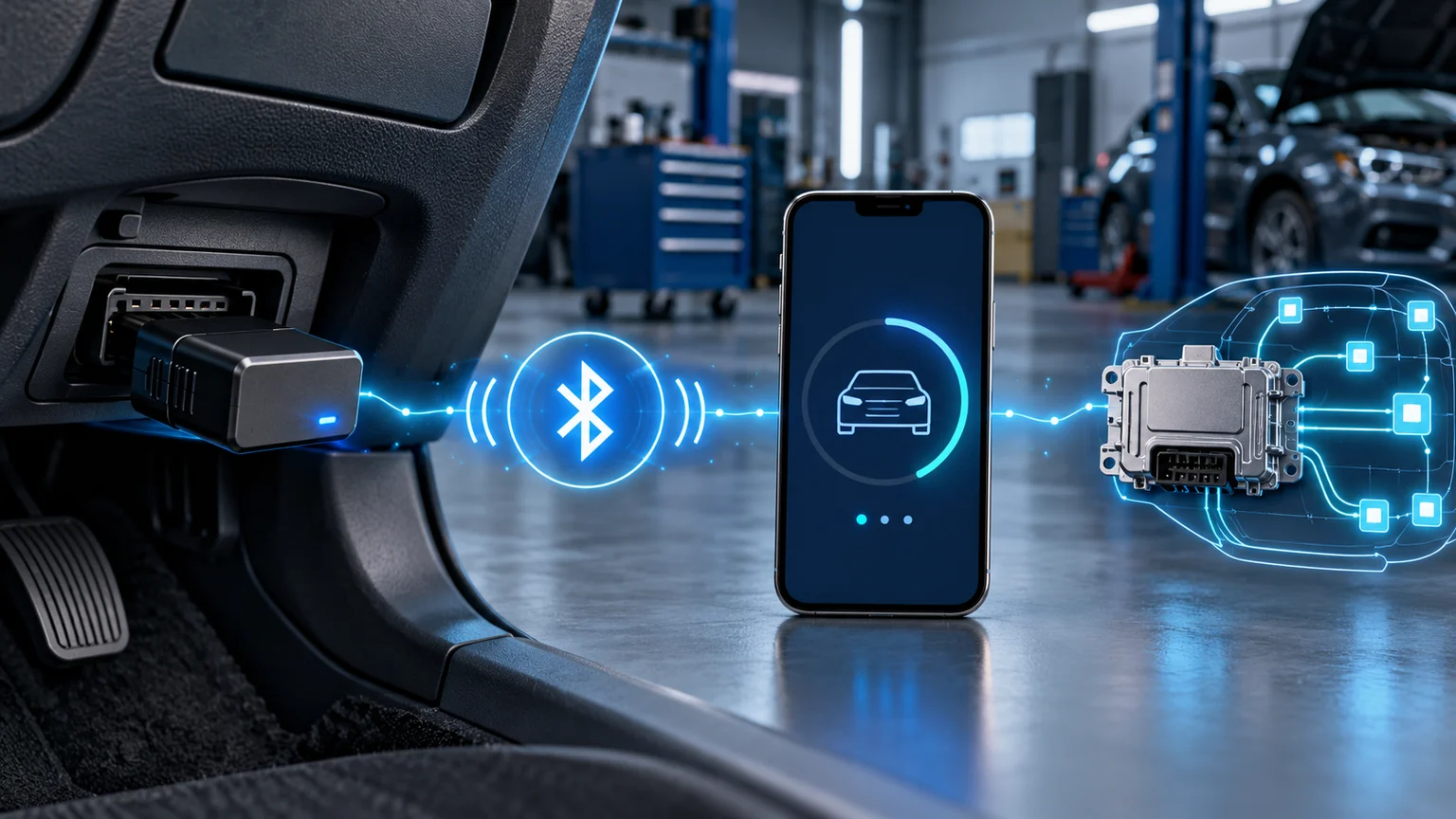
First, isolate the four connection layers
Power, phone-to-adapter connection, app connection, and vehicle communication are not the same thing. The adapter appearing in the Bluetooth list does not prove it's correctly powered from the OBD socket or communicating with the ECU. "Connected" in the app may only refer to the connection between the phone and the adapter. Note the visible symptoms of each stage separately; this way, you won't reset a working layer unnecessarily.
- Power and LED
- Bluetooth or BLE Pairing
- Adapter Selection in App
- Vehicle Protocol and ECU Response
Decision guide
If the LED is off, check OBD power before checking the phone
If there are no lights or power indications when the adapter is plugged in, phone settings are not the starting point of the problem. Check the OBD socket for bent pins, loose contact, or foreign objects; do not force the adapter. In some vehicles, OBD power may be shared with a related fuse. Fuse, socket, or vehicle wiring measurements should be performed by a qualified person. Do not continue testing with an adapter that heats up, smells, or feels loose.
Decision guide
Android and iPhone may not use the same pairing method
Some Android adapters using Bluetooth Classic are first paired via phone settings with a PIN. iPhone-compatible models using BLE are often selected directly from the supported app's connection menu. The exact adapter model determines this distinction; just "ELM327" or "Bluetooth" labels are not sufficient. Check for Android, iOS, Classic, BLE, or Wi-Fi indicators in the manufacturer's model-specific guide.
Decision guide
Keep only one OBD app open at a time
OBDLink's official support stream indicates that adapter connection can be hindered by another OBD app being open. If FORScan, AlfaOBD, Torque, or another app is connected to the adapter in the background, close them all; then open only the app you intend to use. The phone transmitting data to other Bluetooth audio devices can also complicate the initial connection test. Perform the first attempt in a simple connection environment.
Decision guide
Select the correct adapter and auto-protocol in the app
The connection type in the app must match the adapter's actual hardware. A Bluetooth adapter should not be selected with a Wi-Fi, BLE adapter with Classic, or a different brand profile. For vehicle protocol, auto-scan is a safe start unless the manufacturer states otherwise. OBDLink also recommends disabling the setting to force re-attempting the last used protocol and starting with the last protocol.
Decision guide
Connecting to the adapter is not the same as connecting to the vehicle ECU
If phone and adapter connection works but no vehicle data is received, ignition or engine status, vehicle profile, protocol, and supported ECU coverage are examined. Standard OBD-II engine-emission data and ABS, airbag, transmission, and body modules are not accessed the same way. If the app or license only supports basic engine data, other modules may not appear even if the adapter works. Record the error message, vehicle make-model-year, and the app version tested.
Decision guide
Resort to reset and code clearing last
If the manufacturer of a branded adapter has published a model-specific factory reset procedure, use only that method; there is no single button or command for every ELM327 labeled device. Do not send random AT commands or clear fault codes without establishing a connection. Clearing codes can alter freeze frame data and emission readiness status. Stop use if physical damage, overheating, or unusual behavior in the vehicle network is observed.
Frequently Asked Questions
Most frequently asked questions by customers
ELM327 appears in Bluetooth list, but the app won't connect. Why?
The wrong connection type or adapter profile might be selected in the app; another OBD app could also be holding the connection. Return to the official setup step for your exact model and try with only one app.
ELM327 connected, but no vehicle data is received. Is the device faulty?
This result alone does not prove hardware failure. Ignition cycle, vehicle profile, protocol, app license, and relevant ECU support must be checked individually.
Why doesn't my iPhone show the ELM327 device in Bluetooth settings?
Some iPhone-compatible adapters using BLE are not paired through the general Bluetooth screen and must be selected from within the supported app. The exact model's iOS guide should be followed.
Should I use PIN 1234 or 0000 for ELM327?
The PIN varies by manufacturer and model. The code specified in the device's official manual should be used instead of random guessing; BLE models may not have PIN pairing at all.
Should I clear fault codes while experiencing connection issues?
No. Connection must be stabilized first; codes, status, and any freeze frame data should be recorded. Clearing codes can affect diagnostic evidence and emission monitors.