Quick comparison
MBito conditions for iPhone and Android
Evaluate the phone, connection, and vehicle support in the same order.
Decision guide
Short answer: Which phones can use MBito?
The MBito app is published via the Apple App Store and Google Play. On the iPhone side, the official store requirement is iOS 15.1 or later; for iPad, iPadOS 15.1 or later is required. On the Android side, the manufacturer offers the app via Google Play, but the store's public web page does not list a single minimum Android version applicable to all devices. The most accurate check is to open the app page on the Android phone you intend to use and see the installation compatibility.
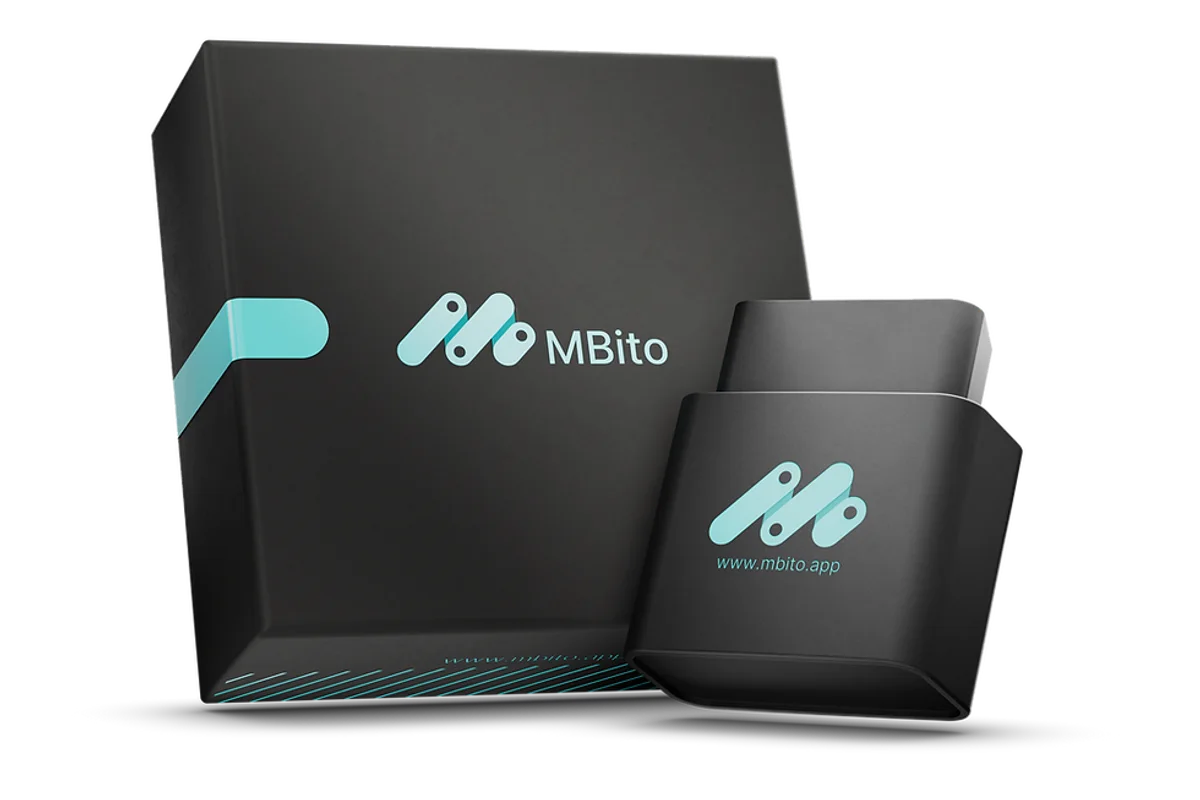
The app appearing in the store is not sufficient for vehicle connection alone. According to MBito's official support page, actual vehicle connection only works with the MBito OBD device; a different Bluetooth OBD adapter cannot be used in place of this hardware.
Check your phone's current operating system and available storage space before installation. If the app store does not allow installation on an old or unsupported device, uploading third-party files is not a secure solution.
Decision guide
What five conditions must be met together before purchasing?
Phone compatibility is not just a "iPhone" or "Android" badge. First, check if the official app can be installed on the phone. Then, prepare Bluetooth, location service on Android, stable internet, and the official MBito hardware. The final step is to find the exact Mercedes model and the desired function in the current vehicle list.
The first four of these conditions explain the phone and connection side, and the last one explains the vehicle side. Even if the phone is compatible, a specific customization may not be available on the selected Mercedes. Similarly, even if the vehicle is listed, the connection flow cannot be completed if the app cannot be installed on an old phone.
The current sales price and stock information are displayed on the Otobiltek product card. Since the conditions for functions within the app can vary depending on the vehicle and the selected operation, old screenshots or forum prices are not considered current sources for purchase decisions.
- The official MBito app can be installed on the phone
- Bluetooth is on; location service is also enabled on Android
- Stable internet connection is available in the usage area
- The official MBito OBD device is used for connection
- The Mercedes model and desired function are listed in the current vehicle list
Decision guide
What to look for on the iPhone and iPad side?
The current MBito listing on the Apple App Store requires iOS 15.1 or later for iPhone; iPadOS 15.1 or later for iPad. After the app is installed from the store, Bluetooth is turned on. With the MBito device plugged into the vehicle and the ignition in the position indicated in the official quick start guide, pairing is initiated through the "Scan for device" flow within the app, rather than the phone's general Bluetooth menu.
The operating system version of the iPhone or iPad can be viewed within Settings. If the version requirement is met, the current store listing for the app should be used; old installation files or similar apps published under other developers should not be preferred.
If the Bluetooth permission is turned off, the app may not be able to scan for devices. Permissions are checked for MBito from iPhone settings, then the app is reopened and the device scan is repeated. Attempting to connect from another general OBD app does not replace MBito pairing.
Decision guide
How to check the version and permissions on an Android phone?
The MBito Android app is installed from Google Play. Since the public store page does not specify a single minimum Android version for all phones, a number should not be guessed. Open the Google Play page on the phone you are considering for the app; if the store offers installation, the device has passed the basic compatibility check with the current release.
MBito's quick start and support pages specifically state that the location service must be enabled for Bluetooth scanning on Android. This does not mean that features are enabled based on the vehicle's location; it is a required phone setting for Android's Bluetooth device scanning flow.
If MBito is not visible despite Bluetooth being on, check the location service and app permissions from Android settings. Then use the device scan within the app. Connecting randomly to an adapter with a similar name visible in the phone's general Bluetooth list by trying PINs is not the correct installation.
Decision guide
Why are internet and account part of the connection?
According to MBito's App Store and Google Play descriptions, the app uses an online database and requires a constant internet connection while running. Bluetooth establishes the short-range connection between the phone and the device in the car; the internet allows the app to access its online service. Therefore, just having Bluetooth on is not sufficient.
If mobile data or Wi-Fi is weak in the service area, the session, vehicle data, or transaction flow may not be completed even if the device is visible on the phone. Testing Bluetooth and internet connection separately when troubleshooting is more informative than a single "cannot connect" result.
MBito support states that the website account and the mobile app account are separate. It should not be assumed that login information from the website will automatically log you into the app. The app registration is created through the app's own login flow.
Decision guide
Phone compatibility is not Mercedes compatibility
Opening the app on the phone only verifies the phone and app layers. MBito functions can vary depending on the Mercedes model, model year, and the vehicle's hardware and software. If fault scanning or customization is to be used, the exact vehicle and function must be searched separately in the manufacturer's current "Fitting Models" list.
For example, using an Android phone does not indicate that the vehicle has Android Auto functionality or that it can be enabled with MBito. The phone's operating system and the car's multimedia hardware are separate matters. The desired CarPlay or Android Auto option is only considered if listed for the vehicle.
Two cars with the same chassis code may have different multimedia units, control unit software, or factory hardware. While a similar model experience on a forum can provide a useful tip, it does not replace finding the function in your own vehicle on the official list.
Decision guide
What sequence to follow if the MBito device is not visible on the phone?
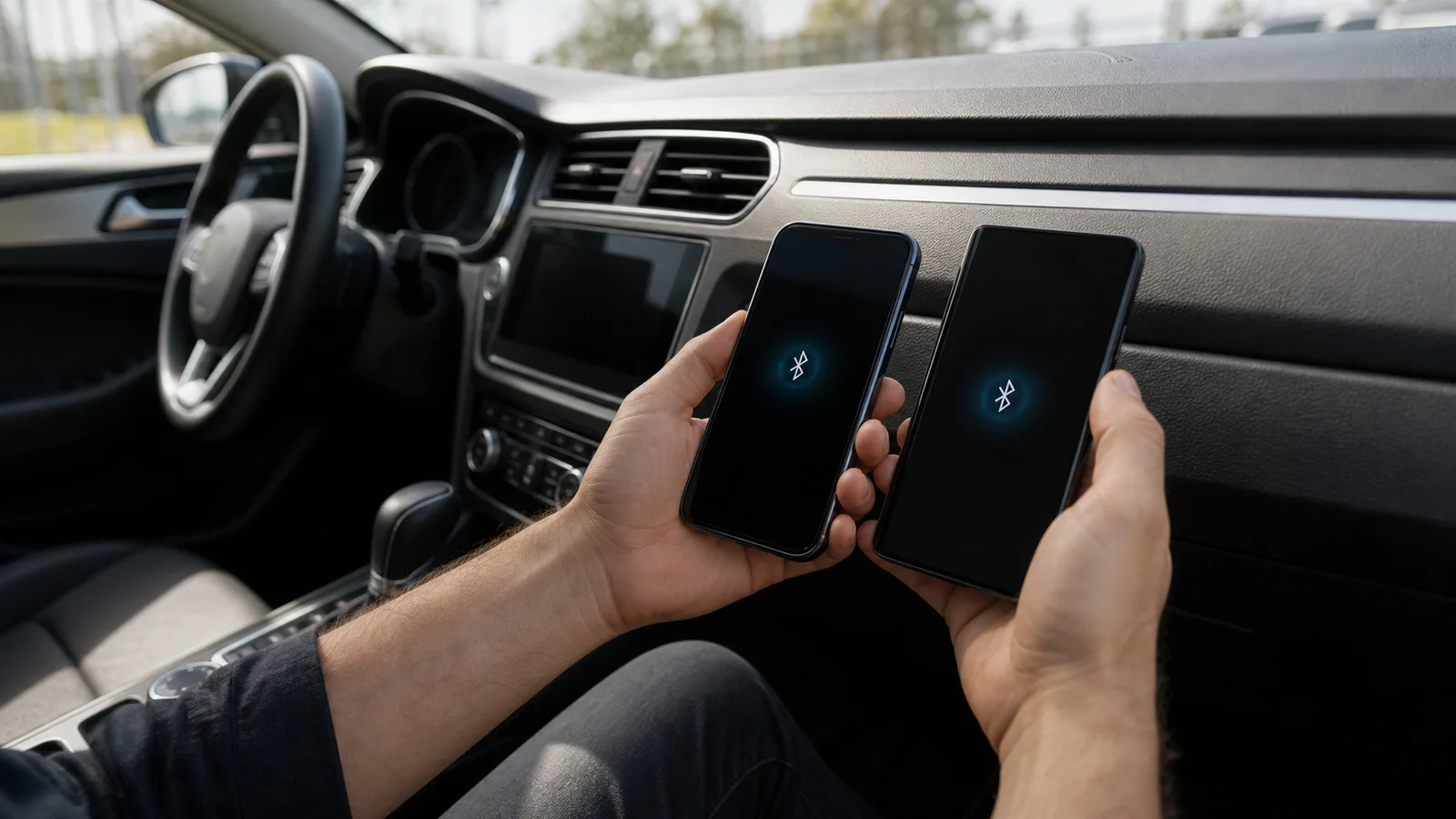
First, ensure the device is fully seated in the OBD-II port, and the ignition is on with the engine off. Turn on Bluetooth on the phone; on Android, also enable location services. Run the device scan within the app. If no results are obtained, remove and reinsert the MBito, close and reopen the app, and restart the phone.
These low-risk steps are taken from MBito's official support flow. If a bent pin in the socket, overheating, loose connection, or electrical issues in the vehicle are observed, do not force the device and stop the process.
If the app closes or shows an error, first install the latest version from the store; re-evaluate Bluetooth and internet stability. If the problem persists, contact the official support channel with the phone model, operating system version, vehicle information, and the error message displayed.
- Check the OBD connection and ignition position
- Turn on Bluetooth, and location services on Android
- Refresh the device scan in the MBito app
- Remove and reinsert the device, and restart the app
- Test the stable internet connection separately
Decision guide
Should iPhone or Android be chosen for MBito?
MBito's official resources do not state that one platform is faster, more stable, or more comprehensive than the other. Therefore, it is not correct to conclude superiority based solely on brand name. If the phone you have runs the official app, offers the necessary permissions, and has a stable internet connection, you can focus on vehicle and function support instead of buying a new phone.
The current store requirement on iPhone is clearly iOS 15.1 or later. On Android, the installation compatibility shown by Google Play on your specific phone is decisive. In both cases, the app store listing should be re-checked on the day of purchase; store requirements may change over time.
The final decision sequence is simple: can the app be installed on the phone, are the connection conditions met, is the official MBito device ready, and is the desired function listed for your Mercedes model? If the answer to all four questions is yes, the conditions required for phone connection are met.
Frequently Asked Questions
Most frequently asked questions by customers
Does MBito work on iPhone?
Yes. According to the current registration on the Apple App Store, the MBito application requires iOS 15.1 or later. An official MBito OBD device, Bluetooth, and internet are also required for vehicle connection.
Does MBito work on Android phones?
Yes. The application is published on Google Play. Since the fixed minimum version is not listed on the publicly available store page, the application should be installable on the phone to be used. Android location services must also be enabled for Bluetooth scanning.
Can I use the MBito application with a generic OBD adapter?
No. According to MBito's official support page, the application only pairs with the official MBito OBD device. Generic Bluetooth adapters that look similar do not replace MBito hardware.
Is internet required when using MBito?
Yes. Official store descriptions state that continuous internet connection is required due to the online database. Bluetooth provides device connection, while the internet provides access to the online service.
Does using an Android phone mean Android Auto will be enabled in the vehicle?
No. The phone's operating system and the vehicle's multimedia hardware are separate matters. Android Auto or CarPlay functionality is considered only if it is listed in the current MBito vehicle list for your Mercedes model and hardware.
Can the MBito application be downloaded for free?
The application can be installed for free from official stores; an MBito OBD device is required for actual vehicle connection. The conditions for selected functions within the application may be shown separately depending on the vehicle and operation.