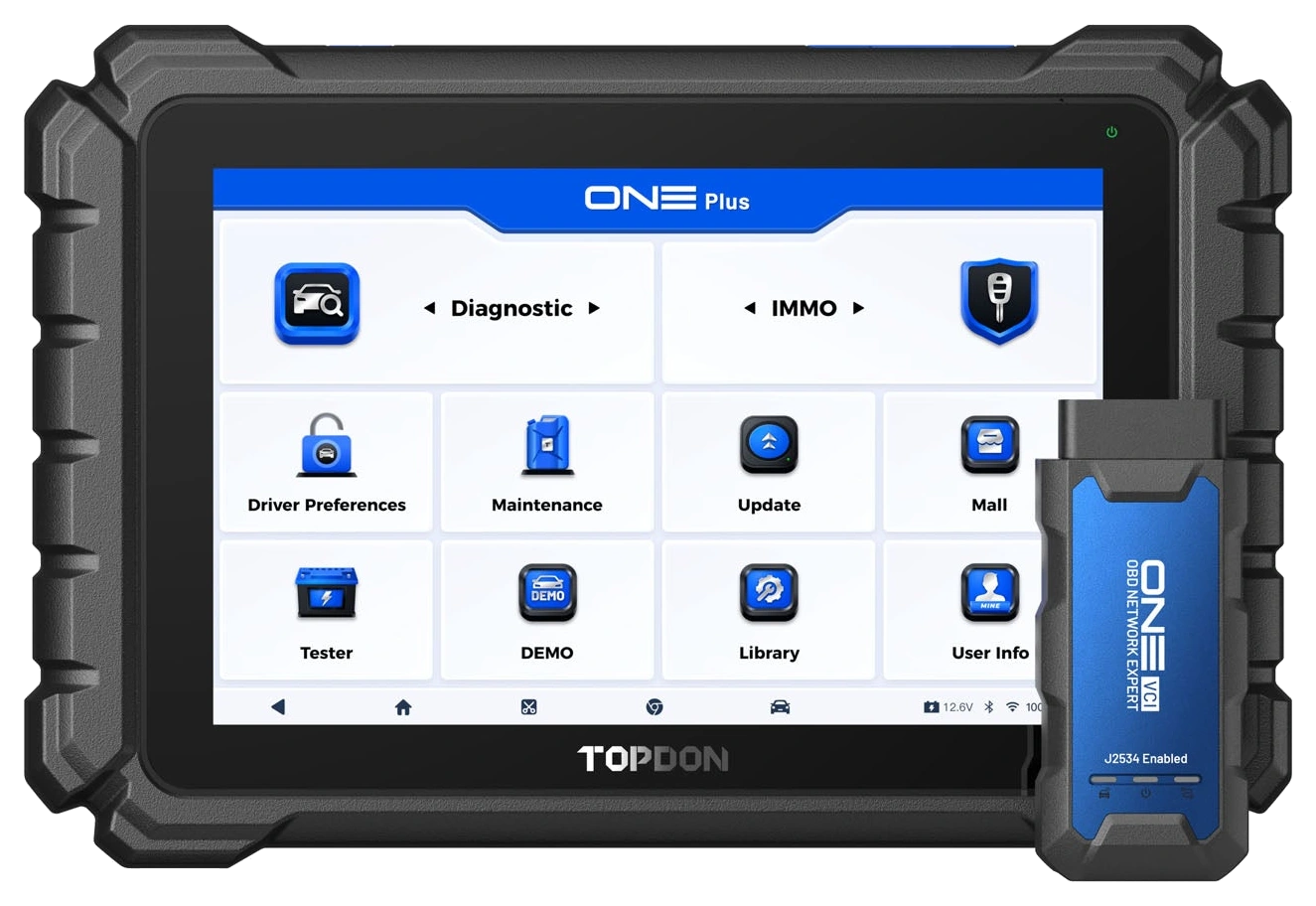
The TOPDON ONE Plus is a professional service tablet with a 10.1-inch screen. It offers full system diagnostics, active tests, topology, and over 50 service functions on supported vehicles. BMW/VAG programming coverage is limited to ECM, SRS, ABS, and TCM systems.
The European package includes ONE VCI, TopScan Master, and BTMobile ProS; OEM software and required manufacturer access are subject to separate terms.
What would you buy this for?
Service centers performing diagnostics and maintenance on multiple passenger car makes
Specialists performing software operations on supported BMW/VAG modules
Workshops wanting phone diagnostics and battery testing tools alongside a tablet
Featured diagnostic features
Full system scan, active test, and topology
CAN FD, DoIP, and J2534 with ONE VCI
Two-year tablet update and Europe package
Vehicle Coverage
What vehicles does TOPDON ONE Plus support?
The make name alone does not guarantee compatibility. Within the same make, model year, engine, chassis, control unit, communication protocol, and intended operation can yield different support results.
Vehicle Group
Passenger cars and light commercial vehicles included in the product software
Supported makes
Multi-brand coverage; the current make list is obtained from the manufacturer's official vehicle or protocol database.
Supported models
Verified from the official coverage screen based on make, model, model year, engine or chassis, and control unit.
Scope of service
Code reading, live data, active test, service function, coding, and programming may be supported separately.
Connection conditions
Full system scan, active test, and topology, CAN FD, DoIP, and J2534 with ONE VCI, Two-year tablet update and Europe package
The make and model examples on the page do not guarantee all production years and all functions.
Before any definitive operation, the manufacturer's current coverage record must be verified with the VIN or full vehicle information.
Diagnostics, maintenance, and module operations on a single service tablet
In a workshop job, the initial need might be to read a fault, and the subsequent need might be to complete the relevant service function after repair. The ONE Plus is a diagnostic tablet used for these different steps. Communication with the vehicle is established via the ONE VCI; the technician selects systems and menus from the tablet screen.
Fault records in control units, live data, and supported active tests can be used together for diagnostics. The information displayed by the device is evaluated with physical measurements and service documentation. Especially in vehicles with records in multiple systems, it is important to save the initial scan and re-check under the same operating conditions.
The name of a fault code does not, by itself, determine the part to be replaced.
Product details
Verified hardware and connection features
The 10.1-inch screen provides a large workspace for reading different data and operation steps on the same vehicle. Hardware specifications are evaluated separately from software coverage: more storage or a larger screen is not proof that a new programming operation has been enabled on a specific vehicle.
The ONE VCI handles communication between the tablet and the vehicle. Wireless operation facilitates the technician's movement around the vehicle; connection conditions and manufacturer instructions for the operation must still be followed. Before a large update or a special service job, both the tablet's power and the vehicle's power status are checked.
Screen
10.1-inch LCD; 1280 × 800
Processor
8 cores; 2.0 GHz
Memory and storage
4 GB RAM; 128 GB
Operating System
Android 12; closed system
Tablet battery
10,000 mAh / 3.8 V
Wireless connection
Bluetooth 5.0; 2.4 and 5 GHz Wi-Fi
Vehicle interface
ONE VCI; CAN FD, DoIP, and J2534
Language
Turkish is included in the manufacturer's 45-language list
Product details
What question does the topology map answer?
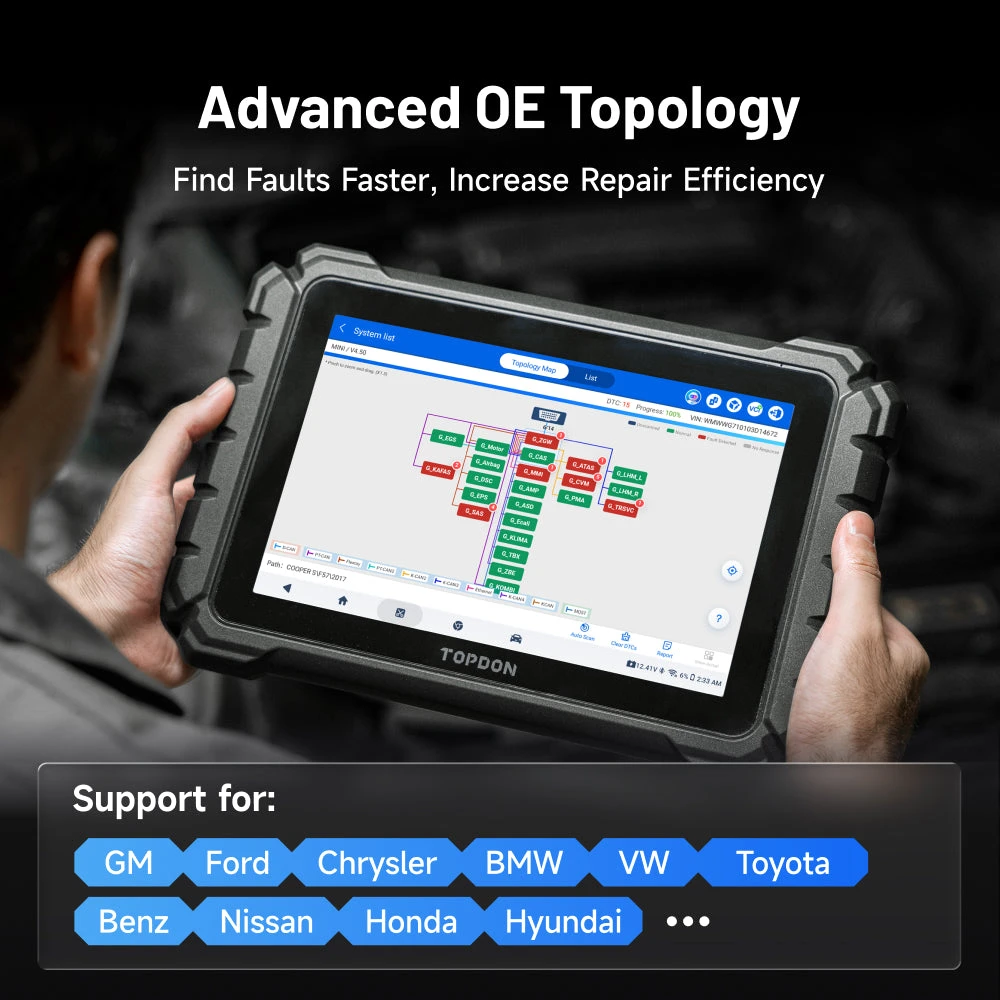
TOPDON sample topology screen; visible modules and support vary by vehicle.
Topology view helps examine the status and fault records of systems in supported vehicles in a network view. Instead of navigating a long list of modules, it can be seen collectively which units have communication or fault records.
This view is not an electrical wiring diagram; it is not assumed to provide pin, socket, and cable measurement points with the same detail. A unit not responding does not indicate that the unit is definitively faulty. Power supply, ground, communication line, or the vehicle's operating status can also affect communication.
The indicators on the map guide diagnostic research; part replacement decisions require further measurement and procedures.
Product details
Comparing command and response with bi-directional testing
Active test allows sending a command to a component to operate on a supported control unit. The technician can observe the actual movement, sound, or relevant feedback value during the command. This method provides more observation than evaluating a fault based solely on the code name. However, the initiation of the test does not mean the component is healthy.
If there is no response, investigate power supply and control conditions; if there is an unexpected response, investigate mechanical or electrical causes. For operations that can cause movement in the vehicle, follow the on-screen safety and preparation conditions. The same test menu is not guaranteed to operate the same components on different vehicles or be available on all control units.
Product details
Monitoring twelve parameters simultaneously
The manufacturer specifies the display of up to twelve live data parameters simultaneously. When investigating a fault, viewing related values together is useful. The units in which the selected data are displayed and the operating conditions under which they are captured should be checked.
For example, comparing the commanded value with its feedback answers a different question than monitoring a single number. Graph view makes it easier to track changes over time; however, it does not solely verify the physical accuracy of the sensor data.
If a value needs to be checked with a measurement device, the reading on the diagnostic screen remains as auxiliary information. Instead of selecting numerous parameters, choose those relevant to the symptom being investigated.
Product details
Limits of coding versus ECU programming
Coding involves operations related to the configuration of a control unit; programming may encompass different steps such as loading software or data onto a supported unit. The official programming description for this model specifies ECM, SRS, ABS, and TCM systems in BMW and VAG vehicles. This statement is not extended to all makes and all modules.
Coding coverage also varies by make, model, and year. Before purchasing a new module, it should be verified that the operation for that part and vehicle is indeed supported. The presence of a coding menu on a device does not mean it will complete every software update or control unit replacement for the same vehicle.
Product details
Using OEM software on a Windows computer with J2534
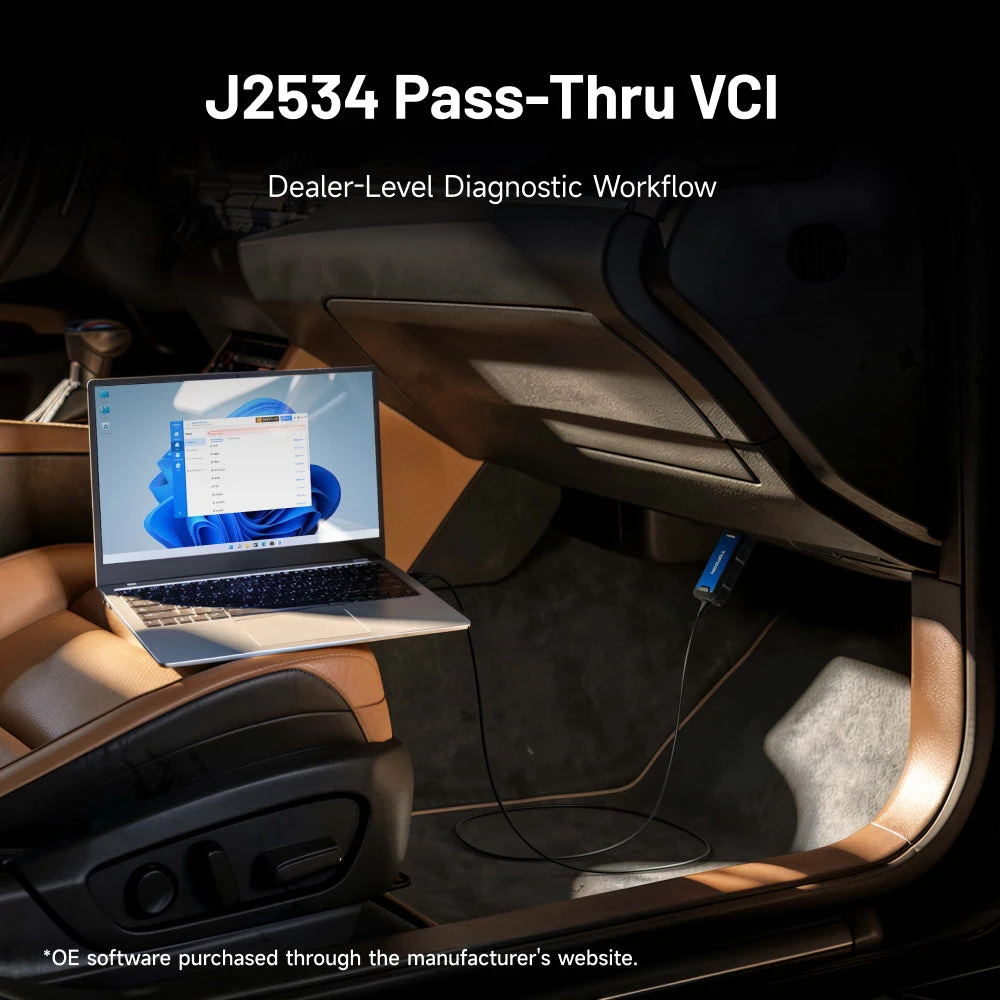
Manufacturer J2534 use case. Computer and OEM software license not included in the package.
The ONE VCI can be used as a J2534 Pass-Thru interface with compatible OEM software. For this operation, a computer, manufacturer software, drivers, and necessary accounts must be prepared separately. The diagnostic performed with the tablet's own application and the interface used by the OEM application on a Windows computer are not the same usage methods.
TOPDON clearly states that the manufacturer software must be purchased separately for this workflow and that DoIP system diagnostics are not supported with OEM software. This important limitation should not be confused with the device's general DoIP support. The presence of DoIP in tablet diagnostics does not mean that every OEM application on the computer side will use the same protocol with this interface.
Product details
Service functions and security gateways
The product is identified by over 50 service function families. Examples such as oil service, electronic parking brake, battery registration, ABS bleeding, and throttle body adaptation depend on vehicle coverage. Not all vehicles are expected to have the same menus.
Authorized access support for FCA SGW, VAG SFD, and Renault/Nissan gateways is also specified; manufacturer ID or subscription is required where necessary. Device sales do not automatically provide these accounts. Limited functionality due to a security gateway does not necessarily mean the physical VCI connection is not working.
Vehicle identification, software version, and account authorizations are checked separately.
Product details
Scenario: Vehicle with multiple warnings
If the vehicle displays engine, transmission, or brake warnings simultaneously, first review the records of accessible systems. Preserving the initial state before clearing codes facilitates post-repair comparison. If topology is supported, records in which units can be viewed collectively.
A common power or communication issue can cause numerous seemingly independent symptoms. Therefore, common causes are investigated rather than ordering individual parts for each code. The tablet assists in reading findings; if voltage and cable investigation is required, appropriate physical measurement equipment is used.
At the end of the process, the vehicle is scanned again to assess the changed status.
Product details
Scenario: Active test before part replacement
If a component is suspected to be faulty, an active test can be commanded and its response monitored if available for that vehicle and system. During the test, keep clear of moving parts and fulfill the manufacturer's preparation conditions. If there is no response despite the command being sent, causes such as power supply, connection, or mechanical binding, in addition to the part, should be investigated.
If the part works in the active test, it can be investigated why it does not engage under normal operating conditions. The findings obtained help in performing more targeted measurements. This work is not a claim that every component can be tested on any specific vehicle; menu and function support is a prerequisite.
Product details
Scenario: Initialization and check after maintenance
After physical maintenance is completed, some vehicles require an electronic service procedure. The battery registration, adaptation, or service reset step specified by the vehicle manufacturer can be applied from the menu supported by the device. First, ensure the installed part is correct and the mechanical procedure is complete. A service function does not make unperformed maintenance appear as performed.
During the procedure, follow the ignition, pedal, or waiting steps indicated by the application. After the completion message, check the status of the relevant system. The steps of a previous procedure are not automatically transferred to another vehicle, as menus with the same name may require different preparation steps on different vehicles.
Product details
Scenario: Software operation on a supported BMW or VAG module
When replacing a control unit or planning a software operation, the vehicle, module, and function to be applied are checked separately. The existence of programming scope does not make an incorrect part number or an incompatible module suitable. Before the operation, necessary accounts, internet, power supply, and manufacturer procedures are prepared.
The vehicle's power supply must be maintained under appropriate conditions throughout the process; a portable jump starter is not an automatic substitute for this task. After data and process conditions are verified, the supported procedure is applied. After the operation is completed, the module's communication and the relevant system's behavior are checked.
This page explains the limitations of the device's use rather than providing step-by-step vehicle programming instructions.
Product details
What parts are included in the European package?
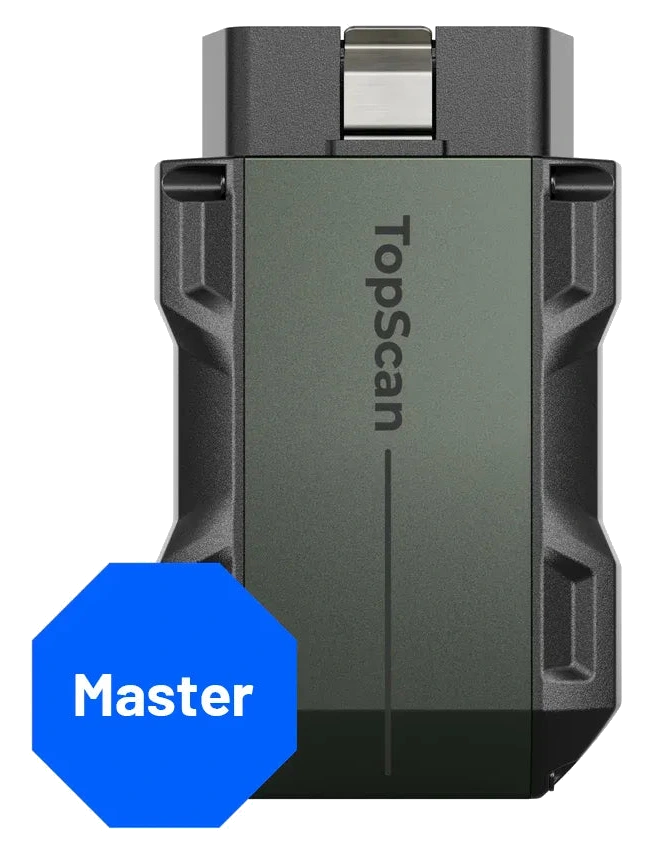
This product comes with the Europe package. In addition to the main tablet, it includes ONE VCI, charger, diagnostic extension cable, USB-C to USB-C cable, USB-A to USB-C cable, quick start guide, package list, and carrying case. The TopScan Master phone-connected diagnostic device and BTMobile ProS battery tester are also included in the package.
These two products perform different functions; they are not two additional tablets sharing all the tablet's features. The phone, Windows computer, and OEM software subscription are outside this list of physical parts. The account and software terms for separate devices are evaluated according to their own models.
Product details
Two years of tablet updates and separate licenses
The European package includes two years of free software updates for ONE Plus. This period does not mean that all external brand accounts or additional devices in the package are active for the same duration. For example, the TopScan Master operates with its own application and advanced feature subscription.
OEM programming software and security gateway access are also subject to separate conditions. When a renewal is needed, current accounts and manufacturer's updated conditions are checked. The update period and the product's physical warranty conditions are not the same concept.
Manufacturer's regional warranty statements are not to be conveyed as a promise of a longer or unlimited warranty without verification for the Turkish market.
Product details
Choice between TopScan Master and other service tablets
The TopScan Master is available as a separate option for users who want to view codes and live data via phone. The ONE Plus is intended for workshops that require a large independent screen, ONE VCI, topology, and the specified programming/J2534 operating modes. Comparing the two products solely by the number of service functions is not sufficient.
The vehicles serviced by the workshop, the special operations required, and the internet and computer setup are decisive factors. In comparisons with Launch, Autel, or Thinkcar tablets, price proximity is not considered technical superiority. One is not declared superior to the other without proving the scope of the same operation on both models. This product is evaluated among alternative devices based on its own verified functions.
Product details
TopFix AI, technical resources, and actual measurement
TopFix AI is offered as an auxiliary resource for code explanations and repair research. Recommendations should be compared with the actual symptoms and measurements in the vehicle. A software recommendation does not solely prove that a cable is intact or a module is faulty.
The technician first correctly identifies the vehicle information and complaint, then follows the appropriate diagnostic sequence. The technical explanations on this page are based on the review of manufacturer manuals. Practical testing on a specific vehicle does not include claims of measured speed or success rate.
Thus, the documented capability of the device is distinguished from the field result obtained in a specific job.
Product details
Initial setup for workshop use
Upon unpacking, compare the tablet, VCI, and cables against the list. After preparing the tablet's charge, account registration, and software packages, review the basic scanning flow on a familiar vehicle. Checking that the vehicle identification is correct is fundamental for subsequent menu selections.
Automatic VIN reading is not always successful; if necessary, select the correct vehicle information. Instead of attempting an unlearned special function, read the conditions in the manual. Maintaining the device account under the business's control for updates and technical support is important for service continuity.
Account information is not unnecessarily shared with the customer's vehicle identification or public reports.
No. The manufacturer's direct programming description for this model specifies BMW/VAG and ECM, SRS, ABS, TCM systems. Coding support is not the same as programming coverage. Support for the specific vehicle, module, and operation is required.
Are TopScan Master and BTMobile ProS included in the package?
Yes. This product comes with the Europe package and includes two additional devices. Phone and Windows computer are not included. The software terms for the additional devices are evaluated separately from the tablet's update period.
Are OEM software packages included for free?
No. When using J2534, the required OEM software and accounts must be obtained separately from the respective manufacturer. The ONE VCI provides the physical communication interface. TOPDON also specifies that DoIP system diagnostics with OEM software are not supported in this workflow.
Which device does the two-year update cover?
The two-year update in the European product source is for the ONE Plus tablet. Do not automatically transfer this period to the advanced features subscription of the TopScan Master, brand security gateway account, or separate OEM software. Each account has its own valid terms.
Is Turkish menu support available?
Turkish is included in the list of languages published by the manufacturer for the ONE Plus. However, technical terms originating from the brand or content in different software sections may not have the same translation coverage. Language support does not change vehicle function coverage.
Can programming be done with a jump starter?
Jump starting and stable vehicle power supply during a long process are different tasks. Programming requires a suitable power supply and supply conditions specified by the relevant manufacturer. Do not automatically consider portable jump starters like the V3000 suitable for this task.
Does topology view replace a wiring diagram?
No. It visualizes system status and communication relationships on supported vehicles. Pin, socket, and electrical measurement points require the relevant vehicle documentation. A module not responding does not directly indicate that the module needs to be replaced.
Is it definitively superior to other tablets?
A single superior device ranking for all vehicles and tasks cannot be made. The ONE Plus has verified features; when deciding on another model, the coverage for the same vehicle and operation should be compared. Screen size, model number, or price alone are not indicators of diagnostic superiority.
Comparison
Similar models to TOPDON ONE Plus
Compare products in the same class with information on usage level, service tasks, and price.
Bluetooth OBD2 diagnostic device used with a phone; full system code reading, live data, CAN FD, and DoIP. Active test and maintenance functions are subscription-based.
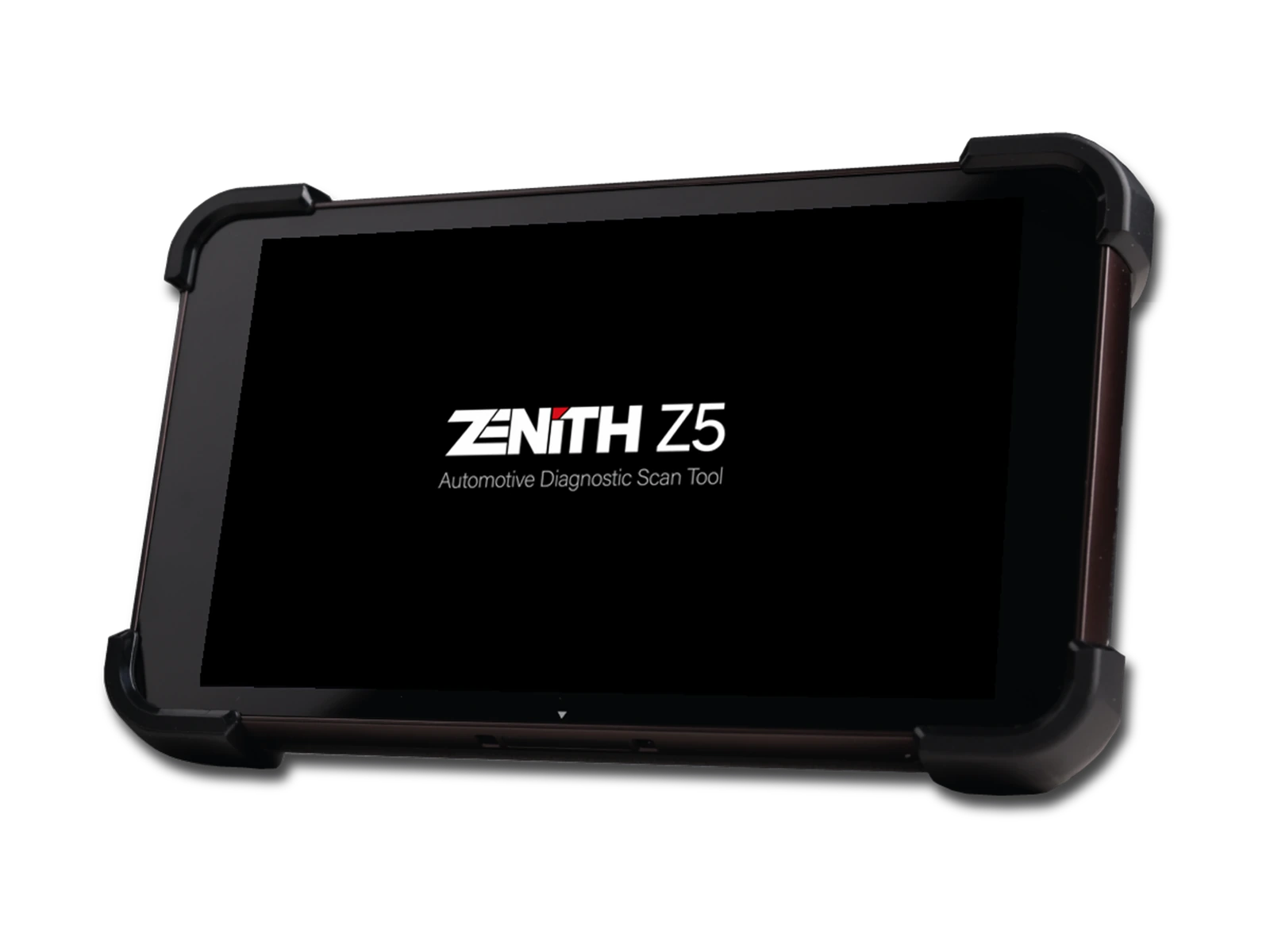
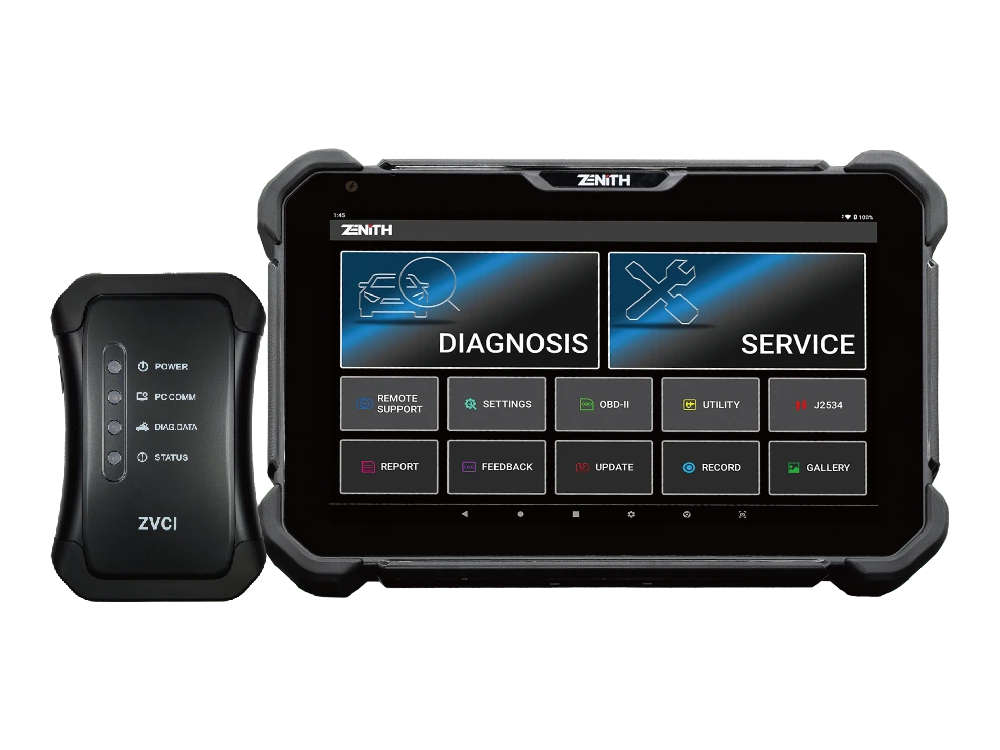
Zenith Z5 combines an 8-inch FHD screen, wired DLC connection, full system scan, bi-directional test, 24V commercial vehicle communication, and J2534 interface in a compact service tablet.
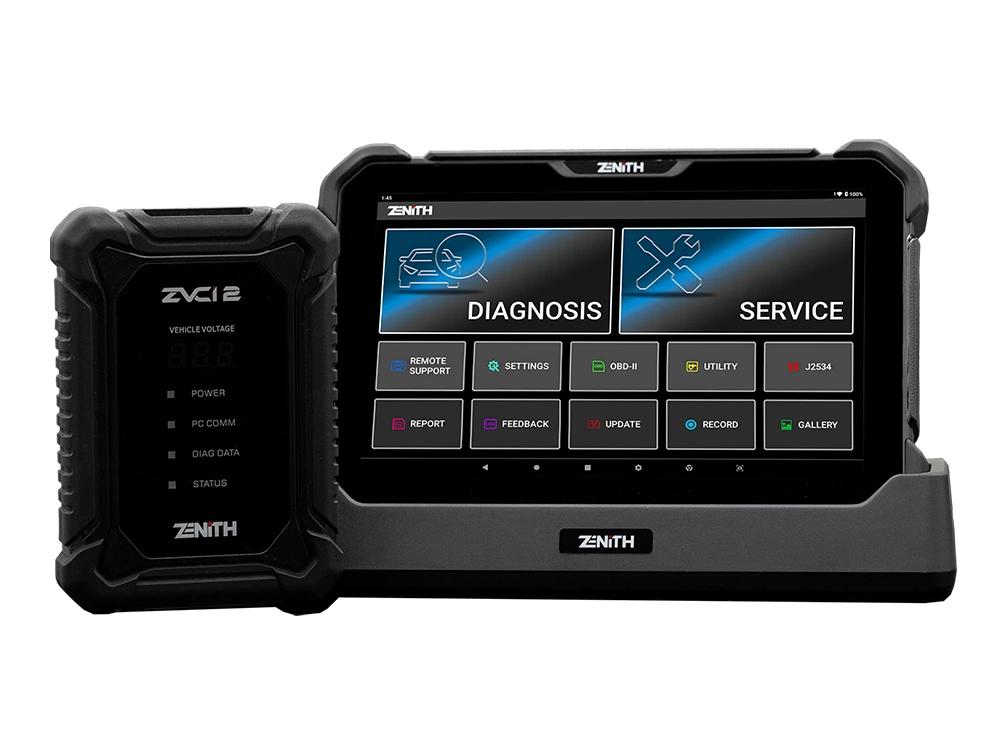
Zenith Z7 Pro offers a 10.1-inch FHD tablet, wireless ZVCI2, CAN FD, DoIP, J2534, topology, bi-directional testing, and Z7 AI tools with a professional service package.