Bluetooth OBD2 diagnostic device used with a phone; full system code reading, live data, CAN FD, and DoIP. Active test and maintenance functions are subscription-based.
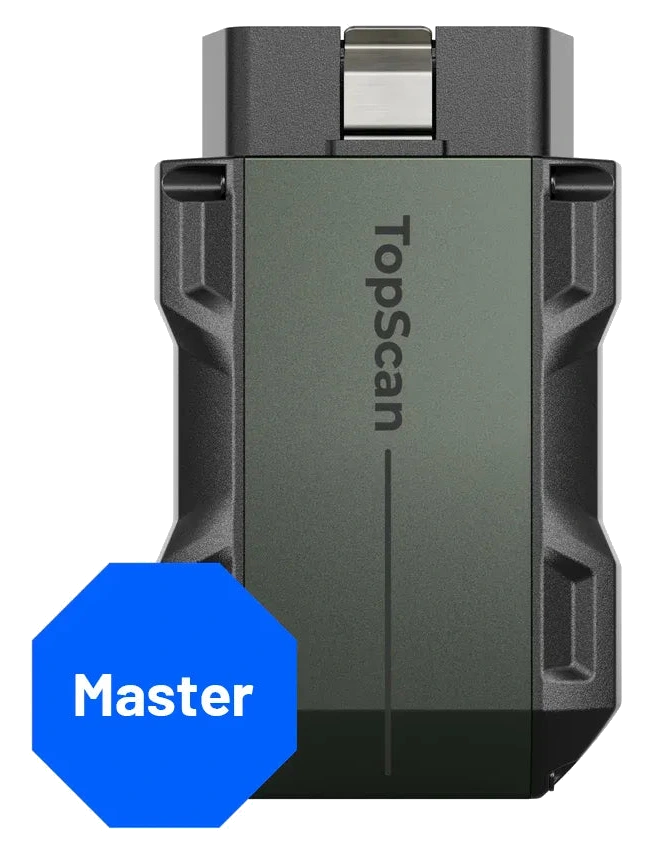
The TOPDON TopScan Master is an OBD2 diagnostic device that connects via Bluetooth to a compatible phone. It offers module scanning, code reading and clearing, live data, and active tests on supported vehicles. The Master hardware supports CAN FD and DoIP communication.
Advanced functions depend on subscription and vehicle coverage; it is not a tablet or an OEM programming station.
What would you buy this for?
Users who want to track vehicle codes and live data from their phone
Technicians looking for a portable secondary diagnostic device in the workshop
Those who perform active tests and maintenance operations on supported vehicles
Featured diagnostic features
Full system scan and live data via phone
Bluetooth 5.0, CAN FD, and DoIP
Active test and 30 maintenance functions require subscription
Vehicle Coverage
What vehicles does the TOPDON TopScan Master support?
The make name alone does not guarantee compatibility. Within the same make, model year, engine, chassis, control unit, communication protocol, and intended operation can yield different support results.
Vehicle Group
Passenger cars and light commercial vehicles included in the product software
Supported makes
Multi-brand coverage; the current make list is obtained from the manufacturer's official vehicle or protocol database.
Supported models
Verified from the official coverage screen based on make, model, model year, engine or chassis, and control unit.
Scope of service
Code reading, live data, active test, service function, coding, and programming may be supported separately.
Connection conditions
Full system scan and live data via phone, Bluetooth 5.0, CAN FD, and DoIP, Active test and 30 maintenance functions require subscription
The make and model examples on the page do not guarantee all production years and all functions.
Before any definitive operation, the manufacturer's current coverage record must be verified with the VIN or full vehicle information.
The device is plugged into the vehicle's OBD2 port; a compatible phone is used as the screen and user interface. Communication between the vehicle and the phone is established via Bluetooth. The phone is not included in the package. This setup is intended for users who want to access supported control units without carrying a dedicated diagnostic tablet.
The phone's operating system, app permissions, and connection status are part of the usage. During the initial connection, follow the app's device pairing steps. The physical suitability of the vehicle's OBD port does not indicate that all modules and maintenance operations are supported. Operation selection is made based on the vehicle model, year, and control unit.
Product details
Scanning, live data, and active test
Full system scanning allows inspection of fault records in accessible control units of supported vehicles. Live data displays the current values of selected parameters. Active tests help observe the response by sending a command to a suitable component. These three functions are not interchangeable.
For example, finding a fault code does not definitively indicate that the related part is faulty. It is necessary to read the live value along with the operating conditions and perform physical measurements if required. Sending the command on the screen during an active test also does not prove the part is moving; actual response and feedback, if necessary, are monitored together.
Product type
Phone-connected OBD2 diagnostic device
Wireless connection
Bluetooth 5.0
Next-Generation Vehicle Protocols
CAN FD and DoIP; Master hardware
Service functions
30; depends on vehicle and software coverage
Active test
On supported control units and components
Screen
User's compatible phone
Product details
Difference from Lite or Pro versions
The model name within the TopScan family is important for selection. In the manufacturer's comparison, Lite is defined with eight, Pro with thirteen, and Master with thirty service functions. Master also has DoIP hardware support. It is not assumed that purchasing Lite or Pro and upgrading only the software will achieve the same Master hardware; TOPDON support information specifically states this difference.
Therefore, the product's image and the model name on the package should be checked. More service menus do not mean more operations can be performed on all your vehicles. Selection should be made based on the specific operation and protocol required for the vehicle you will use.
A feature of a different model is not added to this device simply because the family name is similar.
Product details
What functions remain when the subscription expires?
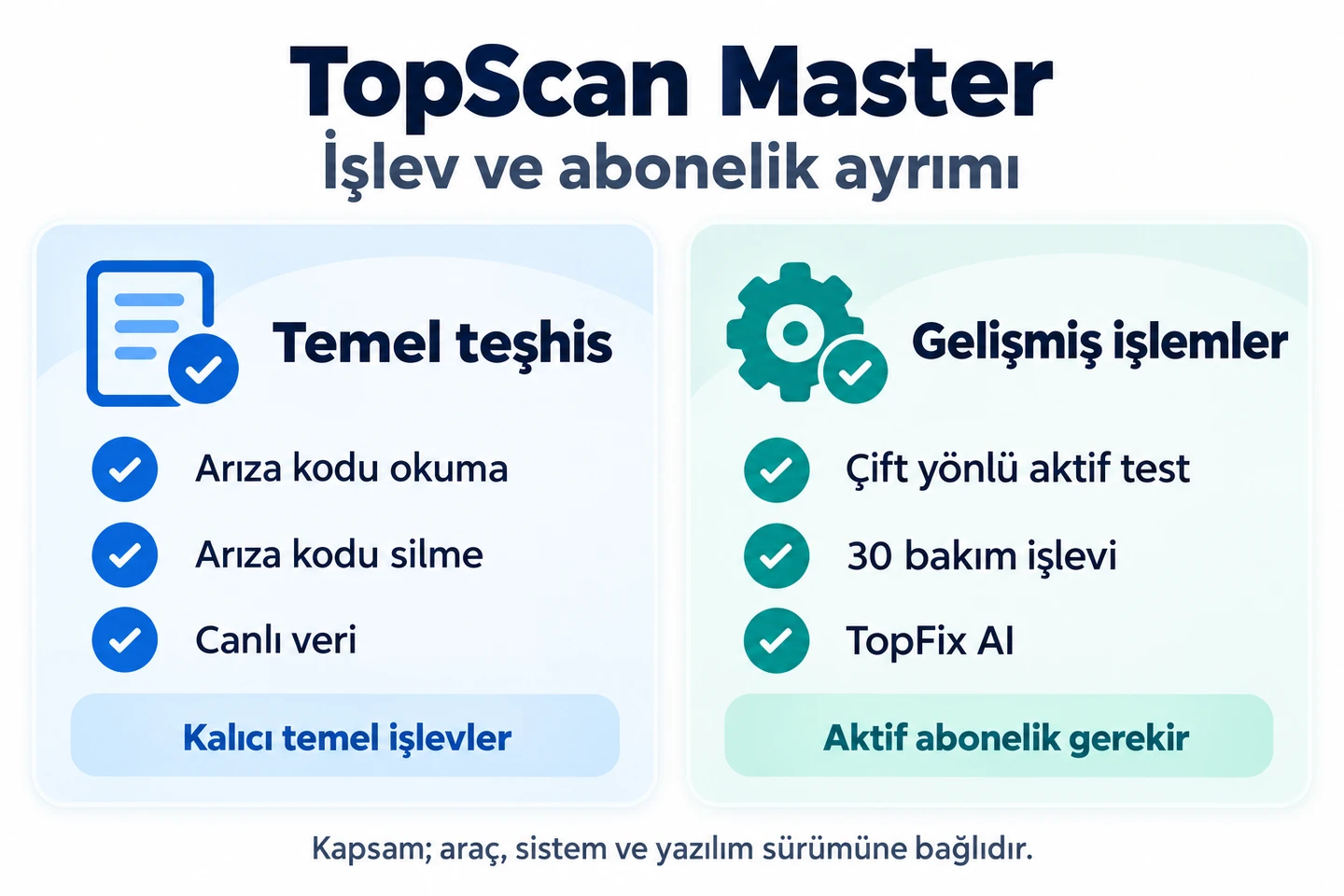
Summary of basic code reading, clearing, and live data versus advanced functions requiring an active subscription. Vehicle and system support must be checked separately.
TOPDON's current global comparison lists basic OBDII inspection, full system code reading and clearing, and full system live data as permanent basic functions for the Master. Active tests, thirty maintenance functions, security gateway access, and TopFix AI are advanced functions requiring a subscription.
This distinction is important when evaluating the product with only the initial hardware cost. The manufacturer's product release states that the first year includes updates; subsequent use may require renewal for advanced functions. Renewal conditions are checked in the application account.
Being able to read fault codes does not mean that every maintenance or active test menu will remain active after the subscription period expires.
Product details
What do CAN FD and DoIP provide?
CAN FD and DoIP are protocols used to communicate with control units in compatible vehicles. Hardware support for these meets part of the connection requirement. Subsequently, the vehicle's software must support that module and operation.
Do not interpret protocol support as direct ECU software installation, coding on every module, or the ability to remove security locks. Especially in newer vehicles, the ability to read a module's codes may depend on different access conditions than sending it a service command.
When comparing with another device, examine not only the protocol name but also the list of required vehicles and operations. Even if two devices support the same protocol, their application scope may not be the same.
Product details
Security gateway and account requirements
Some vehicles protect operations such as writing or active tests behind a security gateway. The manufacturer mentions authorized access functions in supported FCA, Renault, and Nissan vehicles, also stating that a manufacturer subscription or account may be required for this. Not all brand accounts are automatically opened when this device is purchased.
When you cannot access a menu, first check the vehicle coverage, software subscription, and relevant access conditions separately. Operations requiring internet or account verification are not offered with an offline usage promise. If reading codes on a protected vehicle works while a different service operation requests access, this is a separate situation to be evaluated under the same conditions.
Product details
Scenario: Vehicle with engine fault light on
The first step is to examine the recorded information rather than immediately clearing the code. On a supported vehicle, read the fault codes and related data; record the conditions under which the symptom occurred. A code resembling a sensor name does not mean the sensor must be replaced. Power supply, wiring, air leaks, or other operating conditions may also be included in the investigation.
This device makes the code visible and helps continue the inspection with live data. After repair, codes can be cleared and re-scanned; however, if the underlying cause of the fault is not resolved, the record may return. Merely turning off the light is not proof that the repair is complete.
Product details
Scenario: Checking if a component responds to a command
On a supported vehicle, the active test menu can send a command to activate the component. Before starting the test, read the on-screen conditions and stay clear of moving parts. During the command, observe the component's movement, sound, or related live data changes.
No response alone is not grounds for replacing the part; power supply, wiring, and control conditions should be investigated. If the part works in the test but not under normal use, operating conditions may need to be examined. The same test is not available for the same components on all vehicles.
This scenario describes the diagnostic assistance role of active tests; it does not promise function support on unlisted vehicles.
Product details
Scenario: Electronic service procedure after maintenance
After battery replacement, brake maintenance, or service interval resets, some vehicles require an initialization, reset, or service procedure. The Master's maintenance functions are for such supported operations. First, determine from the service documentation what procedure is actually required for the vehicle.
The presence of a similarly named menu on the screen does not mean all operations are the same. For example, resetting a maintenance indicator does not perform physical maintenance; changing a battery registration does not make an incorrect battery type compatible. During the procedure, follow the application's warnings and the vehicle manufacturer's conditions.
After the operation is completed, the result is confirmed through relevant system data or re-checking.
Product details
Scenario: Monitoring an intermittent symptom with live data
For intermittent issues, a single moment's code may not provide enough information. Selecting and monitoring several relevant parameters under the specified operating conditions makes it easier to relate the values to the vehicle's symptom. Select data related to the question instead of examining numerous independent values simultaneously.
Observe how the selected parameters behave when engine temperature, operating status, or commanded values change. If the unit and measurement name on the screen are misinterpreted, the diagnosis may also go in the wrong direction. The driver should not monitor the phone screen while driving.
If in-motion monitoring is required, a safe work procedure and the vehicle manufacturer's protocol must be followed; the device does not replace road safety.
Product details
Setup and initial connection
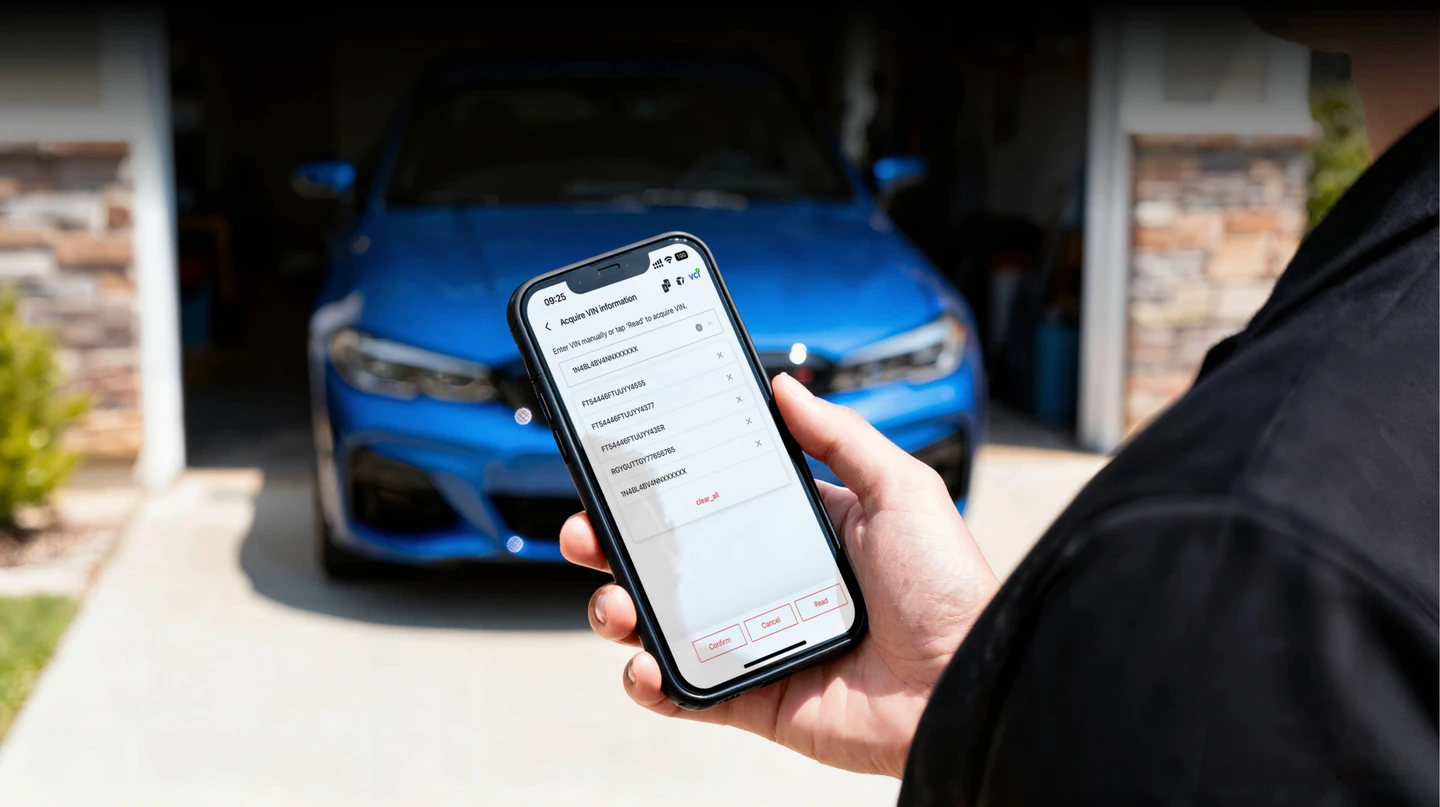
TOPDON AutoVIN interface example. Phone not included in the package; vehicle identification support depends on the model.
Install the TopScan app from Google Play on an Android phone, and the TopGuru app from the App Store on an iPhone. Both apps are published by TOPDON; the app name on iPhone is different from the TopScan name on the device. Check the current information in the store before downloading for phone operating system and device compatibility.
Downloading the app does not grant unlimited access to all advanced functions; device registration and subscription terms apply separately. After placing the device in the vehicle's socket, follow the account, registration, and pairing steps in the app. Connecting only through the phone's general Bluetooth menu may not complete the device registration in the app.
Ensure the necessary Bluetooth and app permissions are enabled. If the vehicle is not automatically recognized, the correct model information can be selected manually; correct the identification instead of operating a menu found with the wrong model. Check software packages and current subscription status before the first comprehensive operation.
Product details
How is vehicle compatibility assessed?
Vehicle make and model alone are not sufficient for matching. Model year, engine, control unit, and the operation to be performed are also important. Different production periods within the same model family may use different electronic systems. Therefore, a purchasing decision is not made solely based on the total number of brands.
The vehicles you regularly use and the operations you actually need to perform can be listed separately: reading engine codes, live data on a specific module, battery registration, or a particular active test. The manufacturer's support information is matched with these concrete tasks.
General OBDII support and manufacturer-specific full system and maintenance coverage are evaluated separately.
Product details
Simple OBD adapter, this device, or a service tablet?
Functions on a general OBD adapter may depend on the third-party application used. This product is considered in conjunction with the TOPDON application and its model-specific service scope. The needs of a user who only wants to see basic engine codes differ from those of a workshop performing active tests and maintenance operations.
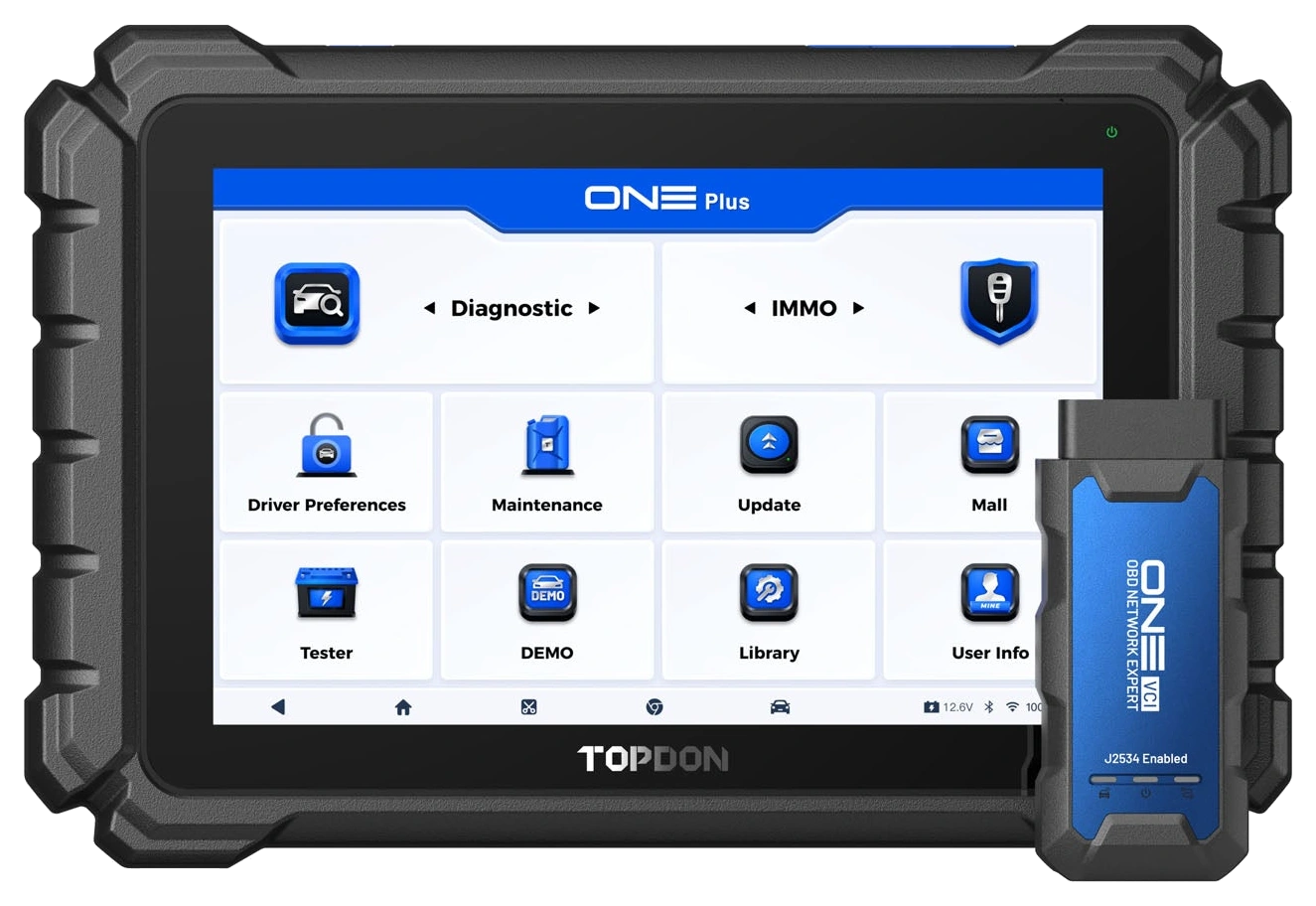
If an independent screen, a larger workspace, and J2534 flow with OEM software are required, a service tablet like the ONE Plus is considered separately. The portability of the Master with a phone does not mean it performs all tablet functions.
Similarly, purchasing a tablet does not automatically guarantee that the required operation is supported on every vehicle; model-specific coverage remains the determining factor.
Product details
How to use TopFix AI and repair resources?
TopFix AI is an assistant that can be used for research related to fault codes within the supported subscription scope. Repair information and recommendations should be compared with the actual measurements in the vehicle. A recommendation displayed on the screen does not mean the cause of the fault is definitively found on that vehicle.
First, correctly identify the complaint and the code; then, narrow down the possibilities with vehicle documentation, wiring checks, and measurements. Especially in cases requiring electrical measurement, software explanations do not replace physical measurement. The usage examples on this page are based on manufacturer manuals; they are not presented as reports of practical tests performed on a specific vehicle.
Thus, documented features and field-verified results are not confused.
Product details
Device, phone, and license distinction
This product is the Master model OBD device; the phone, which may be seen in images for illustrative purposes, is separate equipment. Model selection is not made solely based on the application name; the Master's DoIP support comes with different hardware. The initial access of the software used with the standard device and subsequent renewals are distinct.
Paid manufacturer security gateway accounts and OEM software are not the same as the device's standard hardware package. Do not assume that seeing a USB cable or tablet image means they are automatically included in the Master sale.
Technical and license scope is checked for the model sold; separately sold services are not presented to the customer as if they were physical parts of the device.
Product details
What to check when a connection cannot be established?
First, check the vehicle socket's power supply, the device's seating, and the phone's required permissions. Device registration in the app account and the phone's Bluetooth settings are separate points. A device remaining connected to another phone or selecting the wrong app should also be considered during connection troubleshooting.
Ensure the vehicle selection is correct; do not initiate a service operation with a random vehicle profile due to inability to communicate. During a connection issue, bring the app and vehicle to a safe state and follow the manufacturer's support steps. Inability to access a single module and complete inability to connect are different symptoms.
This distinction helps determine whether the problem should be investigated in the wireless connection or in the vehicle-side coverage.
Frequently asked questions about TOPDON TopScan Master
Which app should be downloaded for Android and iPhone?
TopScan is downloaded from Google Play on Android, and TopGuru is downloaded from the App Store on iPhone. Both are official TOPDON apps. Direct download links are in the Setup and initial connection section of this page. Phone compatibility and current operating system requirements are checked on the store page; subscription terms for advanced functions apply separately.
Can the TopScan Master be used without a phone?
It does not have an independent screen. It is used with a compatible phone and the TOPDON application. The phone is not included in the package. The operating system, required permissions, and account setup are part of the usage; check the current requirements in the app store.
Can Lite or Pro devices become Master with software?
According to TOPDON support information, Lite or Pro hardware cannot be upgraded to Master; Master adds DoIP support with different hardware. Simply unlocking more service menus is different from having the necessary physical communication support.
Will it be completely unusable if the subscription is not renewed?
The manufacturer's current global chart lists full system code reading, clearing, and live data as basic permanent functions on the Master. Active tests, maintenance functions, security gateways, and TopFix AI require a subscription. The models and valid conditions in your account apply.
Do thirty maintenance functions work on every vehicle?
No. The number refers to the product's function family; it does not mean all menus are available per vehicle. Make, model year, engine, and control unit software affect coverage. The specific operation to be performed must be matched with the manufacturer's vehicle coverage.
Can it be used as a J2534 interface for ECU programming?
This product is presented here as a phone-connected diagnostic and maintenance device. The J2534 operating mode for OEM software offered by ONE Plus with ONE VCI is not transferred to this model. ECU software installation needs separate device and license evaluation.
Does clearing a fault code fix the problem?
Clearing a code erases recorded information; it does not repair a faulty part, cable, or mechanical cause. If initial records are erased without examination, useful diagnostic information may be lost. The result of the repair is evaluated with appropriate checks and re-scanning.
Can it be used on multiple vehicles?
The manufacturer's support statement indicates the device is not locked to a single VIN or brand. However, the system and operation coverage for each vehicle must be checked separately. An active test working on one vehicle is not assumed to be available in the same way on another vehicle.
Are key and IMMO functions definitively included?
In the manufacturer's regional publications, these functions and security authorization are explained differently. A key programming guarantee is not provided here without verified vehicle and account conditions for Turkey. Do not select the device based solely on the model name for this task.
Comparison
Similar models to TOPDON TopScan Master
Compare products in the same class with information on usage level, service tasks, and price.
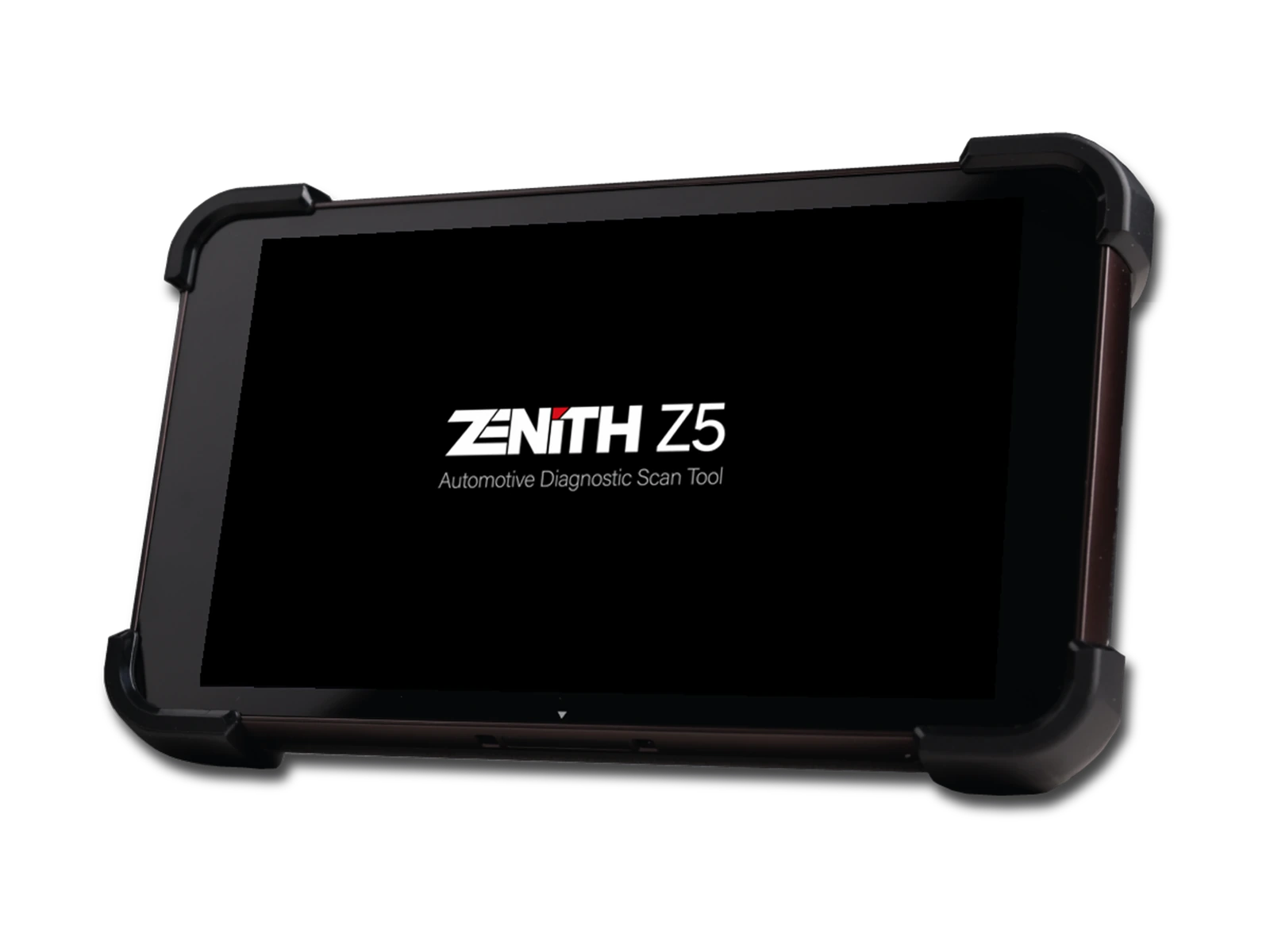
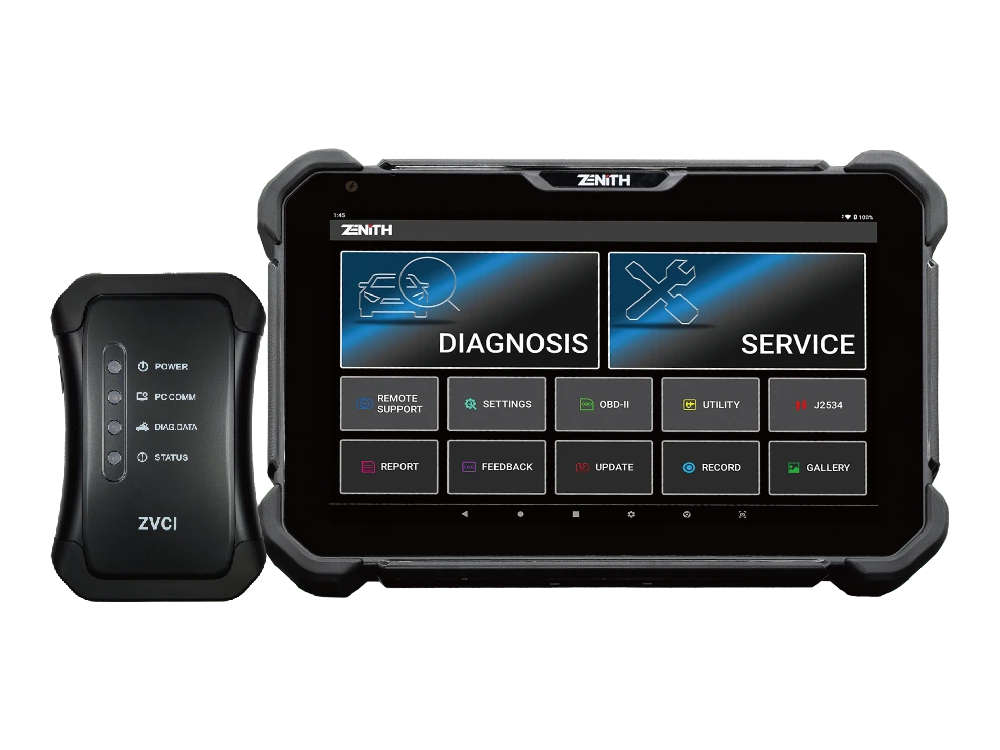
Zenith Z5 combines an 8-inch FHD screen, wired DLC connection, full system scan, bi-directional test, 24V commercial vehicle communication, and J2534 interface in a compact service tablet.
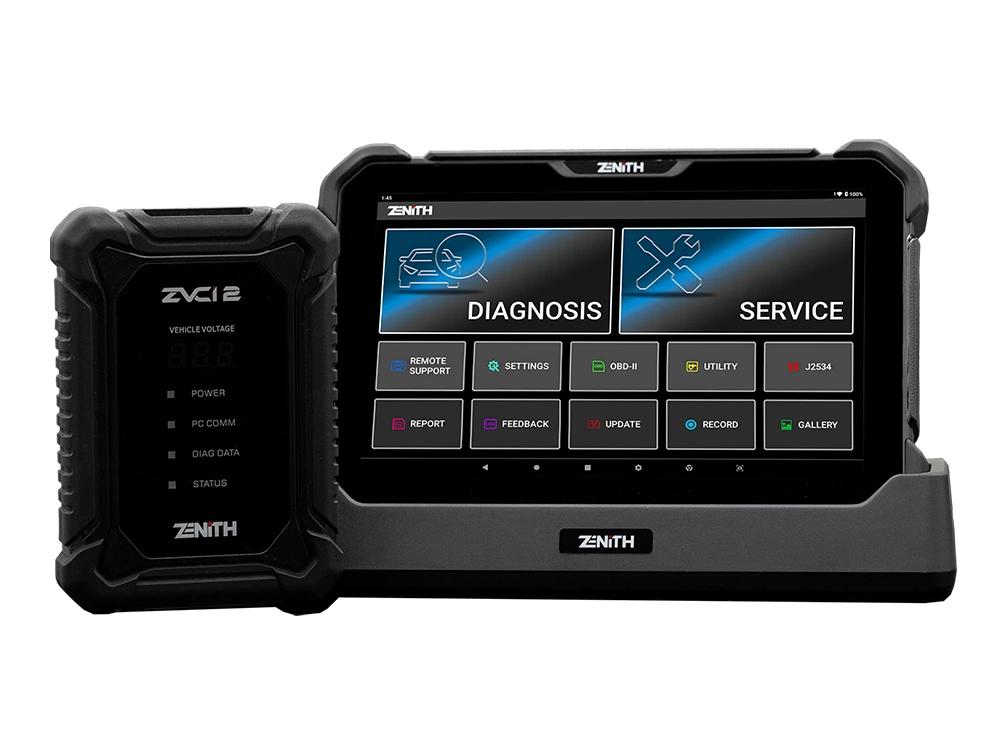
Zenith Z7 Pro offers a 10.1-inch FHD tablet, wireless ZVCI2, CAN FD, DoIP, J2534, topology, bi-directional testing, and Z7 AI tools with a professional service package.