Heavy-duty fault diagnostic device comparison cannot be made solely by tablet size or number of brands. Jaltest Link V9 is a modular system installed with a computer, CV license, and selected cables. Scania VCI3 targets the brand-specific SDP3 workflow. Autel MS909CV and MS908CV II, Launch X-431 PRO3 LINK HD, and Thinktool Master CV offer their own tablet, VCI, software, and connection packages.
The correct choice depends on meeting the needs of the vehicle group serviced, the system to be read, the operation to be performed, 12/24 V connection, connector, license, and reporting requirements in the same quote.
Which Heavy-Duty Device Fits Which Service Structure?
This table is not a success ranking. It differentiates how products work and the parts that need to be verified before purchase.
Solution
Main Role
Featured Coverage
Verify Before Purchase
Jaltest Link V9 + CV
PC-Based Multi-Brand System
Truck, bus, trailer, and light commercial CV area
CV license, computer, and complete JDC/MDC cable list
Scania VCI3 + SDP3
Scania-Focused Brand-Specific Interface
Scania Vehicles Supported by Non-Cybersecure
SDP3 license, VCI version, and VCI4/SWS requirement for new vehicles
Autel MS909CV
Wireless Professional CV Tablet
Light, medium, and heavy-duty commercial vehicle diagnostics; selected ADAS workflows
Delivered VCI, adapter set, vehicle-function record, and regional license
Autel MS908CV II
CV Tablet for Mixed Commercial Vehicle Service
System scan, live data, active test, and supported maintenance operations
Need for V200 in new light commercial protocols and connector package
Launch PRO3 LINK HD
SmartLink C-Based Heavy-Duty Tablet
Light, medium, and heavy-duty commercial vehicles; remote diagnostics and 21 service function families
9–36 V SmartLink C, HD software duration, and physical cable package
Thinktool Master CV
On-highway and Off-highway CV Tablet
Full scan, live data, active test, coding, maintenance, and DPF functions
HML VCI, adapters, vehicle-system coverage, and license period
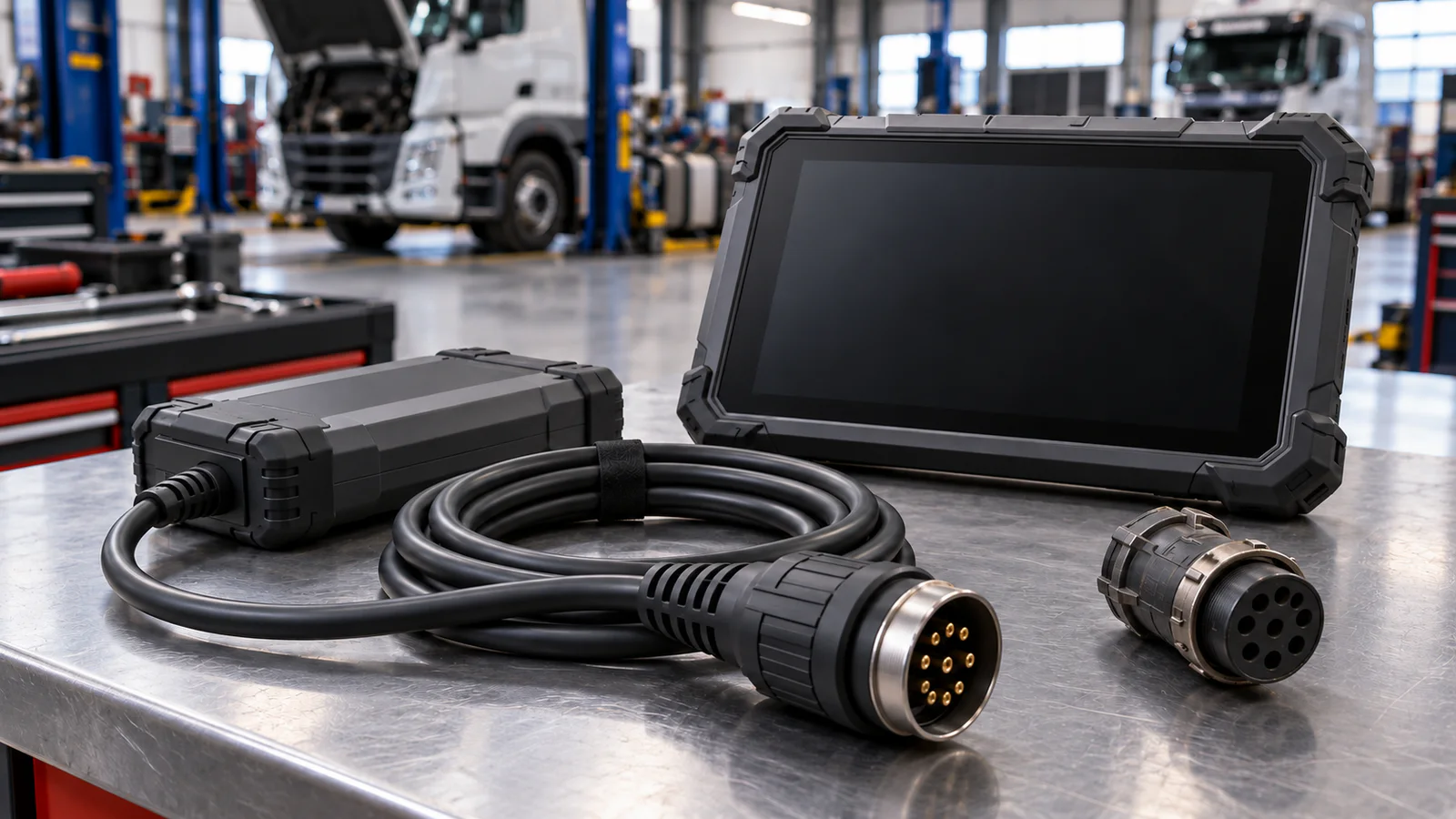
Unbranded heavy-duty vehicle VCI, rugged tablet, and round connection cables
Decision guide
First, differentiate the device type: tablet, interface, and license are not the same product
Jaltest Link V9 and Scania VCI3 are not standalone tablets. Link V9 works with Jaltest Diagnostics software, a selected vehicle area license, a computer, and the correct cable. VCI3 is a brand-specific connection interface with Scania SDP3 software and valid access conditions. Autel, Launch, and Thinktool options are tablet-centric packages; however, the VCI, cable, and software duration in the box should be read separately.
Standalone Tablet
PC-Based Interface
Brand-Specific System
Multi-Brand License Area
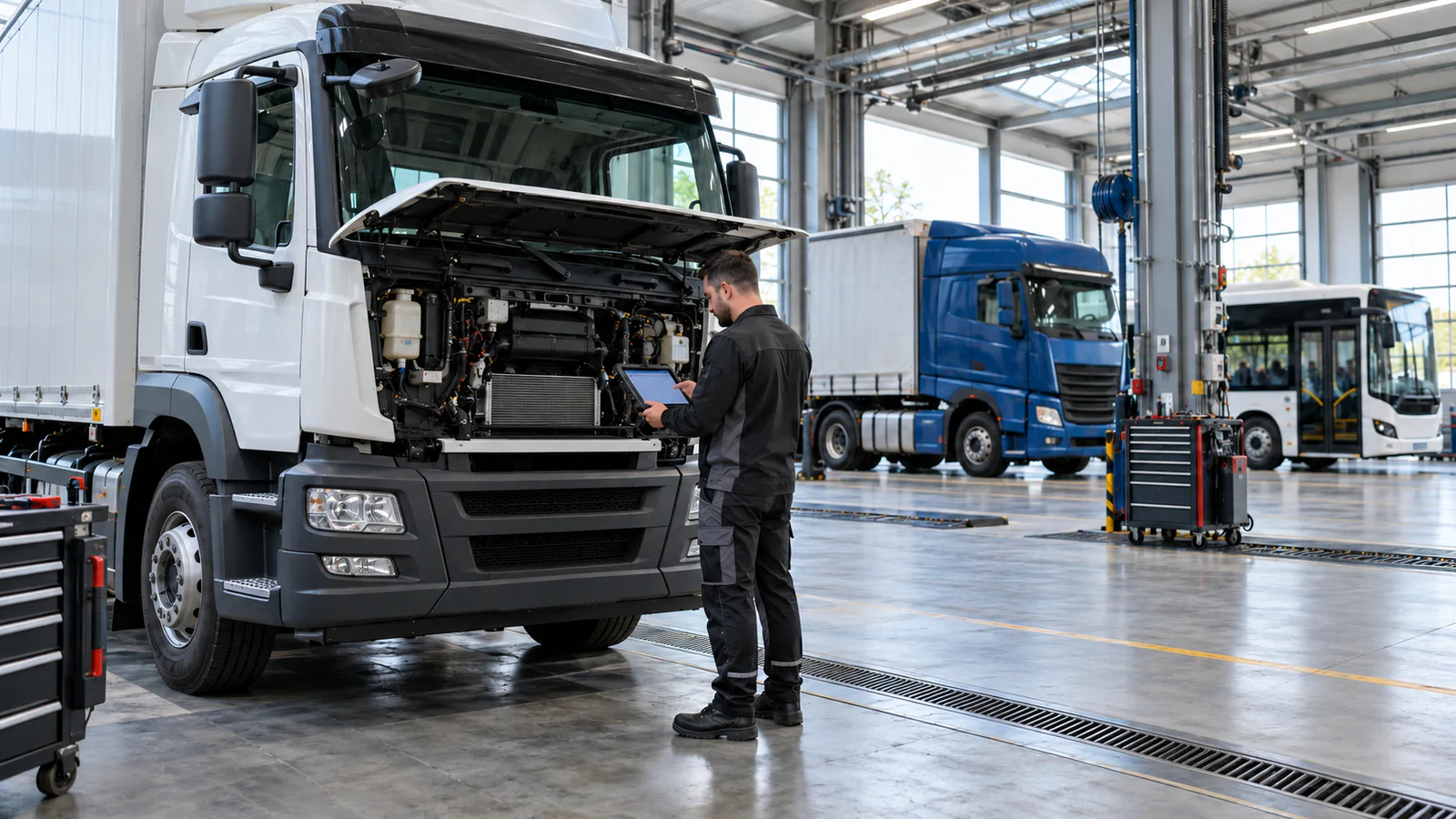
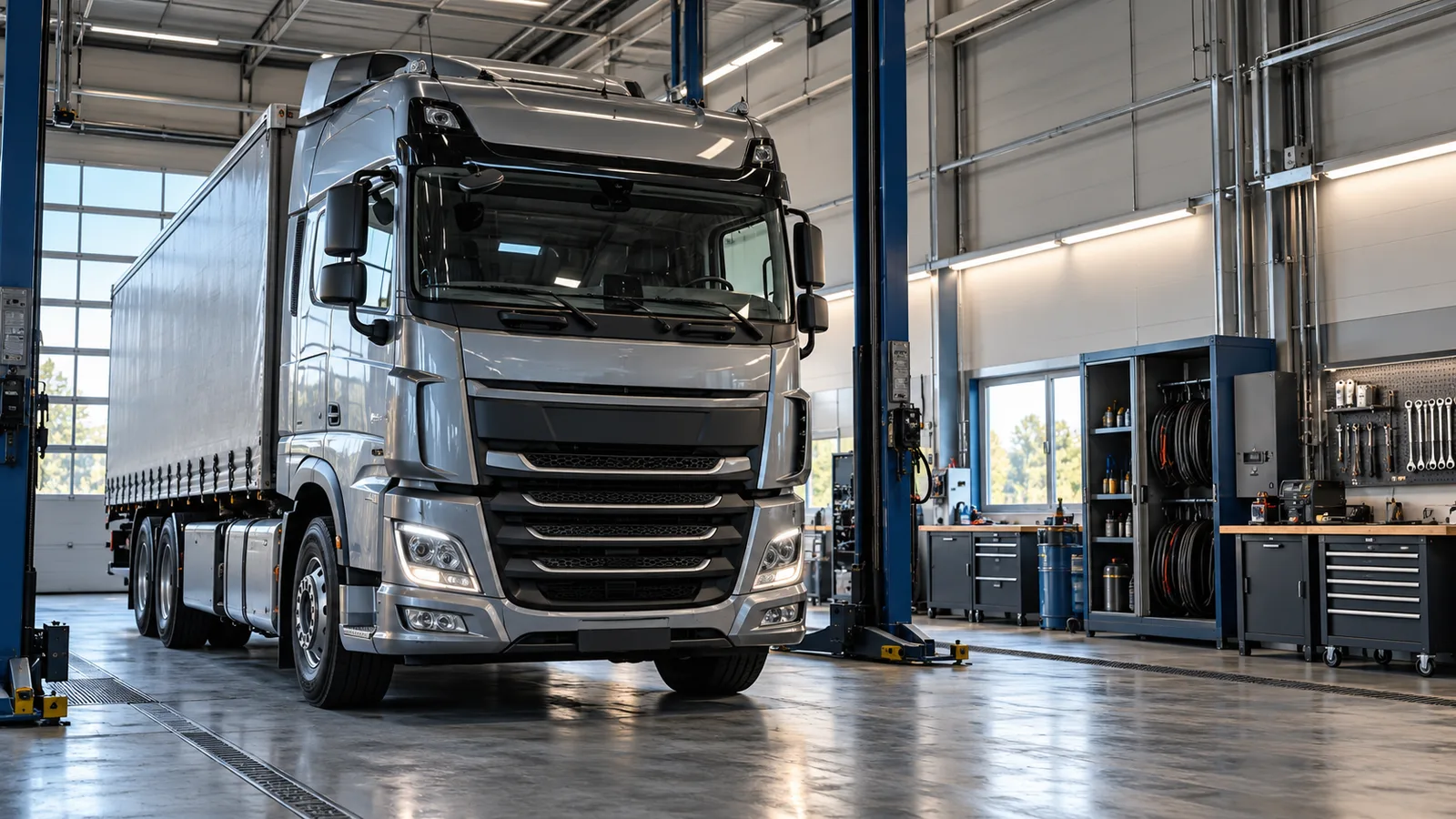
Professional heavy-duty vehicle diagnostic workshop with trucks, tractors, and buses
Decision guide
Truck, semi-trailer, tractor, bus, and trailer are not the same coverage line
A device indicating a truck brand does not prove it has the same depth of access to all engine, transmission, ABS/EBS, retarder, suspension, cabin, and trailer systems. The engine may use a control unit from one manufacturer, while the transmission or brake system uses another. Therefore, in addition to the vehicle brand, the system manufacturer, ECU, model year, and operation to be performed are checked.
If the tractor and trailer work together, trailer ABS/EBS coverage is verified separately from tractor ECUs.
Bus and light commercial vehicle software may differ from the same brand's heavy truck software.
Construction machinery and agricultural vehicle support may require separate software areas or licenses, despite having J1939.
Decision guide
What do 24 V, J1939, and J1708 prove?
VCI voltage range is the primary condition for the hardware to communicate safely with the vehicle's electrical system. J1939 or J1708 support indicates access to specific communication families. These three pieces of information do not mean coding, calibration, or DPF operations can be performed on all trucks. Brand software, the correct connector, and operation coverage are also required.
VCI Operating Voltage
Vehicle Diagnostic Socket
Protocol support
Brand-System-Function Coverage
Decision guide
Selection for Multi-Brand Truck and Fleet Service
Service providers catering to different truck, bus, and trailer brands should first compare Jaltest CV with Autel, Launch, and Thinktool tablet classes. Jaltest is expandable with modular licenses and cable plans. Tablet options may offer a more integrated field experience; however, the software, VCI, and cable for the relevant vehicle group must be clearly included in the quote. The decision should be based not on the number of brands but on the work orders and system lists from the last six months.
For engine and emission-focused work, check DPF/SCR live data, mandatory regeneration conditions, and NOx functions.
For transmission and brake work, look for active tests, calibration, and ABS/EBS coverage on an ECU basis.
For fleet maintenance, the initial and final scan reports, vehicle identification, and history record should be exportable.
Decision guide
VCI3 Limitation for Scania-Focused Service
Scania VCI3 is considered only for services targeting specific Scania workflows; it does not replace a multi-brand heavy-duty tablet. Scania's current official information associates VCI3 with non-cybersecure vehicles, and VCI4 and SWS arrangements with newer security architectures. VCI3 should not be presented as the sole solution for the entire Scania fleet without verifying vehicle generation, software access, and license.
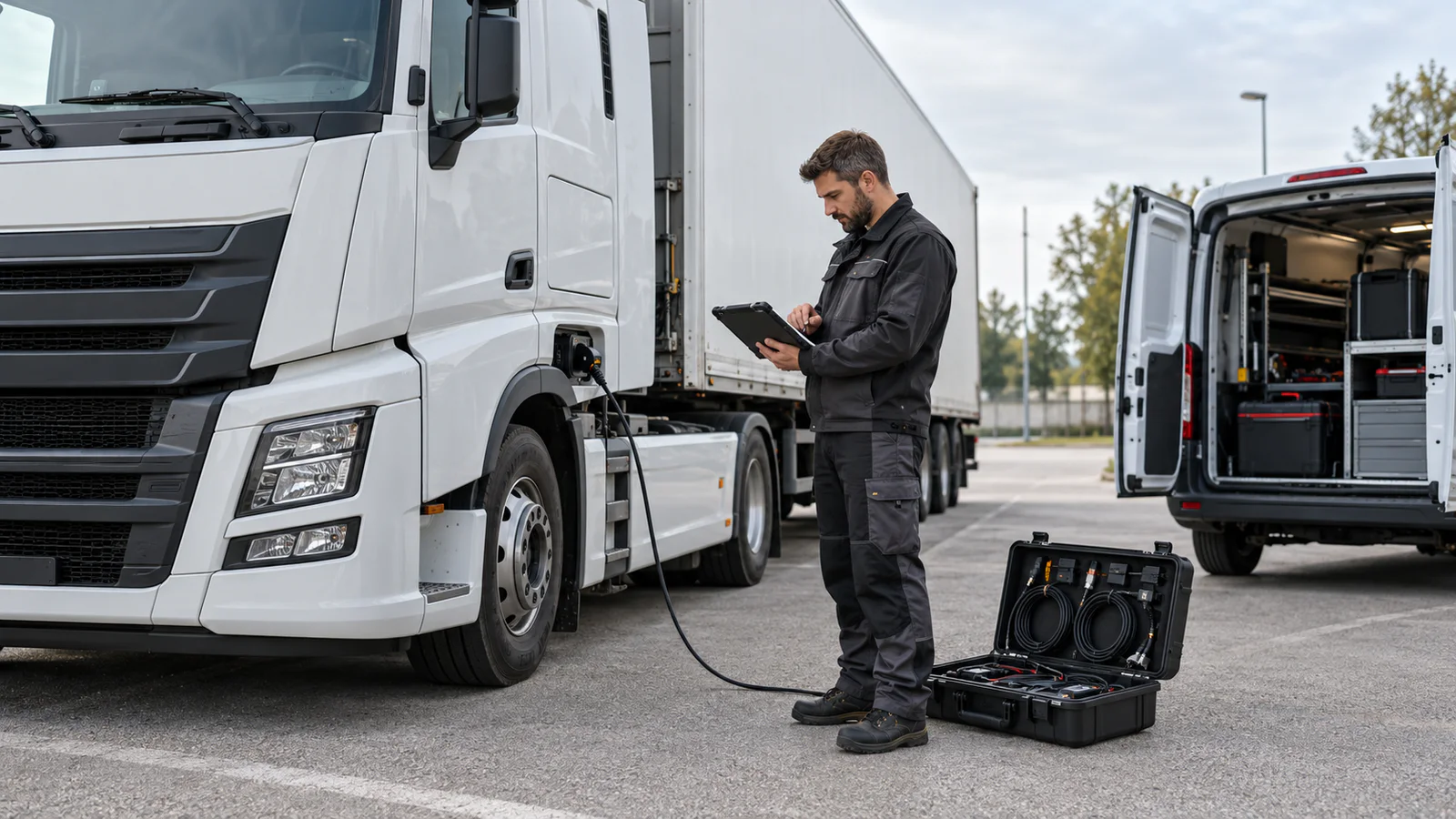
Mobile diagnostic tablet and cable bag connected to a truck in a secure fleet area
Decision guide
Hardware Selection for Mobile Heavy-Duty Service
For roadside assistance and field service, tablet battery, screen visibility, wireless VCI, carrying case, offline operation, and report transfer become important. For PC-based systems, the computer, adapters, and cable bag are carried separately. In critical active tests or writing operations, the connection method is selected according to the manufacturer's procedure; the presence of wireless connection does not mean all operations can be performed wirelessly.
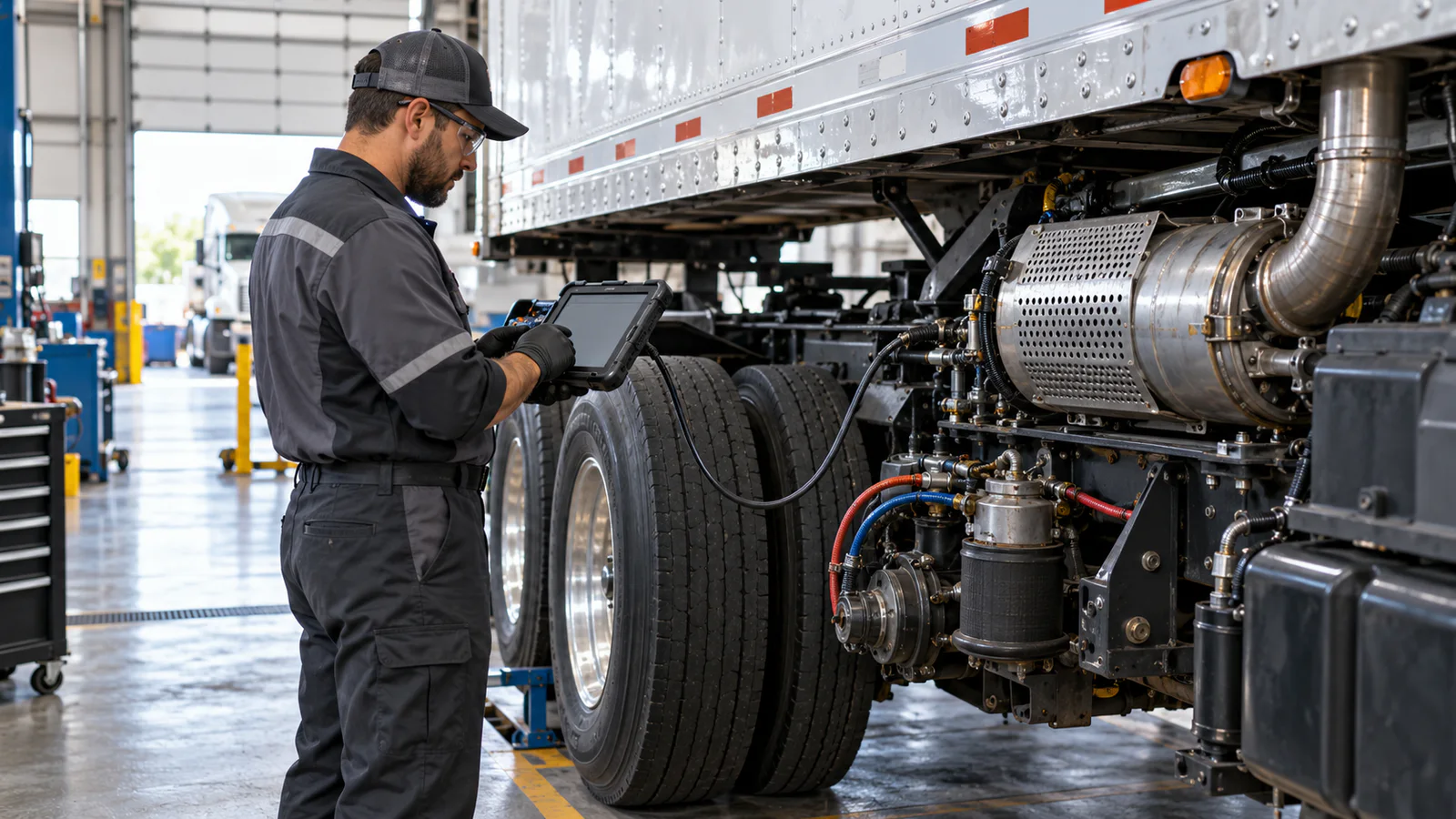
Technician checking brake, ABS EBS, and emission systems with a tablet
Decision guide
Selection by Engine, Transmission, Brake, and Emission Work
It is healthier to divide device selection based on the work performed by the service rather than limiting it by vehicle brand. On the engine side, injector correction values, fuel pressure, cylinder balancing, and manufacturer-approved adaptations are sought. For transmission work, clutch, gear selector, oil change, or calibration steps may not be available on the same device for all models.
On the brake side, ABS/EBS control unit, wheel speeds, modulator tests, and trailer connection are separate coverage lines. For DPF/SCR work, simply clearing fault codes is not enough; differential pressure, exhaust temperature, NOx sensors, urea dosage, and regeneration conditions must be monitored together.
Extract the ten most frequent vehicle-system pairings from the service's last six months of work orders.
For each pairing, separately mark the needs for reading, live data, active tests, calibration, and coding.
Request the current coverage record showing critical functions, not just the brand list, from the seller.
Decision guide
Reporting, Update, and Technical Support Continuity
For fleet and corporate services, recording diagnostic results is as important as connecting the device to the vehicle. The initial scan, performed operation, final scan, date, mileage, and technician information should be kept in the same vehicle file. When the update period ends, it must be stated in the quote which functions of the device will continue to work, how new model coverage will be added, and the license renewal cost.
Remote support is not sufficient on its own; a support flow that can distinguish whether the connection problem originates from the cable, VCI, software, or vehicle security access is sought. Thus, the device's multi-year operating cost can be compared instead of the initial purchase price.
Initial and Final Scan Report
Vehicle History and Export
Post-Update Usage Conditions
License Renewal and Technical Support Coverage
Decision guide
How to Compare Packages and Total Cost?
Simply putting device prices side-by-side is misleading. The quote should show the tablet or computer, VCI, vehicle license, initial update period, renewal cost, direct connection cables, carrying case, technical information, training, and remote support as separate line items. Parts or services not stated as included are not considered part of the package. Furthermore, it should be noted that the same model name may be sold in different regions or packages with varying cable content.
When comparing quotes, part number, serial number verification, warranty provider, invoice items, and who will perform the installation after delivery should be put in writing. The support or return conditions to be applied when connection cannot be established with selected critical vehicles on the first day's trial should also be agreed upon before purchase.
Main Device or Computer
VCI and Voltage Range
Software Area and License Duration
Cable/Adapter List
Renewal and Support Conditions
Decision guide
Short Acceptance Test to be Applied Before Ordering
Select two vehicles from the service's actual fleet, one new and one old. Establish a connection with the correct connector; record the vehicle identification, system scan, and a group of live data. A safe active test is attempted only if the manufacturer's procedure allows. The initial report, operation, and final report are kept in the same vehicle record. This test does not prove the device works on all vehicles; it makes critical vehicles and functions for the purchasing decision visible.
Frequently Asked Questions
Most frequently asked questions by customers
What is the best heavy-duty fault diagnostic device?
A single device is not the best for all services. Multi-brand fleets, Scania-focused operations, off-highway vehicles, mobile service, and DPF/SCR work require different VCI, license, and cable plans.
Is 24 V support sufficient for a truck fault diagnostic device?
No. In addition to 24 V hardware compatibility, there must be the correct socket, J1939/J1708 or other required protocols, brand software, control unit to be inspected, and supported operations.
Is Jaltest Link V9 a tablet?
No. Link V9 is a communication interface. It is used with Jaltest Diagnostics software, a suitable computer, an active vehicle area license, and the correct connection cable.
Is Scania VCI3 used on all new Scania trucks?
No. Scania's official arrangement directs VCI3 towards non-cybersecure supported vehicles; VCI4 and SWS conditions must be checked for newer security architectures.
Is the truck package sufficient for construction machinery and tractors?
Not always. On-highway truck, off-highway construction machinery, and agricultural vehicle coverage may not be in the same license area. Full vehicle, system, and software packages are verified from the manufacturer's record.
Is a truck device sufficient for trailer ABS/EBS faults?
Not always. The tractor and trailer may have separate control units and different connectors. The trailer brand, ABS/EBS system manufacturer, cable, and test to be performed must be additionally verified in the current coverage record.
Does a device supporting J1939 connect to all construction machinery?
No. J1939 is only part of the communication infrastructure. The vehicle manufacturer, control unit, diagnostic socket, off-highway software license, and target function support must be present together.
What happens when the heavy-duty device update is complete?
Conditions vary by manufacturer and license package. Whether existing functions will work, new vehicles are added, online functions, and renewal costs must be confirmed in writing from the seller.
Jaltest Link V9 CV is a multi-brand professional diagnostic basic package for supported systems in trucks, buses, trailers, and light commercial vehicles, with ref. 70001015 interface and CV license.
The Autel MS908CV II is a professional CV diagnostic device used for system scanning, live data, active tests, and supported service functions on commercial vehicles.
This aftermarket interface in Scania VCI3 format is used for diagnostic communication with supported Scania trucks, buses, and power systems via PC in a compatible SDP3 environment.
Read and clear fault codes in supported Scania vehicles
Live values, ECU information, and guided tests
Parameterization, calibration, and programming in appropriate procedures

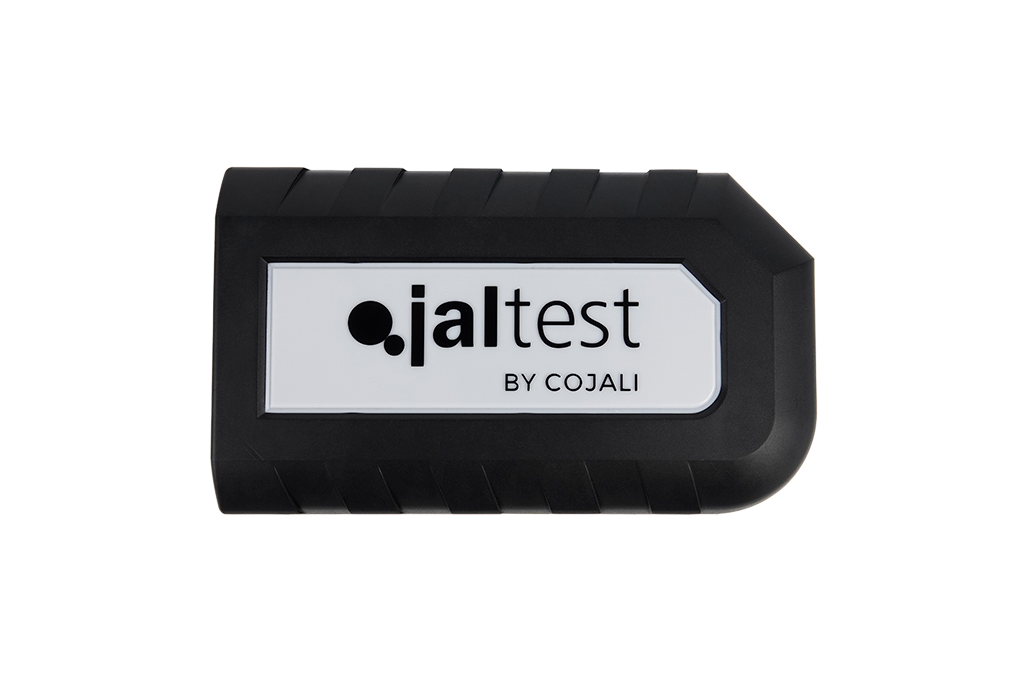 Jaltest Link V9 CV
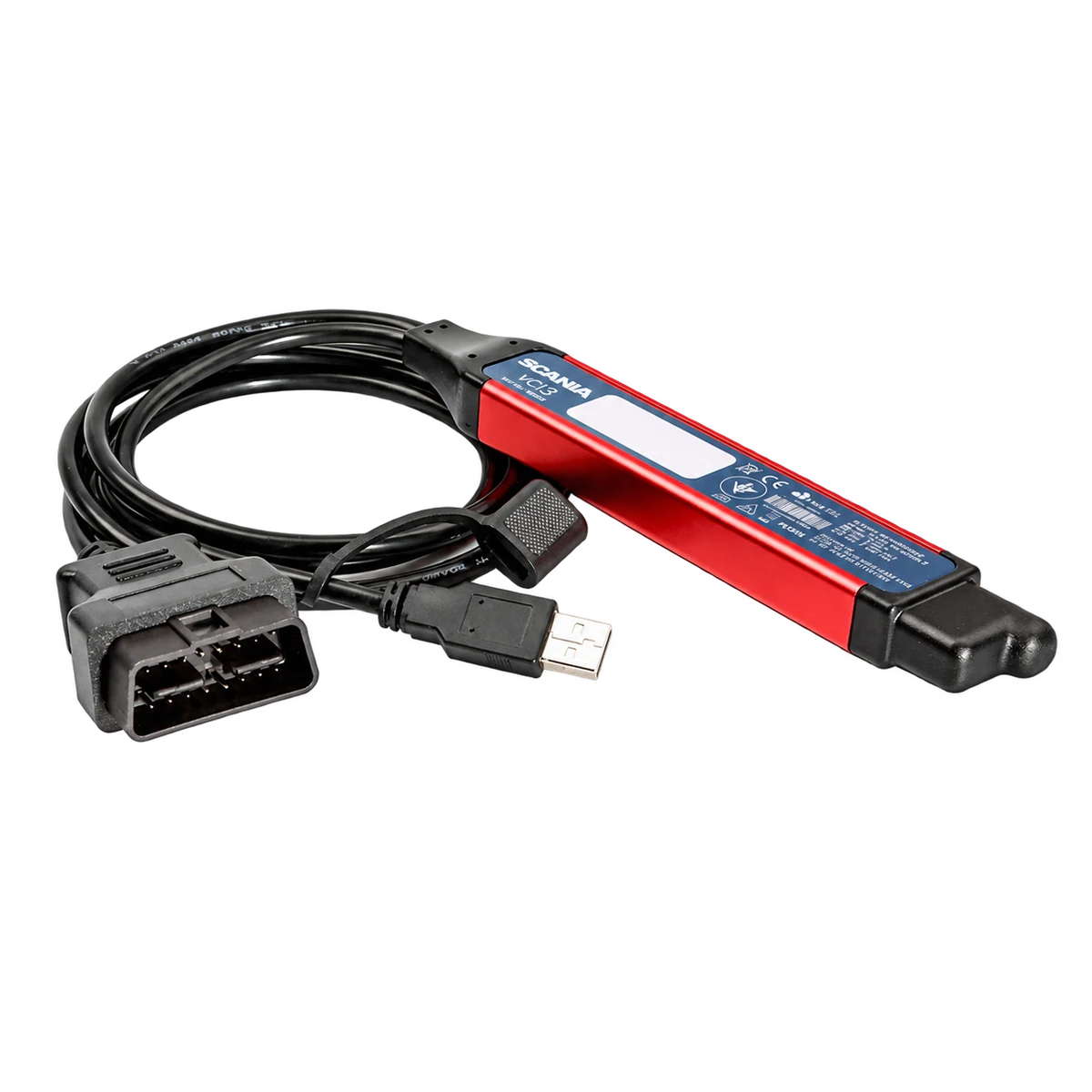 Scania VCI3 SDP3
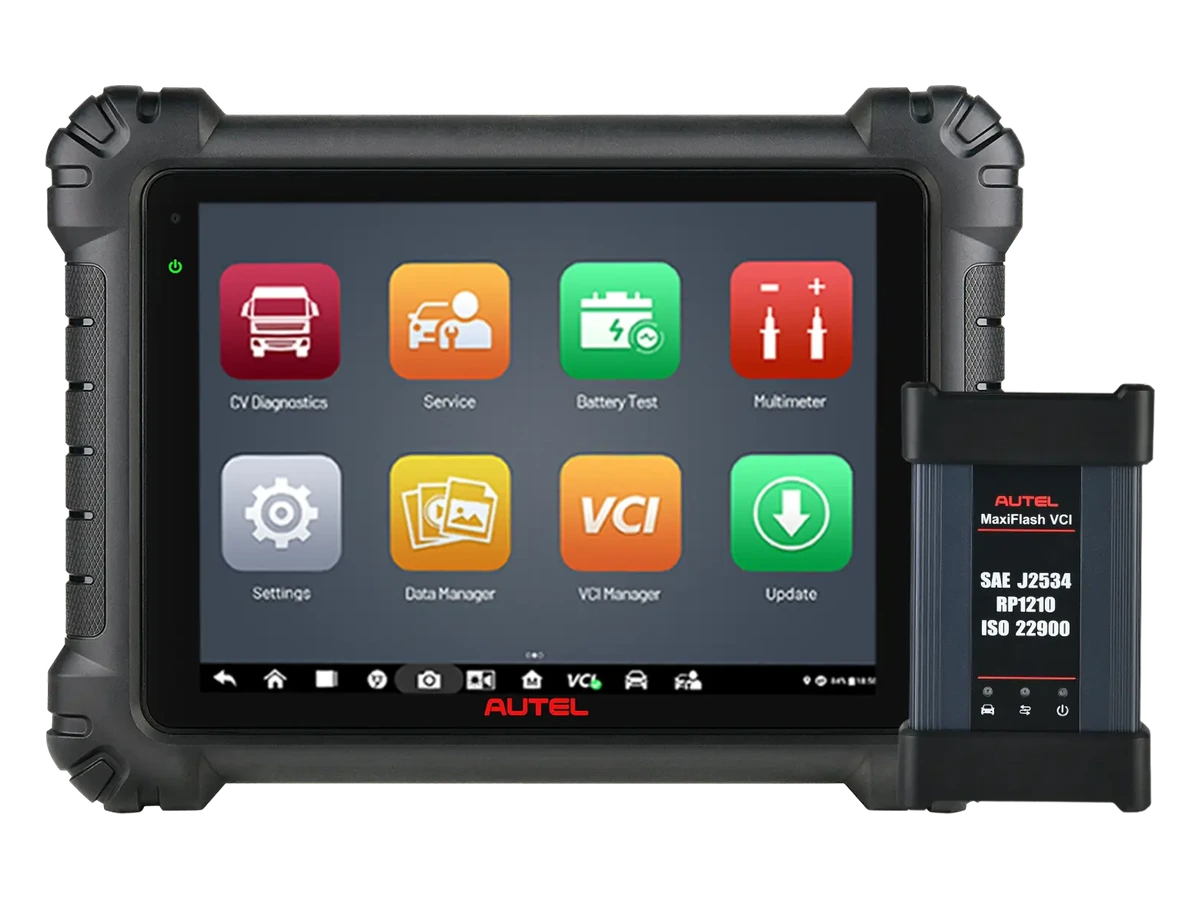 Autel MS909CV
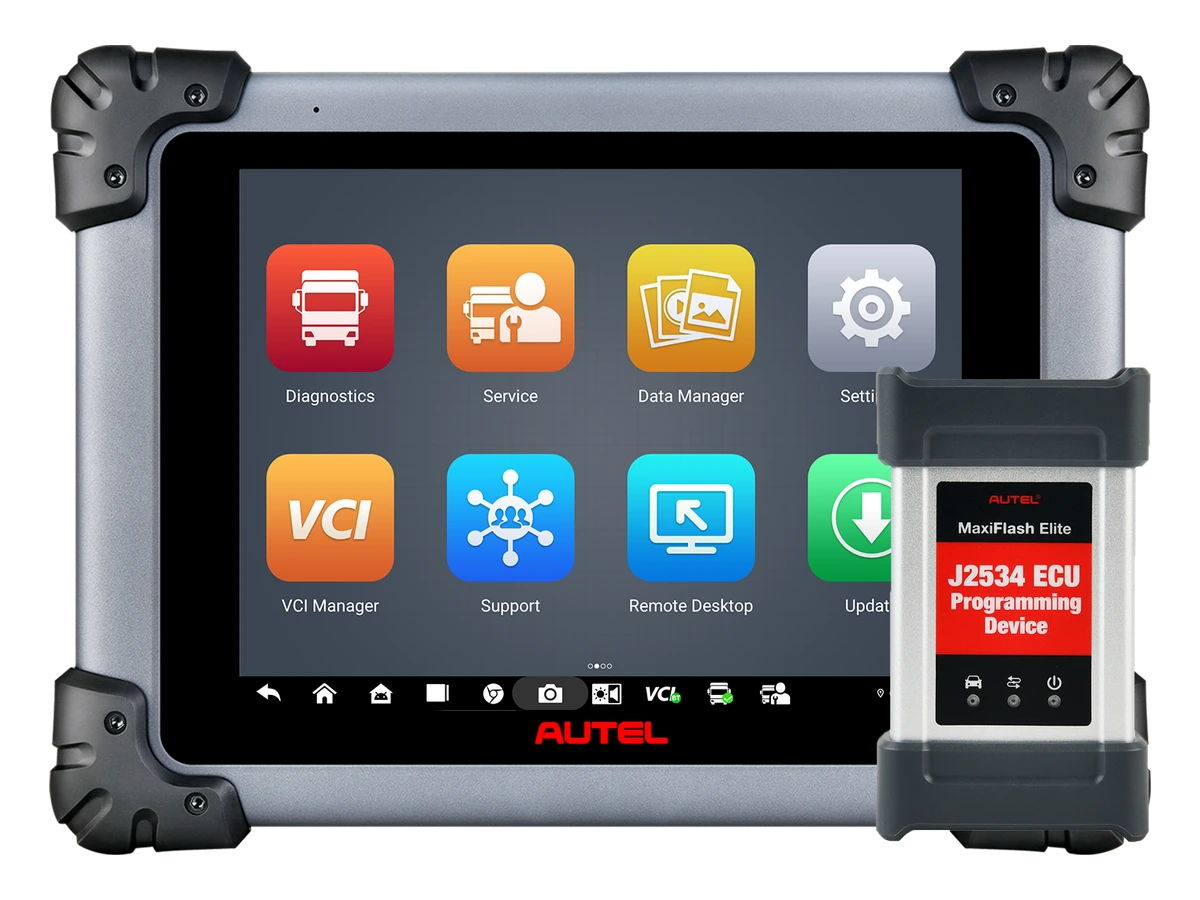 Autel MS908CV II
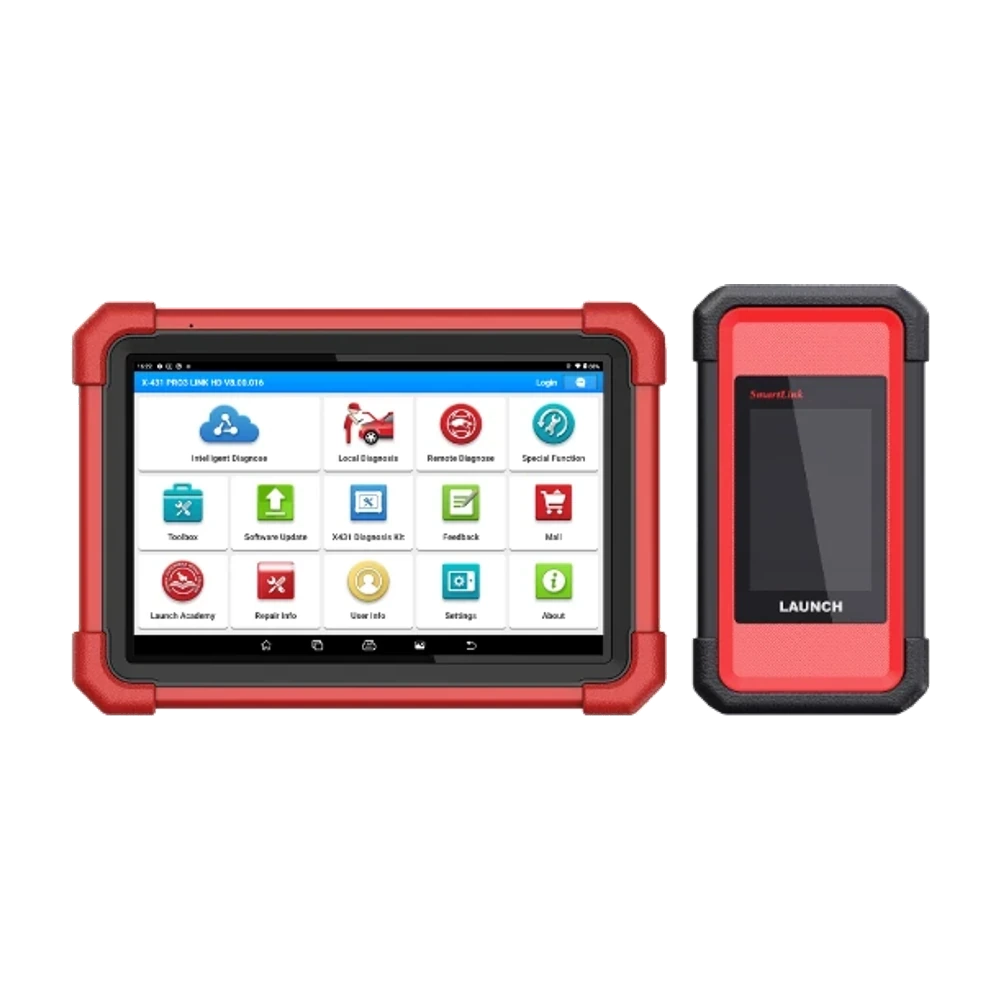 Launch X-431 PRO3 LINK HD
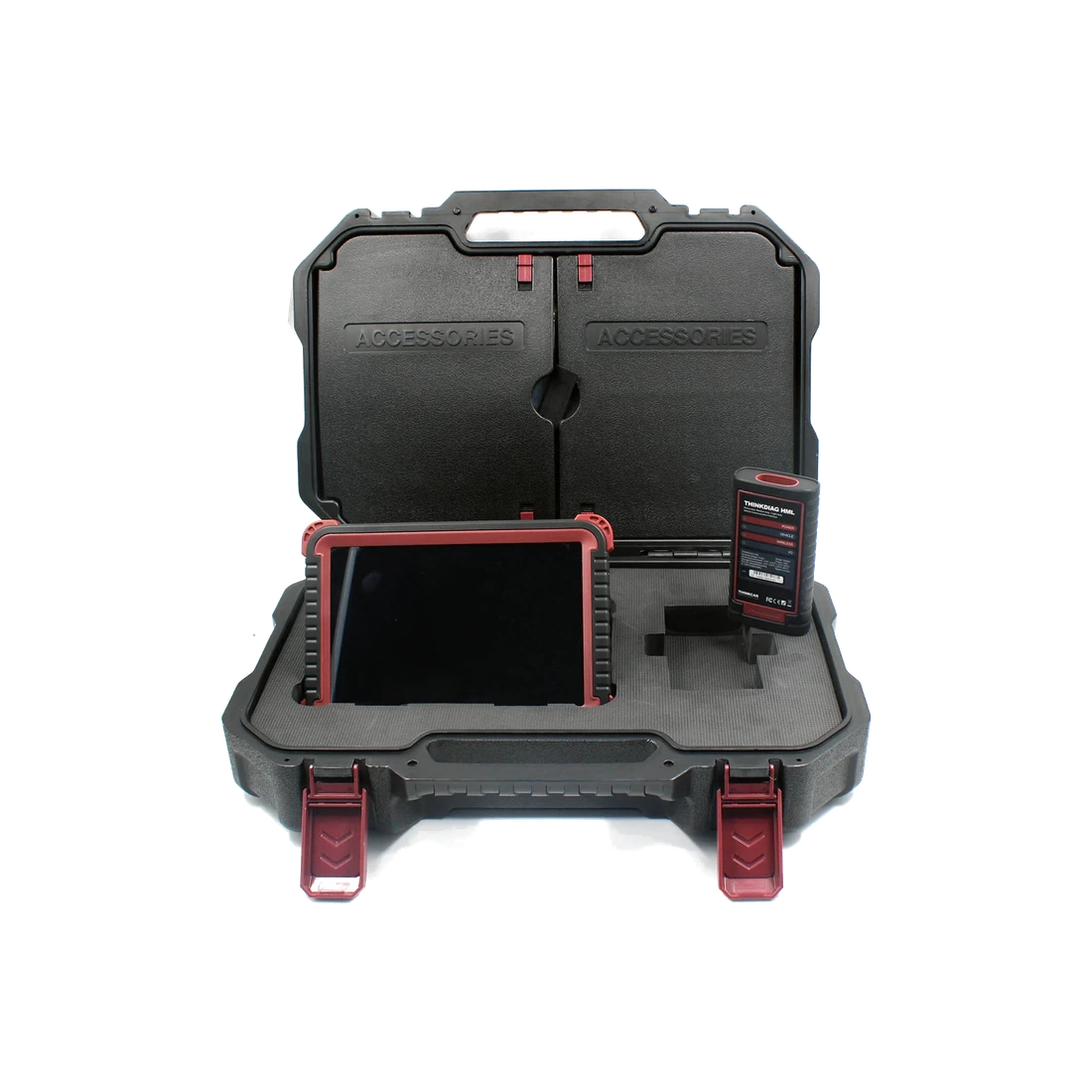 Thinktool Master CV