For a used Launch diagnostic tool, verify digital ownership and package integrity before its appearance. The tablet's exact model, serial number, linked account, VCI, activation record, update status and supplied parts must belong to the same device. This guide does not estimate prices or promise a fault-free unit; it provides an evidence-based pre-purchase sequence.
Otobiltek is a retailer of Launch products. This guide does not rank used listings or recommend a particular seller.
Registration and activation steps were checked against Launch's official setup documents, and warranty information against sources from the Republic of Türkiye Ministry of Trade. No hands-on used-device test was conducted.
Exact model and device identity
Account, serial number and activation record
VCI, cable and package match
Vehicle- and operation-specific function check
Invoice, warranty and total cost
Sources are reviewed again when the Launch registration process, official coverage tool or consumer information in Türkiye changes.
Quick comparison
See seven pieces of evidence before payment
If one row cannot be verified, do not use a discount to excuse the missing information; pause the transaction until the device's usability is proven.
Check
What the seller should show
Red flag
Model
The same exact model in settings and on the case label
Listing title and device label do not match
Serial number
Matching device record and physical label
Number is concealed or differs between locations
Account and activation
Profile and VCI record shown in the device's current account
Seller claims that creating a new account is sufficient
VCI
Interface matched to the tablet and a connection test
Different VCI model or no connection
Software
Installed packages, update date and licence screen
Screenshot belongs to another device
Package
Cables, adapters, power equipment and case listed in the advert
Missing parts are disclosed only later
Documents
Invoice, warranty and service record if available
Documents do not match the serial or model details
Decision guide
1. Match the exact model code and device identity
Launch X431 does not refer to one device. CRP, PRO3, PAD and earlier X-431 generations may use different tablets, VCIs and software channels. The listing title, rear label, model in settings and serial number should show the same identity. A model name only in the seller's message, or an unreadable case label, is not enough evidence for a purchase decision.
Full model name
Tablet serial number
VCI model name
Region and software channel
Service desk where the invoice, warranty, serial number and account verification documents for a used diagnostic tool are checked
Decision guide
2. View the account, serial number and activation status live
Launch's official setup process creates a user account and activates the VCI with the product serial number and the activation code supplied in the package. Do not assume that the same code can be reused or that the account will transfer automatically on a used device. The seller should open the device in their own session and show the profile and VCI management area.
If the transfer method is unclear, obtain written guidance from authorised Launch support using the serial number. Never share a password or activation code in an open message.
Current account session
VCI management screen
Serial number match
Transfer confirmation from authorised support
Decision guide
3. Check the tablet, VCI, cables and adapters as one package
Even if the tablet works, an incorrect or missing VCI may prevent vehicle communication. Compare the supplied VCI, main cable, power equipment, adapters and carrying case with the listing item by item. Do not assume that an interface or cable from another Launch model is compatible. A manufacturer page may show a global package; the actual contents are determined by the invoice, order list and physical parts.
Tablet and VCI match
Main diagnostic cable
Adapters listed in the advert
Charging and power equipment
Decision guide
4. Read the licence and update status on the device
Claims such as “up to date”, “lifetime” or “all makes enabled” are not proof on their own. View the installed vehicle packages, last update date, account region and items requiring renewal together in the update centre. Launch's official download centre offers different applications and tools by model. Do not assume that installing software alone gives an older device access to newer protocols or security systems.
Installed make packages
Last update date
Licence or renewal notice
Device region
Decision guide
5. Test vehicle compatibility by operation, not brand count
A long list of makes does not mean that active tests, coding or service functions will be available on your chosen vehicle. In Launch's official vehicle and function lookup, search the make, model, year, engine, control unit and intended operation together. During the seller test, first read the vehicle identity and health scan, then record existing codes and live data. Do not run unnecessary code clearing, adaptation or programming commands in a pre-purchase test.
Brand, model, and year
Engine and control unit
Required operation
Read test and report record
Decision guide
6. Inspect the hardware with a short, repeatable test
Use one checklist to test the display, touchscreen, charging port, battery behaviour, Wi-Fi, camera where relevant, VCI connection and physical ports. The aim is not to dismantle the device but to identify symptoms that disrupt daily work. If you find case swelling, overheating, unexpected shutdowns, loose connections or VCI dropouts, do not put the device into production use until repair scope and parts availability are confirmed.
Display and touchscreen
Charging and battery
Wi-Fi and account session
VCI connection stability
Decision guide
7. Match the invoice, warranty and service history to the device
The make, model and, where possible, serial number on the invoice should match the device. The Republic of Türkiye Ministry of Trade defines the warranty certificate as a document showing consumer rights and explains that the remaining warranty may continue when an item is sold second-hand within its warranty period. The seller's status, original delivery date and scope of the document may still affect the outcome. Verify the document and remaining period through an authorised channel instead of assuming warranty coverage.
Invoice date and product name
Warranty certificate
Serial number match
Service records, if any
Decision guide
8. Record the total cost and safe transfer sequence in writing
Add the cost of a missing VCI or cable, battery replacement, software renewal, special adapters and possible service work to the used price. Before payment, put the delivery list, current device condition, account or support-assisted transfer method and return terms in writing. The seller should not hastily delete the account, and the device should not be factory-reset until the official transfer procedure has been confirmed by the manufacturer or authorised support. Finally, securely remove old customer reports and personal network records.
Purchase price
Cost of missing parts
Software renewal
Written delivery and transfer record
Frequently Asked Questions
Most frequently asked questions by customers
Is creating a new account enough for a used Launch device?
Do not assume that it is enough. The official setup process requires VCI activation with the serial number and activation code. Verify the device's current account, VCI registration and the transfer method specified by the manufacturer or authorised support together.
Should I buy a Launch X431 without seeing its serial number?
It is not recommended. The serial number is essential for identifying the model, activation, licence and support record. It should not be published openly, but the seller should securely match the device record with the physical label before purchase.
Will a Launch device work after its update period expires?
There is no single answer for every model. Installed software, new package downloads and online services may have separate conditions. Do not claim that every function will work until the exact model, account region and licence screen have been checked.
How should I test a used device on a vehicle?
First read the vehicle identity, run a health scan and record the existing codes. Your chosen vehicle and operation should appear in the official coverage tool. Do not perform unnecessary code clearing, adaptation, coding or programming during a pre-purchase test.
Should I buy a Launch tablet with a missing VCI?
The tablet alone may not provide the expected vehicle communication. Do not treat an incomplete package as economical until the exact compatible VCI, its availability, activation status and total cost have been verified.
Does the warranty continue for a used Launch device?
The Republic of Türkiye Ministry of Trade states that the remaining warranty may continue when an item is sold second-hand within its warranty period. Verify the original delivery date, documents, product identity and sale conditions; this guide is not legal advice for a specific transaction.
Should the seller factory-reset the device?
Do not reset the device until the official account and transfer procedure has been confirmed by the manufacturer or authorised support. Verify the device, serial number and VCI registration first, then follow the order recommended by support. Remove old reports and personal network details after the transfer is complete.
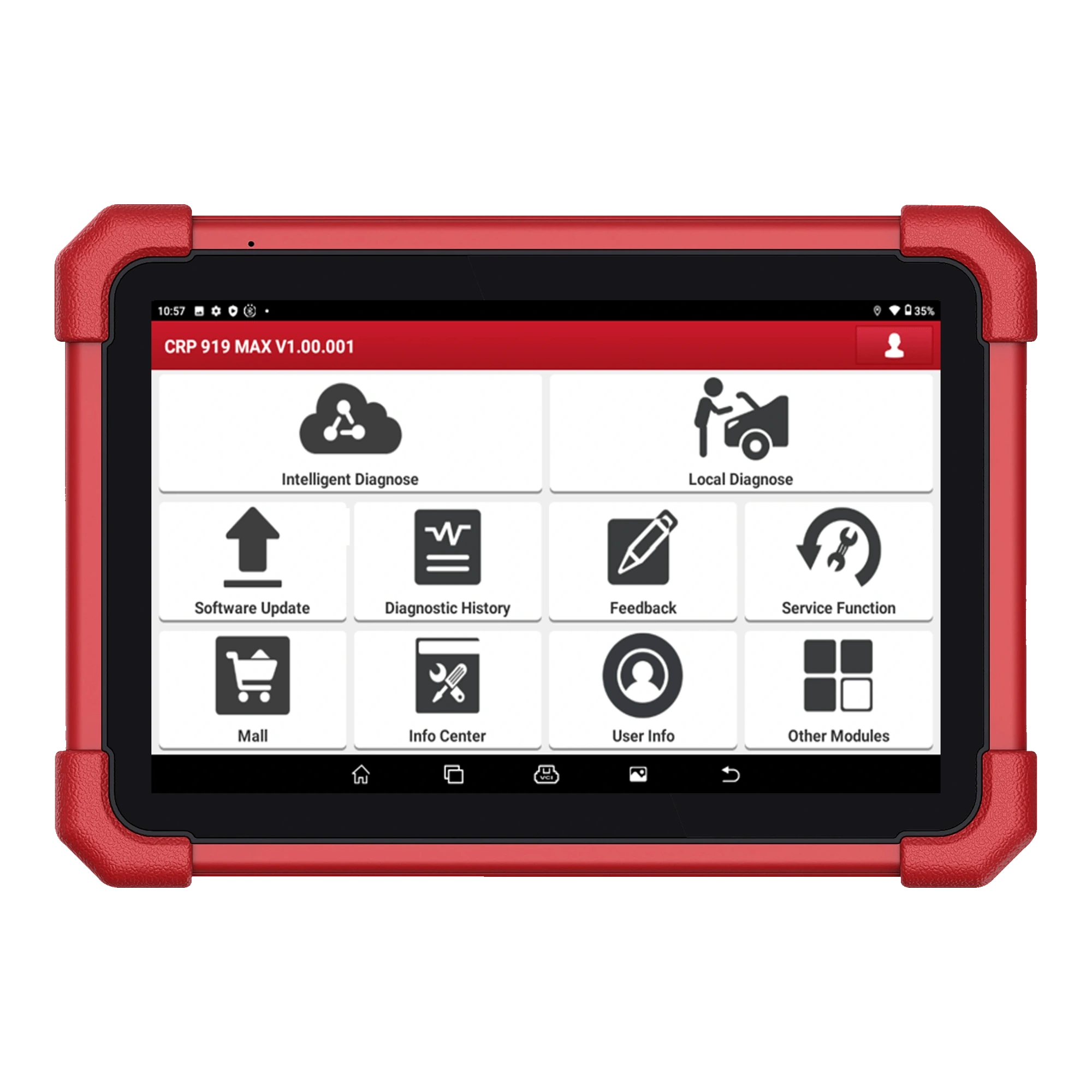
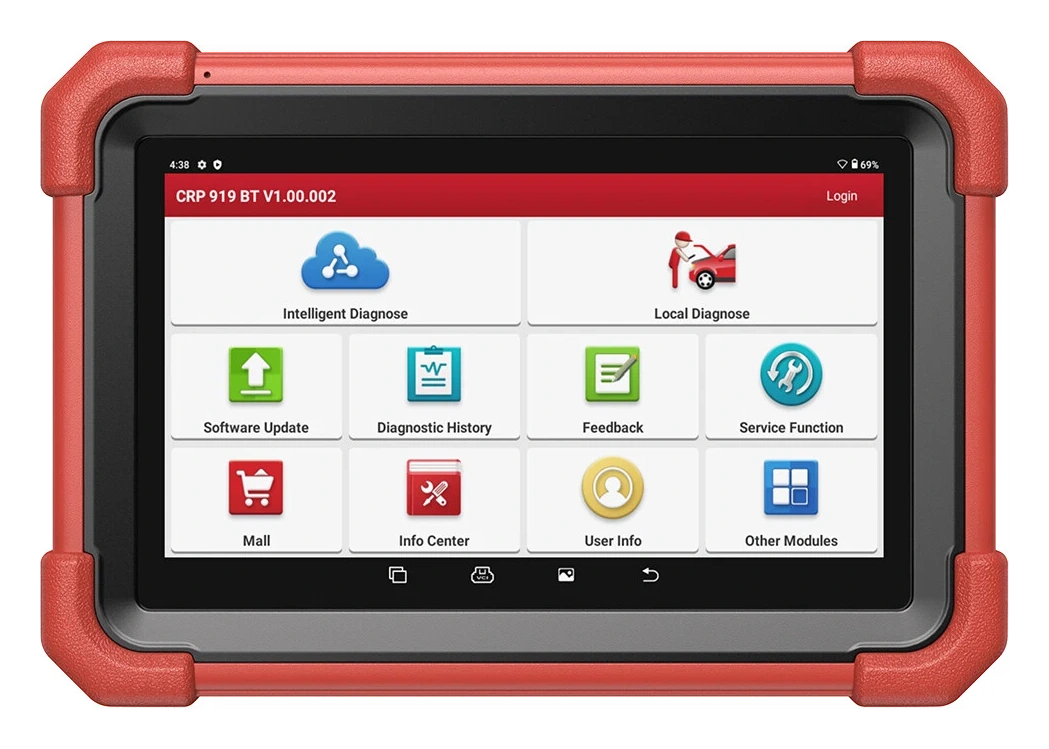
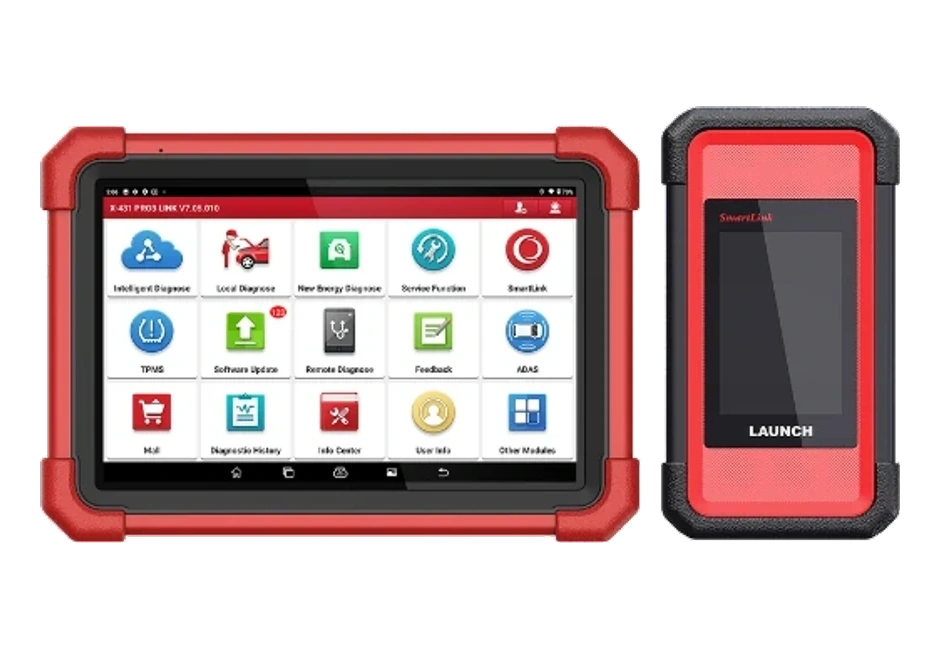
A Launch model on a 7-inch tablet integrating DBScar VII Bluetooth VCI, full system scanning, active tests, ECU coding, CAN FD, and expandable DoIP support.
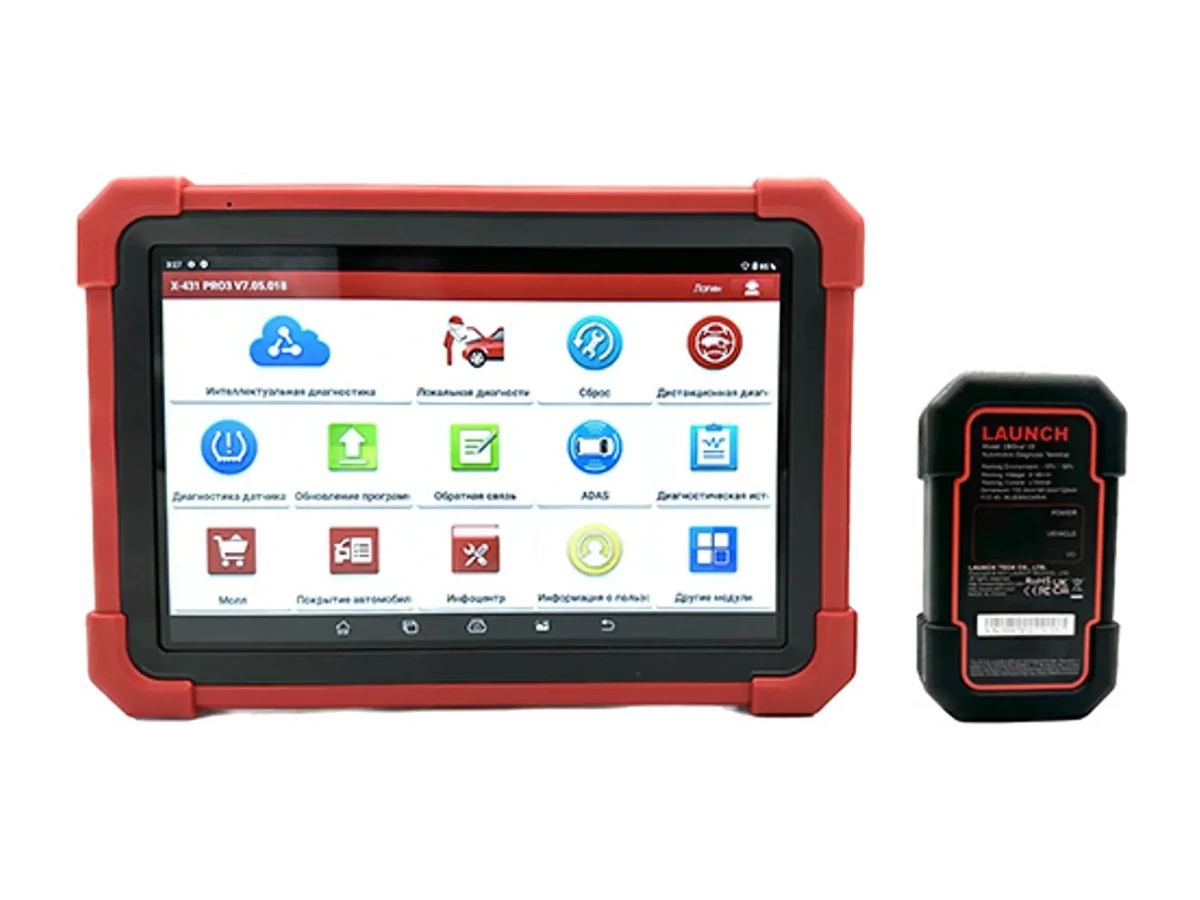
Professional Launch diagnostic tool combining a 10.1-inch Android 10 tablet with DBScar VII connectivity and CAN FD/DoIP protocol support, featuring full system scanning, live data, and service functions. Vehicle and function coverage, along with DoIP cable requirements, must be verified per vehicle and package before ordering.