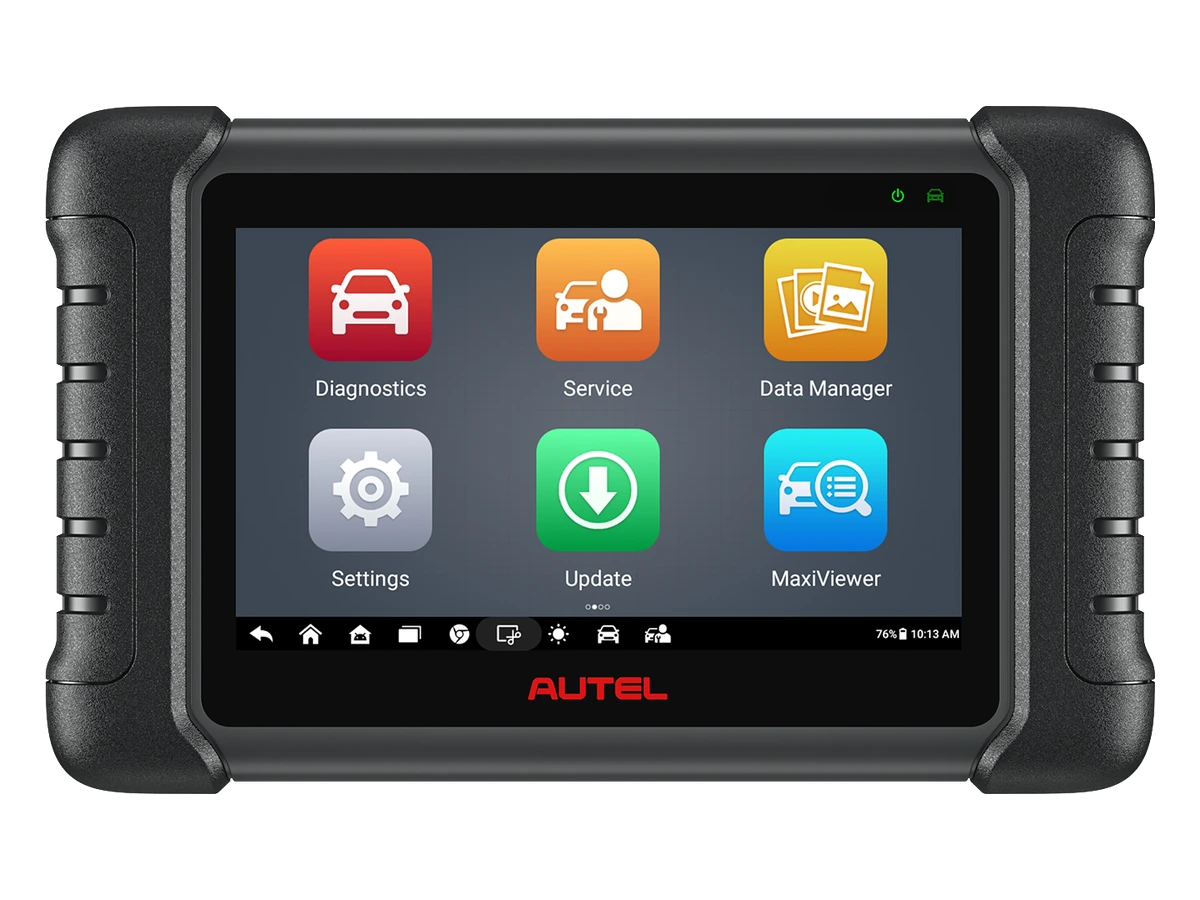
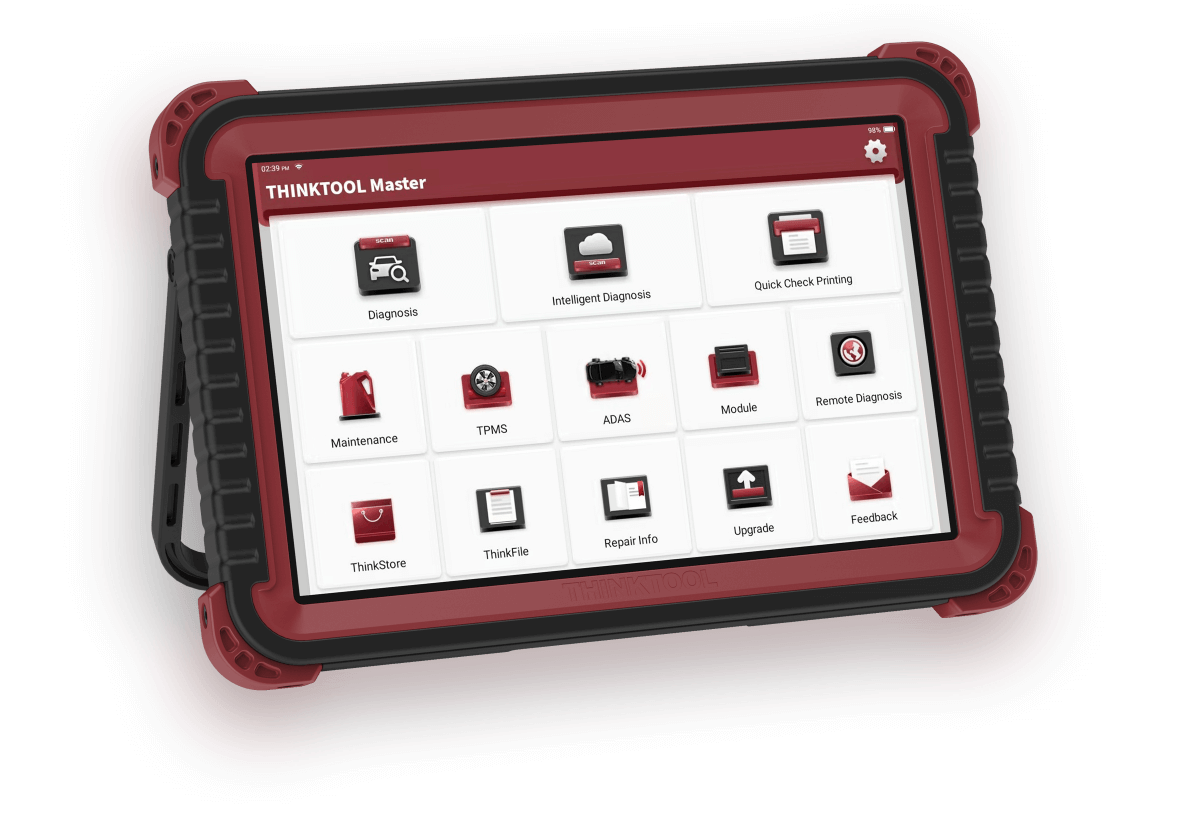
Quick comparison
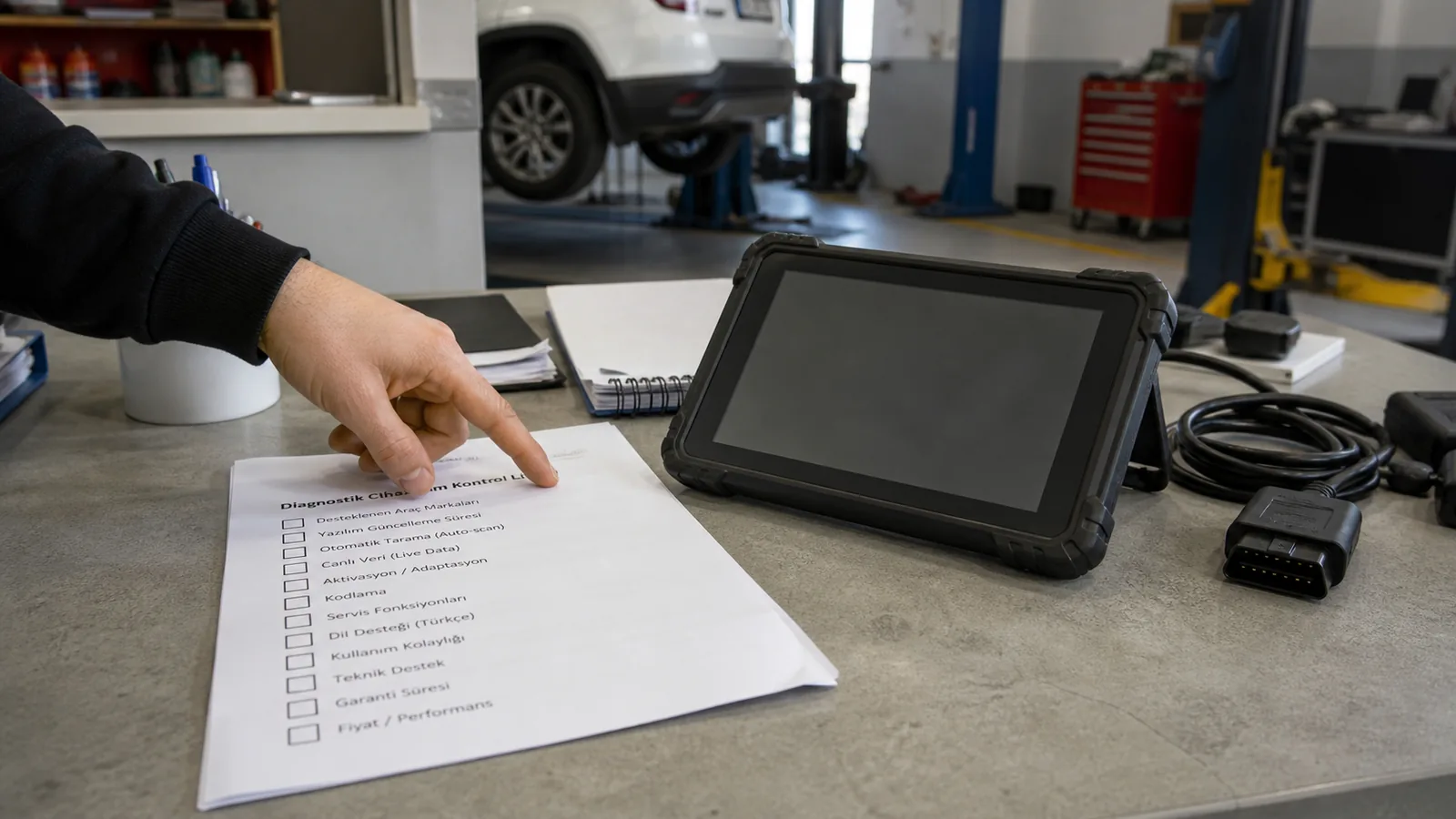
Short checklist before purchase
Answer the same questions for each candidate device; do not decide based solely on the price line.
Decision guide
1. List the vehicles coming to the service
Device comparison should start with the actual vehicle list. The device needs of services that accept passenger cars, light commercial vehicles, heavy-duty vehicles, motorcycles, or electric vehicles are not the same.
Extract the most frequent brand, model, year, and engine information from the last six months. This list is more valuable than the general brand count on the product page. A device may state that it supports multiple brands; however, if the necessary control unit or service menu does not open on the vehicles you regularly see in your service, the purchase purpose is not met.
Add the performed job next to the vehicle list. Reading only engine fault indicator lights, full system health reports, ABS/airbag codes, DPF live data, EPB service mode, battery registration, or active tests may require different device levels.
- Brand-model-year list
- System to be read
- Service operation to be performed
Decision guide
2. Distinguish between OBD2 reader and service tablet
A basic OBD2 reader provides initial data for engine and emissions-related standard information. However, the daily workflow of an auto service often goes beyond the engine control unit.
CARB explains that OBD II systems are mandatory for gasoline and alternative fuel passenger vehicles from 1996 onwards, and diesel passenger vehicles from 1997 onwards. This standard structure describes basic diagnostic access; it does not automatically cover all control units in the vehicle and manufacturer-specific service functions.
A full-system service tablet can scan transmission, ABS, airbag, body, and comfort-related modules besides the engine on supported vehicles. This difference comes not from the socket but from the device's hardware, VCI, software, and vehicle database.
- Standard engine OBD2 data
- Multi-system scanning
- Manufacturer-specific modules
Decision guide
3. Evaluate live data needs separately from fault code reading
Fault codes indicate the direction of the problem; live data helps understand the condition under which the fault occurred. The device used in the service should be able to display required parameters, graph them, and record them.
Values such as fuel trim, sensor voltage, pressure, temperature, wheel speed, or battery voltage are read comparatively, not in isolation. Data refresh rate and graphical display save time, especially for recurring faults.
The live data screen is also not definitive for part diagnosis. The values shown by the device are supported by mechanical measurements, electrical checks, and service procedures. Therefore, when selecting a device, one looks not only at the "live data available" text but also at which values are accessible for the system being inspected.
- Parameter selection
- Graphical monitoring
- Recording and reporting
Decision guide
4. Ask about active tests and service functions by job title
Active test allows observing component response by sending commands from the device in supported systems. Service functions, on the other hand, are separate workflows such as maintenance reset, EPB, BMS, DPF, SAS, or adaptation.
The phrase "bi-directional" or "active test available" is not sufficient on its own. Ask the question with the vehicle and job title: fan active test, fuel pump test, EPB pad mode, battery registration, or steering angle sensor calibration. The menu in the vehicle being inspected is not the same as the device's general feature.
Operations such as DPF regeneration, battery registration, adaptation, and coding require vehicle conditions, voltage, part status, and manufacturer procedures. Even if the device menu opens, the technician must follow a safe workflow.
- Active test
- Maintenance reset
- EPB / BMS / DPF / SAS
- Adaptation
Decision guide
5. Select connection type based on usage area
Bluetooth VCI does not increase diagnostic coverage; it facilitates movement around the vehicle. A wired connection, on the other hand, offers a simple and physically continuously connected working setup.
Wireless VCI can be practical for mobile services, intensive workshops, or technicians monitoring live data around the vehicle. However, VCI charging, pairing, connection distance, storage, and risk of loss must be considered.
Wired devices offer a simpler connection setup. Wireless connection is not always mandatory for users working at a service bench or with a single vehicle. The connection decision should not be confused with the device's main functions.
- Bluetooth VCI
- Wired connection
- Workshop mobility
- Mobile service
Decision guide
6. Check for new protocols and secure access needs
Layers such as CAN FD, DoIP, and secure gateway in new model vehicles affect the economic lifespan in device selection. These features are verified not just by logos but by VCI, software, and vehicle coverage.
DoIP refers to the transmission of diagnostic communication over an IP network; CAN FD refers to data and speed capabilities different from the classic CAN family. The presence of both terms in the same device does not mean all functions will be enabled on every new vehicle.
In vehicles with a secure gateway, reading may be possible, but clearing errors, active tests, or adaptations may require authorized access. In this case, the official access path, internet connection, and subscription conditions are added to the purchase document.
- CAN FD
- DoIP
- SGW
- Authorized session
Decision guide
7. See license, update, and package costs in writing
The price of an auto fault detection device is not just the box cost. Software duration, update model, region package, additional adapters, VCI, cables, service account, and support are included in the total cost.
Before purchasing the device, the software duration and renewal conditions should be seen in writing. The same model may be sold with different region, package, or license options. For second-hand devices, the account, serial number, and previous license status should be checked separately.
Package contents should clearly list the main device, VCI, main OBD cable, charging equipment, adapters, and carrying case. If heavy-duty vehicles, motorcycles, or special connection tasks are involved, a standard OBD2 cable may not be sufficient. The user's vehicle group determines the package needs.
- Software duration
- Update Conditions
- VCI and cable package
- Support channel
Decision guide
8. Make the final decision with three candidates
Instead of distributing the purchase decision among dozens of models, select three candidates that match the same job list. For each candidate, compare vehicle coverage, service functions, connection, license, package, and total cost using the same checklist.
Entry-level service tablets for starting services, models with Bluetooth VCI support for daily wireless use, and professional tablets for intensive workshops are examined in separate classes. If these classes are mixed in a single price list, both overpayment and the risk of an insufficient device increase.
Examine the products on the Otobiltek category page by their intended use. Users who maintain their own vehicles, auto mechanics, mobile services, and inspection businesses do not necessarily need to purchase the same device. The value of a device is determined by its suitability for repeated tasks in a service environment.
- Three candidates
- Same task list
- Total cost
- Category comparison