Thinktool Model Guide

Thinkdiag: Price, Use Cases, and Choosing the Right Device

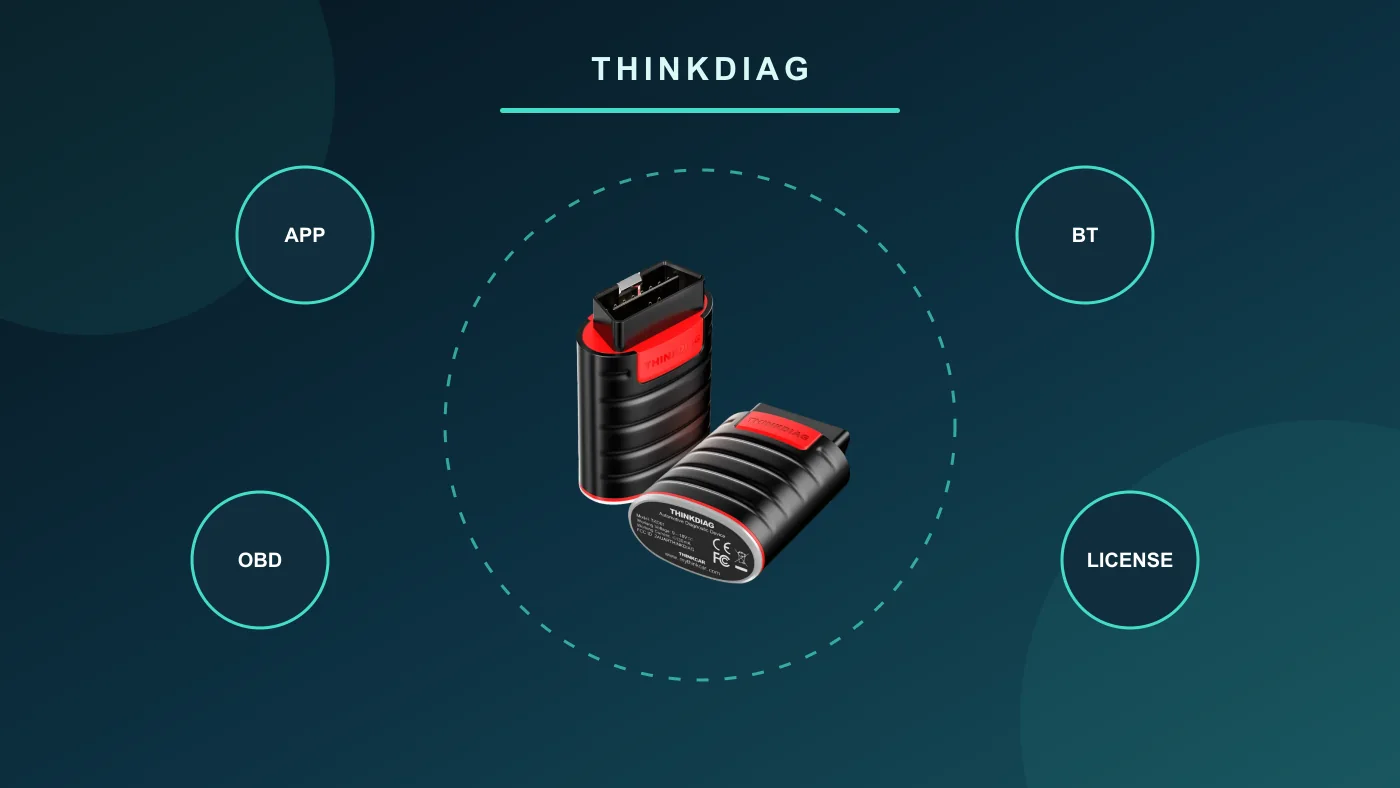
Thinkdiag in brief: Plugs into the vehicle's OBD socket and works with Android or iPhone via the ThinkDiag+ app. It has no screen; available brands, active tests, and service functions depend on the vehicle and active license package.

Prepared by: Otobiltek Content TeamTechnical check:
Genuine Thinkdiag Bluetooth OBD interface with app, connection, and license flow

Quick comparison

Thinkdiag purchase decision table

Control pointWhy is it important?What should the user verify?
PhoneAndroid or iOS app requiredCheck operating system and store access
LicenseActivates brands and functionsView included package and duration
ScopeVaries by vehicle and ECUSearch for the operation on the coverage screen
UsageCompact but dependent on phone hardwareEvaluate daily vehicle volume

Decision guide

How to install Thinkdiag?

The ThinkDiag+ app is installed from the official store, an account is created, and the device serial number and activation code are connected within the app. Bluetooth pairing is done through the app's guided flow, not the general phone menu.

Decision guide

Android and iPhone compatibility

The manufacturer offers the ThinkDiag+ app for Android and iOS. Check phone operating system, app version, Bluetooth permission, and regional store access before initial setup.

Decision guide

Full system scan and active test

The manufacturer lists full system diagnostics, live data, and bi-directional active tests on supported vehicles. Available menus vary by brand, model, year, control unit, and active software package.

Decision guide

How does the Thinkdiag license work?

Purchasing the hardware does not grant unlimited access to all brand and service software. The brand package, subscription period, and renewal terms offered in the app must be reviewed before payment. Campaigns in other regions do not guarantee the same rights.

Decision guide

Safe usage on the first vehicle

Check vehicle voltage, locate the OBD socket, and the first operation is a general scan and live data reading. Clearing fault codes is not considered a repair outcome.

Decision guide

Thinkdiag or Lite 2?

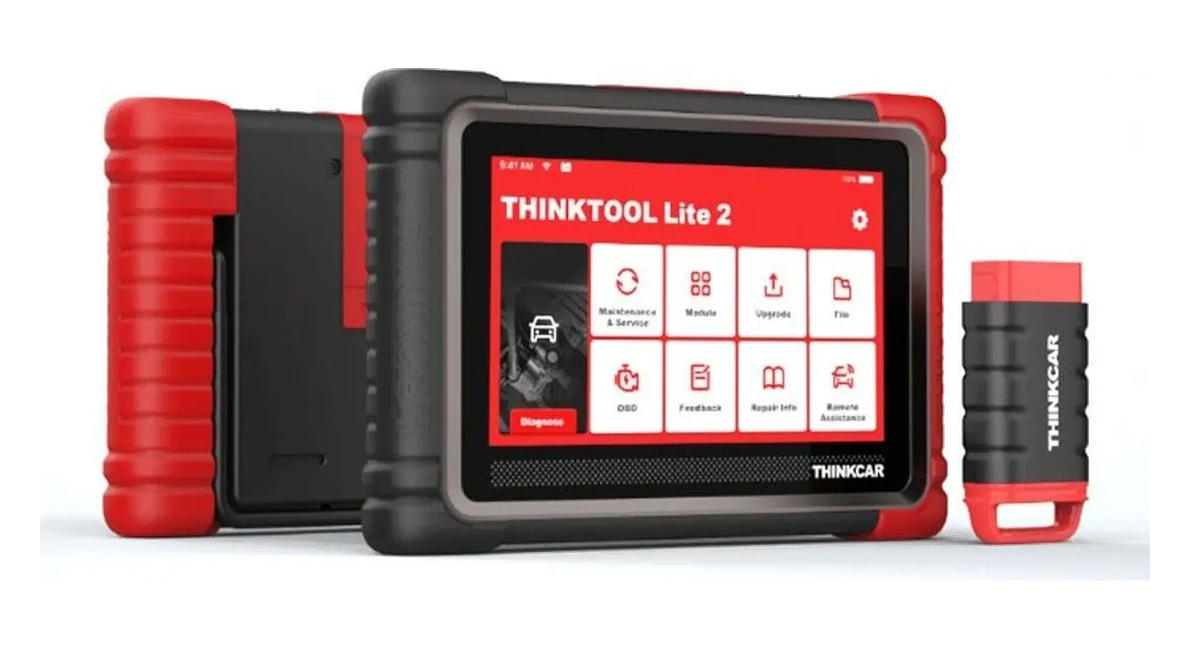
Thinkdiag relies on the phone screen and app license; it offers mobile and compact use. Lite 2, with its own 7-inch tablet, ThinkDiag Mini 2 VCI, and DoIP/CAN FD capabilities, is geared towards daily service use.

Frequently Asked Questions

Most frequently asked questions by customers

Does Thinkdiag work with iPhone?

ThinkDiag+ is available for iOS. Check current operating system and app store access.

Does Thinkdiag connect to an Android phone?

Yes. Pairing is done within the ThinkDiag+ app.

Does Thinkdiag perform active tests?

Offers bi-directional active tests on supported vehicles and ECUs. Coverage varies by vehicle.

Is a license required for Thinkdiag?

Brand software and some functions depend on an active license package. Check current terms in the app.

Is Thinkdiag a standalone tablet?

No. It does not have its own screen; a phone or tablet and the ThinkDiag+ app are required.

Does Thinkdiag work on all vehicles?

No. Brand, model, year, ECU, and desired function must be checked on the manufacturer's coverage screen.

Related pages

Pages related to this topic

Technical Resources

Sources for technical information

Technical information verified with sources on October 20, 2026.

Related products

Related products

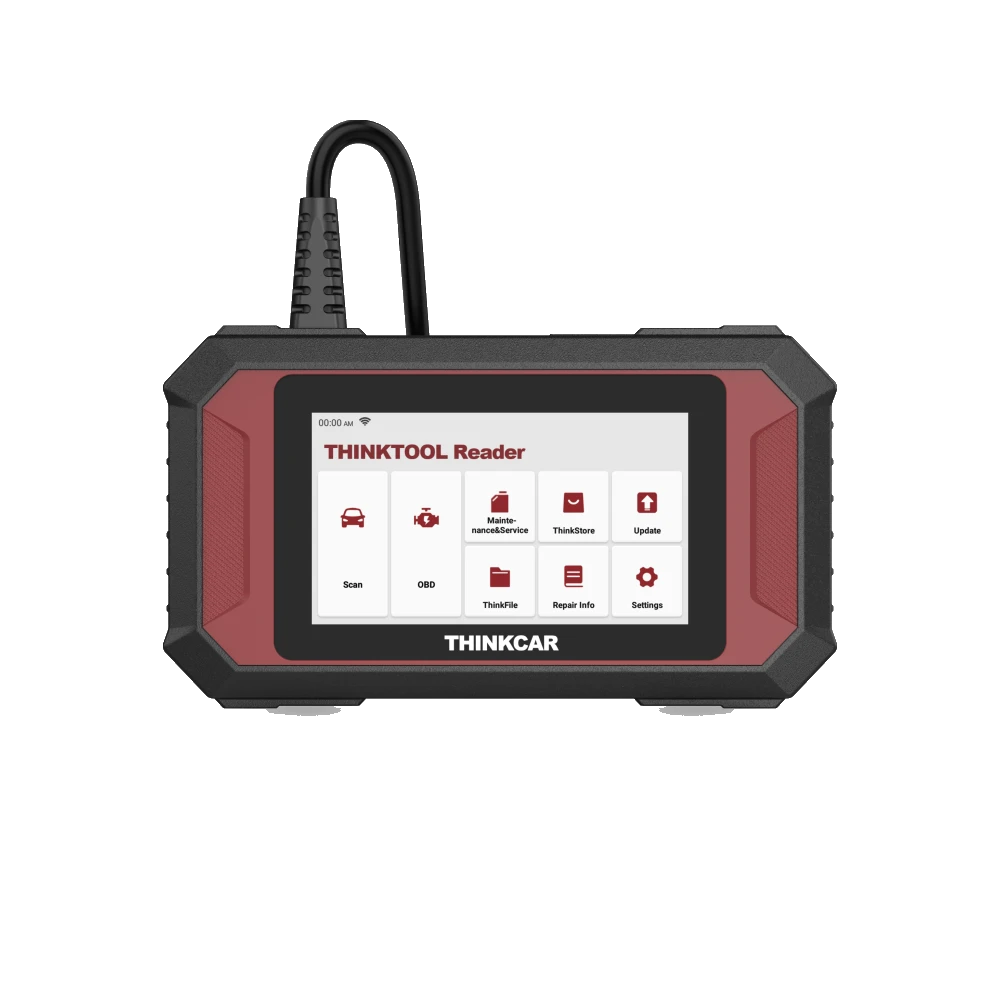
Thinktool Reader 7 product image

Thinktool Reader 7

Thinktool Reader 7 is a 5-inch wired device that reads codes and live data in seven vehicle systems, offering seven maintenance functions from 28 options.

  • Code and live data in 7 systems
  • OBD II/EOBD checks
  • 7 maintenance functions from 28 options
≈ $26012,900 TL charged · VAT included · import duties excludedIn stock
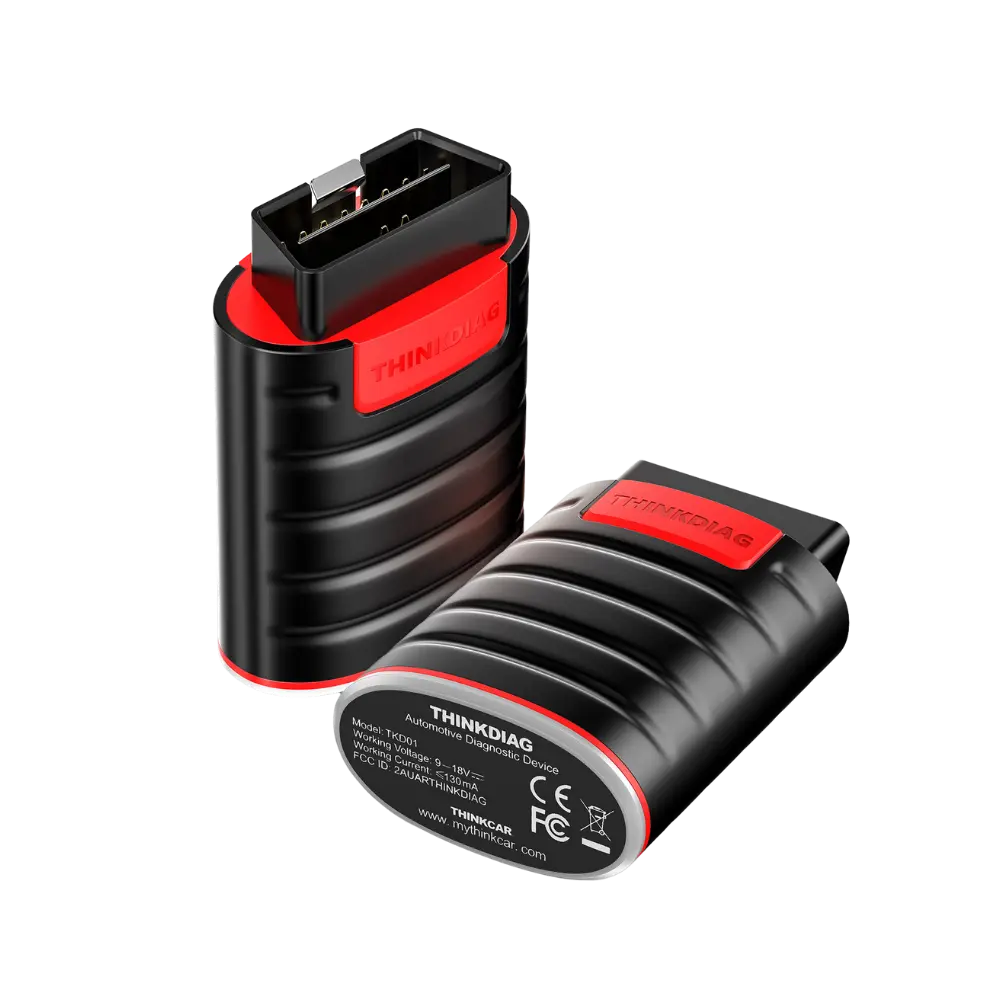
Thinkdiag product image

Thinkdiag

Thinkdiag is a Bluetooth OBD diagnostic interface used with the ThinkDiag+ application on an Android or iOS device.

  • Bluetooth phone connection
  • Fault code and live data
  • Supported service functions
Price information
View
Thinktool Lite 2 product image

Thinktool Lite 2

Thinktool Lite 2 is a diagnostic tablet used for service scanning and DoIP/CAN FD communication in supported vehicles.

  • Service scanning
  • DoIP/CAN FD needs
  • Maintenance functions
≈ $69234,295 TL charged · VAT included · import duties excludedIn stock
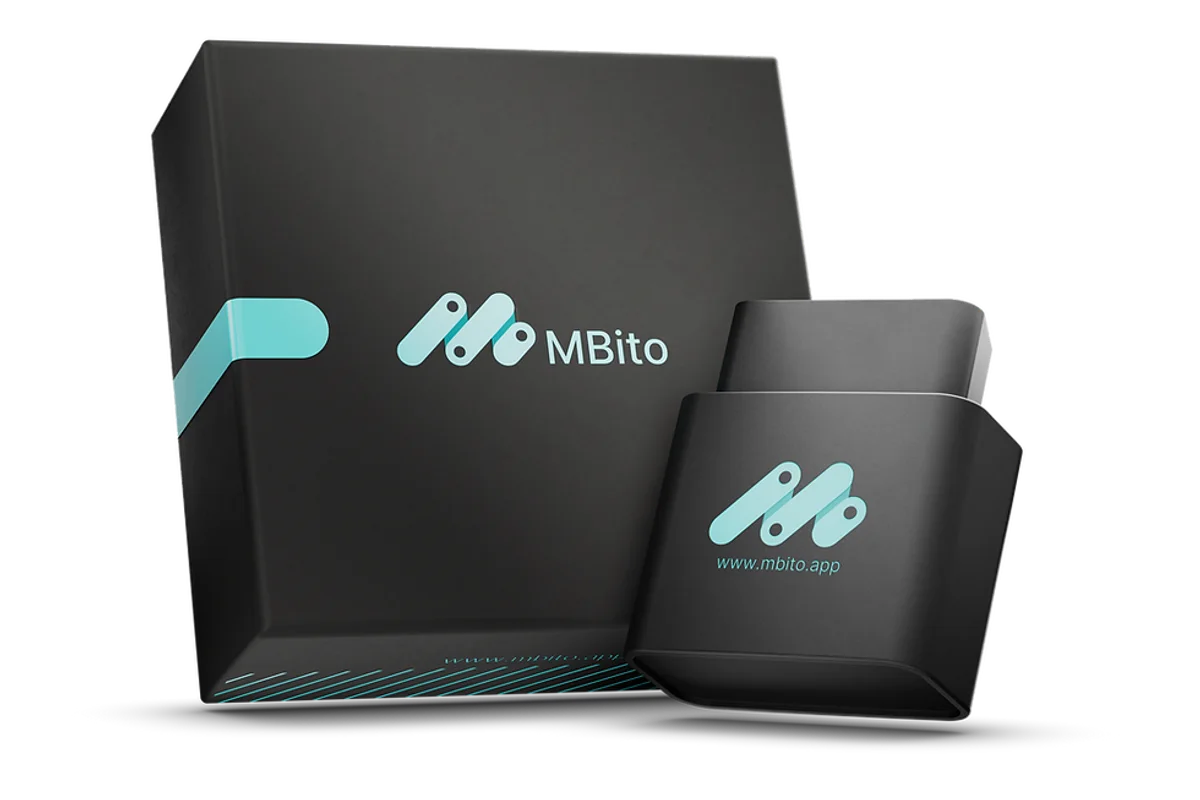
MBito OBD product image
MBito

MBito OBD

MBito OBD is an OBD adapter used for personalization, coding, and fault logging operations via a mobile application on supported Mercedes vehicles.

  • Explore hidden features
  • Connect with the app
  • Usage for Mercedes
≈ $1718,500 TL charged · VAT included · import duties excludedIn stock
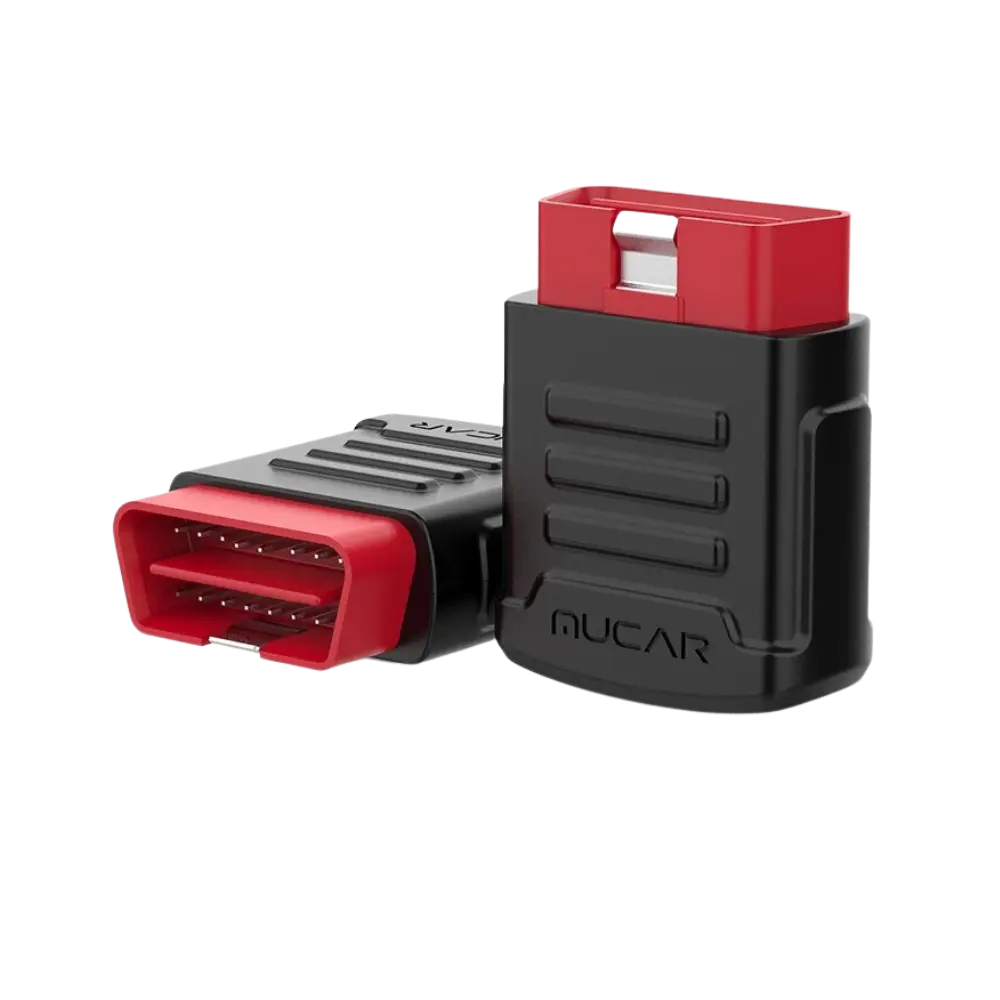
MUCAR BT200 Bluetooth OBD Diagnostic Tool product image
MUCAR

MUCAR BT200 Bluetooth OBD Diagnostic Tool

Bluetooth OBD diagnostic tool used via Android or iOS phone/tablet with the MUCAR application; for system scan, fault code, and live data operations in supported vehicles.

  • Mobile diagnostics via Bluetooth
  • Read and clear fault codes in supported systems
  • Live data monitoring
≈ $803,990 TL charged · VAT included · import duties excludedIn stock