Mobile OBD Solution for Mercedes

MBito OBD Compatible Vehicles, Features, and Purchase

MBito OBD is an OBD adapter used to examine fault records, customization, and coding options via a phone app on supported Mercedes vehicles. This section provides the official vehicle list, current features, Otobiltek product page, and purchasing steps in one place.

Current price, remaining stock, and purchase status are shown from the live store record on the product page.

Check Phone CompatibilityView Compatible Mercedes Models
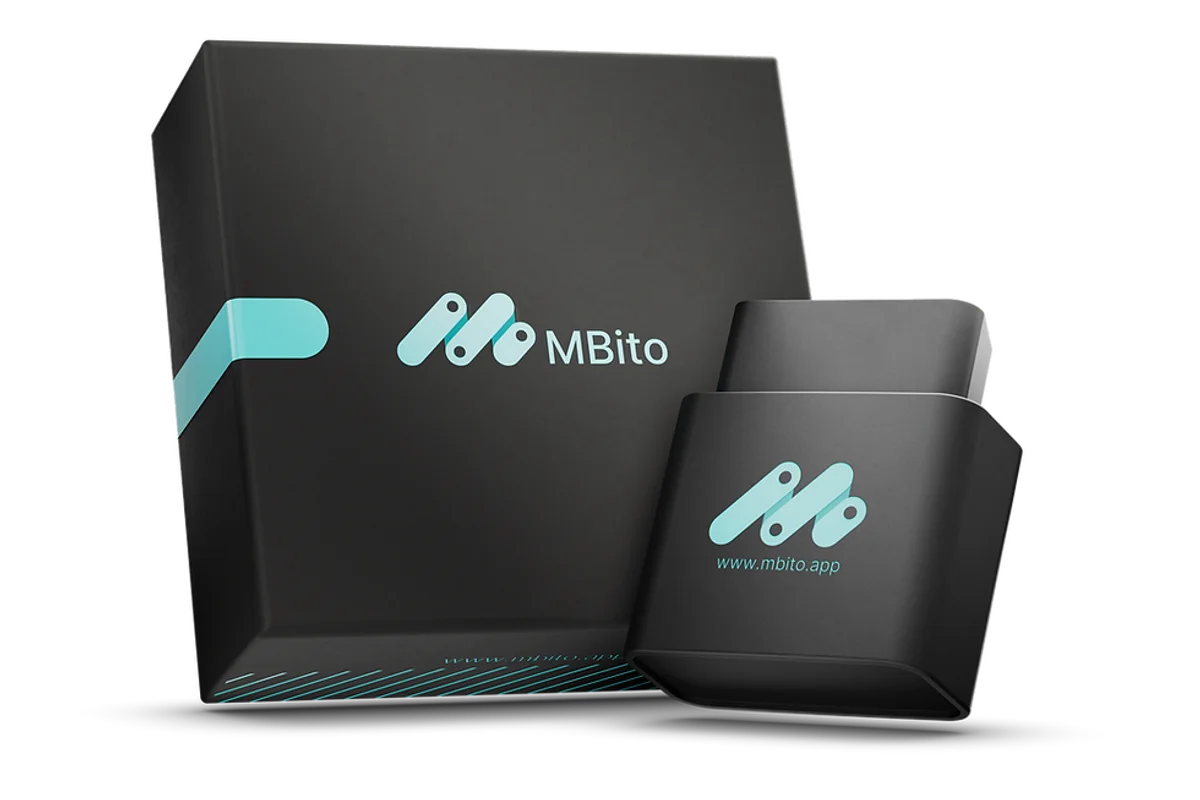
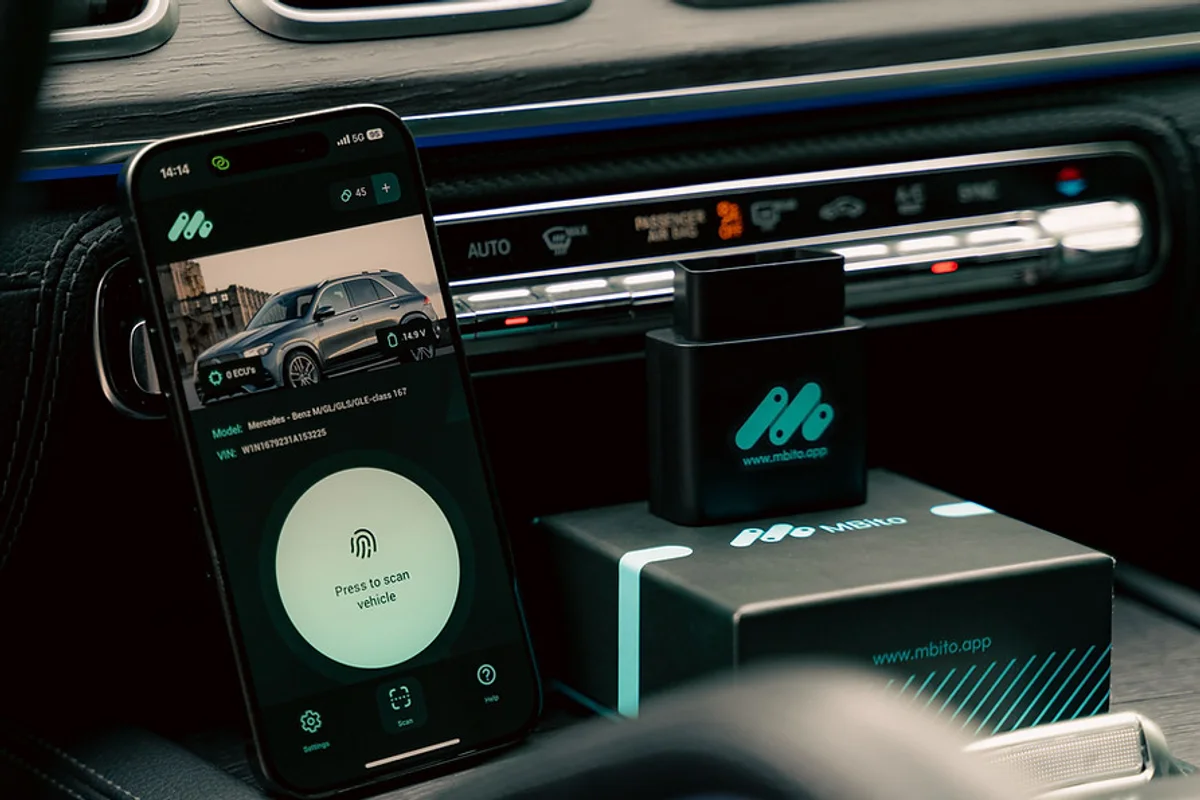
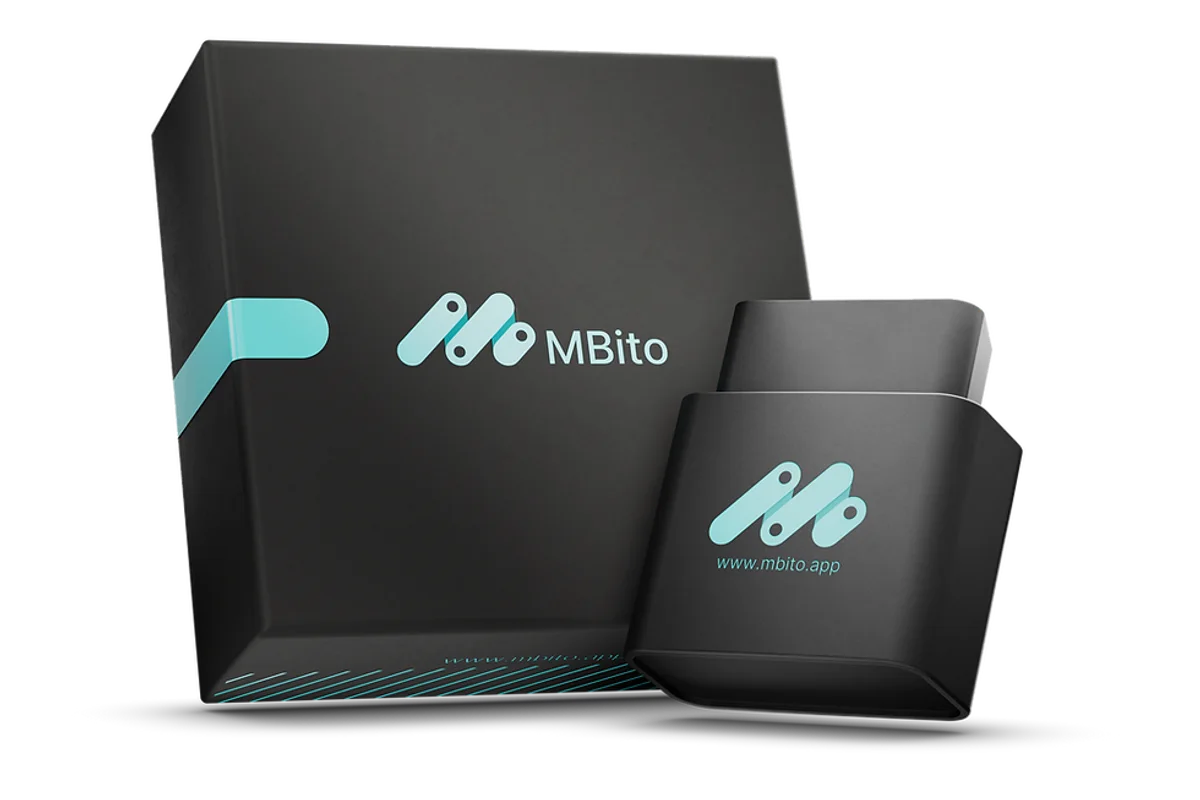
MBito OBD Device and Box
Vehicle Screen in the MBito Mobile App
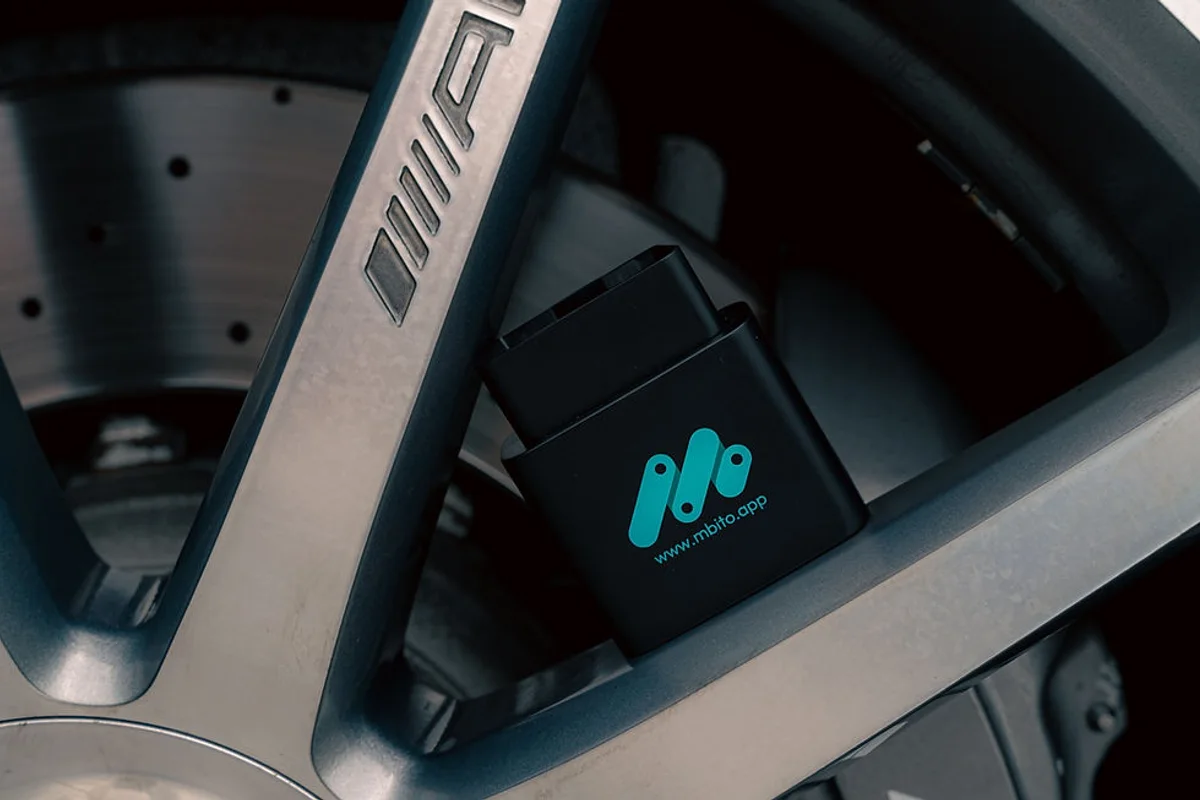
Using the MBito OBD Device Inside the Vehicle

Credits and Additional Costs

What do MBito's 20 credits mean?

The standard MBito OBD package sold on Otobiltek includes 20 coding credits. According to the manufacturer's current statement, diagnostic scanning does not consume credits; the credit cost for coding and customization operations varies depending on the selected feature and is visible in the app before the operation.

Product for Sale

MBito Product on Otobiltek

Brand Page
MBito OBD product image
MBito

MBito OBD

MBito OBD is an OBD adapter used for personalization, coding, and fault logging operations via a mobile application on supported Mercedes vehicles.

  • Explore hidden features
  • Connect with the app
  • Usage for Mercedes
≈ $1728,500 TL charged · VAT included · import duties excludedIn stock
Features

Main Mercedes Options That Can Be Examined with MBito

Not every feature is guaranteed to be enabled on every vehicle. Mercedes model, year, hardware, control unit, and the current support list in the app must be checked before purchase or credit usage.

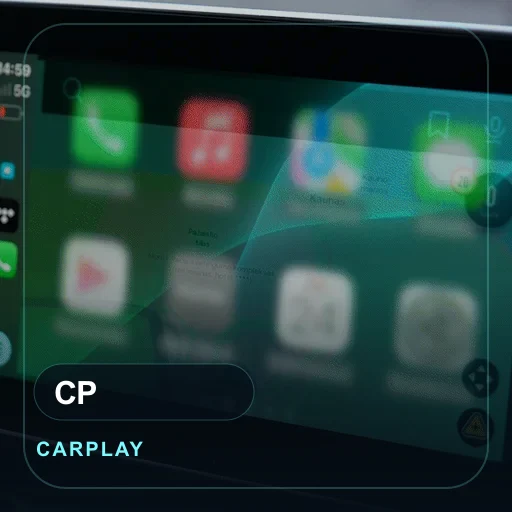
MBito Feature Visual for CarPlay and Android Auto Activation
Multimedia

CarPlay and Android Auto Activation

If the head-unit, software, and vehicle hardware support it, multimedia integration will appear in the app.

Open Relevant Guide
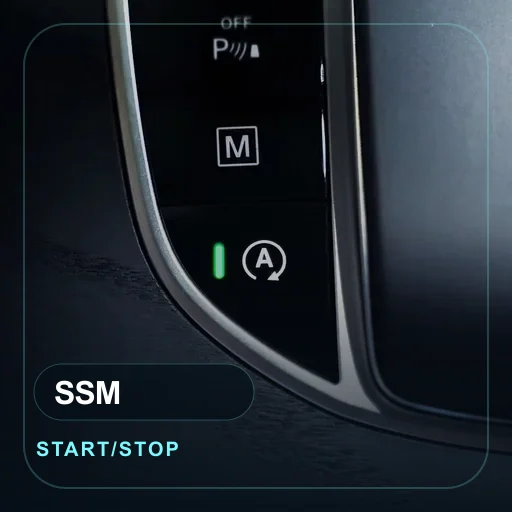
MBito Feature Visual for Start/Stop Memory
Comfort

Start/Stop Memory

Check how the Start/Stop preference is handled after driving on supported vehicles.

Open Relevant Guide
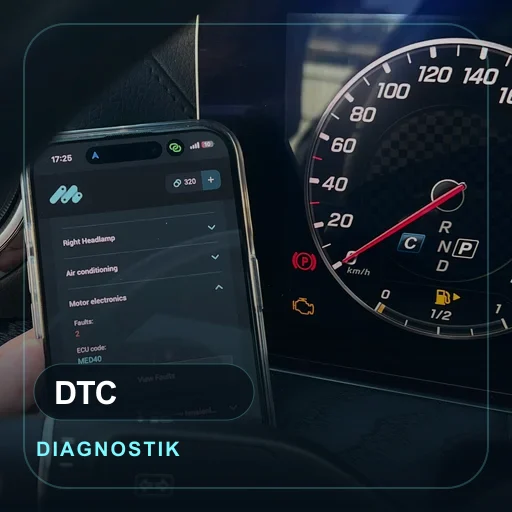
MBito Feature Visual for Reading and Clearing Faults
Diagnostics

Reading and Clearing Faults

Do not clear faults without reviewing the records; keep records, symptoms, and final checks in the same service note.

Open Relevant Guide
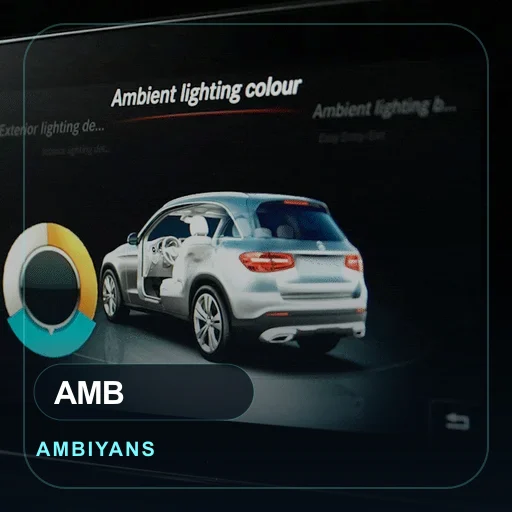
MBito Feature Visual for Ambient Lighting Menu
Comfort

Ambient Lighting Menu

Visibility of the menu is checked separately on vehicles with hardware and software support.

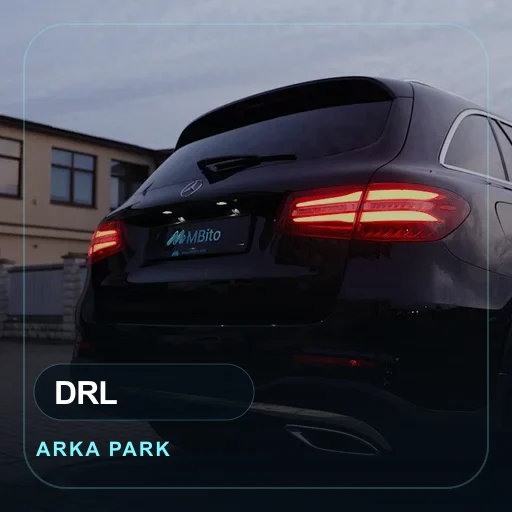
MBito Feature Visual for Rear Parking Lights Daytime Running
Safety

Rear Parking Lights Daytime Running

Daytime visibility setting is supported according to the vehicle's lighting architecture.

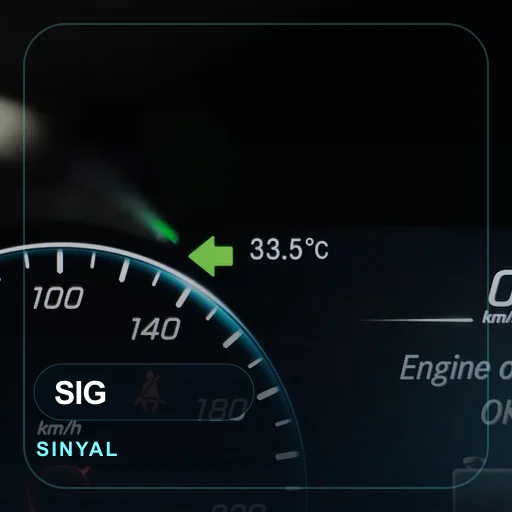
MBito Feature Visual for One-Touch Signal Count
Comfort

One-Touch Signal Count

The number of times the comfort signal flashes is determined by the supported body electronics.

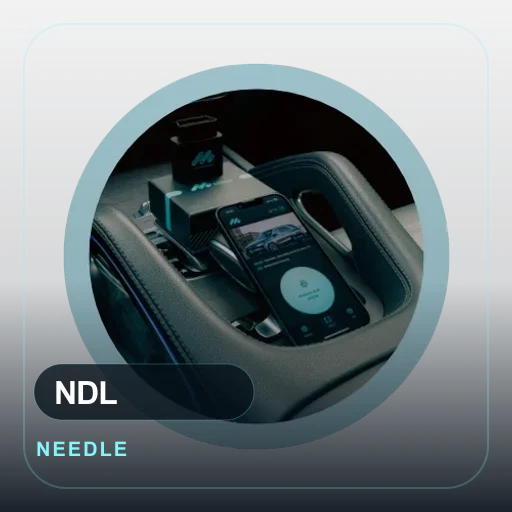
MBito Feature Visual for Needle Sweep Effect
Comfort

Needle Sweep Effect

The gauge startup animation will only appear in the app on supported gauge structures.

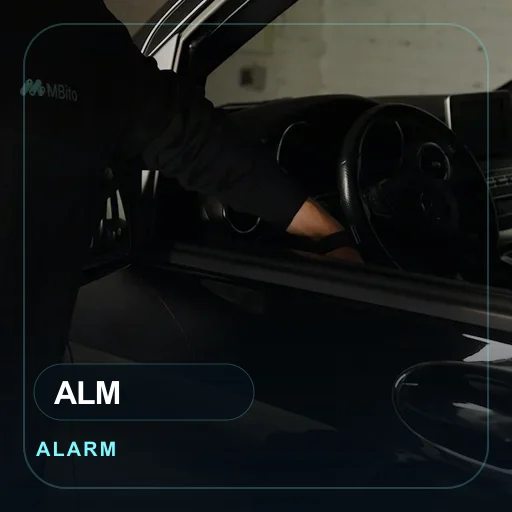
MBito Feature Visual for Theft Alarm Activation
Safety

Theft Alarm Activation

The alarm function must be checked with the vehicle's hardware and sensor structure before software.

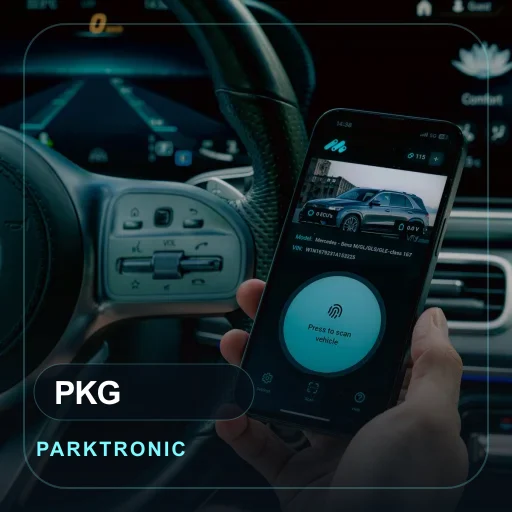
MBito Feature Visual for Parktronic Visual Animation
Safety

Parktronic Visual Animation

The scope of the parking assist screen and visual warning depends on the multimedia and sensor hardware.

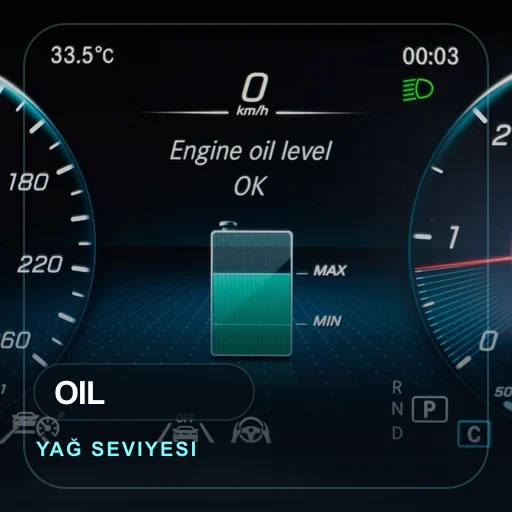
MBito Feature Visual for Engine Oil Level Display
Diagnostics

Engine Oil Level Display

Displaying the oil level requires support from the relevant sensor and gauge menu.

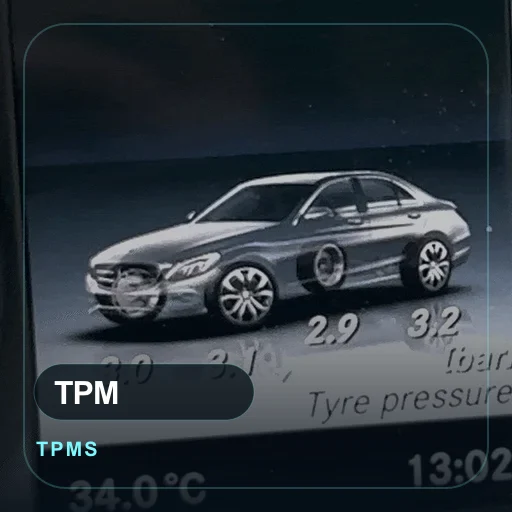
MBito Feature Visual for Tire Pressure Unit
Comfort

Tire Pressure Unit

The selection of the pressure unit is checked along with the gauge menu and vehicle region settings.

MBito Feature Visual for Stroboscope and Headlight Effect
Safety

Stroboscope and Headlight Effect

Lighting effects are controlled by legal usage, hardware, and vehicle software limitations.

Current Official Features

Functions Also Listed in MBito's Current Official List

The following functions are listed on MBito's current official fitting or vehicle pages. Not every function is available on every Mercedes; vehicle scanning in the app, hardware, software, and package conditions must be checked before operation.

Full Vehicle Scan and Live Data

Official vehicle pages list module scans including engine, transmission, ABS, and airbag, as well as monitoring supported sensor data on the phone.

Open Official Source

Service Reset and Battery Registration

ASSYST PLUS maintenance indicator reset and new battery registration can only be used if they appear for the relevant vehicle in the app.

Open Official Source

Brake Pad Maintenance Mode

The function to put the electronic parking brake motor into maintenance mode for rear brake pad replacement is listed on official model pages.

Open Official Source

Mileage Consistency Check

The check, which compares mileage records in supported control units other than the instrument cluster, is offered based on vehicle coverage.

Open Official Source

DPF and AdBlue Service Functions

DPF regeneration, AdBlue reset, and level display are only visible on suitable diesel systems and supported control units.

Open Official Source

Vehicle Data Card

The data card, showing VIN, model year, hardware, and technical vehicle information in a single record within the app, is included in the official feature list.

Open Official Source

MBizard AI Diagnostics

The in-app assistant, which explains live data and fault information in simple terms, is a separate function in the official current feature list.

Open Official Source

Driving and Lane Assist Memory

Dynamic Select and Lane Assist last status memory can only be used with compatible vehicle software and control units.

Open Official Source

Mercedes Series

Compatibility is Verified by Vehicle Information, Not Series Name

Within the same series, chassis, model year, multimedia, hardware, and control unit can vary. Therefore, series cards provide initial guidance; the definitive result is checked with the MBito app and the official vehicle list.

A, B, CLA, GLA, and GLB Series

In the compact Mercedes family, chassis, model year, multimedia, and target features are checked separately.

C-Class and GLC

Support in W204, W205, W206, and GLC families varies based on vehicle software and hardware.

E-Class and CLS

Comfort, multimedia, and diagnostic expectations are matched with model year and control unit.

GLE, GLS, and V-Class

For large chassis and commercial Mercedes uses, the service work to be performed is verified by manufacturer coverage.

S-Class and Maybach

Definitive operation results are not assumed for upper-segment vehicles due to varying hardware packages.

EQ Series

For electric Mercedes models, software level and supported functions are checked separately.

G-Class

G-Class coverage is examined along with model year, instrument cluster, multimedia, and control unit.

AMG GT and SL

For performance models, menu, gauge, and comfort options vary based on package structure.

Vito, Viano, and Sprinter

Feature support in the commercial Mercedes family is not considered the same as passenger cars.

Vehicle List

Mercedes Models Appearing in Official MBito Resources

This list is compiled from Mercedes chassis codes found on MBito's official fitting page or official vehicle pages. The presence of the model name in the list does not mean the same result will occur for every feature and every hardware package; the intended operation must be checked in the app using vehicle/VIN information.

Additional Chassis Codes with Official Vehicle Pages

If you don't know the chassis code, provide the full model of the vehicle and a photo of the screen in addition to the model year on the registration document. Do not write the chassis number in a public area; if necessary, provide it only during a support call.

Turkey Purchase Check

Check Three Pieces of Information Before Buying MBito OBD

The most frequent question from users looking for MBito in Turkey, besides price, is compatibility. Within the same Mercedes series, multimedia, control unit, software level, and hardware can vary. Therefore, make purchasing decisions based on the model year, intended operation, and support information visible in the app, not just the vehicle name.

Official Source Check

Conditions Listed in Manufacturer Resources for MBito

MBito manufacturer resources limit connectivity and feature usage to the official device, mobile app, phone permissions, and vehicle information. Before purchasing, check the product page, app, and official vehicle list with the same Mercedes information.

Decision Guides

Otobiltek Content to Read Before Purchasing

Frequently Asked Questions

About the MBito Section

Is the MBito section different from the Otobiltek product page?

Yes. The product page is used for purchasing, price, stock, and package information. The MBito section consolidates features, compatibility, phone, and usage guides in one place.

Does MBito OBD enable the same features on all Mercedes models?

No. Coverage varies by model year, hardware, control unit, app version, and MBito support list.

Does MBito OBD replace a service tablet?

No. MBito OBD is a Mercedes-focused mobile adapter; it does not perform the same function as a multi-brand service tablet, active test, or professional workshop diagnostic system.

How do I verify if my vehicle is compatible with MBito?

Check the Mercedes chassis code, model year, multimedia system, and the intended operation together. Even if the model is on the official list, available features may vary based on hardware and software.

Does a software update in the Mercedes service affect the enabled features?

Yes. If the control unit software is updated according to MBito's official support, some customizations may revert to factory settings and may need to be re-enabled from the app if compatible.

What are the 20 credits in the MBito OBD package used for?

The standard device package from the MBito manufacturer includes 20 coding credits. It is stated that credits are not required for diagnostic scanning, while coding and customization functions operate based on the credit cost shown in the app for the operation.

Can the same MBito device be used on another Mercedes vehicle?

Yes, the manufacturer states that the same device can be used on multiple vehicles. However, enabled features are VIN-based, and separate purchases or credit usage may be required for each vehicle.

WhatsApp