Evaluation Method
How was this guide prepared?
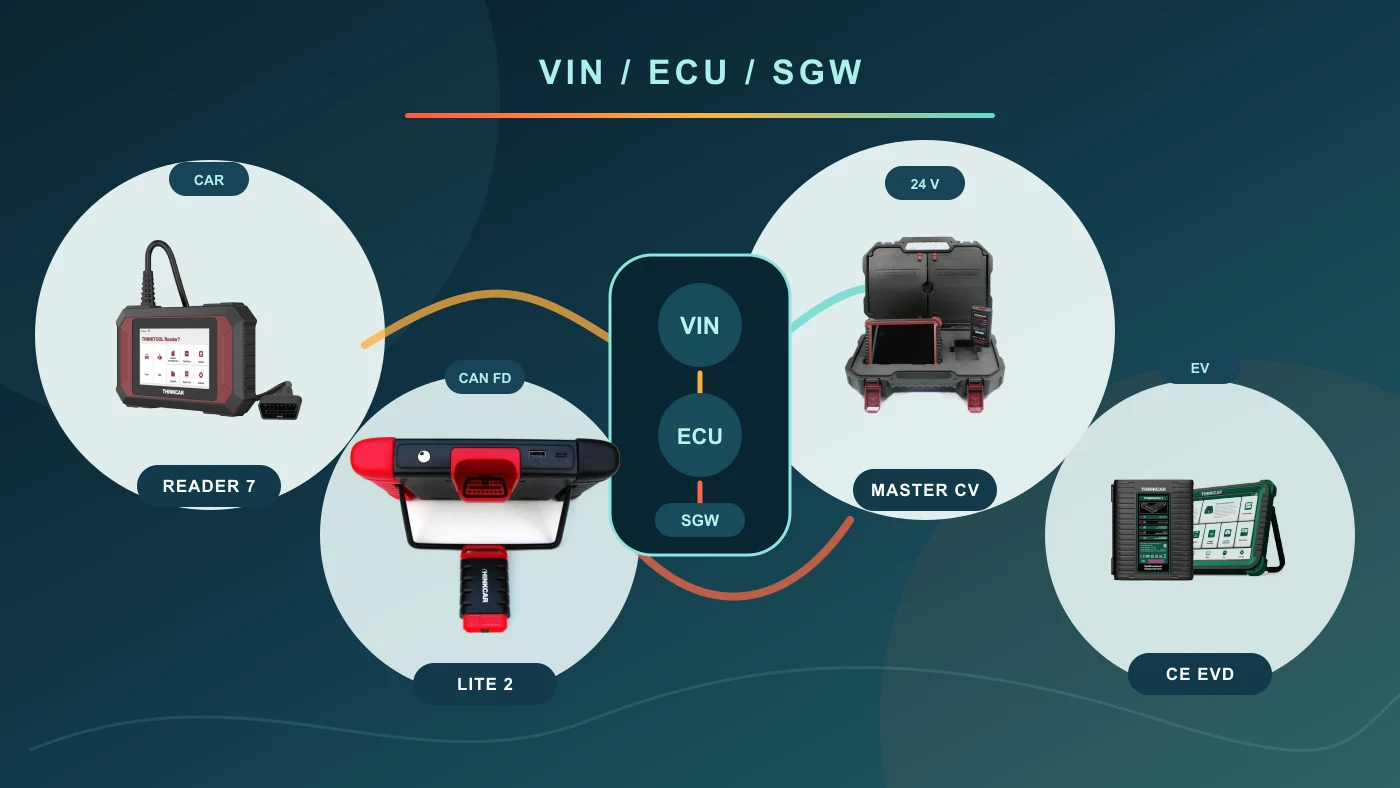
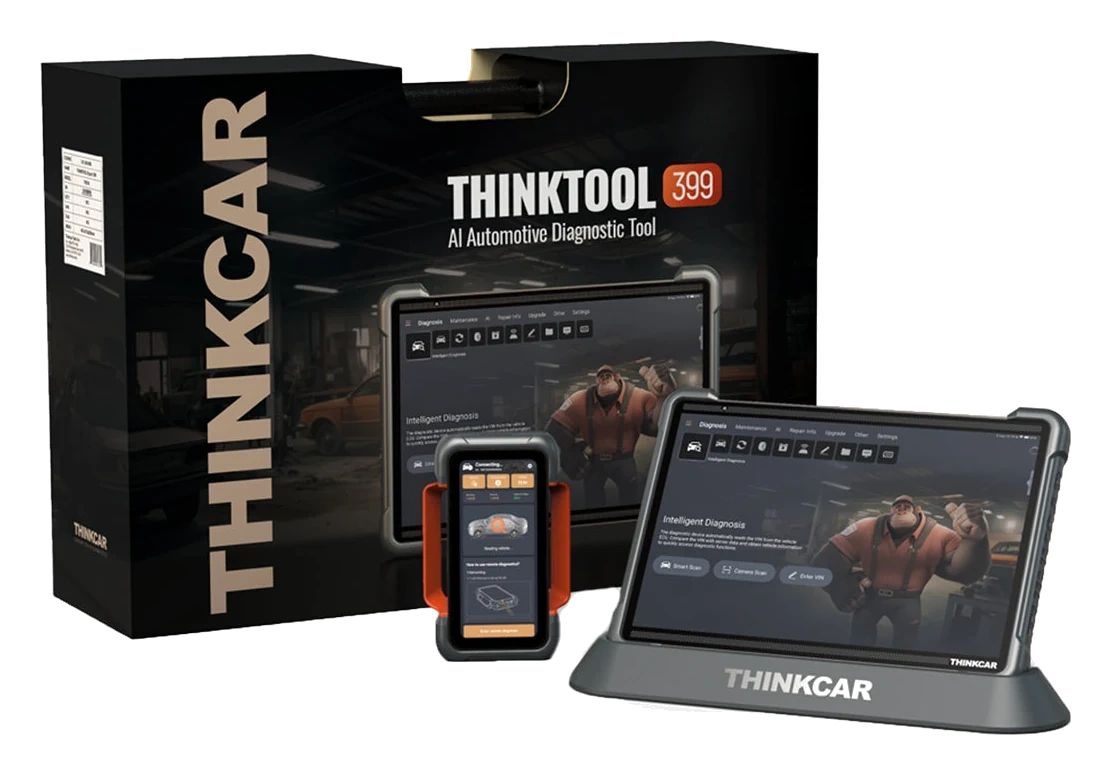
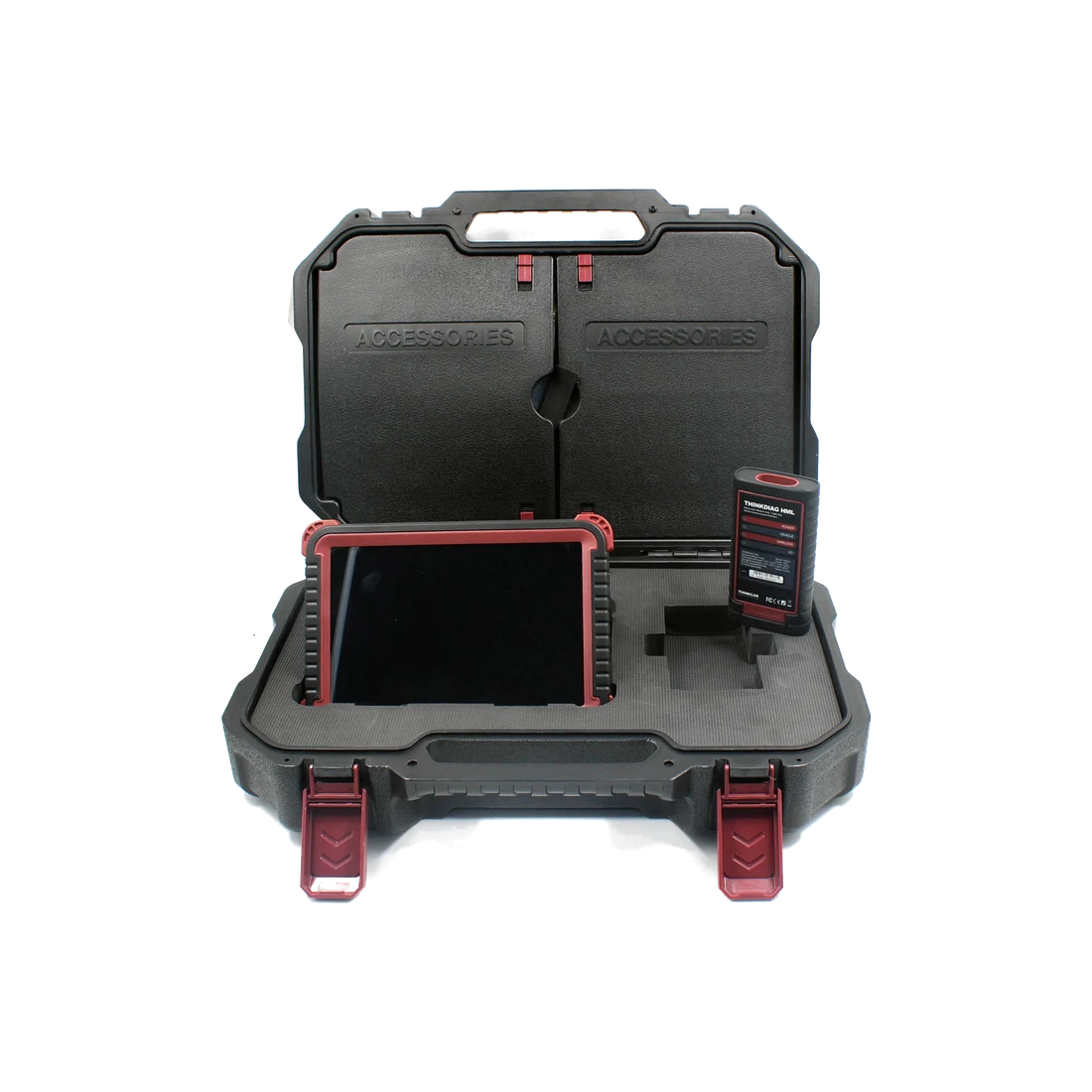
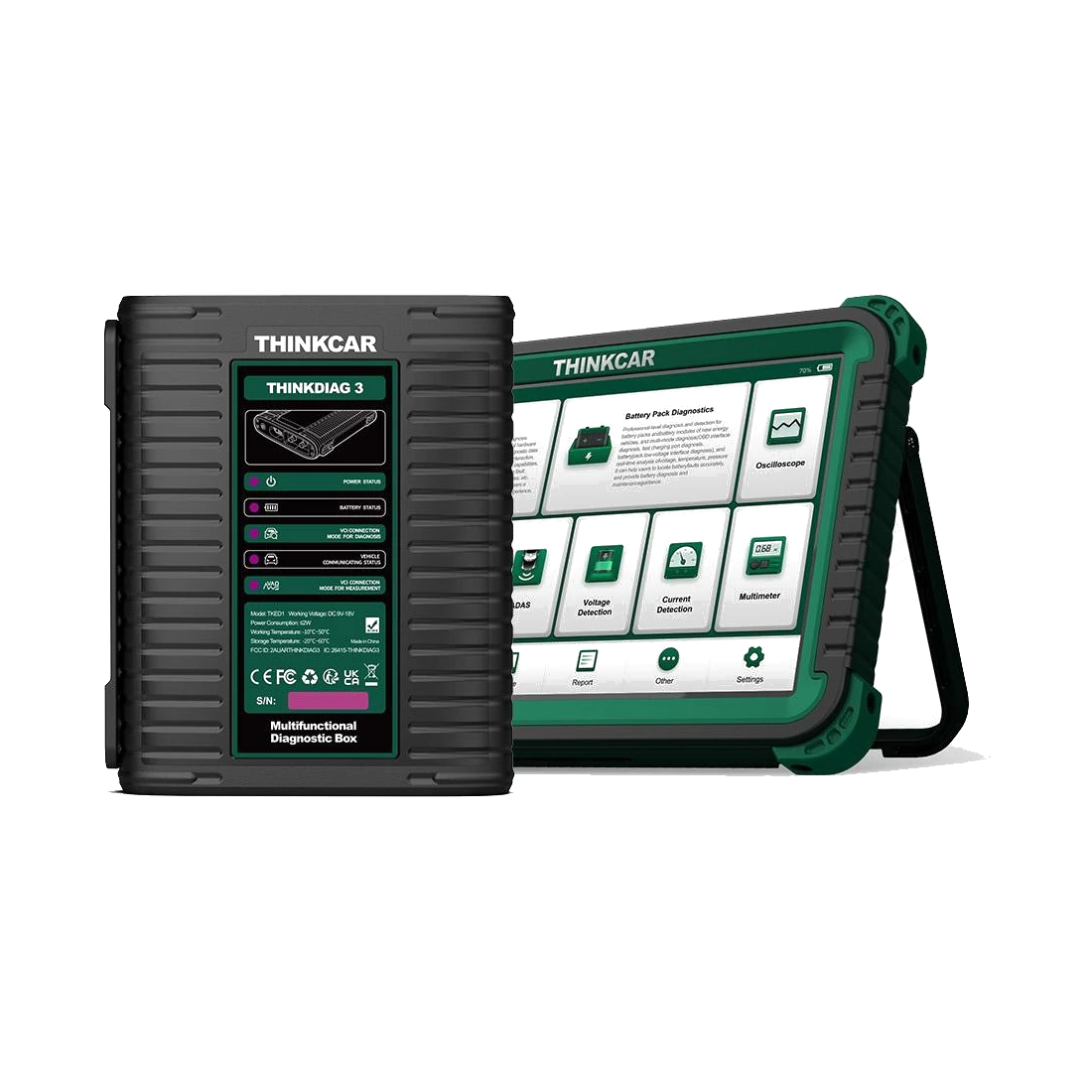
The cover features four authentic Thinktool product photos, verified for ownership in the Otobiltek catalog; device screens, bodies, and brand markings are not redrawn.
THINKCAR official live vehicle coverage list, support center, V5 product catalog, and Master user manual were reviewed. The number of compatible brands was not interpreted as an indication of full functionality.
- Completing vehicle make, model, year, and engine information
- Verifying system and service function separately
- Checking VCI, license, secure access, and connection requirements
Control steps and connections are re-verified when the THINKCAR coverage tool, model software, protocol, or secure access conditions change.
Decision guide
Why isn't Thinktool compatibility determined by a brand list alone?
A device supporting BMW, Mercedes-Benz, Renault, Fiat, Ford, Toyota, or another brand does not mean every model, year, and service within that brand is covered. On the same vehicle, reading the engine ECU may have different requirements than for the transmission, ADAS, TPMS, battery management, or online programming. Verification must be performed sequentially by brand, model, production year, engine or chassis information, system, and the intended service.
Use brand support as initial information.
Select model year and control unit.
Distinguish between fault reading, active tests, coding, and programming.
Decision guide
How to use the official THINKCAR vehicle coverage tool?
The THINKCAR support center recommends the official live coverage list for the most up-to-date vehicle coverage. After selecting the device model, search for the vehicle make, model, year, and required function. The result is not limited to the brand name; the relevant system or service operation is displayed. Before purchasing, record the result date, device model, and required function. If the vehicle is not listed, general marketing statements are not considered proof of compatibility.
- Select the full device model.
- Enter vehicle make, model, and year.
- Search for the required system or service.
- Save the result with the date and a screenshot.
Decision guide
Which vehicles and with what limitations is the Reader 7 used on?
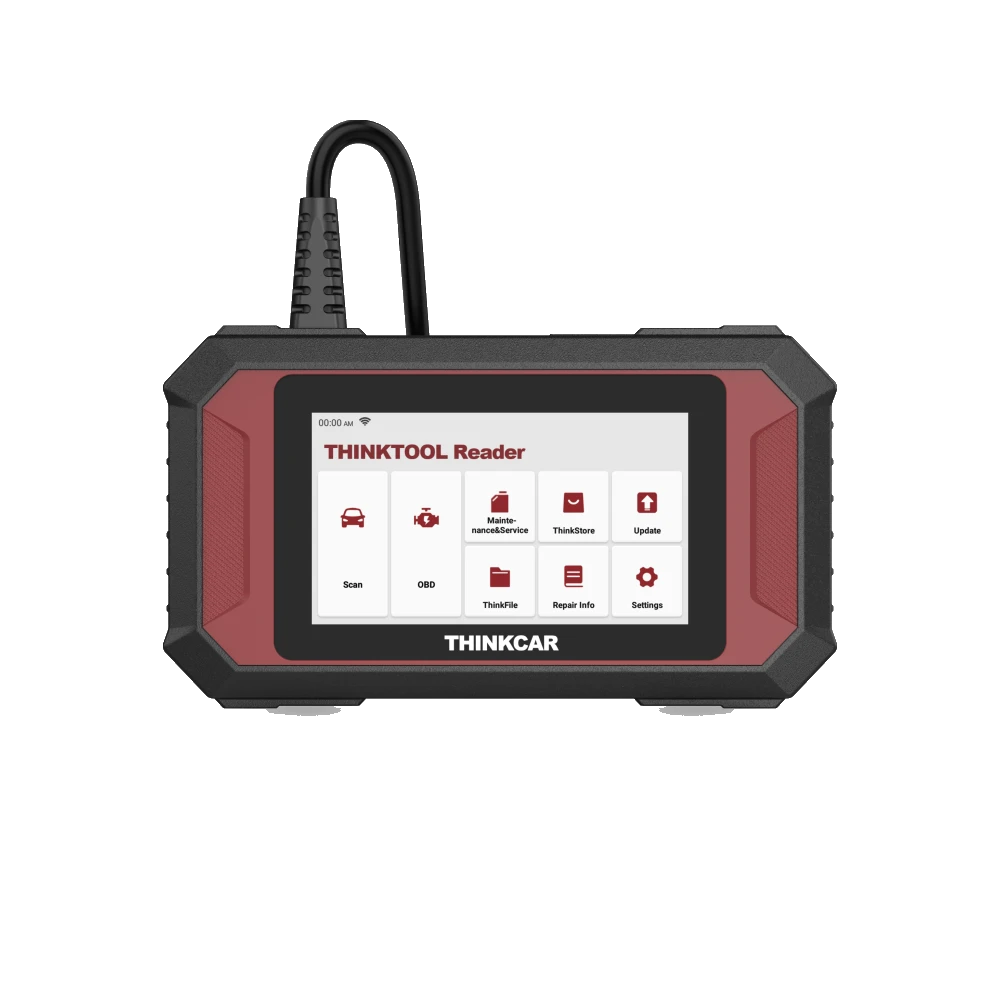
The Reader 7 is a wired device that, in addition to standard OBDII/EOBD checks, targets seven vehicle systems specified by the manufacturer. Connecting to a vehicle's OBD socket does not imply scanning all control units. Coverage for engine, transmission, ABS, SRS, and other listed systems, based on the vehicle year, must be checked on the official vehicle list. If full system scanning or extensive active testing is required, consider the Lite 2, Master, or Expert family.
Decision guide
How is vehicle coverage differentiated in the Lite 2, Master, and Expert families?
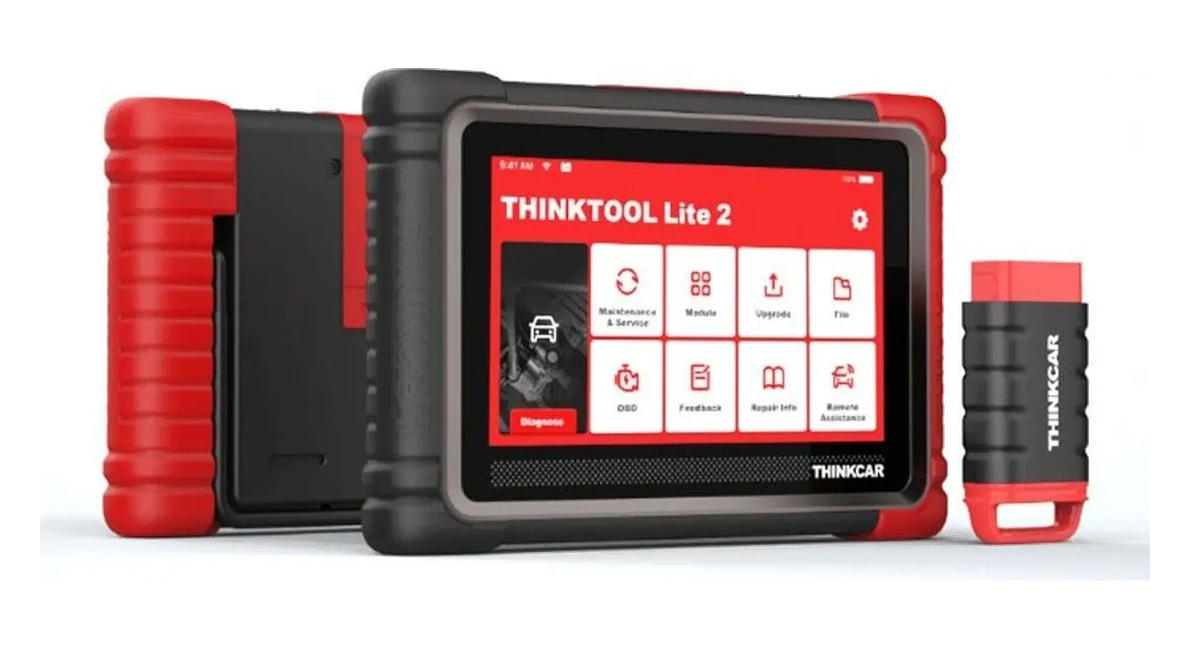
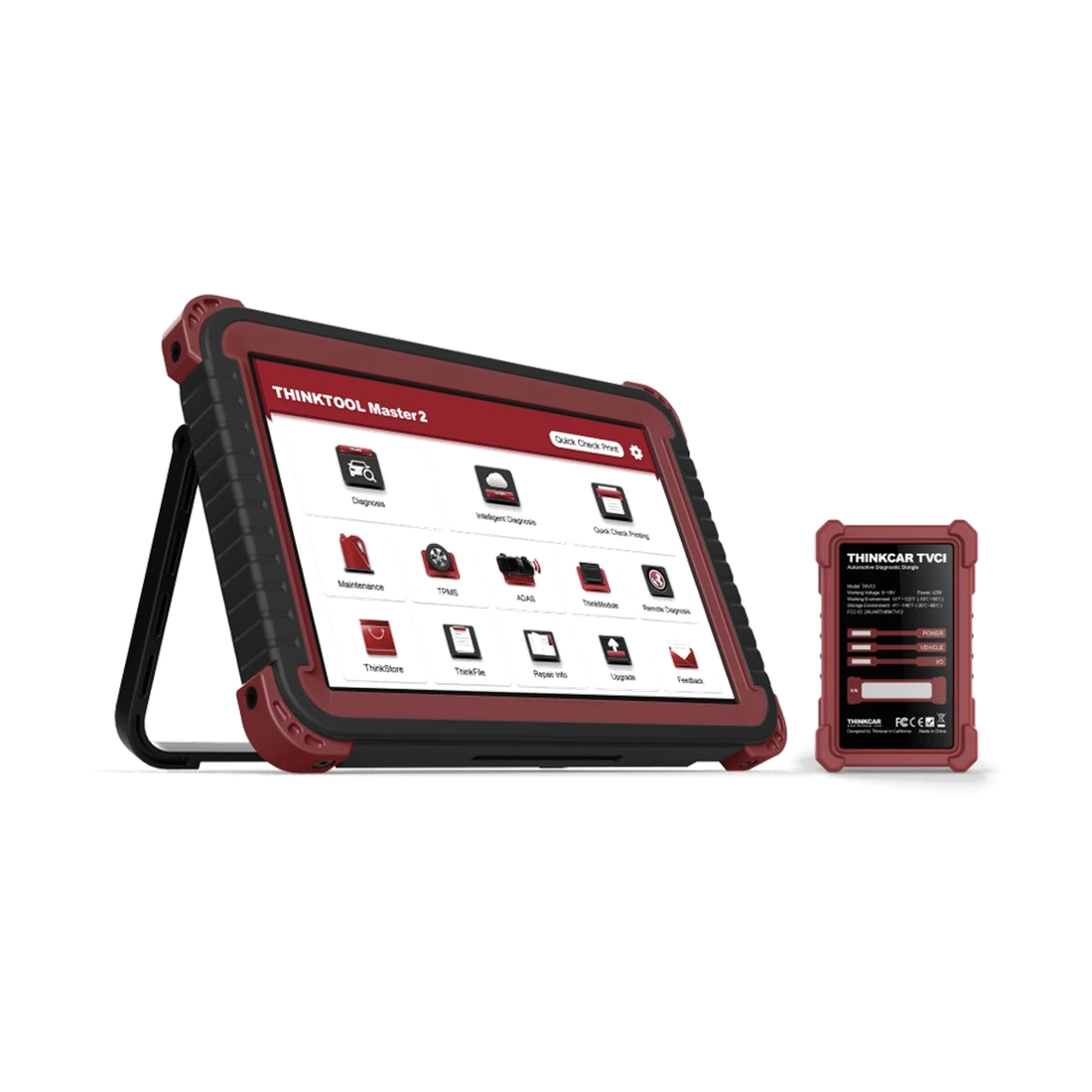
These families can perform full system scans, live data, supported active tests, and maintenance tasks on passenger and light commercial vehicles; however, the VCI and software package vary by model. CAN FD or DoIP support enables new generation communication but does not automatically activate specific service functions. Even if online coding or programming is shown for Master and Expert devices, OEM accounts, region, secure access, internet, and stable power conditions must also be met.
Decision guide
What components are required for Master CV heavy-duty compatibility?
For trucks, buses, tractors, and construction machinery, brand software alone is insufficient. For the Master CV, the HML VCI, 12/24V communication, a connector suitable for the correct diagnostic socket, and the relevant commercial vehicle software must be checked. Coverage for engine, transmission, ABS, retarder, and body systems varies by vehicle family. Simply adding a heavy-duty cable to a passenger car device will not yield the same results as the Master CV package.
Decision guide
How to verify CE EVD for electric and hybrid vehicles?
When selecting CE EVD, in addition to vehicle make and model, check the battery system, high-voltage architecture, and the diagnostic task to be performed. Software support does not guarantee that the adapter required for physical connection to the battery pack is included or that all measurements are enabled. Training, personal protective equipment, and manufacturer safety procedures for high-voltage operations are requirements separate from device compatibility.
Decision guide
How do SGW, OEM accounts, and online programming affect vehicle coverage?
In some vehicles, a security gateway may restrict clearing fault codes, active tests, or service functions. SGW access depends on supported provider, country, account, and subscription conditions. Online programming may require a vehicle manufacturer account, compatible VCI, file access, stable internet, and a regulated power supply. The device having programming capability does not grant free and unlimited programming authority on all vehicles.
Decision guide
How to check vehicle compatibility for a used Thinktool device?
On a used device, the hardware being functional does not prove that current vehicle software and accounts can be used. The full model, serial number, linked account, license expiration date, installed vehicle packages, VCI label, and cable set must be visible. The current result from the manufacturer's coverage tool may not match the device's old or incomplete license. Do not make payments without written confirmation of account transfer and region suitability.
Decision guide
Pre-purchase compatibility verification checklist
Prepare a sample list of vehicles frequently serviced. For each vehicle, list the make, model, year, engine, system, and intended service. Request the device model, VCI, software package, and official coverage result from the seller, rather than just a 'supports' answer. The quote should include the package contents, license period, secure access conditions, and the date of compatibility verification.
- Full vehicle and engine information
- Required ECU or service function
- Device and VCI model
- Software package and license date
- SGW/OEM account requirement
- Cable and adapter delivery list
Frequently Asked Questions
Most frequently asked questions by customers
Does Thinktool work on all vehicles?
No. Support varies by vehicle make, model, year, engine, control unit, device model, software package, and the intended service. Verification is done with the official vehicle coverage tool.
Which vehicle brands does Thinktool support?
Multi-brand coverage is offered; however, the brand name alone is not sufficient. Full vehicle and required function coverage must be searched for in the live THINKCAR coverage tool before purchase.
Does a Thinktool device connected to the OBD socket scan the entire system?
Not always. Devices like the Reader 7 have system limitations. Full system capability must be verified by device model and vehicle software.
Does a Thinktool with CAN FD or DoIP support work on every new vehicle?
No. These are communication protocols. The vehicle, ECU, software package, and the specific service function must also be supported.
Is Thinktool used on heavy-duty vehicles?
Appropriate 12/24V packages, such as the Master CV, are designed for heavy-duty applications. The HML VCI, commercial vehicle software, connector, and vehicle coverage must be verified together.
Is Thinktool used on electric vehicles?
EV software may be included in CE EVD and some professional packages. Coverage for a specific vehicle, battery system, adapter, and diagnostic task must be confirmed.
Is Thinktool online programming available for all vehicles?
No. In addition to supported vehicles and ECUs, OEM accounts, secure access, licenses, region, internet, and stable power conditions may be required.
Does the vehicle coverage remain the same for a used Thinktool device?
While the hardware may be the same, the license, account, region, and installed software can differ. The serial number, account linkage, and license expiration date must be checked.