Product information
What does the Mercedes XENTRY / DAS Installation Service do?
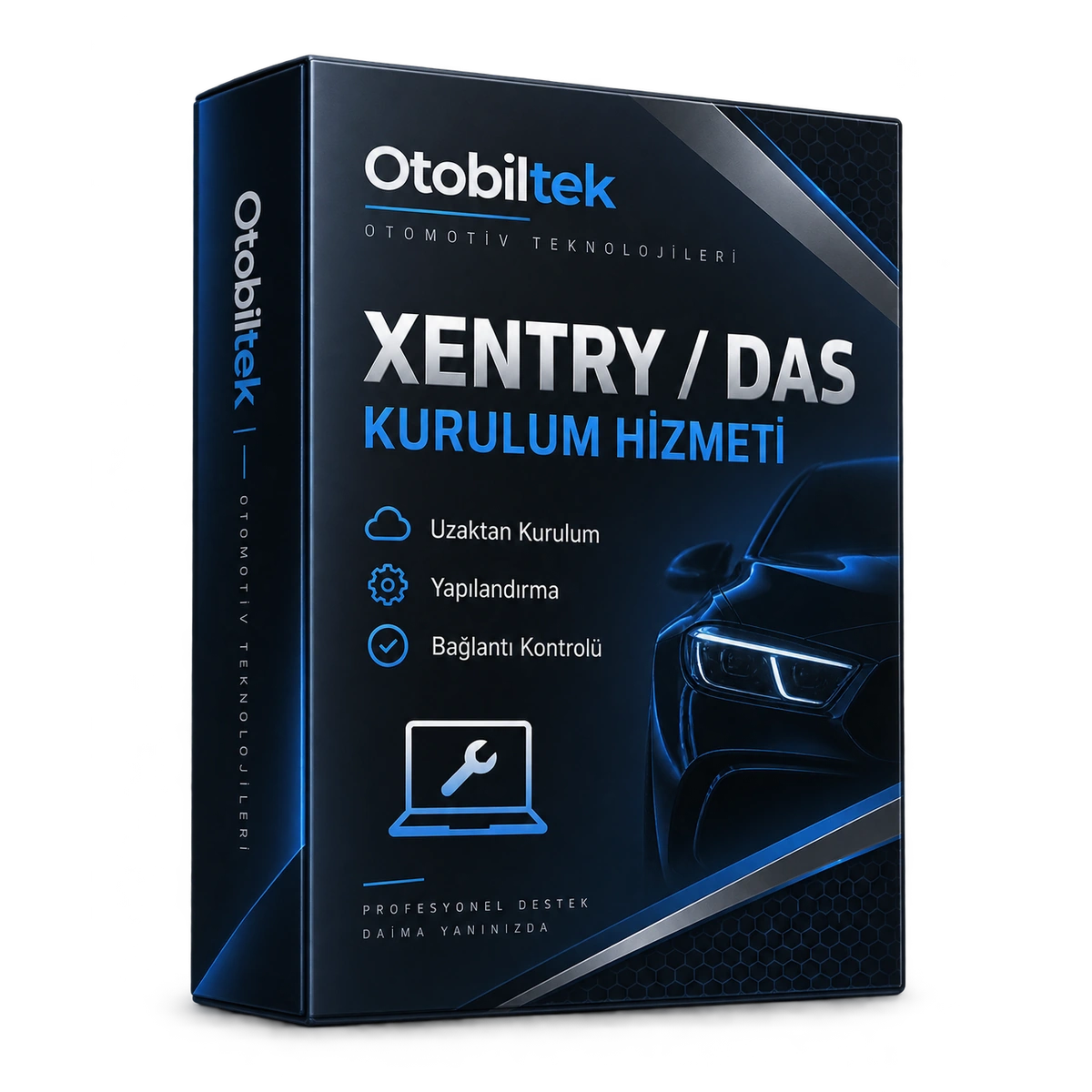
This product is not a physical software or license sale. It is a technical service for the installation and basic configuration of the XENTRY / DAS environment that the customer has the right to use, and for the initial connection check with the XENTRY Diagnosis VCI.
Device and vehicle coverage
Which devices and vehicles is the Mercedes XENTRY / DAS Installation Service valid for?
This product alone does not create new vehicle brand or model support. The scope of use is limited by the main device's hardware, existing vehicle software, account status, and license terms as defined.
- Compatible main device
- Device family and hardware version specified in the product name and official source
- Supported makes
- Mercedes-Benz
- Supported models
- Vehicle series, model year, diagnostic socket, Xentry/DAS version, and target control unit are verified together.
- Information before ordering
- Legal software and account access, Compatible Windows computer, Working internet connection, Device ID and cable connection
- License or update period and vehicle support are not the same information.
- Activation is not promised without verifying the device serial number and current software status.
Open official sources and coverage connectionsProduct details
What is included in the XENTRY / DAS installation service?
The service includes checking the compatible Windows environment, installation using the customer's legal installation source, checking necessary drivers and VCI Manager, configuring the USB or appropriate network connection, and performing a basic device communication check. The operation is performed by appointment after a compatibility check.
- Windows environment pre-check
- Installation and basic configuration
- VCI Manager and driver check
- Initial connection test via USB or network
Product details
Are licenses, accounts, and online authorizations included?
No. XENTRY license, StartKey, Mercedes-Benz account, MFA, time credit, online SCN authorization, programming certificate, and computer are not included in this service. Unauthorized activation, cracked disk images, keygens, account sharing, or bypassing security mechanisms are not supported.
- No physical product or computer
- No license, StartKey, or account
- No online SCN authorization
- No unauthorized software or activation
Product details
What should be prepared before installation?
Before the appointment, the computer's Windows version and hardware information, administrator access, stable internet connection, the VCI and cables to be used, and the customer's legal software and account access are verified. Installation will not begin until compatibility is confirmed.
- Windows and hardware information
- Administrator access
- Stable internet connection
- Legal software source and VCI ID
Product details
What is the purpose of the Mercedes XENTRY / DAS Installation model?
The Mercedes XENTRY / DAS Installation model is a time-limited software service that allows the compatible main device to access a specific vehicle group or security gateway; it is not a physical diagnostic device.
Its main uses and hardware features include: XENTRY / DAS installation, VCI Manager and driver check, USB and network connection configuration, and initial connection verification.
The Mercedes XENTRY / DAS Installation model only provides security gateway access for the specified vehicle group; it does not add physical devices or new service functions.
- XENTRY / DAS installation
- VCI Manager and driver check
- USB and network connection configuration
- Initial connection verification
- Product Type
- Diagnostic software
- Usage level
- Specialty operation
- Basic functions
- XENTRY / DAS installation with VCI Manager and driver check
Product details
What does the Mercedes XENTRY / DAS Installation model provide in daily work?
XENTRY / DAS installation is a digital access license defined for the compatible LAUNCH device account for XENTRY / DAS installation. During XENTRY / DAS installation activation, VCI Manager and driver check, USB and network connection configuration, and initial connection verification conditions are recorded.
XENTRY / DAS installation enables access to the supported vehicle group and compatible LAUNCH device account for XENTRY / DAS installation. For XENTRY / DAS installation, legal software and account access are checked to confirm that the license is for the correct vehicle group and security gateway within the SGW scope.
XENTRY / DAS installation enables access to VCI Manager and driver check for the supported vehicle group and compatible LAUNCH device account. For XENTRY / DAS installation, a compatible Windows computer is checked to confirm that the license is for the correct vehicle group and security gateway within the SGW scope.
XENTRY / DAS installation enables access to USB and network connection configuration for the supported vehicle group and compatible LAUNCH device account. For XENTRY / DAS installation, a working internet connection is checked to confirm that the license is for the correct vehicle group and security gateway within the SGW scope.
XENTRY / DAS installation enables access to initial connection verification for the supported vehicle group and compatible LAUNCH device account. For XENTRY / DAS installation, device ID and cable connection are checked to confirm that the license is for the correct vehicle group and security gateway within the SGW scope.
When the SGW access is activated, the license screen, start date, and device ID and cable connection are recorded in the service inventory. The scope of XENTRY / DAS installation and the main device's vehicle and function list are maintained as two separate records.
- Legal software and account access
- Compatible Windows computer
- Working internet connection
- Device ID and cable connection
Product details
Defining the license to the device serial number with the Mercedes XENTRY / DAS Installation model
Before activating the Mercedes XENTRY / DAS Installation model, the device model, serial number, user account, and current license screen are recorded. For the Mercedes XENTRY / DAS Installation model, the vehicle group, license duration, and device account are compared with the purchased license record.
The license is only defined for the LAUNCH device account supported for XENTRY / DAS installation. Upon completion of XENTRY / DAS installation activation, the start date, end date, and vehicle group are checked. The XENTRY / DAS installation delivery record is stored in the service inventory along with the invoice and the serial number of the device to which the license is assigned.
- Record device model and serial number
- Match the legal software and account access record with the license
- Assign access to the correct account
- Record start and end dates
Product details
Using the security gateway access on the vehicle with the Mercedes XENTRY / DAS Installation model
Before using the Mercedes XENTRY / DAS Installation model on the vehicle, the device account for which the license is active is opened. The correct vehicle group and security gateway operation for XENTRY / DAS installation are selected. The Mercedes XENTRY / DAS Installation model device serial number, account, and vehicle group are matched with the activation record.
The license provided for XENTRY / DAS installation does not add a menu not present in the main device's official vehicle list. At the end of the operation, the vehicle used, account, time, and license results are recorded in the service form with the XENTRY / DAS Installation information.
- Open active device account
- Select correct vehicle group
- Use SGW access
- Record vehicle and operation result
Product details
How to verify the vehicle scope of the Mercedes XENTRY / DAS Installation model?
For the Mercedes XENTRY / DAS Installation model, definitive compatibility cannot be stated without selecting the vehicle make, model, year, engine, control unit, and the operation to be performed together. The valid scope for the Mercedes XENTRY / DAS Installation model is checked via the exact ECU ID and connection method in the protocol list of the delivered device.
When evaluating the Mercedes XENTRY / DAS Installation model, merely seeing the vehicle make or model in the list does not prove that reading, writing, cloning, or any other operation is supported.
Before ordering, prepare the VIN or full model information, model year, engine/chassis distinction, and the operation to be performed for the Mercedes XENTRY / DAS Installation model; software version, license duration, VCI, adapter, and regional package should also be checked separately.
- Mercedes XENTRY / DAS Installation model: prepare make, model, model year, and engine/chassis information
- Mercedes XENTRY / DAS Installation model: select desired system and operation separately; read, live data, active test, coding, or programming
- Mercedes XENTRY / DAS Installation model: verify ECU and function line on the official scope vehicle
- Mercedes XENTRY / DAS Installation model: check VCI, cable, adapter, license, and regional package requirements
- Mercedes XENTRY / DAS Installation model: final check with VIN and manufacturer procedure before definitive operation
Product details
Mercedes XENTRY / DAS Installation model license and device compatibility
Legal software and account access, a compatible Windows computer, a working internet connection, and device ID and cable connection determine which device and vehicle group the license can be used with.
XENTRY / DAS installation is a digital access product defined for a compatible diagnostic device, not a physical diagnostic device. The XENTRY / DAS installation activation record must include the license start and end dates and the compatible device model.
The access defined for XENTRY / DAS installation does not create a function not present in the main device's hardware or official vehicle list. The duration, delivery method, and terms of use of the XENTRY / DAS installation license are specified before ordering.
- Legal software and account access: The current legal software and account access status on the Mercedes XENTRY / DAS Installation model device account is the basis.
- Compatible Windows computer: The official technical documentation and product label for the Mercedes XENTRY / DAS Installation model are the basis.
- Working internet connection: The physical parts and box contents delivered with the Mercedes XENTRY / DAS Installation model must match.
- Device ID and cable connection: The physical parts and box contents delivered with the Mercedes XENTRY / DAS Installation model must match.
Product details
Which similar products is the Mercedes XENTRY / DAS Installation model compared with?
The choice between Mercedes XENTRY / DAS Installation model, KESS V2 Installation and Remote Support Service, KTAG Installation and Remote Support Service, and Autel FCA/Stellantis SGW Unlock 1 year is made based on differences in supported functions, connections, and packages.
XENTRY / DAS installation is not a physical device, but a digital access product defined for a compatible diagnostic device.
For XENTRY / DAS installation, legal software and account access, a compatible Windows computer, a working internet connection, and device ID and cable connection, along with license duration, vehicle group, account, or serial number requirements, are examined.
KESS V2 Installation and Remote Support Service, KTAG Installation and Remote Support Service, and Autel FCA/Stellantis SGW Unlock 1 year cannot be used interchangeably if they unlock different vehicle groups or access types.
The XENTRY / DAS installation license alone does not create a function not present in the main device's official vehicle list.
- KESS V2 Installation and Remote Support Service: KESS V2 remote installation, USB driver, and device recognition
- KTAG Installation and Remote Support Service: KTAG 7.020 remote installation, USB interface, and driver check
- Autel FCA/Stellantis SGW Unlock 1 year: FCA/Stellantis SGW and 1 year digital license
Product details
Mercedes XENTRY / DAS Installation model license, activation, and renewal information
The Mercedes XENTRY / DAS Installation model is a digital access product; the delivery record includes the license duration, compatible device, serial number or account requirements, and activation method. Legal software and account access, a compatible Windows computer, and a working internet connection are part of the order conditions.
Physical tablets, VCIs, or cables are not included in the XENTRY / DAS installation license. The license start and end dates are recorded after activation. The current renewal fee for the Mercedes XENTRY / DAS Installation model is shown as a separate product; the old price is not applicable to new orders.
- Mercedes XENTRY / DAS Installation model license duration
- Compatible device and serial number condition
- Account or activation method
- Digital delivery record