Product information
What is the Mercedes XENTRY VCI C6 16 Pin OBD2 Cable used for?
This page offers two different product options. The Original Bosch variant is presented with official Mercedes-Benz product identification and visuals. The compatible variant is an equivalent cable for the same connection task; it does not provide guarantees of Bosch or Mercedes-Benz manufacturing, part number, or logo. The name and price of the selected variant appear separately in the cart line item.
Physical Connection Coverage
Which vehicles and devices is the Mercedes XENTRY VCI C6 16 Pin OBD2 Cable used with?
Connecting the cable, adapter, or communication module to the vehicle does not prove that the vehicle is supported by the software. The physical connector, pin layout, main device, and vehicle software must be compatible simultaneously.
- Brand coverage
- Mercedes-Benz
- Model Coverage
- Vehicle series, model year, diagnostic socket, Xentry/DAS version, and target control unit are verified together.
- Main unit
- VCI, tablet, or diagnostic interface specified in the product name and technical resources
- Physical check
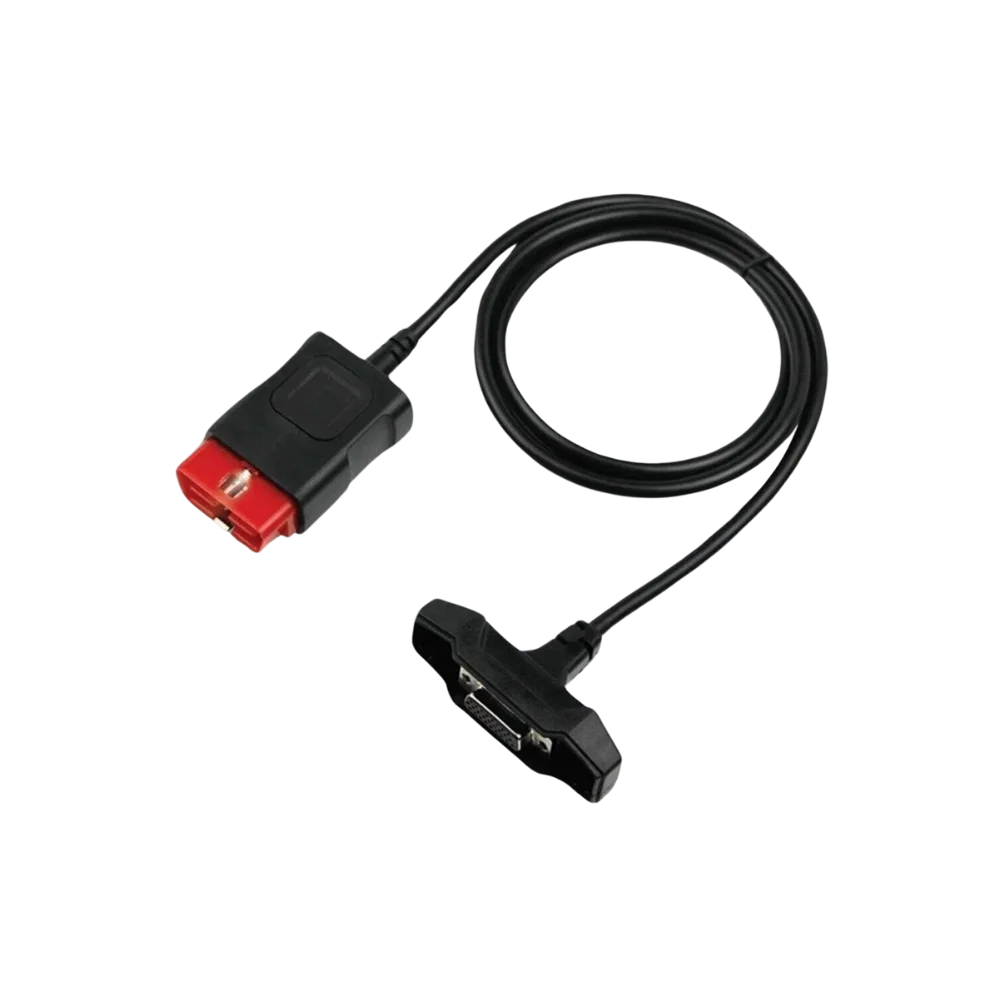
- 26-pin D-sub device connector, 16-pin OBD2 vehicle connector, Brand and part number of the selected variant, Different from the C4/C5 round socket cable
- This product does not add new software, licenses, or service functions to the main device.
- Do not force connection without verifying the pin structure.
Open official sources and coverage connectionsProduct details
Original Bosch and compatible cable are not the same product
The original Bosch option is the 16-pin OBD connection cable listed by Mercedes-Benz for the XENTRY Diagnosis VCI. In the official XENTRY Shop record, the product number is given as 6511251799. For the compatible variant, no claim of Mercedes-Benz or Bosch manufacturing, official part number, logo, or authorized service part is provided.
The customer sees the variant name, description, and price separately before adding to the cart.
Product details
Official product ID and connection task
The Mercedes-Benz XENTRY Shop defines product number 6511251799 as a 16-pin OBD adapter cable that establishes a connection between the XENTRY Diagnosis VCI and the vehicle. The same record lists compatibility with XENTRY Diagnosis Kit 3, Kit 4, Kit 4 Scope, Kit 5, Kit 5 Scope, and XENTRY Diagnosis VCI.
This compatibility does not mean the cable alone performs diagnostics: VCI hardware, the correct vehicle, a legal XENTRY environment, and the necessary user authorization are also required. The Bosch 1699200142 reference is used for the XENTRY VCI C6 main OBD cable by professional spare parts dealers; the physical label and supply record are the basis for the order.
- Mercedes-Benz product number: 6511251799
- Bosch market reference: 1699200142
- Vehicle side: standard shaped 16-pin OBD2 connector
- Device side: 26-pin D-sub connector with locking screws
Product details
Which variant is shown in the gallery?
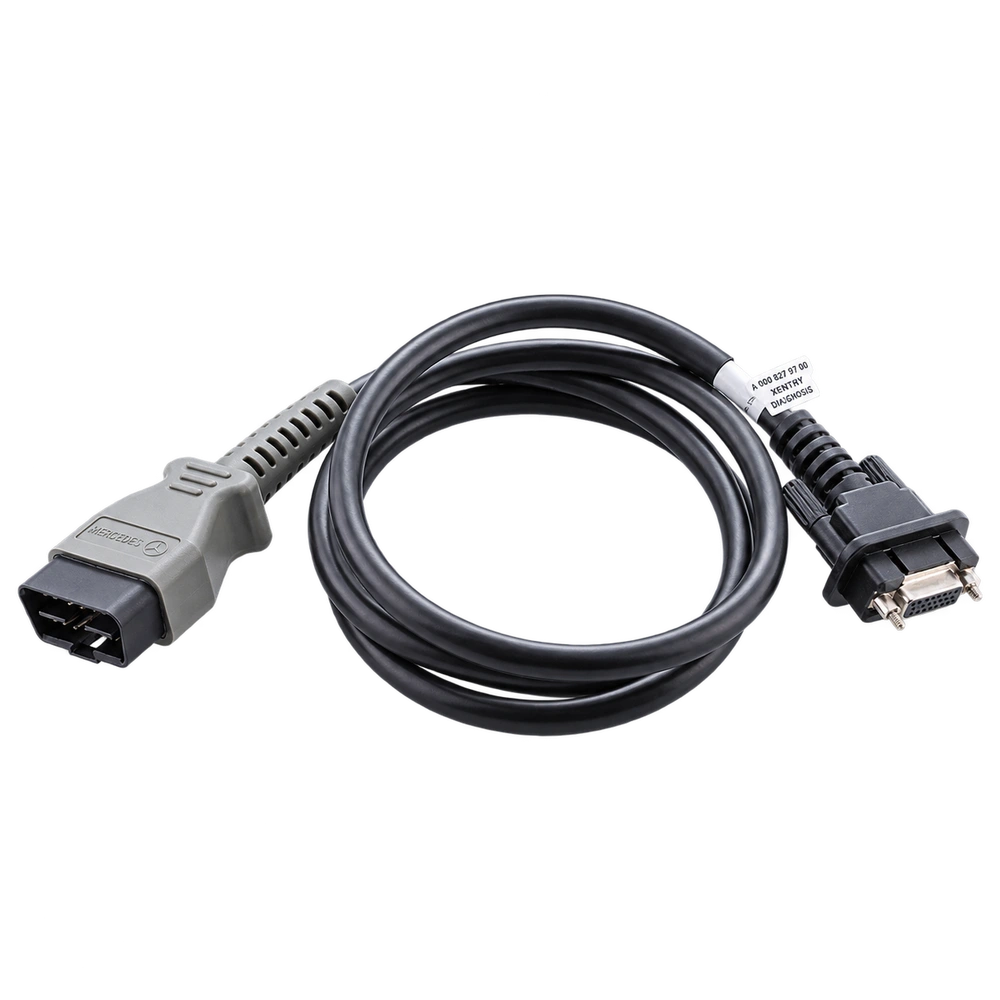
The six transparent product photos in the gallery are official Original Bosch cable images from Mercedes-Benz. The Mercedes-Benz marking, molded gray connector housing, label, and pin details in these photos represent the Original Bosch option only.
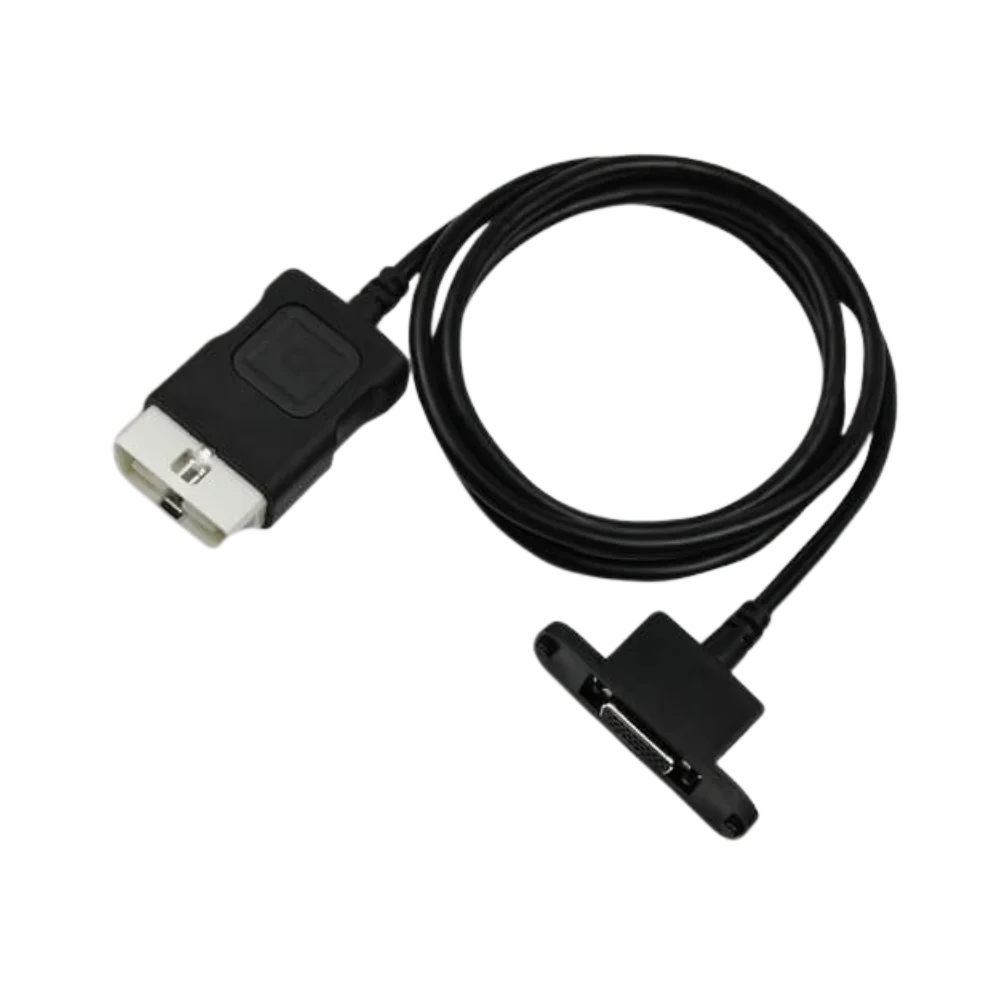
The Compatible Cable option is a comparable product with the same 16-pin OBD2 and 26-pin VCI connection layout; the housing color, logo, label, mold mark, and inscriptions on the cable may vary depending on the production batch.
Customers purchasing the compatible option should not expect the brand and part number markings shown in the gallery as part of the delivery scope.
- The official gallery displays only the Original Bosch variant
- A Bosch/Mercedes logo should not be expected on the compatible variant
- The connector type should be compared with your existing cable before ordering
Product details
How to select the correct C6 cable?
Since the name C6 can be used for different hardware in the market, do not order based on the product name alone. The 26-pin D-sub input with two locking screws on the XENTRY Diagnosis VCI side and the 16-pin OBD2 connector on the vehicle side must be present.
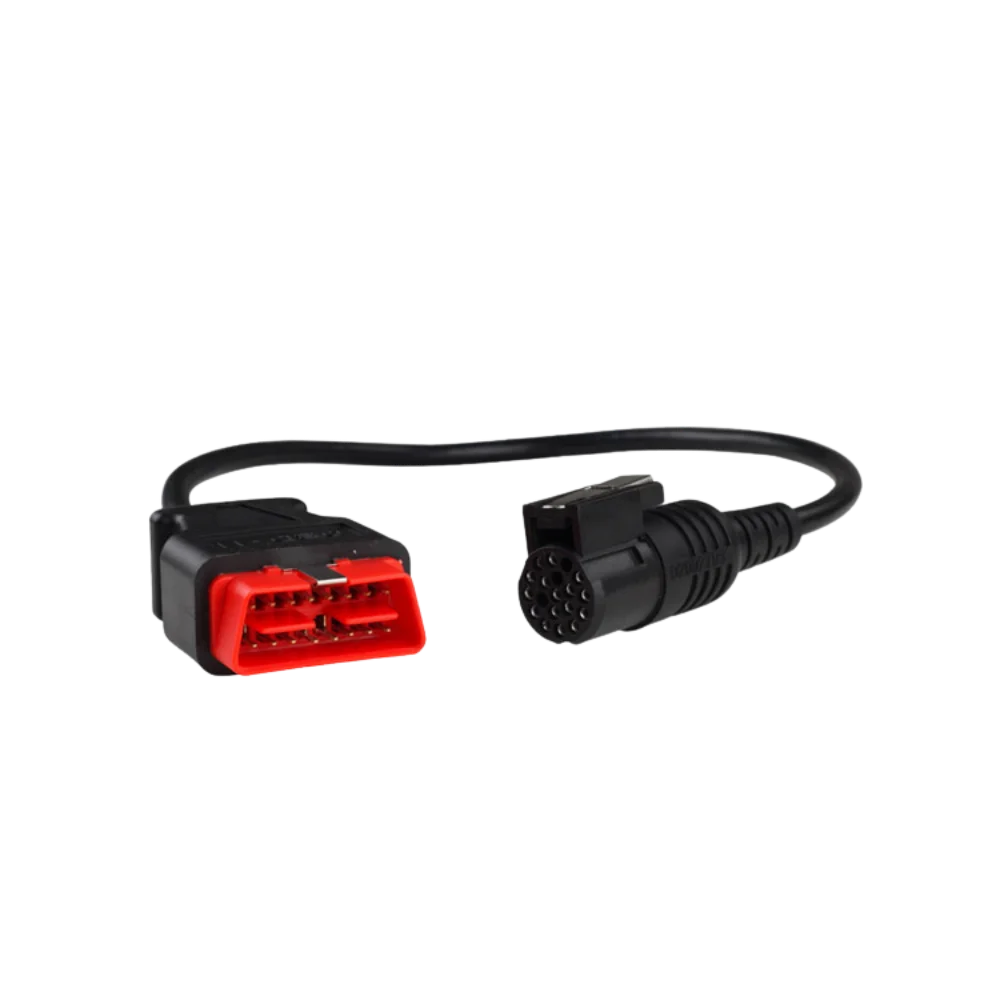
The round multi-pin device end seen on the main cables for SD Connect C4 and C5 is not the same as this product. Compare the number of pins, screw spacing, key structure, and the input on the VCI with the close-up views in the gallery. Do not force the connector if it does not fit perfectly or the screws do not align.
- Check the 26 contact points and two locking screws on the device end
- Compare the orientation and contacts of the 16-pin OBD2 housing
- Do not confuse with the round C4/C5 cable
Product details
What does the cable do and not do?
The main OBD cable carries the physical data and power connection between the diagnostic socket in the vehicle and the XENTRY Diagnosis VCI. The cable does not add a protocol not present in the VCI hardware; it does not provide software license, StartKey, online coding authorization, or vehicle coverage.
Communication capabilities such as DoIP cannot be guaranteed by looking at the cable head alone; VCI hardware, vehicle architecture, XENTRY version, and authorization must be verified separately. Vehicle power supply, connection stability, and manufacturer procedures must also be maintained during programming or coding.
- The package is only one physical OBD cable of the selected variant
- VCI, computer, USB cable, software, and installation are not included
- The cable alone does not constitute vehicle or process support
Product details
Verify the variant and connectors upon receipt
When opening the order package, check the variant name on the cart and invoice line. For the Original Bosch option, examine the product ID, supply record, connector mold, and label information together; the gray color or Mercedes star alone is not proof of originality.
For the compatible option, verify that the order is for a comparable product and that the two connectors are intact and of the correct type. If bent or retracted pins, a cracked housing, a loose cable gland, or damaged screws are found on either variant, open a support ticket before using it on the vehicle.
- Check that the invoice line states Original Bosch or Compatible Cable
- Photograph the OBD and VCI ends before the first connection
- Do not force a damaged or misaligned connector
Product details
Establish connection between the main unit and the vehicle socket with the Mercedes XENTRY VCI C6 16-Pin OBD2 model
Before using the Mercedes XENTRY VCI C6 16-Pin OBD2 model, compare the connectors on the main unit and the vehicle side. Match the main unit model, the two connectors, and the pin layout with the connection cable label. If the connection cable has bent pins, a cracked casing, or a loose connector, do not establish a service connection.
After the connection cable is inserted without force, perform a short read test. Record the communication result, specifying the device and vehicle socket used with the connection cable.
- Compare the two connectors and pins
- Verify the 26-pin D-sub device connector information
- Connect the cable without forcing
- Perform a short communication test
Product details
Check the cable and pins in case of communication issues with the Mercedes XENTRY VCI C6 16-Pin OBD2 model
When communication cannot be established with the Mercedes XENTRY VCI C6 16-Pin OBD2 model, first verify that the vehicle socket has power and that the main unit is operating. Re-examine the pins on the connection cable, the cable casing, and the connector orientation. Test the connection cable briefly on a known compatible device or vehicle connection.
If the connection cable cannot communicate despite the correct main unit model, vehicle socket, and connector structure, add a screenshot of the error screen and photos of the two connectors to the service record. At the end of the task, disconnect the connection cable by holding the connector housing and store it without coiling at a sharp angle.
- Check power in the vehicle socket
- Inspect cable sheath and pins
- Perform comparison test on a known connection
- Record connection with error screen
Product details
Which nearby products are compared with the Mercedes XENTRY VCI C6 16-Pin OBD2 model?
The choice between the Mercedes XENTRY VCI C6 16-Pin OBD2 model and the Autocom CDP+ Compatible OBD2 Main Cable, Delphi DS150E Compatible OBD2 Main Cable, Ford VCM II Compatible OBD2 Main Cable, and Opel / GM MDI Compatible OBD2 Main Cable is made based on differences in supported functions, connections, and packages.
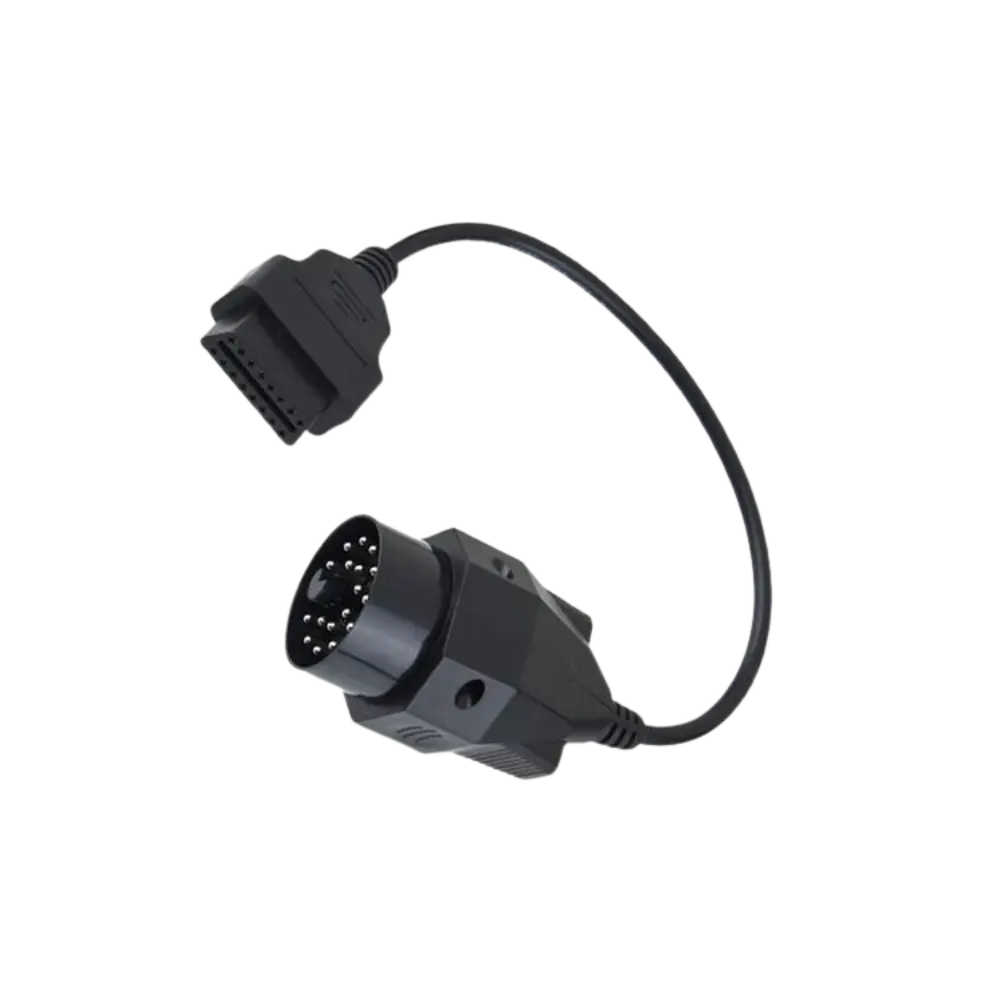
In the comparison of the Mercedes XENTRY VCI C6 16-Pin OBD2 model, VCI main cables, Mercedes C4/C5 and XENTRY VCI C6 connections, the 38-pin vehicle adapter, and the heavy-duty vehicle socket set perform different physical tasks.
The same-looking 16-pin OBD end does not mean that the connector and pin structure on the device side are also the same. The Mercedes XENTRY VCI C6 16-Pin OBD2 model establishes the physical communication line between the compatible main unit and the vehicle or module.
The 26-pin D-sub device connector, the 16-pin OBD2 vehicle connector, the brand and part number of the selected variant, and the C4/C5 round socket cable are compared in terms of connector type, pin layout, and cable length, in addition to being different.
The Autocom CDP+ Compatible OBD2 Main Cable, Delphi DS150E Compatible OBD2 Main Cable, Ford VCM II Compatible OBD2 Main Cable, and Opel / GM MDI Compatible OBD2 Main Cable may be prepared for different vehicle sockets or service connections.
The Mercedes XENTRY VCI C6 16-Pin OBD2 model only performs the physical connection task; it does not add vehicle brand or service functions to the main unit's software.
- Autocom CDP+ Compatible OBD2 Main Cable: CDP+ type VCI cable renewal and 16-pin OBD2 vehicle connection
- Delphi DS150E Compatible OBD2 Main Cable: DS150E type VCI cable renewal and 16-pin OBD2 vehicle connection
- Ford VCM II Compatible OBD2 Main Cable: VCM II cable renewal and 16-pin OBD2 vehicle connection
- Opel / GM MDI Compatible OBD2 Main Cable: MDI main cable renewal and 16-pin OBD2 vehicle connection
Product details
Package and connection information for the Mercedes XENTRY VCI C6 16-Pin OBD2 model
The Mercedes XENTRY VCI C6 16-Pin OBD2 model package includes only the cable or adapters specified by name and quantity in the box contents. The 26-pin D-sub device connector, the 16-pin OBD2 vehicle connector, and the brand and part number of the selected variant are compared with the physical part upon delivery.
The package does not include a diagnostic tablet or vehicle software. If the Mercedes XENTRY VCI C6 16-Pin OBD2 model requires a main unit, the compatible device family will be specified separately. The warranty for the Mercedes XENTRY VCI C6 16-Pin OBD2 model is valid only within the scope of the purchased physical product and the described conditions.
- Physical connection part for the Mercedes XENTRY VCI C6 16-Pin OBD2 model
- Connector and pin structure
- Quantity and cable length, if applicable
- Compatible main device family